 pdfpress
Quite Imposing & Variable Data: N-Up VDP, Adding Names + Easier Way
Can Quite Imposing do n-up variable data and add names to a layout? Here's what Quite Imposing handles vs. true VDP, how to impose merged variable-data PDFs — and how PDF Press imposes VDP output in the browser with a live preview.
Imposition vs Variable Data: What Quite Imposing Actually Does
There's a common mix-up worth clearing up first. Variable data printing (VDP) means merging a data source — names, addresses, numbers — into a design so each record is personalized. Imposition means arranging finished pages onto press sheets. Quite Imposing is an imposition tool, not a VDP engine: it doesn't merge a spreadsheet into a template, but it can impose the merged PDF that a VDP tool produces.
So when people ask "how to add a name in Quite Imposing", the honest answer is: you don't add the name in Quite Imposing. You generate the personalized PDF first (in InDesign Data Merge, a VDP application, or any tool that outputs a multi-record PDF), and then you n-up that PDF in Quite Imposing for efficient printing and cutting.
This division of labour is not a limitation peculiar to Quite Imposing — it is how the whole print industry separates the two jobs. Variable-data engines specialise in binding records to a template at speed, often producing optimised output formats such as PDF/VT designed specifically for high-volume personalized printing. Imposition tools specialise in geometry: where each finished page lands on the sheet, how the gutters and bleeds are set, how the records survive folding and cutting. Asking an imposition tool to merge a database would be like asking a guillotine to lay out a brochure. Once you internalise that the personalization is always upstream, the question "can this imposition tool do variable data" resolves cleanly into "can it impose my merged file the way I need" — and that is a question about n-up grids, cut-and-stack ordering, bleed and marks.
Personalize upstream, then n-up the merged PDF — imposition arranges records, it doesn't create them.
Do it in your browser — the sheet, the count and the marks are set for you. Change only what you want.
Open the n up tool5 free downloads total · 8 hours between free downloads · local file processing
How to N-Up Variable-Data Output in Quite Imposing
Once you have a merged PDF (one page or record per item), imposing it in Quite Imposing 3+ follows the normal n-up flow with one key choice:
- Open the merged PDF in Acrobat with Quite Imposing.
- Choose n-up / step-and-repeat and set rows × columns for your sheet.
- Use cut-and-stack ordering if each record must stay sequential after the stack is cut into piles — essential for numbered or ordered VDP runs (see cut and stack).
- Add bleed and cut marks, and for bleeding cards use a zero interior gutter.
- Mind the page count — it must divide into the grid or you'll hit the exact-multiple error.
This works, but it's a two-tool dance (VDP app + Acrobat/Quite) and you're configuring the imposition without a preview of how records land across cut piles.
The Full VDP-to-Print Workflow (Where Imposition Fits)
A variable-data print job runs in three distinct stages: build the personalized records from a data source, generate a merged PDF, then impose that merged PDF onto press sheets for efficient printing and cutting. Quite Imposing — and any imposition tool — only touches the third stage; the personalization happens upstream.
- Data and design. You start with a data source — a CSV or spreadsheet of names, addresses, account numbers, ticket codes — and a template that has placeholders for those fields. Tools like InDesign Data Merge, a dedicated VDP application, or a print MIS engine bind the two together.
- Merge to PDF. The merge produces one record per page (or per item): a multi-page PDF where page 1 is the first person's card, page 2 the second person's, and so on. This is the file an imposition tool consumes.
- Impose. Now you n-up that merged PDF onto a sheet — say 8-up or 21-up business cards — add bleed and cut marks, and arrange the records so they survive cutting in the right order.
This separation is deliberate and sound prepress practice. Personalization engines are good at data binding and bad at sheet layout; imposition tools are the reverse. Keeping them separate also means you can proof the merged PDF for content accuracy before you ever think about sheet layout, which is far easier than debugging a personalized record buried inside an imposed gang. The one thing it costs you is a two-tool handoff, and the risk that the imposition step has no preview of how individual records will fall across the finished, cut piles.
Why Cut-and-Stack Ordering Matters for VDP
Cut-and-stack ordering arranges records across multiple sheets so that, after the printed stack is guillotined into piles and those piles are stacked, every record stays in sequence. For variable data — numbered tickets, alphabetised mailers, sequential account cards — this ordering is essential, because the alternative scrambles the run.
The problem it solves is geometric. If you simply tile records left-to-right, top-to-bottom on each sheet (sheet 1 holds records 1–21, sheet 2 holds 22–42, and so on), then after cutting you are left with 21 separate piles, each containing one position from every sheet — not a single sequential run. To re-order those into 1, 2, 3, 4 you would have to hand-collate across all the piles, which defeats the point of ganging.
Cut-and-stack fixes this by numbering down the stack instead of across the sheet. Position one across all sheets gets records 1, 2, 3 …; position two gets the next block; and so on. After cutting, you lift each pile, set it on top of the previous one, and the whole job is in order with no manual collation. The arithmetic depends on the records-per-sheet and the total sheet count, which is exactly the kind of calculation that is tedious to do by hand and easy to get wrong in a dialog.
- Match records-per-sheet to your grid — the page count must divide cleanly into the n-up grid, or you hit a partial last sheet and a broken sequence (the exact-multiple issue).
- Use a zero interior gutter for bleeding cards so neighbours share a cut line (step and repeat covers this).
- Preview the pile sequence before printing — a wrong cut-and-stack order is invisible until the job is physically cut, by which point the paper and press time are spent.
A Pre-Print Checklist for Imposing VDP Output
Before you impose a merged variable-data PDF, verify five things: the record count divides cleanly into your grid, cut-and-stack ordering is on for sequential runs, bleed and a zero interior gutter are set for full-bleed cards, the data has been proofed for accuracy, and the sheet leaves room for marks and gripper. These checks catch the errors that are invisible until the job is physically cut.
- Record count and grid. A 1,000-record run on a 21-up sheet needs 48 sheets with a partial last sheet of 13 records. Decide how the remainder is handled — padding with blanks or a short final sheet — so the sequence does not break. A clean multiple avoids the exact-multiple problem entirely.
- Cut-and-stack on. For any numbered or alphabetised run, confirm cut-and-stack ordering rather than simple left-to-right tiling, or the cut piles will not collate into sequence.
- Bleed and gutter. Full-bleed cards want a 3 mm bleed and a zero interior gutter so neighbours share a cut line; non-bleed items want a small gutter for trim tolerance.
- Proof the data upstream. Check the merged PDF for content accuracy — names spelled correctly, no empty fields, no text overflowing the box — before imposing, because errors are far harder to spot once records are ganged across a sheet.
- Marks and gripper. Leave room for cut marks and the press gripper margin so the imposed sheet fits the printable area.
The recurring theme in VDP imposition is that mistakes hide until the physical cut. A wrong cut-and-stack order, a record count that does not fit the grid, or a missing bleed all look fine on a flat proof of a single sheet but ruin the collation or trim of the finished job. The most valuable thing a tool can give you here is a preview of how individual records fall across the cut piles, so you can confirm the sequence will reassemble correctly before any paper or press time is spent. That single capability turns VDP imposition from a leap of faith into a verifiable step.
Impose VDP Output Easily in PDF Press
PDF Press imposes variable-data output in the browser with a live preview, including the cut-and-stack ordering that keeps personalized records sequential after cutting — no Acrobat, no plugin.
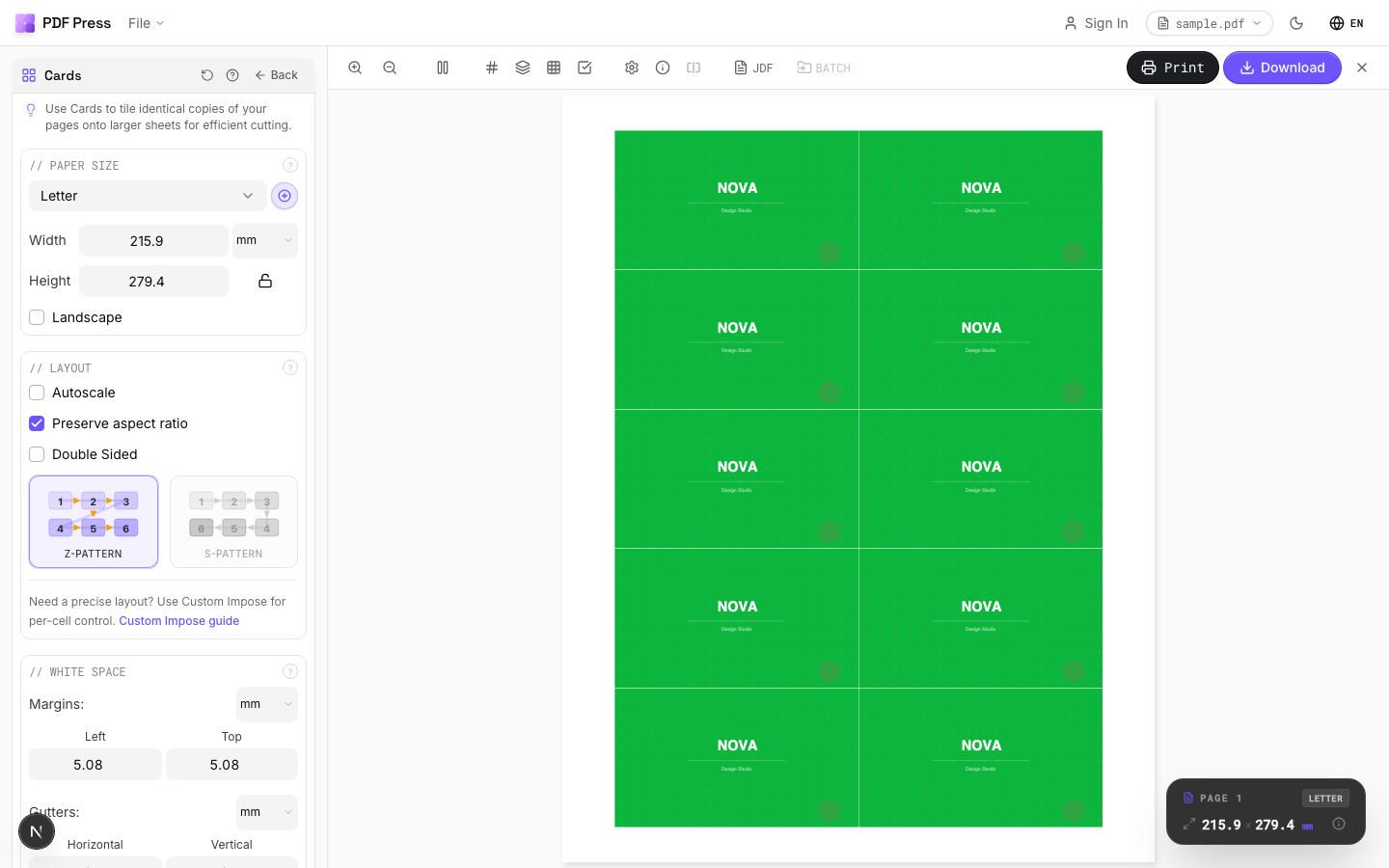
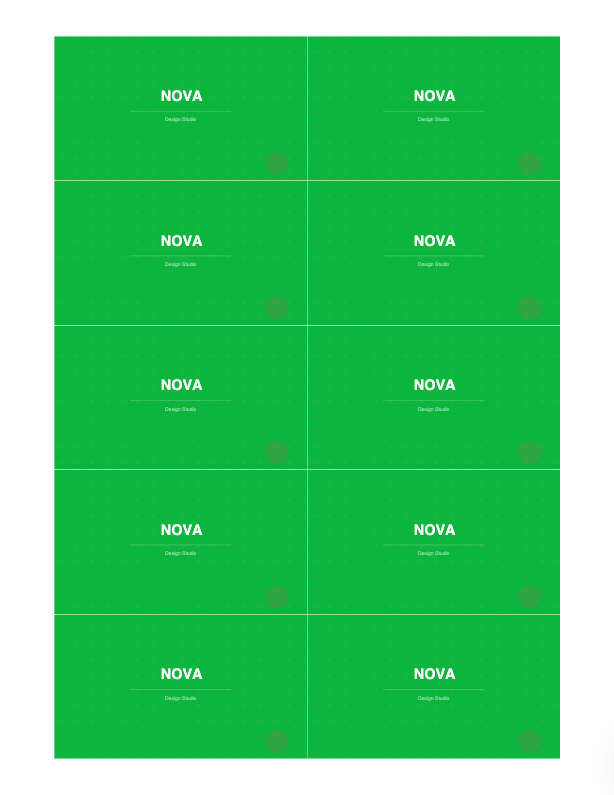
Workflow: personalize in your VDP/design tool, then bring the merged PDF into Variable data printing, Cut and stack or Step and repeat, add bleed and cut marks, preview, download.
Pros vs Quite Imposing: live preview of record sequencing across cut piles, dedicated VDP/cut-and-stack tooling, auto page-count padding, no Acrobat or plugin, free to start. Cons: like Quite Imposing, it imposes VDP output rather than generating it, and it has no Quite Hot Imposing watched-folder batch. See the full Quite Imposing alternative.
Two-tool VDP imposition in Acrobat vs. a browser tool with a live cut-pile preview.
Do it in your browser — the sheet, the count and the marks are set for you. Change only what you want.
Open the n up tool5 free downloads total · 8 hours between free downloads · local file processing
Frequently Asked Questions
Can Quite Imposing do variable data printing?
How do I add a name in Quite Imposing?
How do I n-up variable-data output for cutting?
Is there an easier way to impose VDP output than Quite Imposing?
Why is cut-and-stack ordering important for variable data?
What are the stages of a variable-data print workflow?
Ready to put this into practice?
Do it in your browser — the sheet, the count and the marks are set for you. Change only what you want.
Open the n up toolFree in your browser · sign in with Google · files never leave your device