 pdfpress
Quite Imposing Cut and Stack: How to Set It Up (+ Easier Way)
How to do cut-and-stack imposition in Quite Imposing, including double-sided cut stacks and page reordering for stack-and-cut. See the steps, the gotchas — and how PDF Press does cut-and-stack with a live preview and no Acrobat plugin.
What Cut-and-Stack Imposition Does
Cut-and-stack (also called stack-and-cut) is the fastest way to produce large quantities of a sequential or numbered job — tickets, business cards, postcards, raffle stubs, anything where you print many copies and need them in order. Instead of printing one copy per sheet and collating by hand, you print N-up, cut the printed stack into piles, and stack the piles on top of each other to get one continuous sequence.
The trick is the page order. For the piles to read correctly once stacked, the pages must be arranged so that position 1 on every sheet forms pile 1 in sequence, position 2 forms pile 2, and so on through the whole run. That reordering is what cut-and-stack imposition calculates — and getting it wrong means re-cutting the whole job.
Quite Imposing Plus can do cut-and-stack, and below is how. It's also a good example of where a live preview matters: with cut-and-stack you really want to see the page order before you commit a long run to paper.
Cut-and-stack reorders pages so that after cutting, each pile reads sequentially top to bottom.
Do it in your browser — the sheet, the count and the marks are set for you. Change only what you want.
Open the cut and stack tool5 free downloads total · 8 hours between free downloads · local file processing
How to Do Cut-and-Stack in Quite Imposing
Yes — Quite Imposing Plus handles cut-and-stack. The general workflow:
- Open your PDF in Acrobat with Quite Imposing Plus installed.
- Choose the n-up / step-and-repeat tool and set your rows × columns to match how many copies fit on the sheet (e.g. a 3×4 grid of business cards = 12-up).
- Enable the cut-and-stack page ordering option so pages are sequenced for stacking rather than simple left-to-right N-up.
- Set spacing and any gutters required by your cutter — note that bleeding cards usually want no interior gutter (covered in our step-and-repeat guide).
- Add crop / cut marks so the guillotine operator has trim guides.
- Run the imposition and review the output before printing the full run.
Double-sided cut stacks. When the job prints on both sides, the front and back must align so that after cutting, each pile backs up correctly. Confirm the duplex flip direction and that Quite Imposing's back-page ordering mirrors the front — a double-sided cut stack that's misaligned is scrap.
Reorder for stack and cut. If you're starting from a pre-numbered or sequential PDF, the imposition is doing the heavy lifting of reordering; just make sure the source pages are in plain ascending order first so the cut-and-stack math has a clean input.
Watch the page count. The total must divide into your grid, or you'll hit "the number of pages must be an exact multiple of the page layout size". Pad with blanks to the next multiple.
Cut-and-Stack vs Collate: The Pile Math
Cut-and-stack imposition orders pages so that after printing N-up and slicing the sheet into piles, the piles can be stacked into one continuous run — and the page jump between consecutive sheet positions equals the number of sheets in the run. This is the single calculation that separates cut-and-stack from ordinary collation, and getting it right is what saves the hand-gathering.
Here is the principle with numbers. Suppose you must print 1,000 sequential tickets, 4-up on each sheet (a 2 x 2 grid). You will print 250 sheets. In cut-and-stack order, position 1 carries tickets 1 to 250 down the stack, position 2 carries 251 to 500, position 3 carries 501 to 750, and position 4 carries 751 to 1,000. So on sheet 1 the four positions hold tickets 1, 251, 501 and 751; on sheet 2 they hold 2, 252, 502 and 752, and so on. The increment between positions is 250 — the pile depth. After printing, the operator cuts the 250-sheet block into four piles and stacks pile 2 under pile 1, pile 3 under that, and pile 4 last, yielding a single 1-to-1,000 run.
Contrast that with simple collation, where sheet 1 holds 1, 2, 3, 4 and sheet 2 holds 5, 6, 7, 8. Collated order is easier to reason about but forces you to gather one copy at a time; cut-and-stack lets the guillotine and gravity do the gathering. The trade-off:
| Aspect | Cut-and-stack | Collate (sequential N-up) |
|---|---|---|
| Page increment per position | Equals pile depth (sheet count) | 1 |
| Finishing after cut | Stack piles, already in order | Hand-gather every set |
| Best for | Long sequential / numbered runs | Short runs, few-up sets |
| Risk if mis-set | Whole run cut out of order | Minor reshuffle |
Because the increment is tied to the total run length, even a small change in quantity changes every position's contents. That is exactly why a live preview of the sequence is worth more here than in almost any other imposition: a single wrong increment ruins the entire cut.
There is a practical limit to how deep a pile can go, set by the guillotine and the eye of the operator who has to stack the cut piles in order. Most shops keep cut-and-stack runs to a few hundred sheets per cut, splitting a very large run into batches that each form a complete sequence. If you split, each batch must be a self-contained 1-to-N sequence so the batches can be stacked end to end — never interleave batches, or the numbering jumps. When the run is variable rather than fixed (for example, serialised tickets that draw from a database), the same position-increment logic applies, but the page content comes from variable-data imposition rather than a static reordering of an existing PDF.
Cutter Marks, Bleed and Stock for Cut-and-Stack
A clean cut-and-stack job needs bleed on every piece that prints to the edge, cut marks placed only on the outer trim lines of the grid, and a stock and pile depth the guillotine can actually cut in one pass. These finishing details are as important as the page ordering, because a perfectly sequenced job still fails if the cutter cannot register the trims.
Set bleed to a standard 3 mm (about 0.125 in) on each trimmed edge; tickets and cards that share edges should be laid out so adjacent bleeds overlap on a single cut line, exactly as with step-and-repeat. Put crop or cut marks on the outer edges only — interior cuts are shared lines, so marks there just clutter the sheet and risk printing into a live area. For double-sided work, registration marks on both sides let the operator confirm front-to-back alignment before cutting a tall pile.
Stock and pile height also constrain the job. A guillotine has a maximum clamp height, and thicker caliper stock fills that height with fewer sheets, so a 350 gsm card pile cuts shorter than an 80 gsm text pile. Heavy stock also drifts more under the knife, so for tight numbered work consider shallower piles and more cuts. Plan for:
- Bleed: 3 mm per trimmed edge; overlap shared edges on one cut line.
- Cut marks: outer grid edges only; interior lines are shared.
- Pile depth: stay under the guillotine's clamp height for the chosen caliper.
- Grain direction: align grain with the longest cut to reduce drift.
- Duplex registration: two-sided marks so each pile backs up correctly.
The Easier Way: Cut-and-Stack in PDF Press
Quite Imposing's cut-and-stack works, but it lives behind a $499 Acrobat plugin on a paid Acrobat Pro install, and you're configuring the ordering without a full-resolution preview of the stacked result. PDF Press Cut and Stack does the same reordering in the browser, with a live preview of exactly how each pile will sequence.
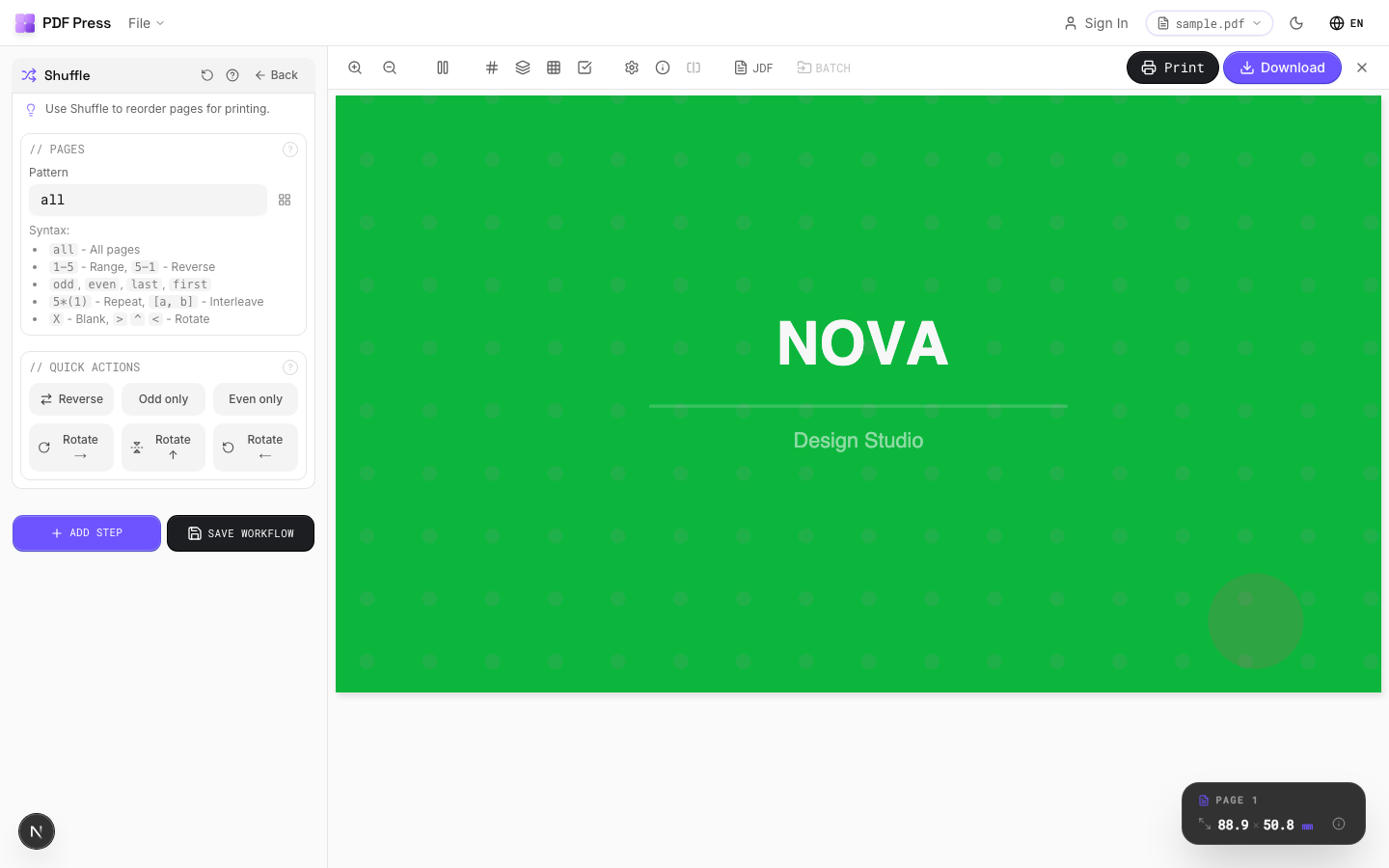
The workflow: open Cut and stack, drop in your PDF, set rows × columns, turn on cut-and-stack ordering, add cut marks and bleed, check the preview, download. For related layouts use Step and repeat for repeating one design, Business card imposition for cards, and Gang sheets for mixed-up sheets.
Pros vs Quite Imposing:
- Live preview of the stacked sequence before you cut
- No Acrobat, no $499 plugin, no Acrobat Pro subscription — free to start
- Runs on any OS in the browser; files processed locally, nothing uploaded
- Auto-pads the page count, so no "exact multiple" error
Cons vs Quite Imposing:
- No watched-folder batch automation like Quite Hot Imposing for fixed high-volume pipelines
For more on when each layout applies, see cut-and-stack vs step-and-repeat and collate vs cut-and-stack, or the full Quite Imposing alternative guide.
Cut-and-stack behind a $499 Acrobat plugin vs. a free browser tool with a live stack preview.
Do it in your browser — the sheet, the count and the marks are set for you. Change only what you want.
Open the n up tool5 free downloads total · 8 hours between free downloads · local file processing
Frequently Asked Questions
Can Quite Imposing do cut and stack?
How do double-sided cut stacks work in Quite Imposing?
What does "reorder for stack and cut" mean?
Is there an easier cut-and-stack tool than Quite Imposing?
How do I calculate the page increment for a cut-and-stack run?
What bleed and cut marks should a cut-and-stack sheet use?
Ready to put this into practice?
Do it in your browser — the sheet, the count and the marks are set for you. Change only what you want.
Open the n up toolFree in your browser · sign in with Google · files never leave your device