 pdfpress
Fiery Impose & Variable Data (VDP): How to Impose VDP Jobs
How Fiery Impose works with variable data printing — imposing FreeForm/VDP jobs, record-aware gangup and cut-and-stack so records stay sequential. Plus PDF Press, which imposes VDP output free in the browser with a live preview.
How Fiery Impose Handles Variable Data
Variable data printing (VDP) personalizes each record — names, addresses, numbers. The imposition challenge is keeping each record intact and in order when you gang many records onto sheets and cut them. Fiery Impose handles this because it's record-aware: for Fiery FreeForm and VDP jobs it understands record boundaries, so a gangup or cut-and-stack layout won't split a record across sheets incorrectly.
This record-awareness is the difference that matters. A generic n-up tool treats every page as interchangeable and lays them out in reading order, which is fine for a brochure but wrong for a 5,000-record mailing where each piece must reach a named recipient in a specific sequence. Record-aware imposition knows that pages belonging to the same record stay together and that the order across the run must survive cutting and finishing. Get that wrong and you do not just waste paper — you can mis-mail thousands of personalized pieces, which for transactional or regulated mail is a costly failure rather than a reprint.
The workflow:
- Send the VDP job (FreeForm or a supported VDP format) to the Fiery so it spools in Command WorkStation.
- Open Impose and choose a record-based gangup layout — Repeat for one record stepped, or Unique/Cut & Stack for sequential records.
- Use cut-and-stack ordering so that after the stack is cut into piles, each record reads in sequence (essential for mailing order).
- Set bleed, marks and finishing, review the WYSIWYG, and print.
Record-aware imposition keeps each VDP record intact and sequential across the gangup.
Do it in your browser — the sheet, the count and the marks are set for you. Change only what you want.
Open the n up tool5 free downloads total · 8 hours between free downloads · local file processing
What This Needs (and What You Might Not)
Record-aware VDP imposition lives inside the licensed Fiery Impose option on a Fiery server. If you're running high-volume personalized mail through a Fiery press with inline finishing, that integration is valuable.
But many shops don't need the press-bound version. If your VDP tool (or design app) already outputs a merged PDF — one page or record per item, in order — then all you need on the imposition side is a tool that can n-up that PDF with cut-and-stack ordering. That's a much simpler requirement than a licensed, server-bound module.
The split is really about where personalization ends and imposition begins. Personalization — merging the data, composing each record, rasterizing variable images — is the hard, application-specific part, and your VDP engine already does it well. By the time the records exist as a merged, ordered PDF, imposition is a geometry problem: arrange these pages on these sheets in cut-and-stack order with bleed and marks. There is nothing about that geometry that requires a Fiery server, only a tool that respects record sequence. The licensed, integrated version earns its place when you are driving a live record stream into a press with inline booklet-making, perforation or inserting; for everything short of that, imposing the finished PDF downstream is simpler, cheaper and just as accurate.
Cut-and-Stack Pile Math for VDP
Cut-and-stack is the imposition order that lets a VDP run stay in sequence after the printed stack is guillotined into piles. Records are laid out so that record 1 sits above record 2 in the same pile position across every sheet — not left-to-right reading order. After cutting, you simply stack the piles in order and every record reads sequentially top to bottom.
The arithmetic that drives a cut-and-stack layout:
- Up-count = rows x columns per sheet. A 4-up layout puts four records per sheet.
- Records per pile = total sheets printed. If you print 250 sheets at 4-up, each of the four pile positions holds 250 records.
- Total records = up-count x sheets. 4-up x 250 sheets = 1,000 records.
- Page placement: sheet 1 carries records 1, 251, 501 and 751; sheet 2 carries 2, 252, 502, 752; and so on. After cutting and stacking the four piles in order, records read 1 through 1,000.
This is exactly why imposing VDP left-to-right (the way you would lay out a brochure) breaks mailing order: a normal n-up reads 1, 2, 3, 4 across the sheet, so after cutting, the piles interleave and the sequence scrambles. Fiery Impose's record-aware cut-and-stack handles the pile arithmetic for you; on merged VDP output, a dedicated cut-and-stack tool does the same calculation so each pile lands in order.
Cut-and-stack places records down each pile, not across the sheet, so the stack reads in order after cutting.
Do it in your browser — the sheet, the count and the marks are set for you. Change only what you want.
Open the cut and stack tool5 free downloads total · 8 hours between free downloads · local file processing
FreeForm vs Merged-PDF VDP Workflows
There are two ways VDP reaches imposition, and they call for different tooling. Fiery FreeForm separates the static master (the unchanging background, logo, layout) from the variable elements (names, addresses, codes), caching the master on the Fiery so each record reuses it. This is fast and efficient at the press because the RIP processes the master once. Merged-PDF VDP instead flattens every record into a finished page, producing one self-contained multi-page PDF where each page or record is fully composed.
The implications for imposition:
- FreeForm imposition happens inside the Fiery, record-aware, driving the press and inline finishing directly. It needs the licensed Fiery Impose option and a Fiery server.
- Merged-PDF imposition is just an n-up-with-cut-and-stack task on an ordinary PDF. Any imposition tool that understands record sequencing can lay it out, on any machine.
- Choosing between them: high-volume, inline-finished transactional mail favours FreeForm on the press; one-off or lower-volume personalized runs are simpler as a merged PDF you impose downstream.
If your VDP application (XMPie, FusionPro, InDesign Data Merge, a web-to-print engine) already exports a merged PDF in record order, the heavy lifting is done and the imposition step no longer needs to live on the Fiery at all.
Common VDP Imposition Mistakes
VDP imposition fails in specific, repeatable ways. Catch these before a long personalized run:
- Imposing VDP in reading order instead of cut-and-stack. A normal left-to-right n-up scrambles mailing sequence after cutting. Always use cut-and-stack ordering for sequenced records.
- Splitting a multi-page record across pile positions. If each record is two pages (front/back or a letter plus a coupon), the layout must keep both pages of a record together; record-aware imposition prevents the split.
- Wrong pile math. Miscounting sheets-per-pile leaves the last pile short and the sequence off by the remainder. Verify total records equals up-count times sheets.
- Losing variable text in flattening. If a merged PDF is re-flattened with the wrong transparency settings, variable text can drop or shift; preflight the merged output before imposing.
- No bleed on personalized panels. Variable backgrounds still need 0.125 in bleed if they run to the trim.
- Forgetting mailing-house orientation. Confirm whether the finisher or inserter wants the stack face-up or face-down before you set the layout, or the sequence reverses.
Impose VDP Output Free in PDF Press
PDF Press imposes merged VDP output — the PDF your VDP/design tool produces — with cut-and-stack ordering that keeps records sequential after cutting, and a live preview of how records sequence across piles. Free, in the browser, no Fiery license.
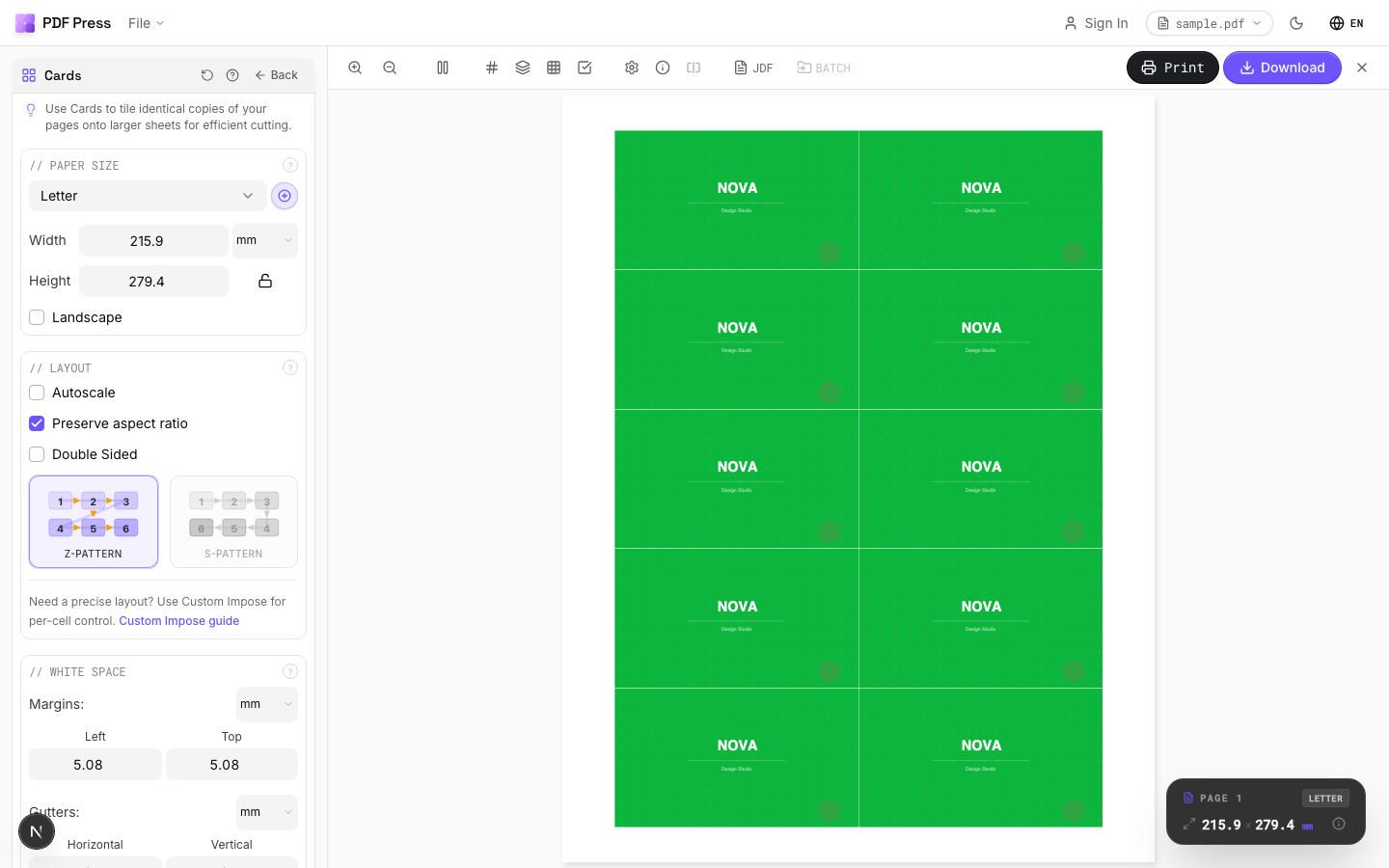
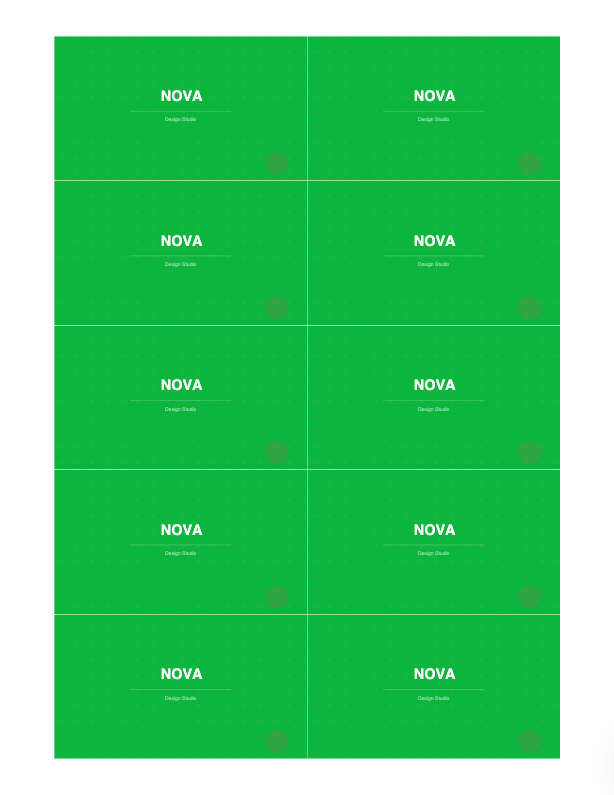
Tools: Variable data printing, Cut and stack and Step and repeat, with bleed and cut marks.
A typical free workflow runs end to end like this: personalize and merge your records in your VDP application so it exports one ordered, multi-page PDF; open that PDF in the cut-and-stack tool and set the up-count to match your sheet; let the tool place records down each pile rather than across the sheet so the sequence survives cutting; add bleed and cut marks; preview how the records sequence across piles; and download a print-ready imposed sheet. Because everything happens locally in the browser, the personalized data never leaves your device — a meaningful point when the records contain names, addresses or account numbers that you would rather not upload to a server.
Pros vs Fiery Impose: free, no license or server, live preview of record sequencing, runs on any OS, local processing. Cons: it imposes merged VDP output rather than driving a live FreeForm/record stream into a Fiery press with inline finishing — for that integrated production, Impose's record-aware engine still leads. See the parallel Quite Imposing variable data guide and full Fiery Impose alternative.
Server-bound record-aware VDP imposition vs. free browser imposition of merged VDP output.
Do it in your browser — the sheet, the count and the marks are set for you. Change only what you want.
Open the n up tool5 free downloads total · 8 hours between free downloads · local file processing
Frequently Asked Questions
Can Fiery Impose handle variable data printing?
How do I keep VDP records in order after cutting?
Do I need Fiery Impose to impose VDP jobs?
Can I impose VDP output for free?
How does cut-and-stack pile math work for VDP?
What is the difference between FreeForm and merged-PDF VDP?
Ready to put this into practice?
Do it in your browser — the sheet, the count and the marks are set for you. Change only what you want.
Open the n up toolFree in your browser · sign in with Google · files never leave your device