Publishing template
Flipbook Frames (12-Up Sequential)
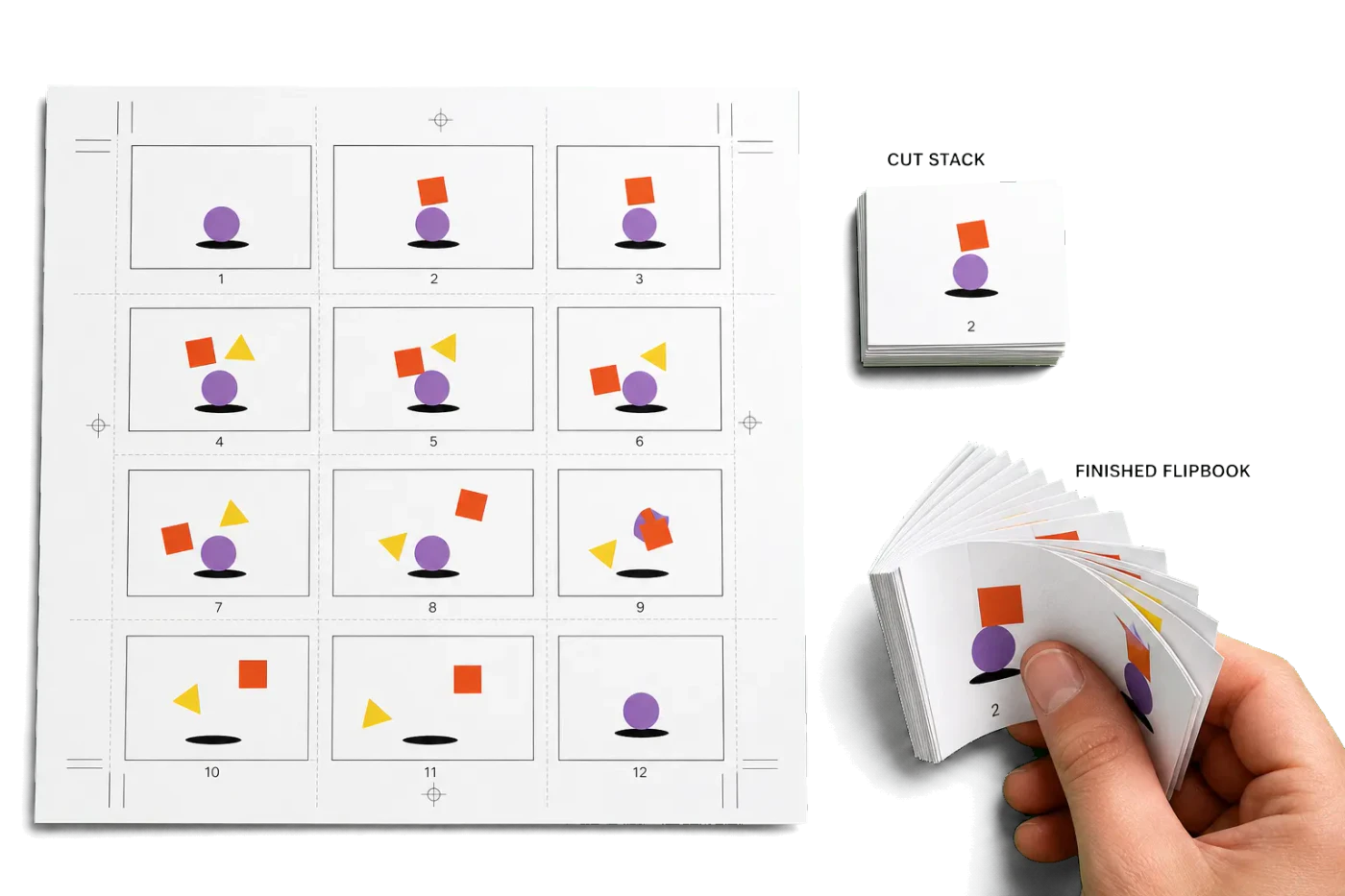
Imposes animation frames in a 4×3 sequential grid so each trimmed stack stays in playback order.
Ideal input: One landscape animation frame per PDF page, ordered from first to last. Best in multiples of 12.
Template specs
| Sheet size | 17 × 11 in · 432 × 279 mm |
|---|---|
| Layout | 4 × 3 grid (12-up) |
| Sides | Single-sided |
| Crop marks | Included |
| Bleed | Fixed |
| Complexity | Production pipeline |
| Steps | 1 |
| Category | Publishing |
How the Flipbook Frames (12-Up Sequential) layout is built
- 1Grid
Places twelve consecutive frames left-to-right and top-to-bottom with gutters and trim marks for accurate cutting and binding.
Tools used in this template
Related guides
More Publishing templates
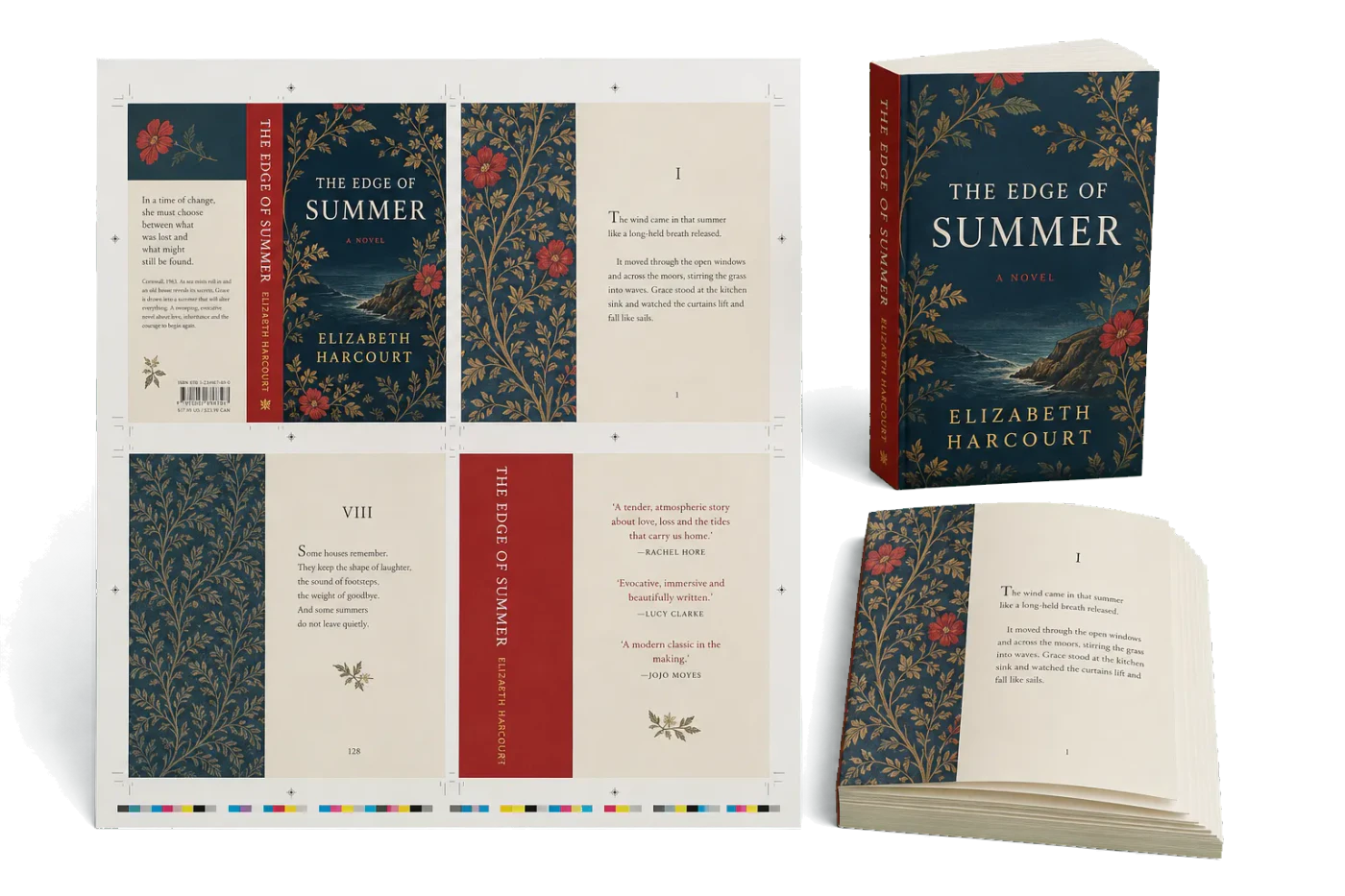
Perfect Bound Trade Paperback (4-Up)
4-up signatures for A5 perfect-bound trade paperbacks. Standard for novels, manuals, and catalogs.
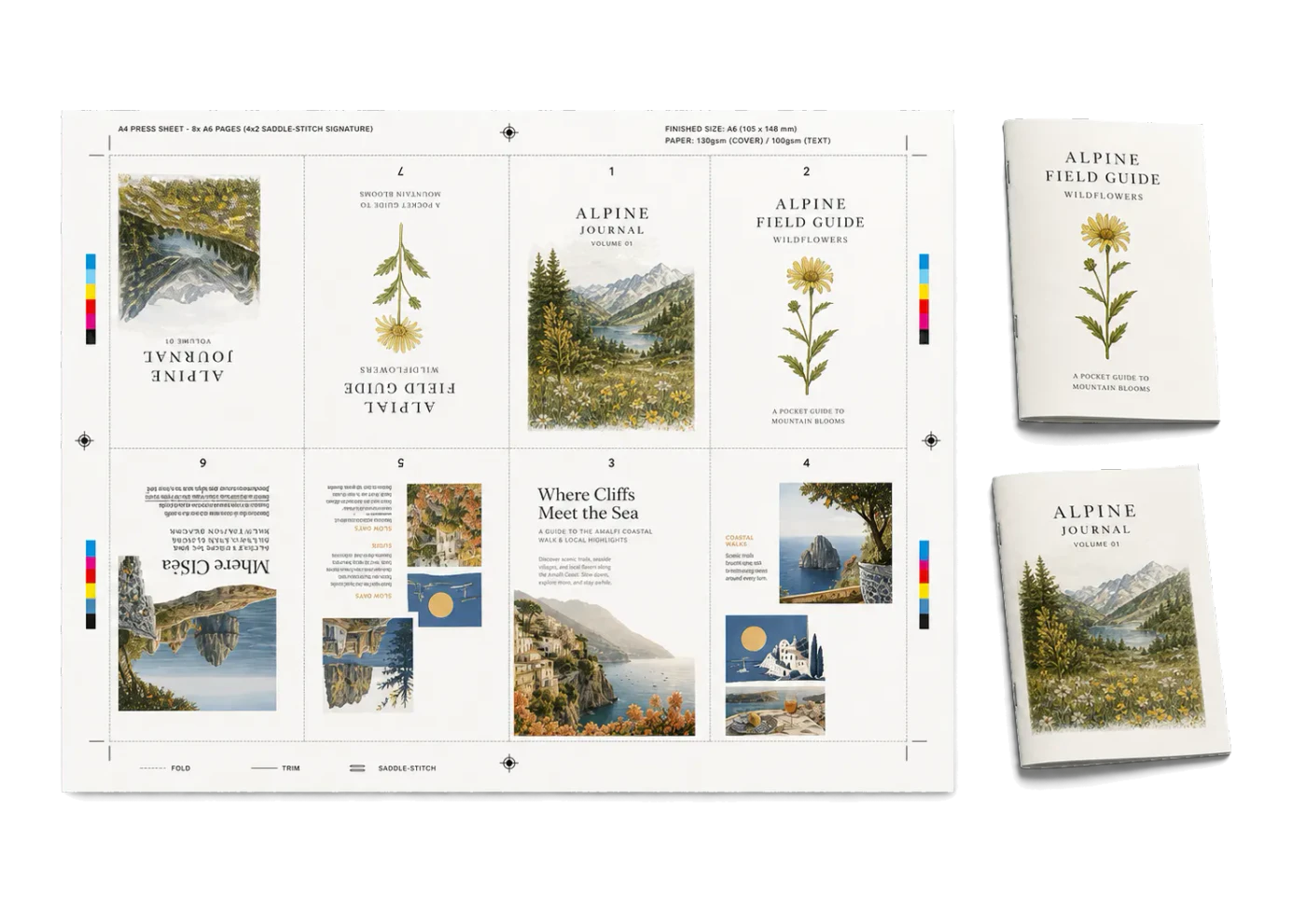
Saddle-Stitch A6 Mini Booklet (8-Up)
8-up mini booklet for A6 saddle-stitched inserts and leaflets on A4.
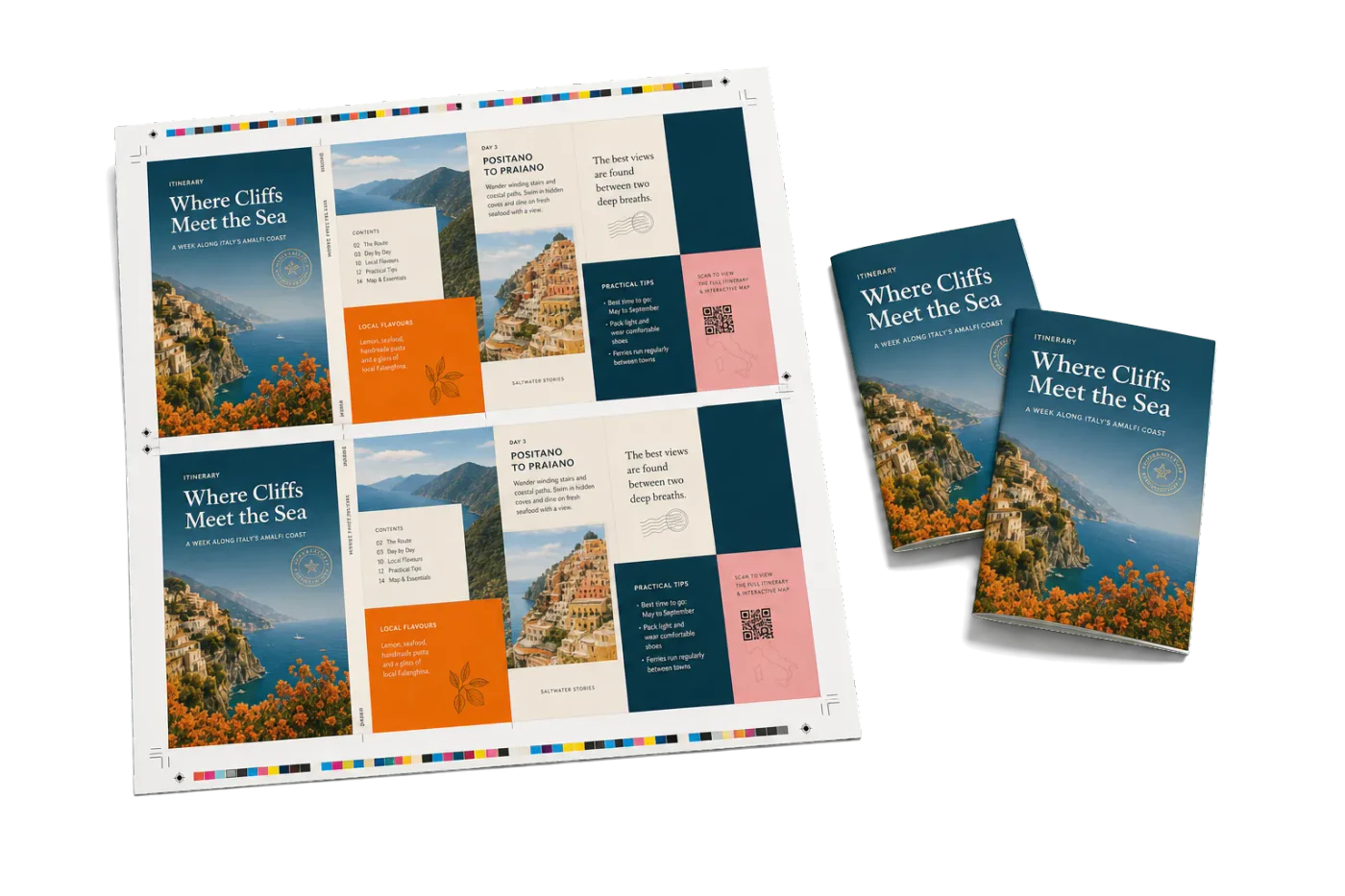
A5 Saddle-Stitch 2-Up on SRA3
Commercial A5 saddle-stitch workflow: impose each booklet side on SRA4, then repeat two copies on SRA3.
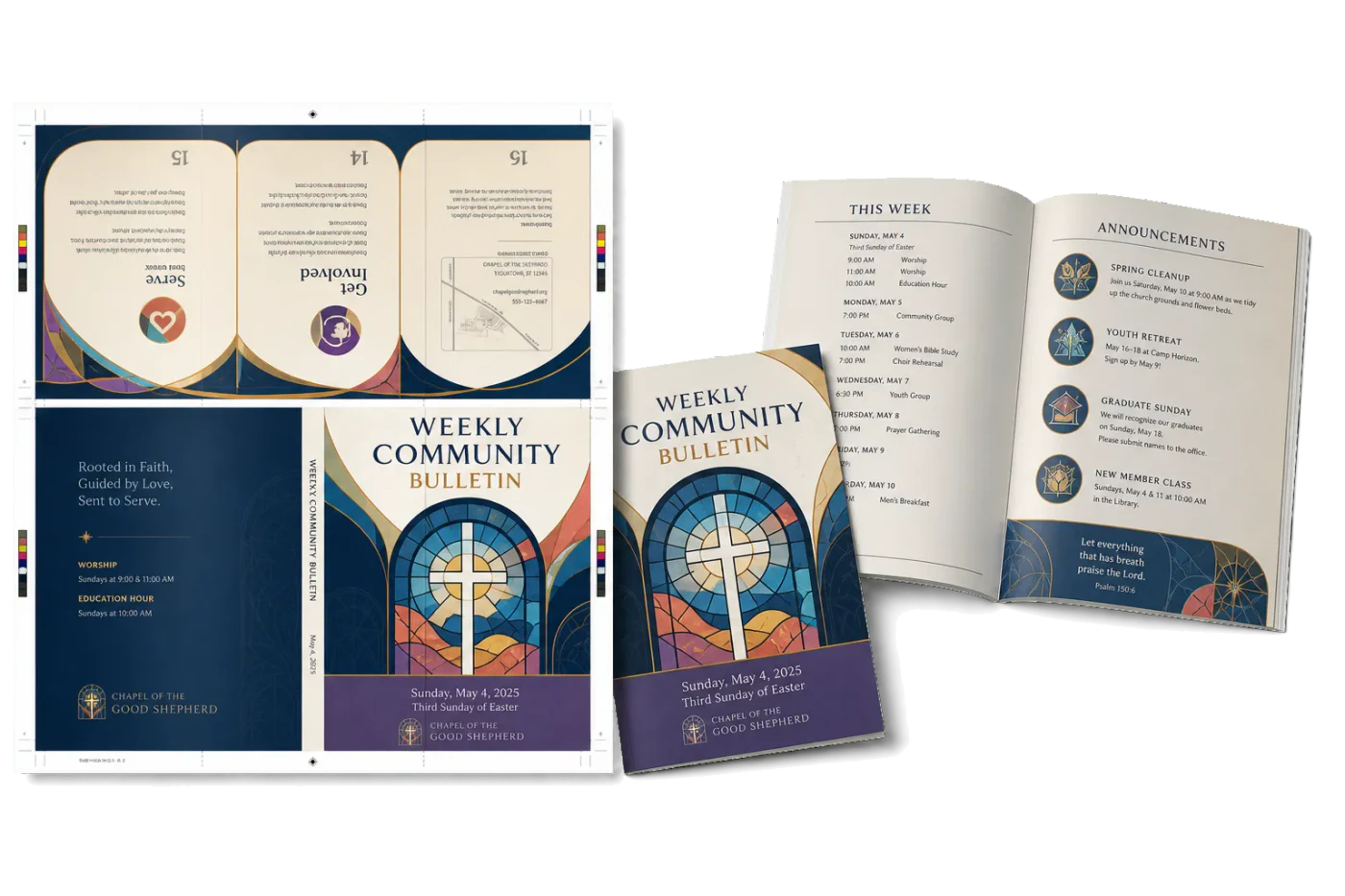
16-Page Church Bulletin (A4)
Saddle-stitched A4 bulletin on A3 landscape. Standard for weekly church programs.
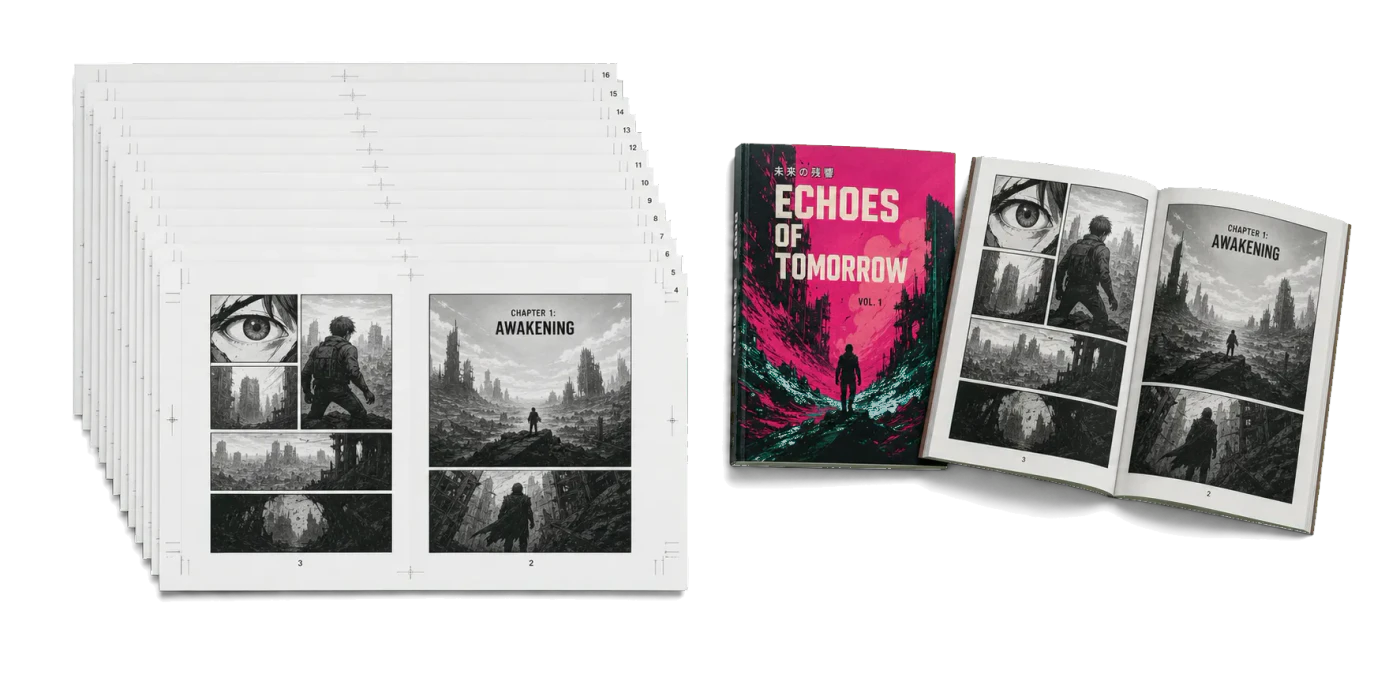
Manga / RTL Comic Booklet
Right-to-left saddle-stitched booklet for manga, Arabic, and Hebrew comics on B5 landscape.
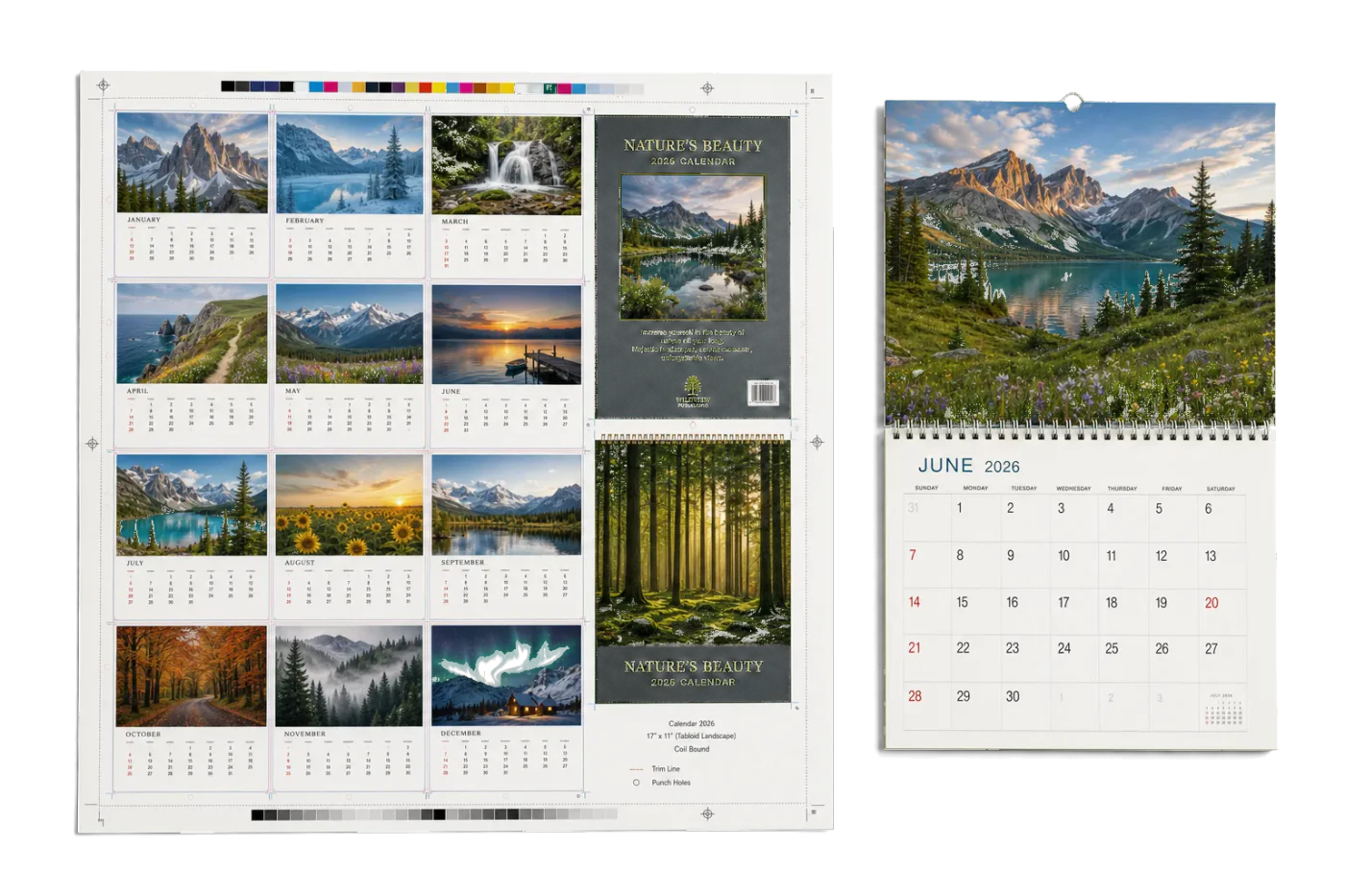
Landscape Wall Calendar
Coil-bound wall calendar with back cover rotation on Tabloid landscape.
Ready to use the Flipbook Frames (12-Up Sequential) template?
Open it in PDF Press, drop in your artwork, preview the imposed sheet, and export a print-ready PDF — free, in your browser, with no upload.
Open Flipbook Frames (12-Up Sequential)