 pdfpress
Heidelberg Prinect PDF Toolbox: What It Does + a Lighter Alternative
What Heidelberg Prinect PDF Toolbox does in the prepress department — preflight, color, trapping and imposition inside Acrobat — its cost and complexity, and how PDF Press handles browser imposition and prep without the Prinect stack.
What Prinect PDF Toolbox Does
Heidelberg Prinect PDF Toolbox is a suite of Adobe Acrobat plug-ins used in the prepress department to prepare PDFs for print. It bundles several modules, typically including:
- Preflight — check and fix files against print standards
- Color Editor — edit colors, separations and conversions
- Trap Editor — apply trapping for press registration
- Object/Page Editor — fix and edit PDF content
- Imposition — lay pages onto sheets (closely related to Prinect Signa Station)
The point of the Toolbox is integration: it's built to feed Heidelberg's Prinect workflow and Heidelberg presses, so a Heidelberg shop gets a consistent pipeline from PDF to plate. That integration is its biggest strength — and the reason it's enterprise-scoped and priced.
It helps to place the Toolbox in the wider Prinect family. Prinect is Heidelberg's end-to-end print-production system spanning prepress, press and postpress, with modules such as Signa Station for imposition, the Prinect Production Manager for job control, and the presses themselves. The PDF Toolbox is the Acrobat-side prepress front end of that system: it is where an operator opens a customer PDF, checks and corrects it, and prepares it before it flows into the rest of Prinect. Because each module shares the same color and standards definitions, a file preflighted and trapped in the Toolbox carries those decisions cleanly through to plate. That consistency is exactly what a high-volume offset plant wants and exactly what a small digital shop rarely needs in full.
Prinect PDF Toolbox is an enterprise Acrobat plug-in suite feeding Heidelberg's workflow; most shops need a smaller slice.
Do it in your browser — the sheet, the count and the marks are set for you. Change only what you want.
Open the n up tool5 free downloads total · 8 hours between free downloads · local file processing
Cost, Complexity and the Acrobat Dependency
Prinect PDF Toolbox is aimed at production prepress in Heidelberg-equipped plants, not at occasional imposition. That brings real considerations:
- Enterprise pricing — licensed as part of the Prinect ecosystem, well beyond a simple per-seat tool, and usually quoted via Heidelberg.
- Acrobat plug-in dependency — it runs inside Acrobat, inheriting plugin/Acrobat-version fragility and Protected Mode concerns common to all Acrobat imposition plug-ins.
- Workflow lock-in — its value comes from feeding Prinect and Heidelberg presses; outside that pipeline much of the integration is moot.
- Learning curve — a full prepress suite is a lot of tool if you mainly need to impose and add marks.
If you run a Heidelberg pressroom, that's the cost of a tightly integrated pipeline. If you're a smaller shop, a designer, or a digital printer who just needs imposition and basic PDF prep, it's far more than the job requires.
The mismatch is one of scope, not quality. The Toolbox is excellent at what it does; the question is how much of it you will actually use. A plant pushing colour-critical offset work through Heidelberg presses every day will exercise the preflight, colour, trapping and imposition modules constantly, and the integration pays for itself in fewer plate remakes and tighter colour. A shop whose work is mostly digital, short-run, or design-to-print will touch perhaps two of those modules — preflight and imposition — and pay enterprise pricing plus the Acrobat dependency for the privilege. Before committing, it is worth listing the specific tasks you perform weekly and checking how many genuinely require the Prinect-bound version versus a lighter tool that imposes and adds marks directly on the PDF.
The Modules in Detail: Preflight, Color, Trapping, Imposition
Prinect PDF Toolbox is not one tool but a set of Acrobat plug-ins, each owning a stage of prepress. Understanding what each module does clarifies which parts a non-Heidelberg shop actually needs and which are press-and-workflow-bound.
| Module | What it does | Who needs it |
|---|---|---|
| Preflight | Checks files against print standards and fixes common faults | Every shop, but achievable with lighter tools |
| Color Editor | Edits colors, separations and conversions; manages spot/process | Color-critical production work |
| Trap Editor | Applies trapping so misregistration on press does not show white gaps | Offset/packaging with tight registration |
| Object/Page Editor | Edits PDF content, fixes objects and pages | Prepress operators correcting supplied art |
| Imposition | Lays pages onto sheets; closely related to Prinect Signa Station | Any shop imposing — the most reusable slice |
Trapping is the module most specific to high-end production: it deliberately overlaps adjacent colors by a tiny amount so that when the press misregisters slightly, no white paper shows through at the boundary. That matters enormously on offset and packaging presses and far less on a digital press with tight inherent registration. Preflight and imposition, by contrast, are tasks nearly every shop performs regardless of press brand, which is why they are the portion most shops could meet with a lighter, non-Heidelberg tool.
The Color Editor deserves a similar caveat. Editing separations, remapping spot colours to process, and converting between colour spaces are powerful in a plant that profiles its presses and proofs against measured targets, but they are easy to misuse without that measurement discipline — a careless spot-to-process conversion can shift a brand colour noticeably. The Object/Page Editor, meanwhile, is the operator's correction tool for fixing supplied artwork in place rather than sending it back to the designer. Together the five modules form a complete prepress bench, but the weekly reality for most non-Heidelberg shops is that two of them — preflight and imposition — carry the workload, while colour, trapping and object editing are occasional or press-specific.
Preflight and imposition are the reusable slice; trapping and deep color are production-press specific.
Do it in your browser — the sheet, the count and the marks are set for you. Change only what you want.
Open the n up tool5 free downloads total · 8 hours between free downloads · local file processing
The Acrobat Plug-in Architecture and Its Trade-offs
Because Prinect PDF Toolbox runs as Adobe Acrobat plug-ins, it inherits both the strengths and the fragilities of that architecture. The strength is obvious: operators already live in Acrobat, so adding prepress functions inside the same application means no context switch and direct access to the open PDF.
The trade-offs are equally real and worth weighing before committing:
- Acrobat-version coupling. Each Toolbox release targets specific Acrobat versions; an Acrobat update can break the plug-in until a compatible Toolbox build ships.
- Protected Mode and security prompts. Acrobat's sandboxing can interfere with plug-in operation, a recurring support topic for all Acrobat imposition plug-ins.
- Per-seat Acrobat licensing. Every operator needs a licensed Acrobat alongside the Toolbox, multiplying cost.
- Workflow lock-in. Much of the Toolbox's value comes from feeding Prinect and Heidelberg presses; outside that pipeline the integration benefit largely evaporates.
- Learning curve. A full prepress suite is substantial training overhead if you mainly impose and add marks.
For a Heidelberg pressroom that already standardizes on Acrobat and Prinect, these are simply the conditions of a tightly integrated pipeline. For a designer, a digital printer, or a shop that mostly imposes and adds bleed and marks, a browser tool with no Acrobat dependency removes the version-coupling and Protected Mode headaches entirely.
A Lighter Alternative for Imposition and Prep
PDF Press covers the imposition and everyday prep slice of what the Toolbox does — without the Prinect stack, Acrobat plug-ins, or enterprise licensing. It runs in the browser and processes files locally.
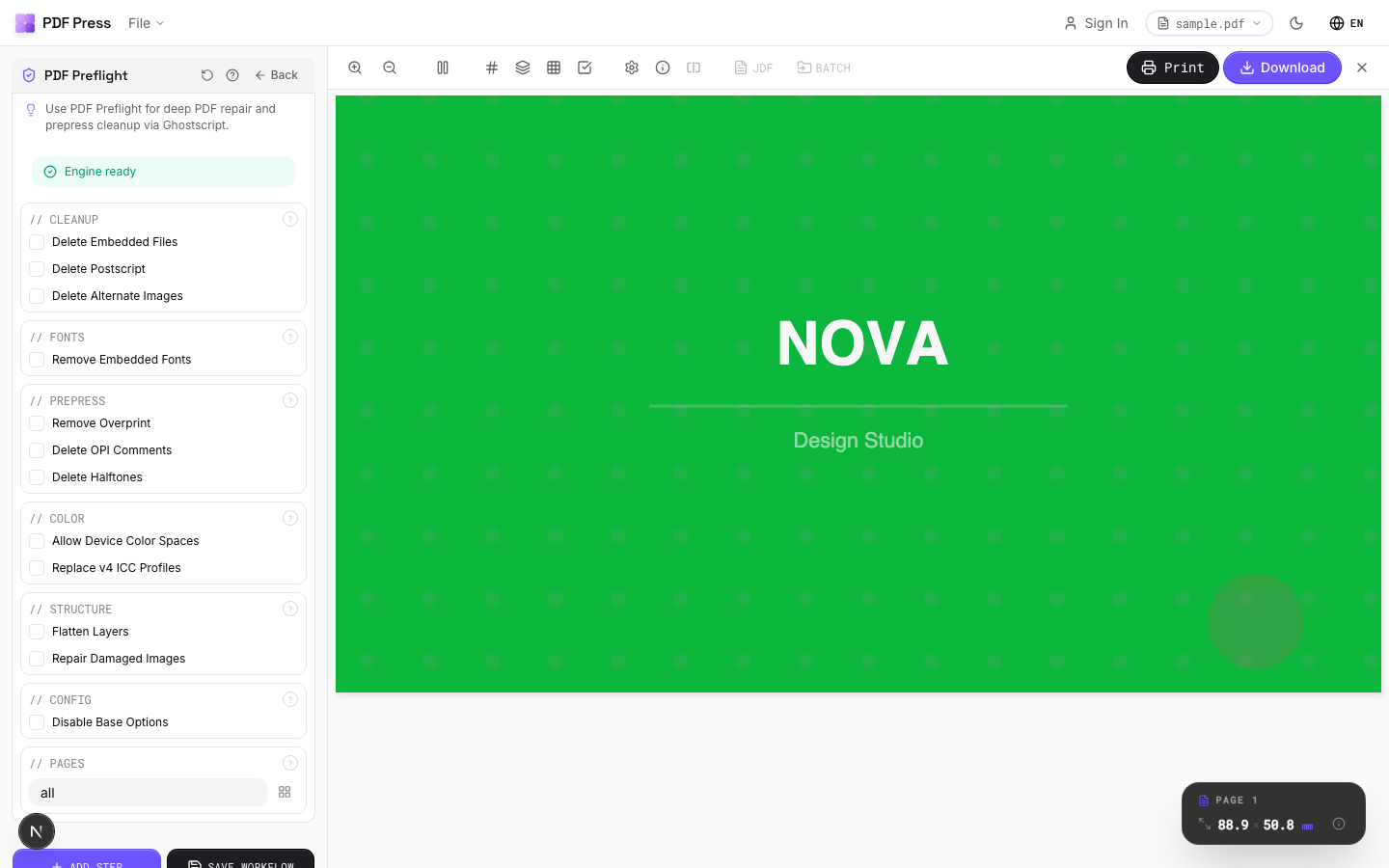
Tools: Booklet maker, N-up, Cut and stack, Gang sheets and Step and repeat for imposition; Add bleed, registration marks and preflight check for prep.
A realistic division of labour, rather than a wholesale replacement, is the honest recommendation. For most shops the Toolbox's truly press-bound functions — production trapping tuned to a specific offset press, deep colour management against measured press profiles, and direct plate output through Prinect — are the parts worth keeping where they belong. The everyday tasks that surround them, imposing a booklet or a gang sheet, adding bleed, dropping in registration and cut marks, and running a quick preflight before a file goes out, are exactly the parts a browser tool handles without an Acrobat seat or a Prinect licence on every workstation. Used that way, a free imposition tool relieves the licensed seats for the work that genuinely needs them, which is often the most economical outcome for a mixed digital-and-offset shop.
Pros vs Prinect PDF Toolbox: free to start, no Acrobat plug-ins, no Prinect ecosystem, any OS, live preview, local processing. Cons: it's not an enterprise prepress suite — production trapping, deep color management and direct plate/press integration remain Prinect's domain. Compare the imposition module in Heidelberg Prinect Signa alternative, and frame the categories in imposition vs prepress vs preflight.
Enterprise Acrobat plug-in suite tied to Prinect vs. a free browser tool for imposition and prep.
Do it in your browser — the sheet, the count and the marks are set for you. Change only what you want.
Open the n up tool5 free downloads total · 8 hours between free downloads · local file processing
Frequently Asked Questions
What is Heidelberg Prinect PDF Toolbox?
Is Prinect PDF Toolbox just for imposition?
Does Prinect PDF Toolbox require Adobe Acrobat?
Is there a lighter alternative to Prinect PDF Toolbox?
What does the Trap Editor in Prinect PDF Toolbox do?
What are the downsides of Acrobat plug-in prepress tools?
Ready to put this into practice?
Do it in your browser — the sheet, the count and the marks are set for you. Change only what you want.
Open the n up toolFree in your browser · sign in with Google · files never leave your device