 pdfpress
Fiery Impose vs Compose vs JobMaster: What's the Difference?
Fiery Impose vs Compose vs JobMaster explained — what each module does, how they're licensed together, and which you actually need. Plus PDF Press, a free browser tool for the imposition part with no Fiery license.
What Impose, Compose and JobMaster Each Do
These three Fiery modules are easy to confuse because they live in the same Command WorkStation job editor and are often bundled. Here's the clean split:
- Fiery Impose — sheet imposition. Booklet, gangup (n-up / step-and-repeat / cut-and-stack), sheet size, duplex, marks. It decides how pages land on the press sheet.
- Fiery Compose — job assembly. Combine multiple documents into one job, insert pages, tabs, covers and blank sheets, and assign per-page media (e.g. cover stock vs body stock). It decides what the document is made of.
- Fiery JobMaster — advanced page-level prep and finishing: tab automation, page numbering/stamping, scan integration, chapter-based finishing. The heavy-duty version of Compose for complex documents.
In short: Compose builds the document, Impose lays it onto sheets. Many jobs use both — assemble in Compose, then impose in Impose.
A clean mental model is to think in terms of the unit each module operates on. Impose's unit is the press sheet: it answers "how do the finished pages arrange on the paper that goes through the engine?" Compose's unit is the document: it answers "what pages, in what order, on what stock, make up this job?" JobMaster's unit is the individual page: it answers "what happens to each page — does it get a tab, a number, a stamp, a scan cleanup, a chapter break?" Because the three units nest inside each other — pages make documents, documents print on sheets — the modules are naturally complementary rather than competing. A complex job often flows through all three: JobMaster preps the pages, Compose assembles the document and assigns stock, and Impose lays the result onto sheets for the press.
This is also why the order of operations matters. You assemble and prep before you impose, because imposition is the last step that arranges finished pages for printing. Build the document first, then impose it — reversing the order means re-imposing every time the document content changes.
Compose assembles the document; Impose lays it on sheets; JobMaster adds advanced page prep.
Do it in your browser — the sheet, the count and the marks are set for you. Change only what you want.
Open the online imposition tool5 free downloads total · 8 hours between free downloads · local file processing
How They're Licensed (and What You Actually Need)
Each is a separately licensed option, commonly sold bundled as Impose-Compose or Impose-Compose-JobMaster, per workstation. That bundling is why people compare "impose vs compose" or "impose-compose" — they're deciding how much of the suite to buy.
A useful way to decide:
- Need to lay pages on sheets (booklets, n-up, gang)? That's Impose.
- Need to assemble mixed documents, tabs, covers and per-page stock? That's Compose (or JobMaster for complex work).
- Need both? The bundle — at a higher per-seat cost (see Fiery Impose cost).
"Impose vs workflow." Impose is a layout editor inside a job; a Fiery workflow (presets, virtual printers, hot folders) is how you automate applying an Impose template to many jobs. They're complementary, not alternatives.
Two licensing details trip people up. First, the modules are per-workstation, not per-server: licensing one operator's seat does not license another's, which is why a busy shop with several Command WorkStation operators ends up paying multiple times for the same capability. Second, Fiery pricing is dealer-quoted rather than published as a fixed list price — it varies by OEM, by Fiery generation, by region and by whether you buy a single module or a bundle — so any specific figure you see should be treated as indicative and confirmed with your dealer. The bundling exists precisely because most shops that want Compose also want Impose, so the Impose-Compose pairing is the common entry point, with JobMaster added for shops doing long-document or transactional work.
The decision, then, is less about features in isolation and more about how much of your daily work touches each unit. A shop that mostly lays single-design or sequential pages onto sheets spends almost all its time in Impose; a shop producing manuals, proposals and mixed-stock packets lives in Compose and JobMaster. Audit a week of real jobs against the unit model above, and the right license set usually becomes obvious. Counting how many jobs truly needed document assembly or page-level prep — versus how many were pure imposition — is the single most useful exercise before committing to a bundle, because it replaces a guess about future needs with evidence from your own production.
Impose vs Compose vs JobMaster: Feature Comparison
The fastest way to tell the three Fiery modules apart is by the unit of work each one operates on: Impose works on the sheet, Compose works on the document, and JobMaster works on the page. Once you frame it that way, deciding which you need becomes straightforward.
| Capability | Impose | Compose | JobMaster |
|---|---|---|---|
| Booklet / gangup / cut-and-stack | Yes | No | No |
| Sheet size, duplex, marks | Yes | No | No |
| Combine multiple documents | No | Yes | Yes |
| Insert pages, tabs, covers | No | Yes | Yes |
| Per-page media (mixed stock) | No | Yes | Yes |
| Tab text automation | No | Basic | Advanced |
| Page numbering / Bates stamping | No | No | Yes |
| Scan integration, edit scanned pages | No | No | Yes |
| Chapter-based finishing | No | Limited | Yes |
Reading the table top to bottom shows the progression clearly. Impose owns everything about how pages land on the press sheet but nothing about what the document contains. Compose adds document construction — merging files, inserting tabs and covers, and assigning different stocks to different pages. JobMaster is a superset of Compose aimed at long, complex documents, adding numbering and stamping, scan-based page editing, and finishing that follows chapter boundaries. Because JobMaster includes Compose's capabilities, a shop that licenses JobMaster does not separately need Compose; the reverse is not true.
Impose works on the sheet, Compose on the document, JobMaster on the page — JobMaster is a superset of Compose.
Do it in your browser — the sheet, the count and the marks are set for you. Change only what you want.
Open the online imposition tool5 free downloads total · 8 hours between free downloads · local file processing
Which Module a Real Job Needs
Most production jobs need either Impose alone, Compose alone, or both together, and very few need JobMaster — it earns its cost only on long, structured documents. Matching the module to the job avoids paying for capability you will not use.
- Business cards, 10-up cut-and-stack — Impose only. The artwork is a single design; nothing about the document needs assembling.
- A5 saddle-stitch event programme — Impose only, unless the cover prints on heavier stock, in which case add Compose for the per-page media.
- Sales proposal with a cover, body and a glued-in price sheet — Compose to assemble and set the mixed stock, then Impose if it folds into a booklet.
- 500-page training manual with tabbed sections and page numbers — JobMaster for the tab automation, numbering and chapter finishing, then Impose for the sheet layout.
- Scanned legal bundle that needs Bates numbering — JobMaster for the scan editing and stamping.
The honest takeaway for many small and mid-size shops is that the imposition half — Impose — covers the large majority of day-to-day work, while Compose and JobMaster pay off only when mixed media, tabs and page-level prep are routine. If your jobs are mostly booklets, n-up cards and gang sheets, you are buying the suite mainly for the Impose feature set. It is also worth separating what each module does from how a job gets automated, because the two are often conflated. Buying Compose does not automate anything by itself; it gives you the document-assembly capability, which you still drive per job unless you wire it into a workflow. A Fiery workflow can automate an Impose template across many jobs without touching Compose at all. So "do I need Compose?" and "do I want automation?" are independent questions: the first is about capability, the second is about how jobs reach the press. A shop can run heavily automated Impose-only imposition through hot folders and never license Compose, while another can own the full bundle yet drive every job by hand. That is exactly the case where a free browser tool for the imposition part, paired with simple merge and insert utilities for the occasional assembly job, can replace a per-seat license. The document-assembly work that genuinely needs Compose or JobMaster — automated tabs, mixed stock bound inline, Bates stamping — is where the Fiery suite stays irreplaceable.
Just Need the Imposition Part? Use PDF Press Free
If what you actually need is the Impose half — laying pages onto sheets — you don't have to buy into the Fiery option suite. PDF Press does booklet, n-up, cut-and-stack and gang imposition free in the browser, with no Fiery server or license.
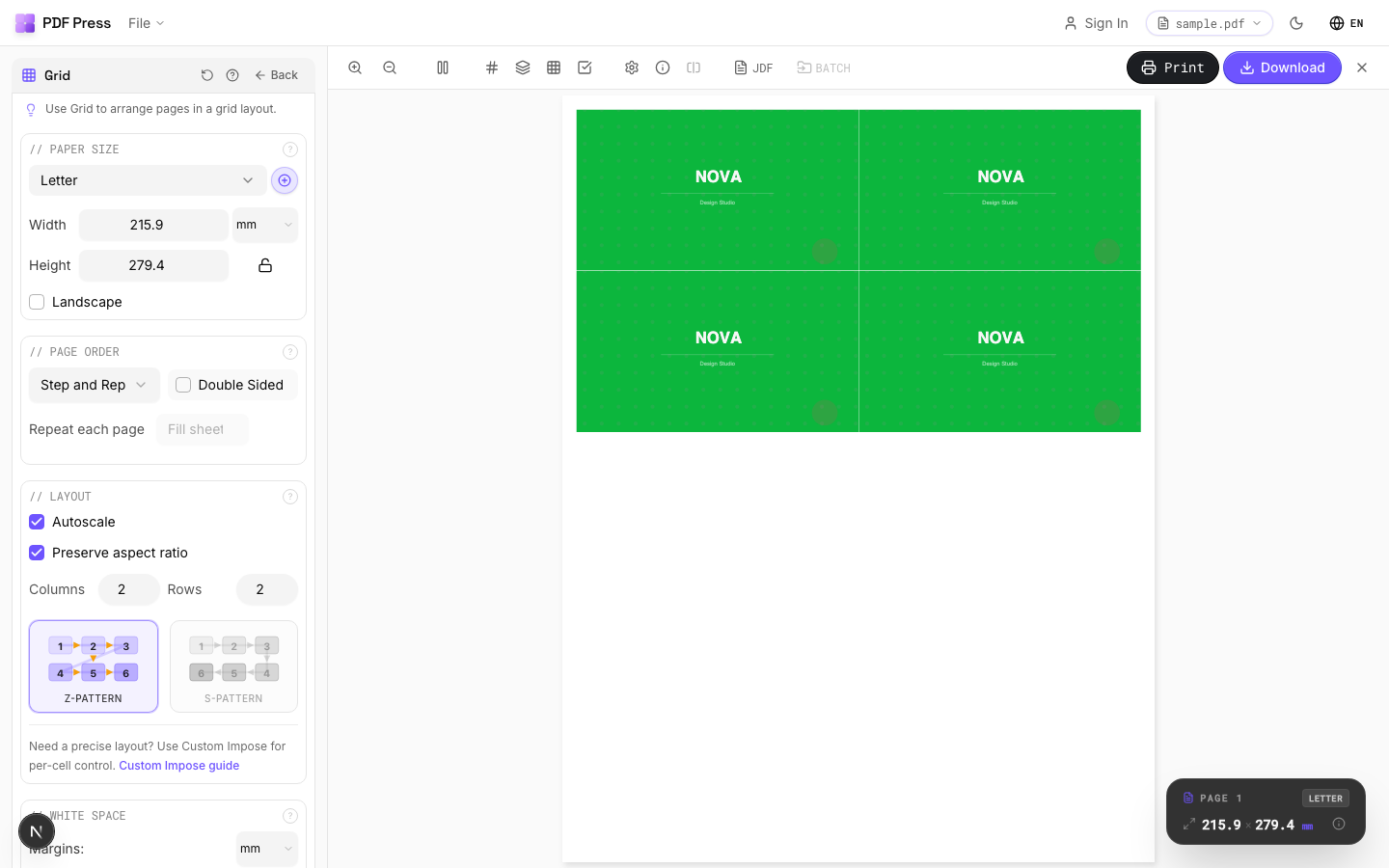
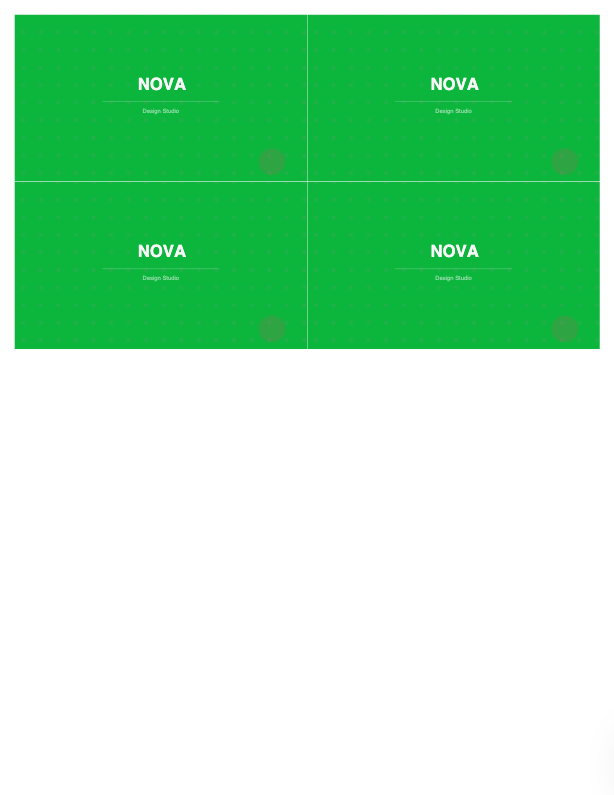
Tools: Booklet maker, N-up, Cut and stack, Gang sheets, Step and repeat; and for the document-assembly side that Compose handles, Merge PDFs and Insert pages cover common cases.
Pros vs the Fiery suite: free, no per-seat license, any OS, live preview. Cons: PDF Press isn't a per-page-media production controller like Compose/JobMaster — for tab automation, per-page stock and inline finishing on a Fiery press, those modules remain the tool. To frame the categories, see imposition vs prepress vs preflight and the full Fiery Impose alternative.
Buy into the licensed Impose/Compose suite vs. a free browser tool for the imposition part.
Do it in your browser — the sheet, the count and the marks are set for you. Change only what you want.
Open the n up tool5 free downloads total · 8 hours between free downloads · local file processing
PDF Press vs Fiery Impose and Compose: PDF Press at a glance
PDF Press is the top browser-based alternative to Fiery Impose and Compose — a standalone imposition app that runs entirely in your browser, with nothing to install and no server. It handles booklets, N-up, step-and-repeat, gang sheets, cards, tickets, variable data, and printer marks with a live preview before you export.
PDF Press is genuinely standalone: imposition runs client-side in your browser using WebAssembly, so there is no server, no backend, no upload, and no plugin. Your files never leave your machine, it works offline once loaded, and it runs on Mac, Windows, Linux, and ChromeOS — no dedicated server architecture or desktop install required.
| Fiery Impose and Compose | PDF Press | |
|---|---|---|
| Runs where | Desktop / plugin / server | Any browser (client-side) |
| Install required | Yes | No |
| Server / backend | Sometimes required | None |
| Live preview | Varies | Yes |
| Platforms | Windows / Mac only | Mac, Windows, Linux, ChromeOS |
| Price | Paid license / subscription | Free tier, then $12/mo or $120/yr |
Why people pick PDF Press:
- Free tier with no account (then $12/month or $120/year) — a fraction of perpetual desktop or enterprise licenses.
- Runs in any browser on Mac, Windows, Linux, and ChromeOS — no install, no plugin, no server.
- Live, interactive preview of the imposed sheet before you export.
- Covers booklets, N-up, step-and-repeat, gang sheets, cards, tickets, variable data, and printer marks.
- Privacy-first: files are processed locally and never uploaded.
Frequently Asked Questions
What's the difference between Fiery Impose and Compose?
What does Fiery JobMaster add over Compose?
Is Fiery Impose the same as a Fiery workflow?
Do I need the whole Impose-Compose bundle?
Is JobMaster a replacement for Compose?
Which Fiery module do I need for a simple business-card or booklet job?
Is there a standalone imposition app that needs no server?
Ready to put this into practice?
Do it in your browser — the sheet, the count and the marks are set for you. Change only what you want.
Open the n up toolFree in your browser · sign in with Google · files never leave your device