 pdfpress
Fiery Impose Not Working? Flattening Errors, Lockups & Fixes
Fiery Impose error while flattening, Command WorkStation locks up, post inserter missing, or Impose slow to close? Fix the common Fiery Impose problems — or skip the Fiery server entirely with PDF Press, a browser imposition tool.
Why Fiery Impose Stops Working
Fiery Impose runs inside Fiery Command WorkStation (CWS), so when it misbehaves the cause is usually one of three layers: the license, the source PDF, or Command WorkStation / the Fiery server itself. Matching the symptom to the layer is what saves you time.
- Impose greyed out or "restricted" → license/activation problem on that workstation.
- "Error while flattening" → the source PDF has transparency or fonts Impose can't flatten cleanly.
- CWS locks up / freezes when opening Impose → memory pressure, a large job, or a CWS bug.
- Impose takes forever to close → the same memory/large-job pressure on exit.
- Post inserter / finisher option missing → the finishing device isn't configured for that printer.
The fixes below work through each layer. But notice the theme: most of these are failures of the server-and-license environment around the imposition, not the imposition math itself. If you just need the file imposed and out the door, there's a way to do it without the Fiery server in the loop — covered at the end.
A browser imposition tool can't be blocked by a frozen Command WorkStation or an inactive seat license.
Do it in your browser — the sheet, the count and the marks are set for you. Change only what you want.
Open the n up tool5 free downloads total · 8 hours between free downloads · local file processing
Fix: "Error While Flattening"
This is the most common Fiery Impose error, and it's a source-file problem, not an Impose bug. It fires when the PDF contains complex transparency, blend modes, or problematic fonts that Impose can't flatten during processing.
Fixes, in order of speed:
- Re-export a clean PDF from the source application as PDF/X-1a or PDF/X-4, which standardizes transparency and embeds fonts.
- Flatten transparency before importing — in Acrobat (Print Production → Flattener Preview) or at export from InDesign/Illustrator.
- Embed or outline fonts if a specific font is the trigger.
- Re-distill the file (Print to PDF) to normalize a malformed structure, then re-import.
If you regularly receive customer files with messy transparency, that pre-flight step becomes a recurring tax. A tool that imposes the PDF as-is, in the browser, sidesteps the flatten-in-Impose stage entirely.
Fix: Command WorkStation Locks Up or Is Slow to Close
If CWS freezes when you open Impose, or Impose takes a long time to close, you're almost always looking at memory and job-size pressure:
- Update Command WorkStation to the latest release — lockup and performance bugs are fixed regularly.
- Split very large jobs (hundreds of pages or heavy images) into smaller sections and impose them separately.
- Give the workstation more RAM or close other heavy apps — Impose is resource-hungry on big files.
- Restart the Fiery server and CWS to clear a stuck session before a deadline job.
- Clear old jobs from the queue that may be bloating the workspace.
These help, but a single oversized job freezing the one licensed Impose seat is a real production risk. Having a no-install browser fallback for those moments keeps work moving.
Fix: Impose Restricted, or Post Inserter Missing
Impose greyed out / "restricted." The Impose license isn't active on that workstation. Confirm the license is applied to the Fiery server or activated for that seat (remember: old USB dongles stop working after Command WorkStation 6.5, so a dongle-based seat may simply be dead). Re-apply or re-activate the license, and restart CWS.
Post inserter / finishing option not showing. Impose only offers finishing options the configured printer supports. If the post inserter is missing, the finishing device isn't set up for that printer model in the Fiery configuration. Check the printer/finisher setup on the server, and make sure CWS is pointed at the correct device — the option appears once the finisher is registered.
Fiery Impose Symptom-to-Fix Reference
Most Fiery Impose failures fall into one of three layers — license, source PDF, or Command WorkStation / Fiery server. Matching the symptom to the layer is the fastest route to a fix, because the wrong assumption (debugging the file when the seat is unlicensed, or re-activating a license when the file is malformed) wastes the time you do not have before a deadline.
| Symptom | Most likely layer | First fix |
|---|---|---|
| Impose greyed out / "restricted" | License / activation | Re-apply or re-activate the seat license; restart CWS |
| "Error while flattening" | Source PDF | Re-export PDF/X-4 and flatten transparency before import |
| CWS freezes on opening Impose | CWS / server memory | Update CWS, add RAM, split the job |
| Impose slow to close | CWS / server memory | Clear old queue jobs, restart the session |
| Post inserter / finisher missing | Device configuration | Register the finisher for that printer model |
| Fonts shifting or dropping | Source PDF | Embed or outline fonts at export |
Notice the pattern: only the source-PDF row is about the file you are imposing. The rest are properties of the licensed, server-bound environment around the imposition — which is exactly what fails under deadline pressure and exactly what a server-independent tool removes from the equation.
Match each Impose symptom to its layer — license, source PDF, or Command WorkStation — before troubleshooting.
Do it in your browser — the sheet, the count and the marks are set for you. Change only what you want.
Open the n up tool5 free downloads total · 8 hours between free downloads · local file processing
Preventing Flattening Errors at the Source
The "error while flattening" message is the single most common Fiery Impose failure, and it is preventable at export rather than reactive at the press. The root cause is almost always live transparency, blend modes, or unembedded fonts that Impose cannot resolve while rendering the layout. Fix the file before it reaches Impose and the error disappears.
A reliable export checklist for files you create:
- Export as PDF/X-4 where your RIP supports it — it preserves live transparency in a standardized form Impose handles cleanly — or PDF/X-1a if you need everything pre-flattened.
- Embed all fonts, and outline any font that has repeatedly triggered errors.
- Set the transparency flattener to high resolution (300 ppi or higher for line art) when flattening at export, so flattened edges stay sharp.
- Avoid stacked spot colors with overprint plus transparency, a classic combination that chokes flatteners.
- Re-distill via Print to PDF as a last resort to normalize a malformed structure from an unknown source.
For customer files you cannot control, run a preflight pass first so you catch the transparency and font issues before imposition, not during it. A tool that imposes the PDF as-is in the browser sidesteps the flatten-in-Impose stage entirely, which is why many shops keep a browser fallback specifically for messy inbound artwork. If you regularly inherit problem files, building that preflight-then-impose habit turns a recurring fire drill into a routine step.
The Fallback That Never Locks Up: Impose in the Browser
Every problem above is a property of the Fiery stack: the license can lapse, CWS can freeze, the server can choke on a big file, the finisher can be misconfigured. When that single licensed seat is down and a job is due, you need a path that doesn't depend on any of it.
PDF Press imposes in your browser with no Fiery server, no Command WorkStation, and no license seat. Drop in the PDF, impose, download a print-ready file — processed locally on your device, nothing uploaded.
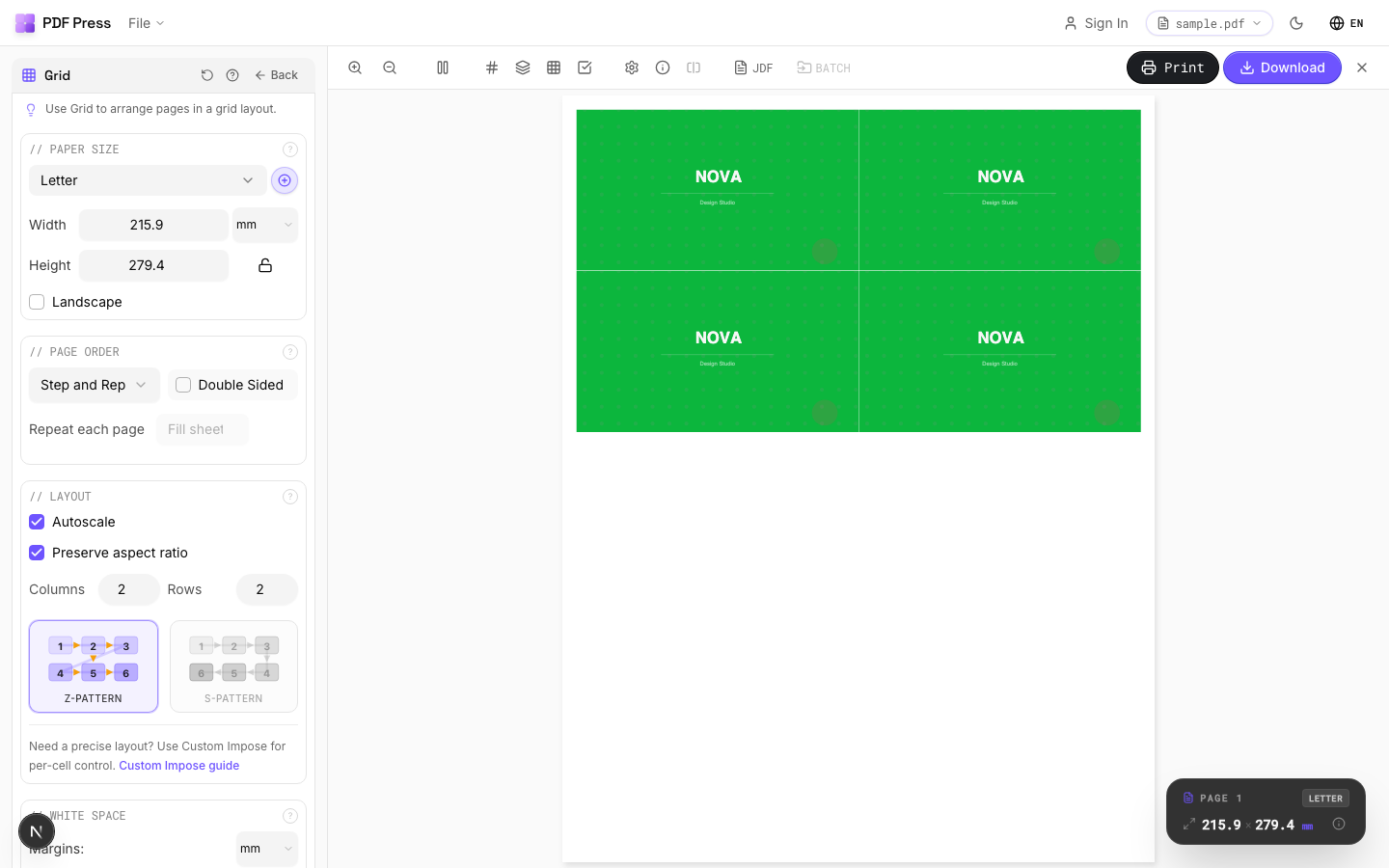
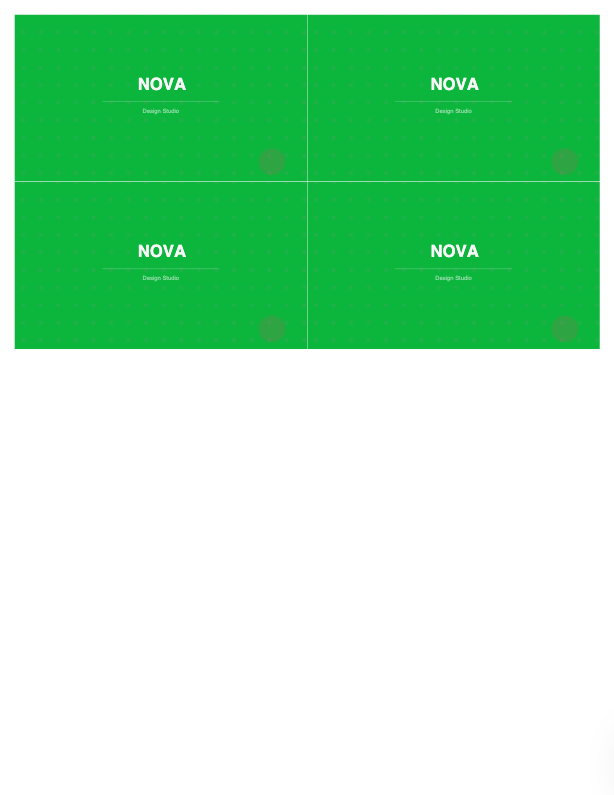
The everyday jobs map onto PDF Press tools: Booklet maker and N-up Book for booklets and signatures, N-up and Grid for pages-per-sheet, Cut and stack, Gang sheets, and Step and repeat with bleed and registration marks.
Pros vs Fiery Impose: no license to lapse, no CWS to freeze, no server to choke, runs on any OS, free to start, and it imposes many messy customer PDFs without the flatten-in-Impose step. Cons: it isn't bonded to your Fiery server's queue and finisher automation — it produces a print-ready imposed PDF rather than driving the press controller. For day-to-day imposition and deadline fallback, that's exactly what you want. See Fiery Impose cost and Fiery Impose alternative for the full picture.
Server-bound licensed module that can freeze vs. a browser tool that just opens.
Do it in your browser — the sheet, the count and the marks are set for you. Change only what you want.
Open the n up tool5 free downloads total · 8 hours between free downloads · local file processing
Frequently Asked Questions
Why does Fiery Impose say "error while flattening"?
Why does Command WorkStation freeze when I open Fiery Impose?
Why is the post inserter missing in Fiery Impose?
Why is Fiery Impose greyed out or restricted?
Can I impose without the Fiery server when Impose is down?
How do I stop Fiery Impose flattening errors before they happen?
How do I tell which layer a Fiery Impose problem is in?
Ready to put this into practice?
Do it in your browser — the sheet, the count and the marks are set for you. Change only what you want.
Open the n up toolFree in your browser · sign in with Google · files never leave your device