Packaging template
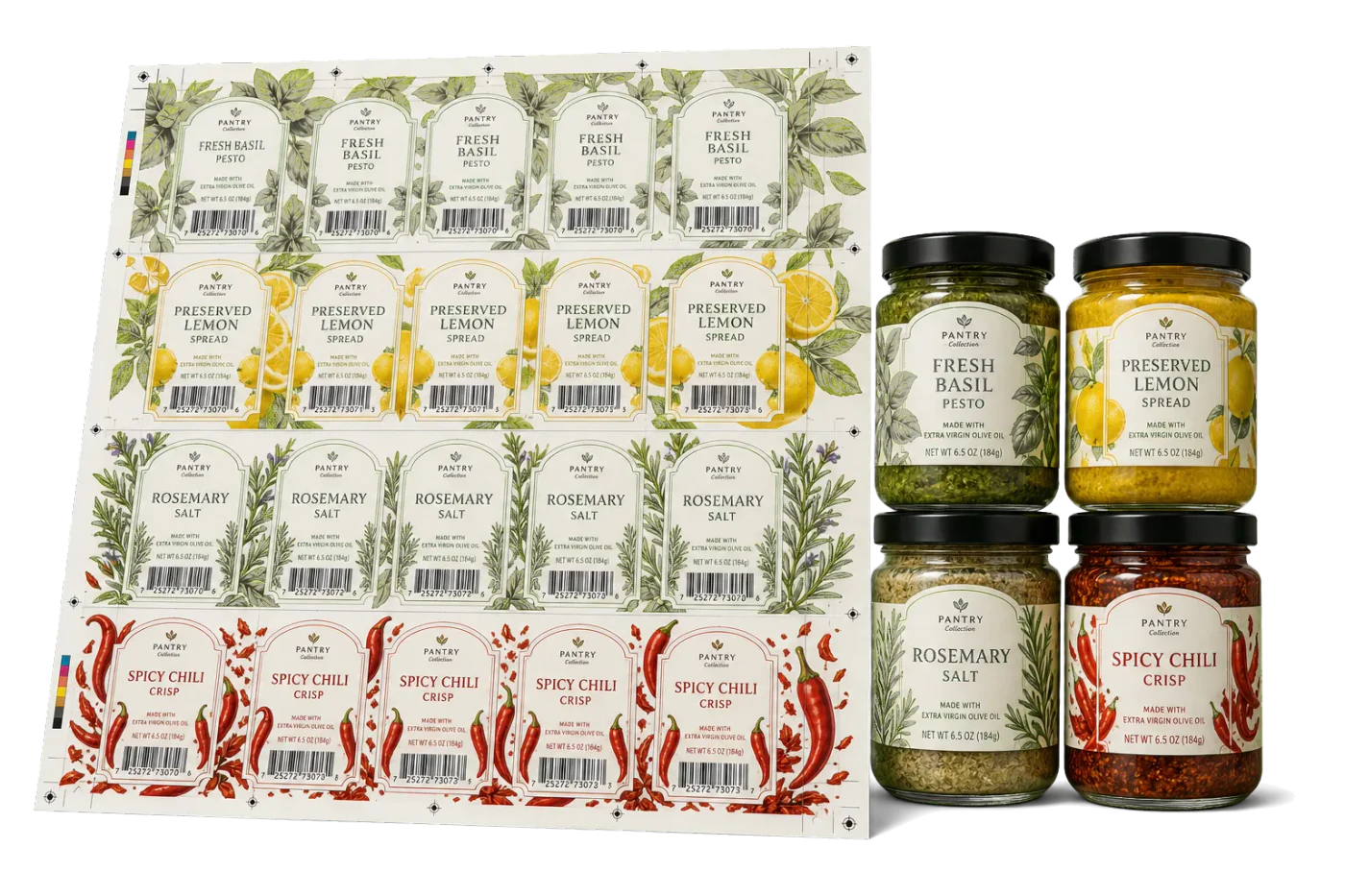
Product Labels with Bleed & Barcode
Add bleed and a Code 128 barcode to each product label, then auto-fit repeated copies on Tabloid with kiss-cut marks.
Ideal input: Product label artwork (approx 3×4″) without built-in bleeds
Template specs
| Complexity | Production pipeline |
|---|---|
| Steps | 4 |
| Category | Packaging |
How the Product Labels with Bleed & Barcode layout is built
Adds 3mm bleed by scaling — extends artwork past the die-cut line for clean edges.
Adds a Code 128 SKU barcode at the bottom center of each label for inventory scanning.
Auto-fits repeated labels on Tabloid with crop marks; the exact yield follows the uploaded label size.
Kiss-cut marks for clean label separation from backing sheet.
Tools used in this template
Related guides
More Packaging templates
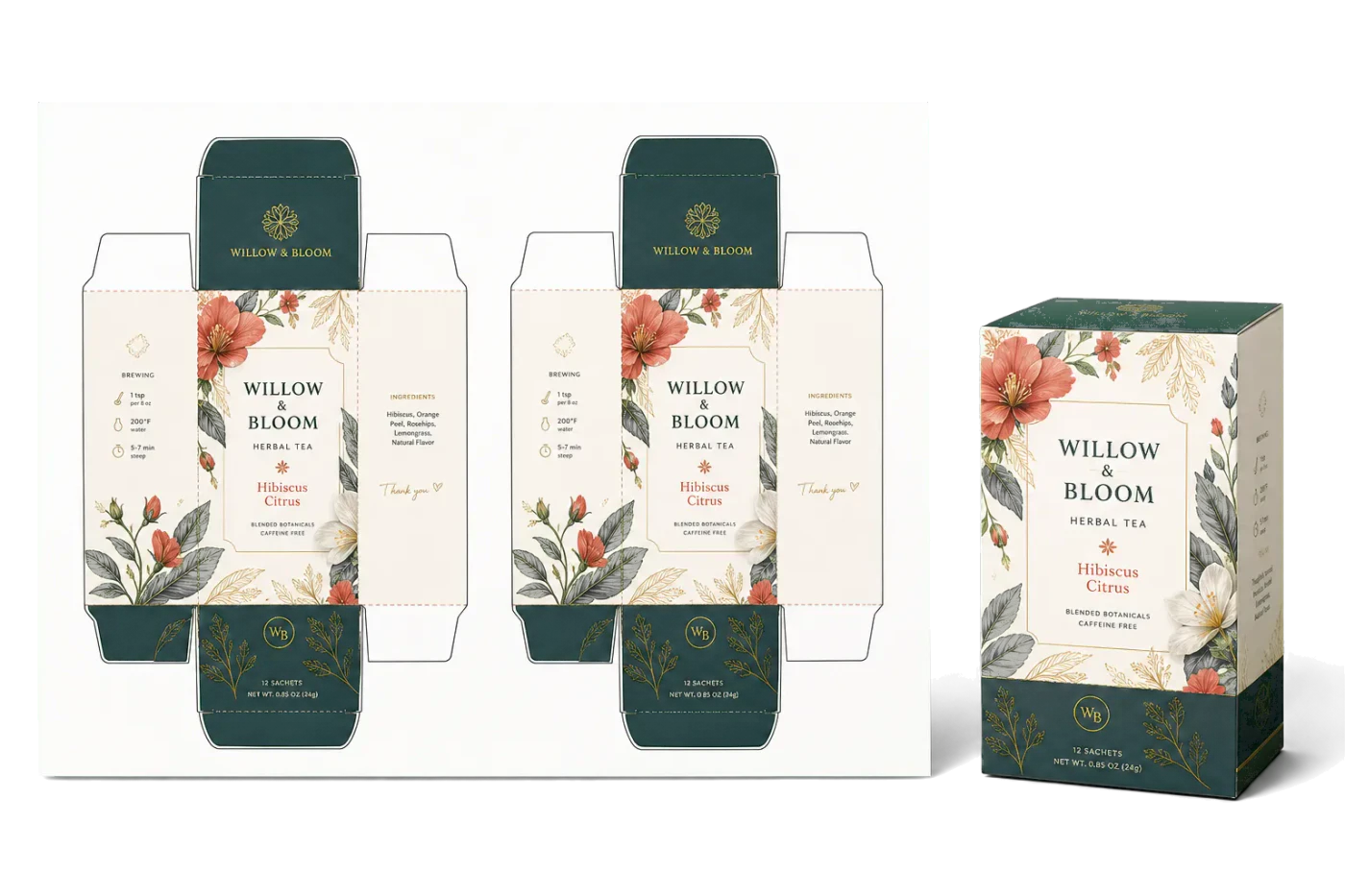
Folding Carton Dieline
Two retail-box panel pages arranged in an adaptive 2×1 Expert Grid with rectangular Thru-Cut boundaries.
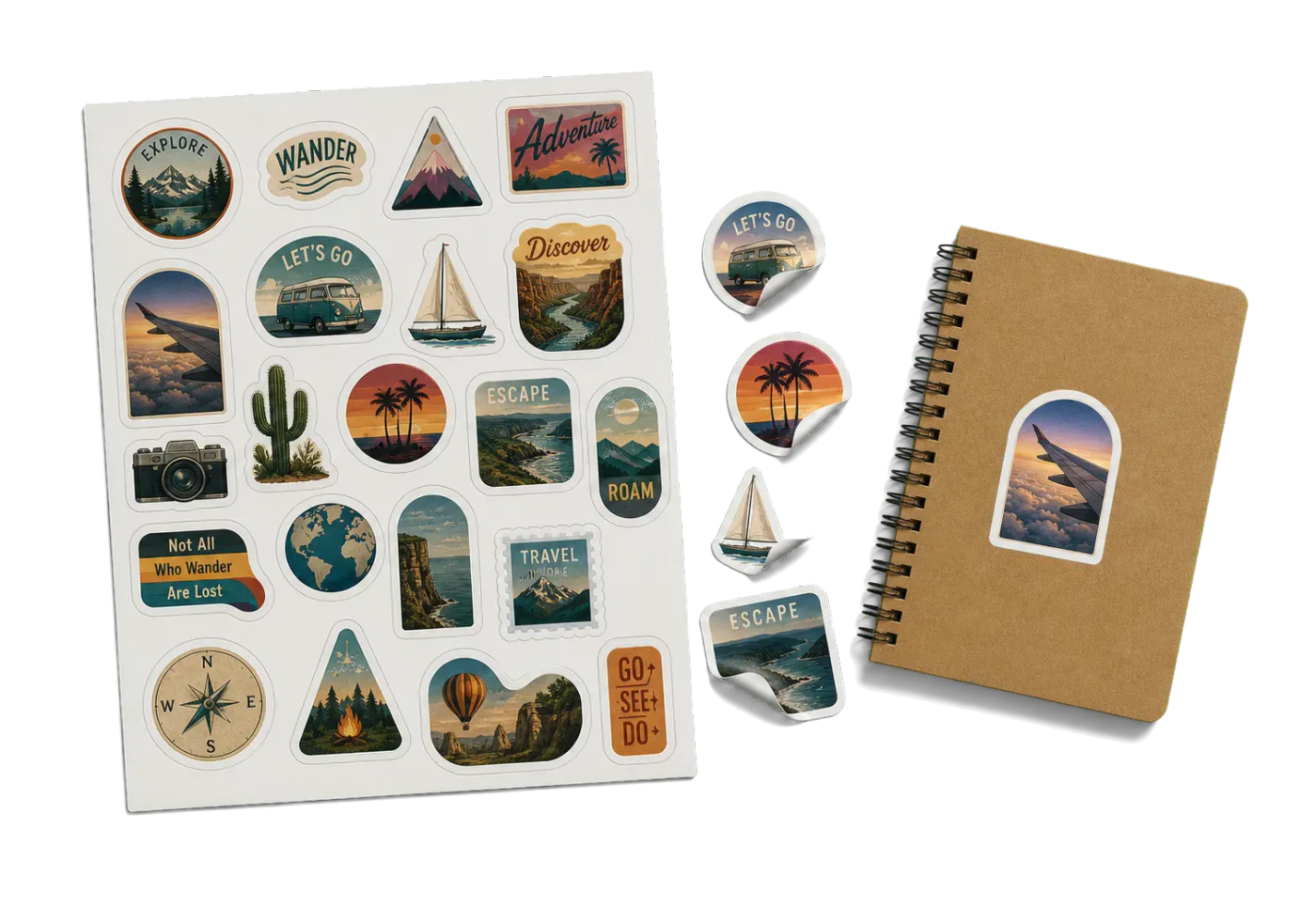
Sticker Sheet A4 (Die-Cut)
Kiss-cut sticker sheet on A4 with shape-based nesting for maximum yield.
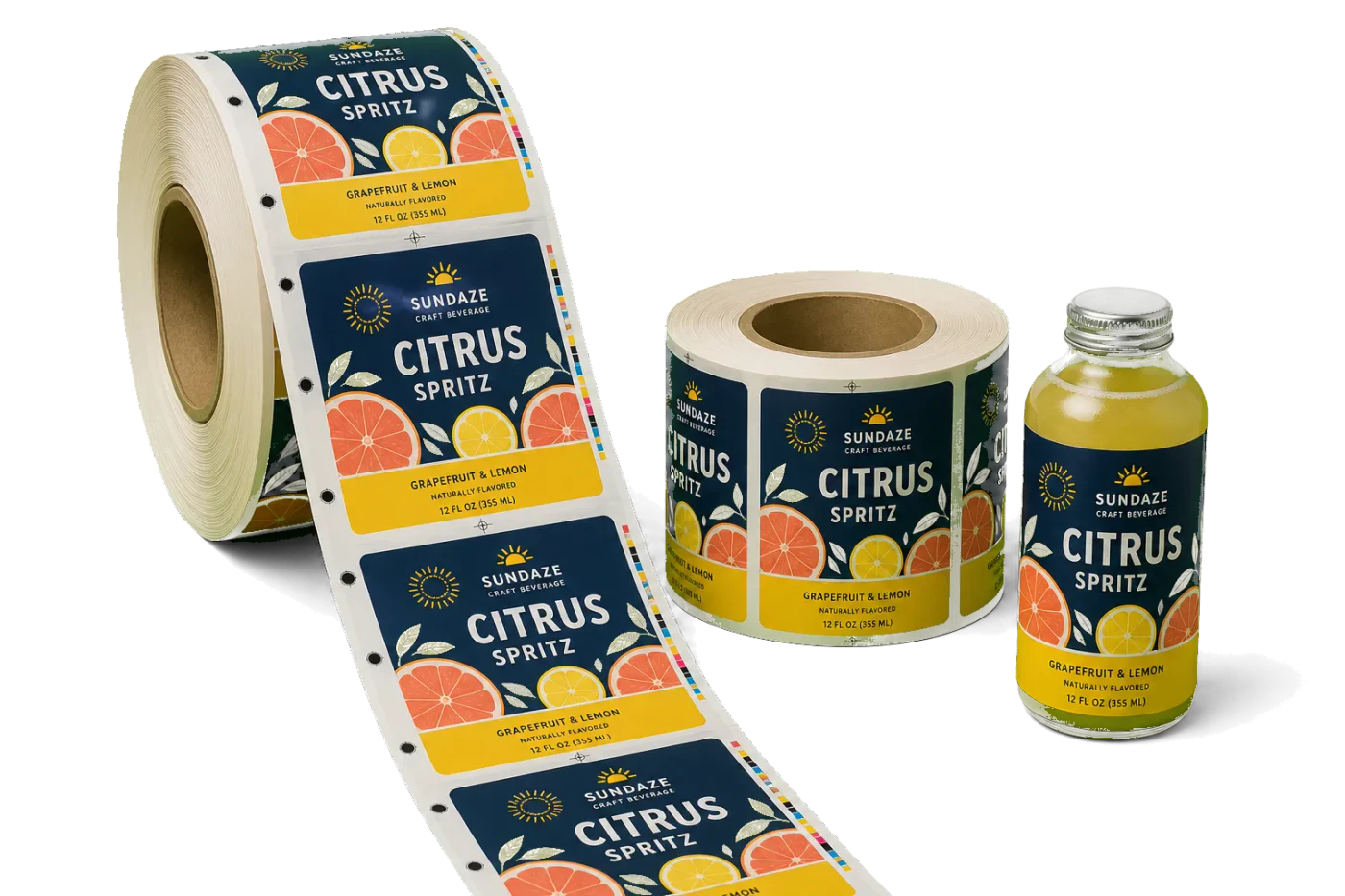
Label Roll (Continuous)
Product labels on a 4" continuous roll for roll-to-roll label printers.
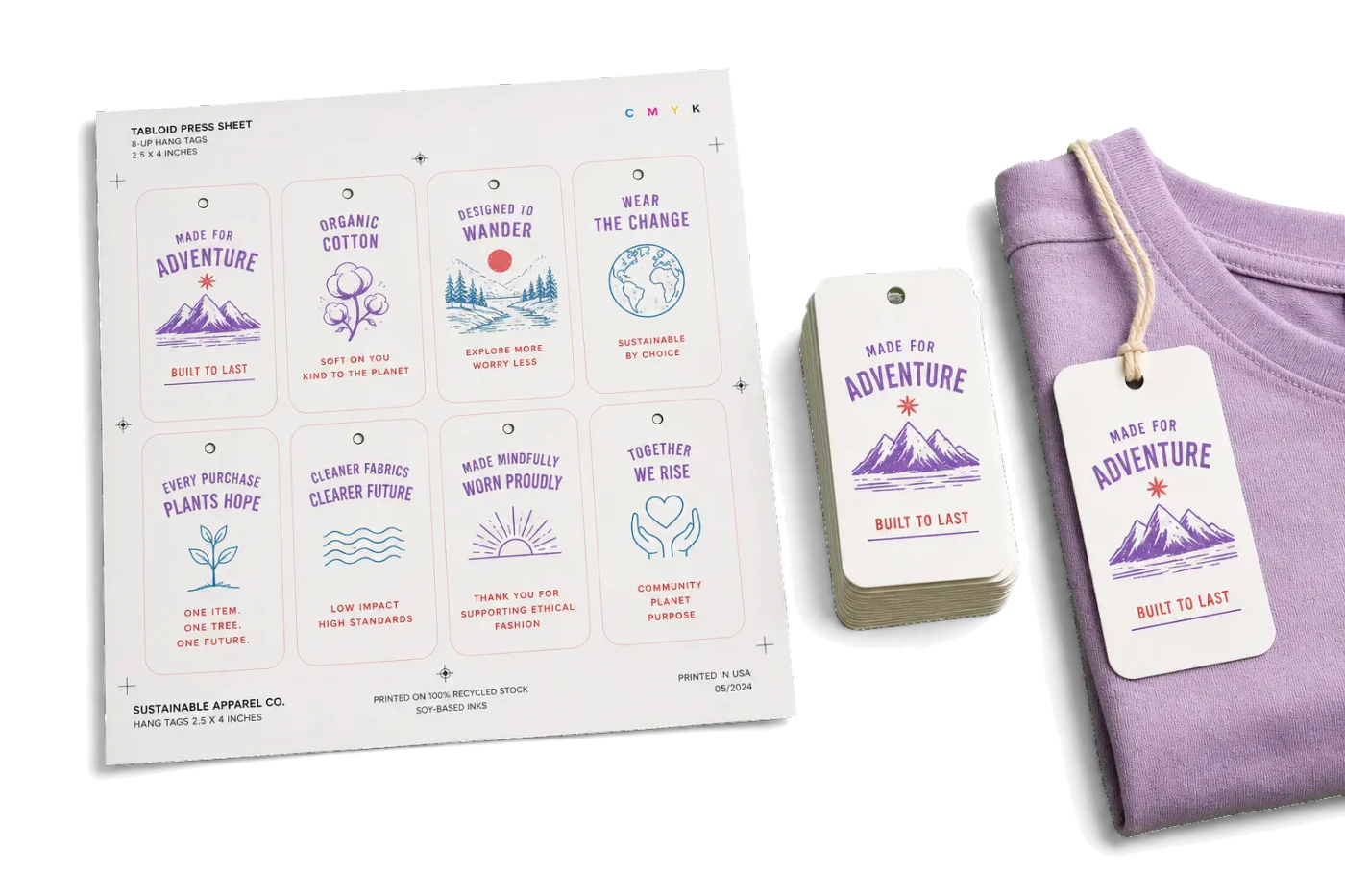
Hang Tags 8-Up (2.5×4")
Retail garment hang tags ganged 8-up on Tabloid with die-cut contour paths.
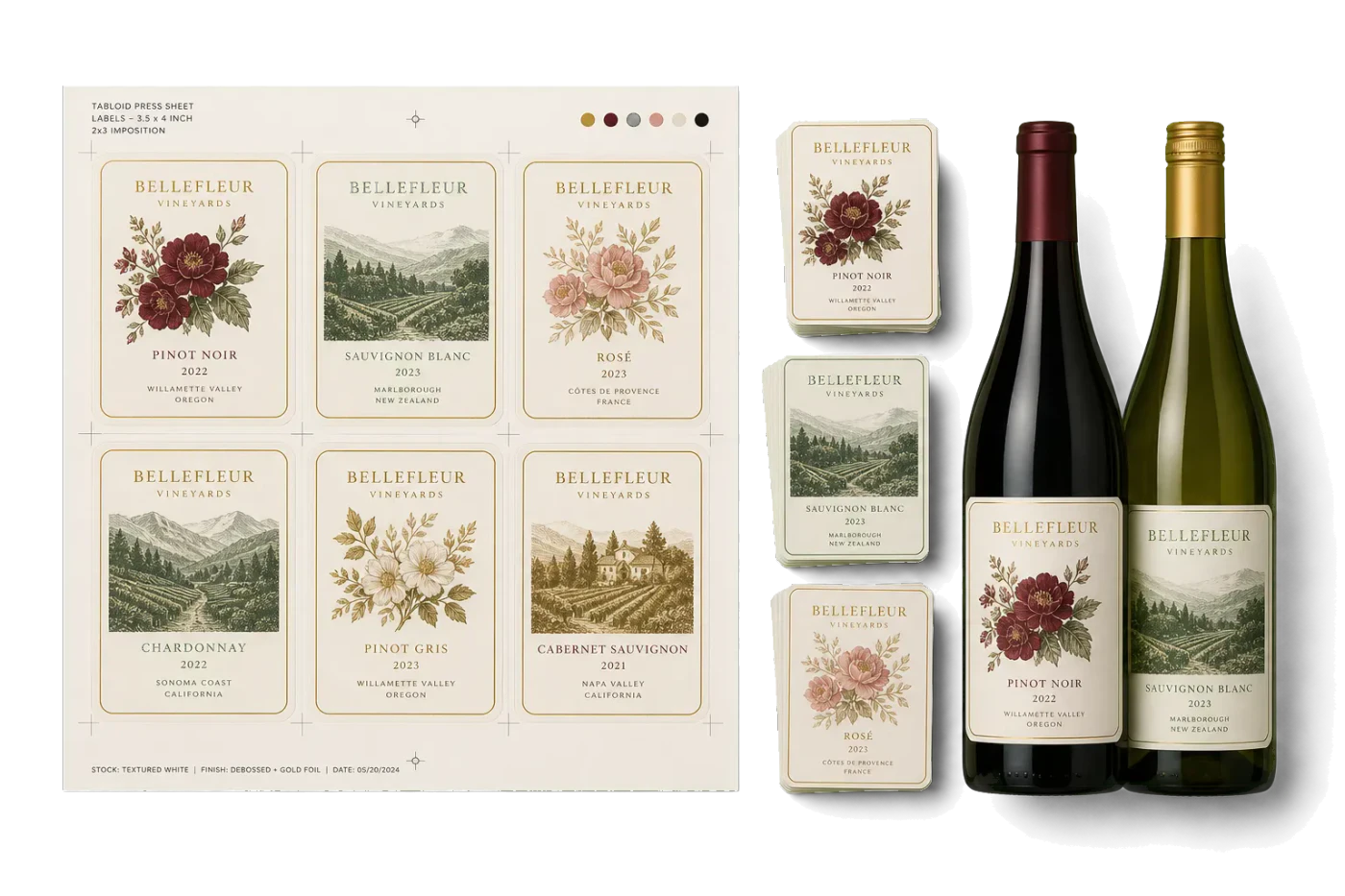
Wine Bottle Label 6-Up
Standard wine bottle labels (3.5×4") ganged 6-up on Tabloid with trim marks.
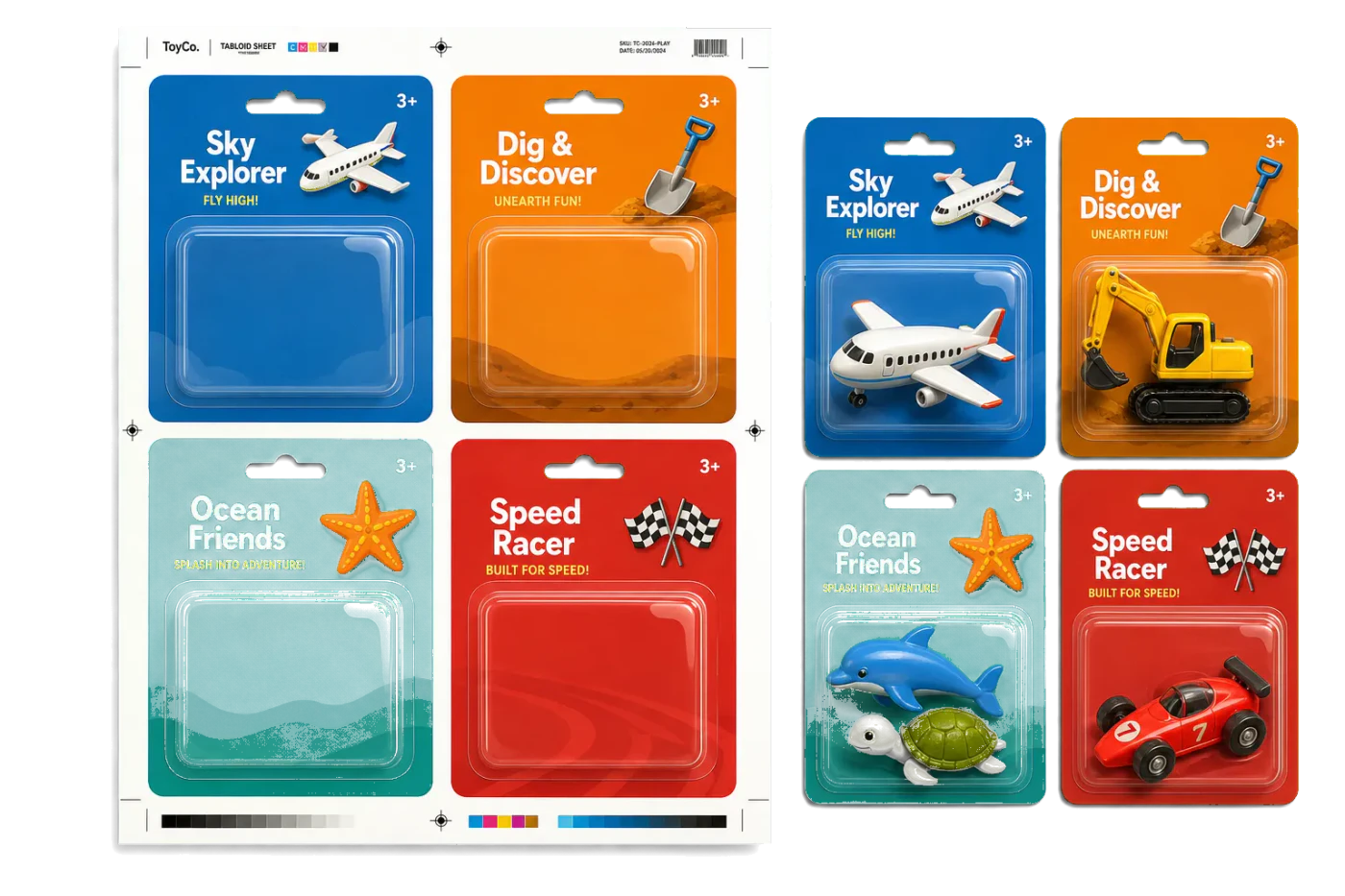
Blister Card 4-Up
Retail blister packaging cards (3.5×5") ganged 4-up on Tabloid with dieline paths.
Ready to use the Product Labels with Bleed & Barcode template?
Open it in PDF Press, drop in your artwork, preview the imposed sheet, and export a print-ready PDF — free, in your browser, with no upload.
Open Product Labels with Bleed & Barcode