Booklet
Shuffles pages into imposition order: the last and first page share a sheet, second-to-last and second share the next, and so on. After printing duplex, folding, and stapling/gluing, pages read sequentially. Supports saddle-stitch (single folded stack, ideal for up to ~64 pages) and perfect binding (multiple signatures glued at the spine, for thicker books).
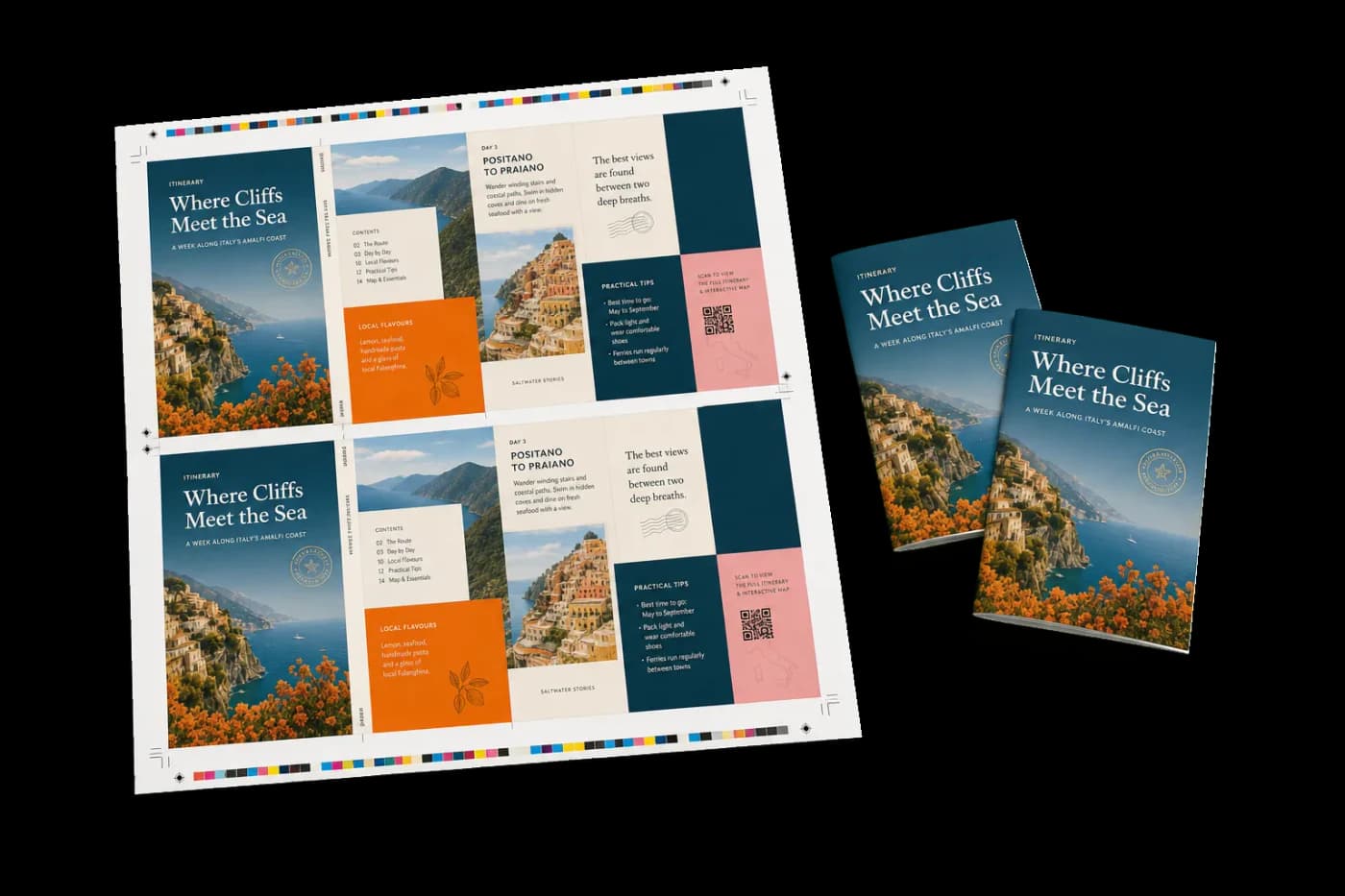
Arranges pages into printer spreads so they read correctly after folding and binding.
Shuffles pages into imposition order: the last and first page share a sheet, second-to-last and second share the next, and so on. After printing duplex, folding, and stapling/gluing, pages read sequentially. Supports saddle-stitch (single folded stack, ideal for up to ~64 pages) and perfect binding (multiple signatures glued at the spine, for thicker books).
How It Works
Shuffles pages into imposition order: the last and first page share a sheet, second-to-last and second share the next, and so on. After printing duplex, folding, and stapling/gluing, pages read sequentially. Supports saddle-stitch (single folded stack, ideal for up to ~64 pages) and perfect binding (multiple signatures glued at the spine, for thicker books).
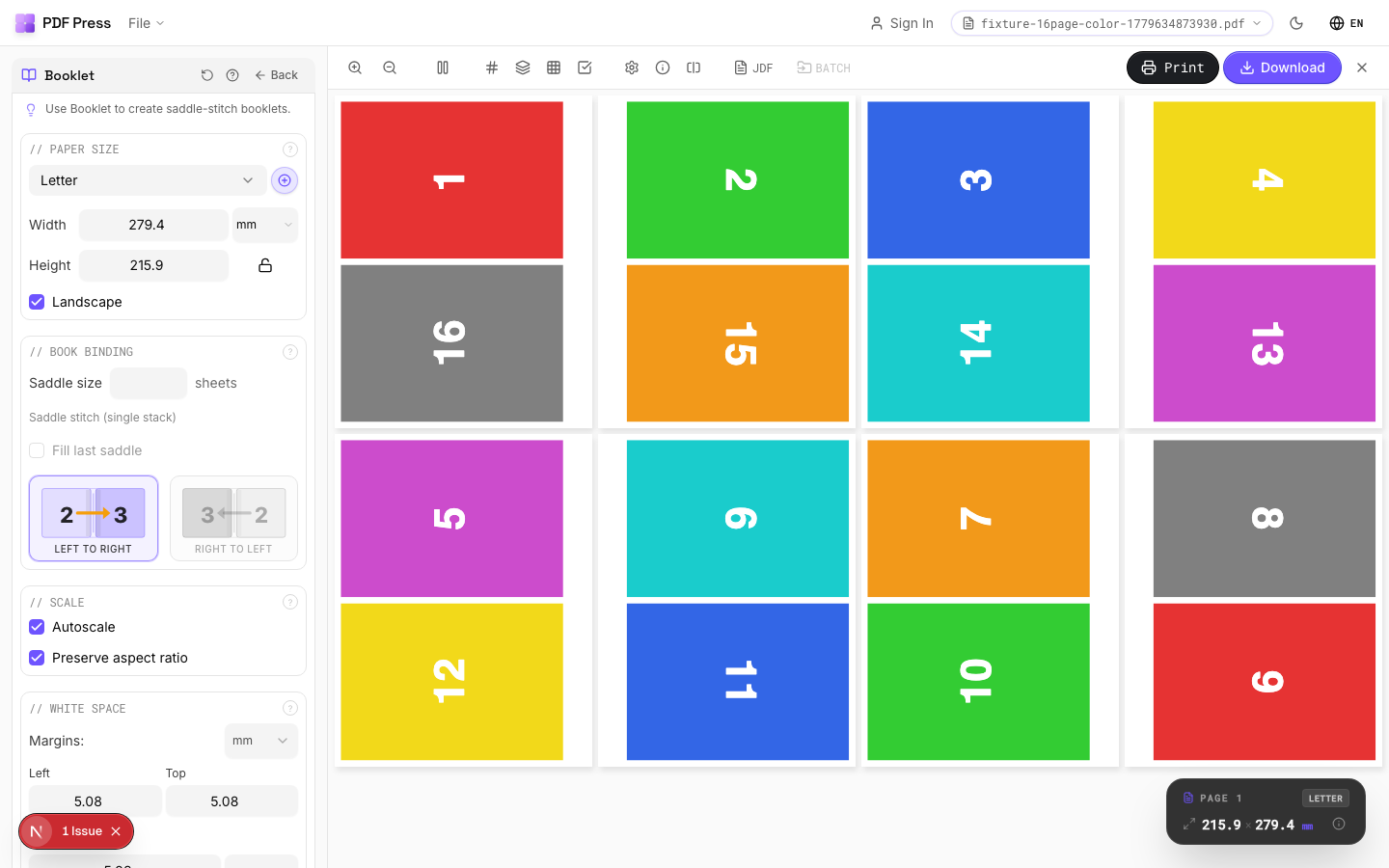
Booklet tool applied. Options panel on the left, imposed result on the right. Click to zoom.
Options Guide
Paper Size
Sets the output sheet dimensions. This is the physical paper going through your printer or press.
Standard presets: Letter (8.5×11in), Legal (8.5×14in), Tabloid (11×17in), A4 (210×297mm), A3 (297×420mm). Landscape swaps width↔height. Lock icon links dimensions to preserve aspect ratio. Custom lets you enter any size in inches, mm, or points (1in = 72pt = 25.4mm).
Scale
Controls whether pages are resized to fit the available cell in the grid.
Autoscale ON: pages are shrunk or enlarged to fill each cell. OFF: pages are placed at their original size (may overflow or leave empty space). 'Preserve aspect ratio' prevents stretching. Pages scale uniformly and are centered, so they may not fill the cell completely in one direction.
Printer's Marks
Adds trim guides and alignment marks outside the live area for accurate cutting and registration.
Crop marks: short lines at each corner showing where to trim. Center marks: crosshairs at sheet midpoints for front/back alignment on duplex jobs. Line length (default 0.43in/31pt): how long each mark line extends. Line thickness (default 0.014in/1pt): mark stroke weight. Line distance (default 0.139in/10pt): gap between the mark and the artwork edge. Four-color black: prints marks in C+M+Y+K for visibility on color proofs. Knockout: adds a white halo around marks so they show on dark backgrounds.
Bleeds
Extends artwork beyond the trim edge to prevent white strips after cutting.
Three modes: 'No bleeds' trims exactly at the page boundary. 'Pull from document' uses bleed info already embedded in the PDF (TrimBox/BleedBox metadata). 'Fixed' lets you manually set bleed on each side, typically 3mm (0.125in / 9pt) for commercial print, 1-2mm for digital. Bleed values define how far past the trim edge the artwork extends.
Book Binding
Choose saddle-stitch (folded and stapled) or perfect binding (multiple signatures glued at spine).
Saddle-stitch: leave 'Saddle size' empty: all sheets nest inside each other and are stapled through the fold. Best for 8–64 page booklets. Perfect binding: set a number (e.g., 4 or 8) to group pages into signatures of that many sheets each. Signatures are stacked and glue-bound at the spine. 'Fill last saddle' pads the final signature with blanks if needed. Page count must be a multiple of 4 for saddle-stitch.
White Space
Margins around the sheet edge, center gutter at the fold, and page creep compensation.
Center gutter: extra space at the spine fold for binding clearance: typically 0.125–0.25in (9–18pt) depending on binding method. Page creep: compensates for paper thickness pushing inner pages outward in thick booklets. The engine auto-calculates creep per sheet based on the number of nested sheets. Inward creep shifts content toward the spine; outward shifts it away.
Output
Controls the final page orientation and rotation.
Rotate pages: produces portrait-orientation output sheets, useful for office printers that can't handle landscape feeding. The booklet content is rotated 90° so you can print on standard portrait paper and fold.
Configurations & Variations
Perfect Binding Mode
In the Book Binding section, type a number into the Saddle size field (4 or 8 sheets per signature are the most common choices). This switches the imposition from saddle-stitch to perfect binding. Pages are grouped into signatures of N sheets each, stacked and glue-bound at the spine. Anything over 48 pages should use perfect binding because saddle-stitch creep becomes unmanageable at that thickness.
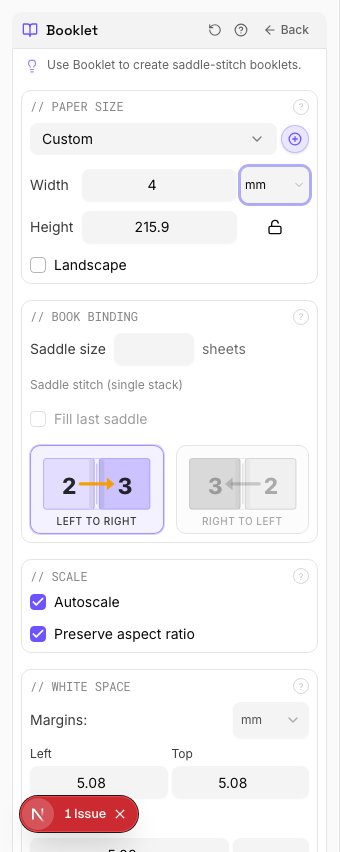
Settings to change
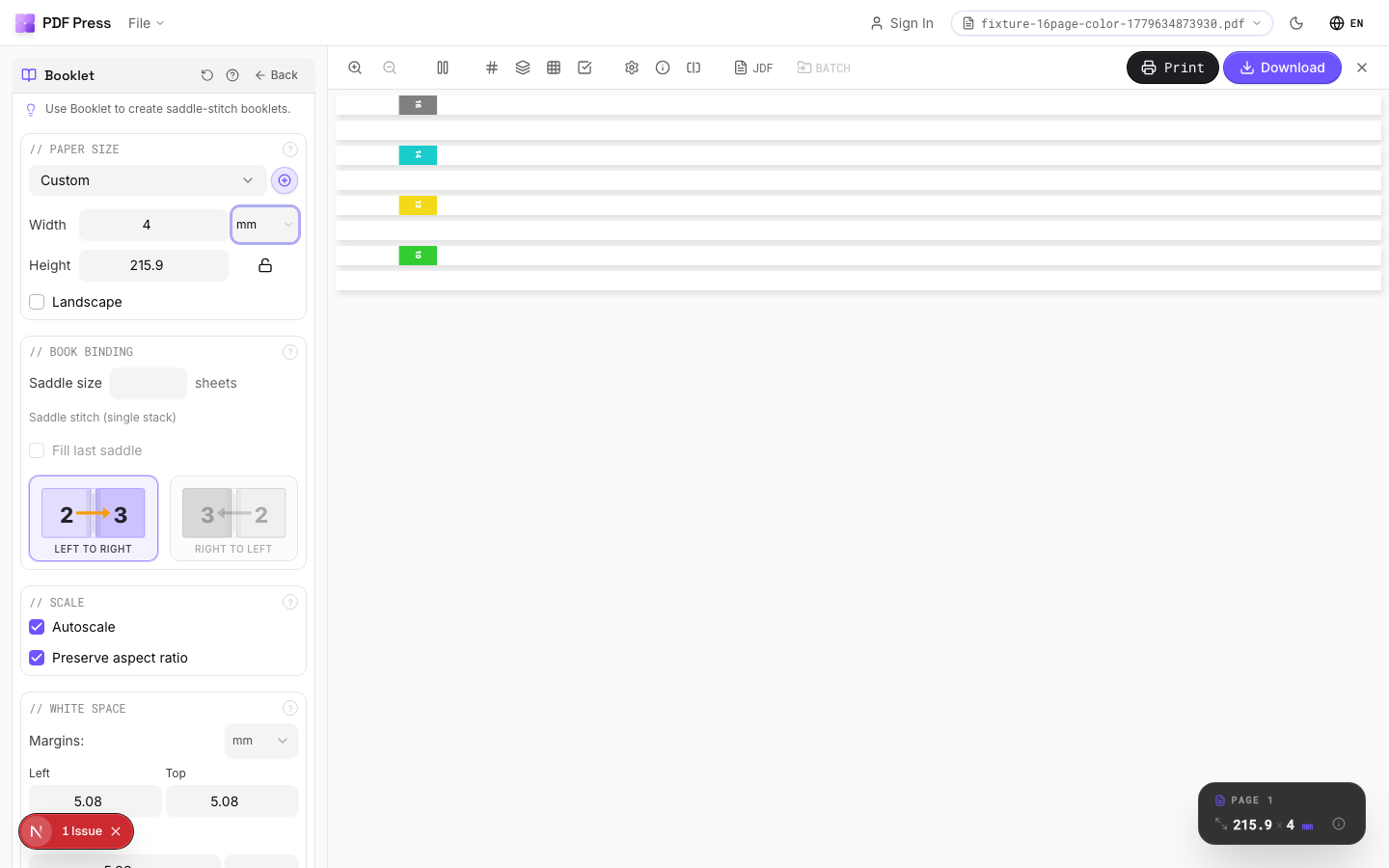
Full app view

Output result
Rotated Output
Tick the Rotate pages checkbox in the Output section. The booklet spreads are rotated 90° so the output sheets come out in portrait orientation. Handy for desktop printers that cannot feed landscape sheets, or when your finisher's stitcher expects portrait input. Enable the checkerboard background in the toolbar to confirm transparency areas after rotation.
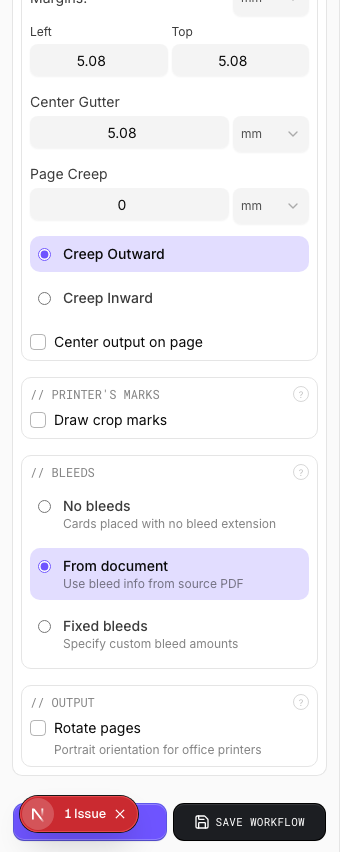
Settings to change
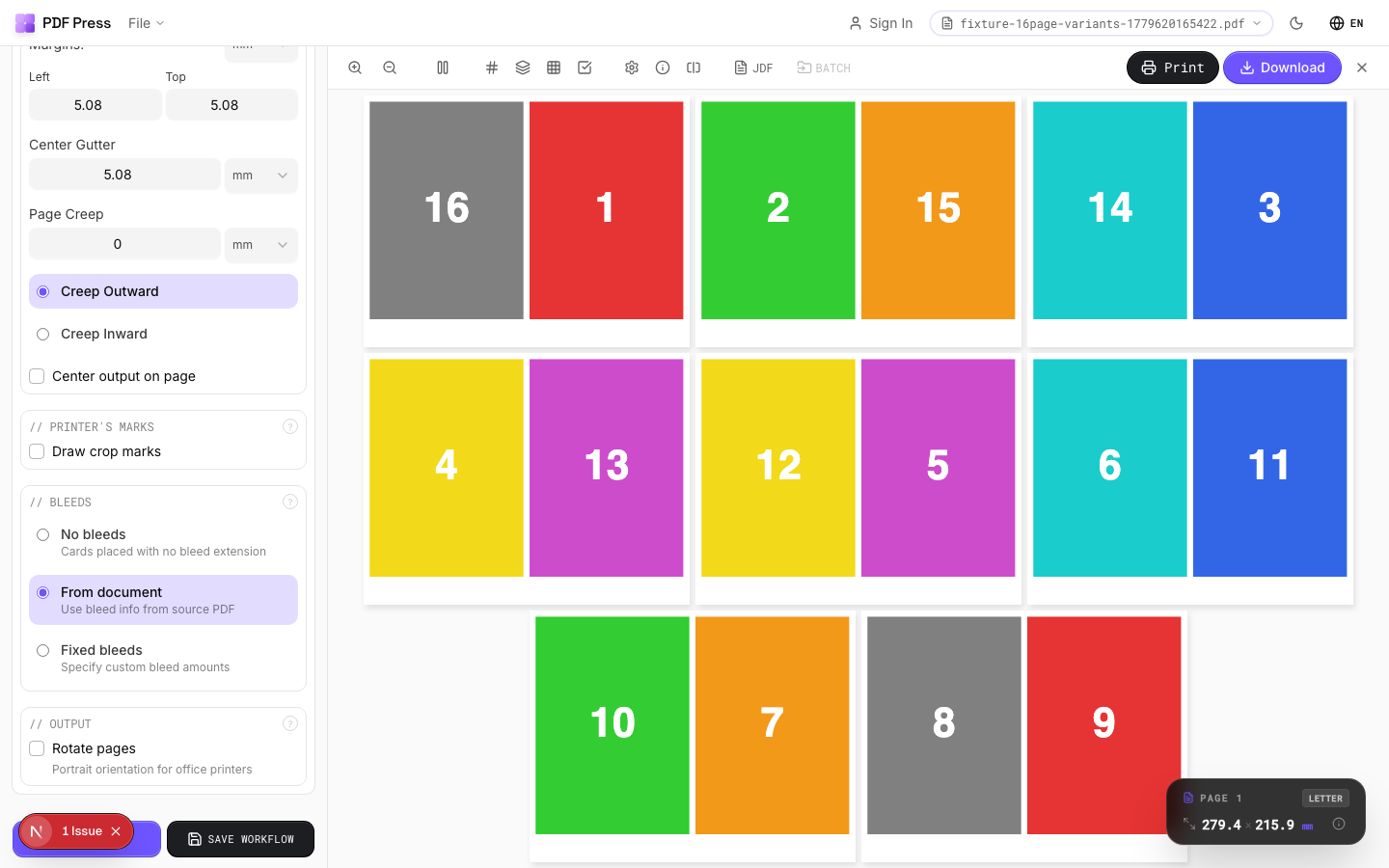
Full app view
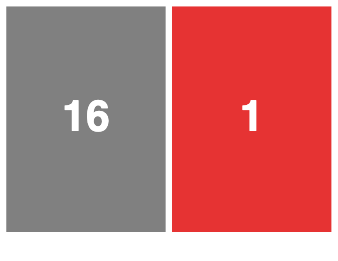
Output result
Creep Compensation
Set the Page Creep direction to Inward in the White Space section. In a thick saddle-stitched booklet, each nested sheet pushes the inner pages outward at the face trim. Without compensation, the outer margin on inner sheets gets progressively wider. The engine auto-calculates the shift per sheet, but you should verify on stock heavier than 120 gsm by folding a paper dummy first.
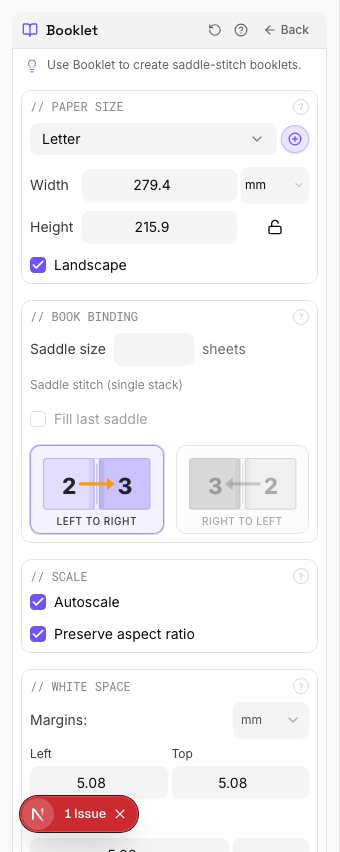
Settings to change
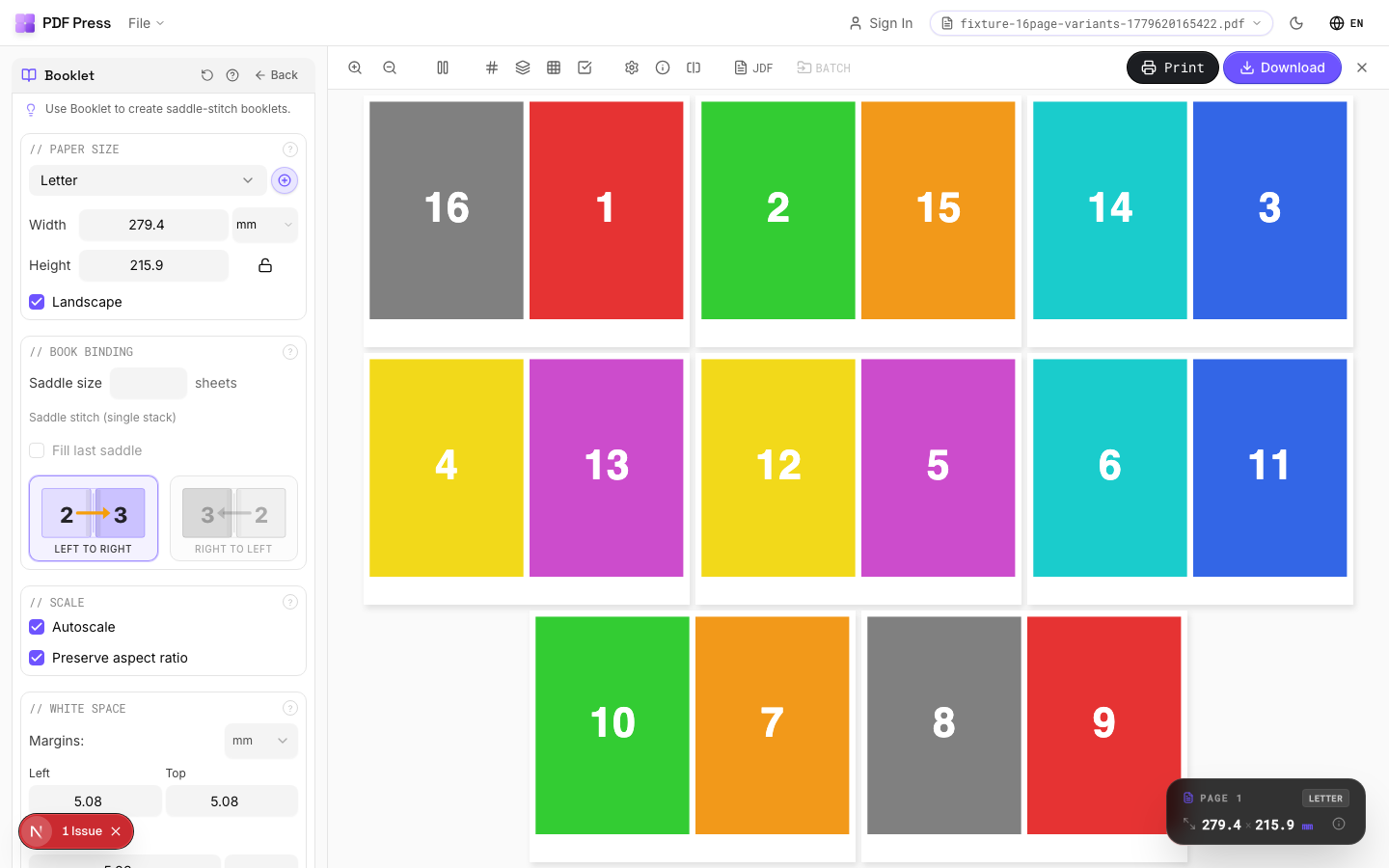
Full app view
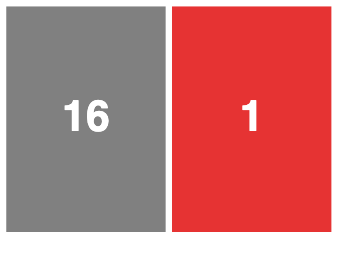
Output result
Expert Tip
Page count must be a multiple of 4 for saddle-stitch. Anything over 48 pages should go to perfect binding; creep becomes unmanageable beyond that thickness.
On stock heavier than 120 gsm, turn on creep compensation or the outer margins on inner sheets will get progressively wider after trimming.
Learn More
Used in Recipes
Saddle-Stitch Booklet
Standard saddle-stitched booklet. The most common short-run binding method.
Saddle-Stitch with Bleeds
Saddle-stitch booklet with synthetic bleed generation for artwork delivered without bleeds.
A5 Saddle-Stitch 2-Up on SRA3
Commercial A5 booklet workflow: impose on SRA4 flats, then repeat two copies on SRA3.
Zine / Mini Booklet
Small-format DIY zine from a single sheet of paper (8-page or 16-page fold).
Comic Book Signatures
Comic book or graphic novel imposed in saddle-stitch or perfect-bound signatures.
Greeting Cards
Folded greeting cards imposed for duplex printing and fold finishing.
Wall Calendar
12-month wall calendar with saddle-stitch or wire-o binding.
Restaurant Menu
Folded restaurant menu (bi-fold, tri-fold, or booklet).
Newsletter
Folded newsletter (4-8 pages) for mailing or distribution.
Try Booklet in your browser
PDF Press runs entirely client-side. Upload a PDF, apply Booklet, and download the result — no upload to a server, no sign-up required.
Open PDF Press