Cards
Creates a grid of repeated identical items from your design. Set the output sheet size, then the engine calculates optimal row/column counts based on page dimensions, margins, and gutters. Use crop marks for precise guillotine trimming. For different pages in each cell, use Grid instead.
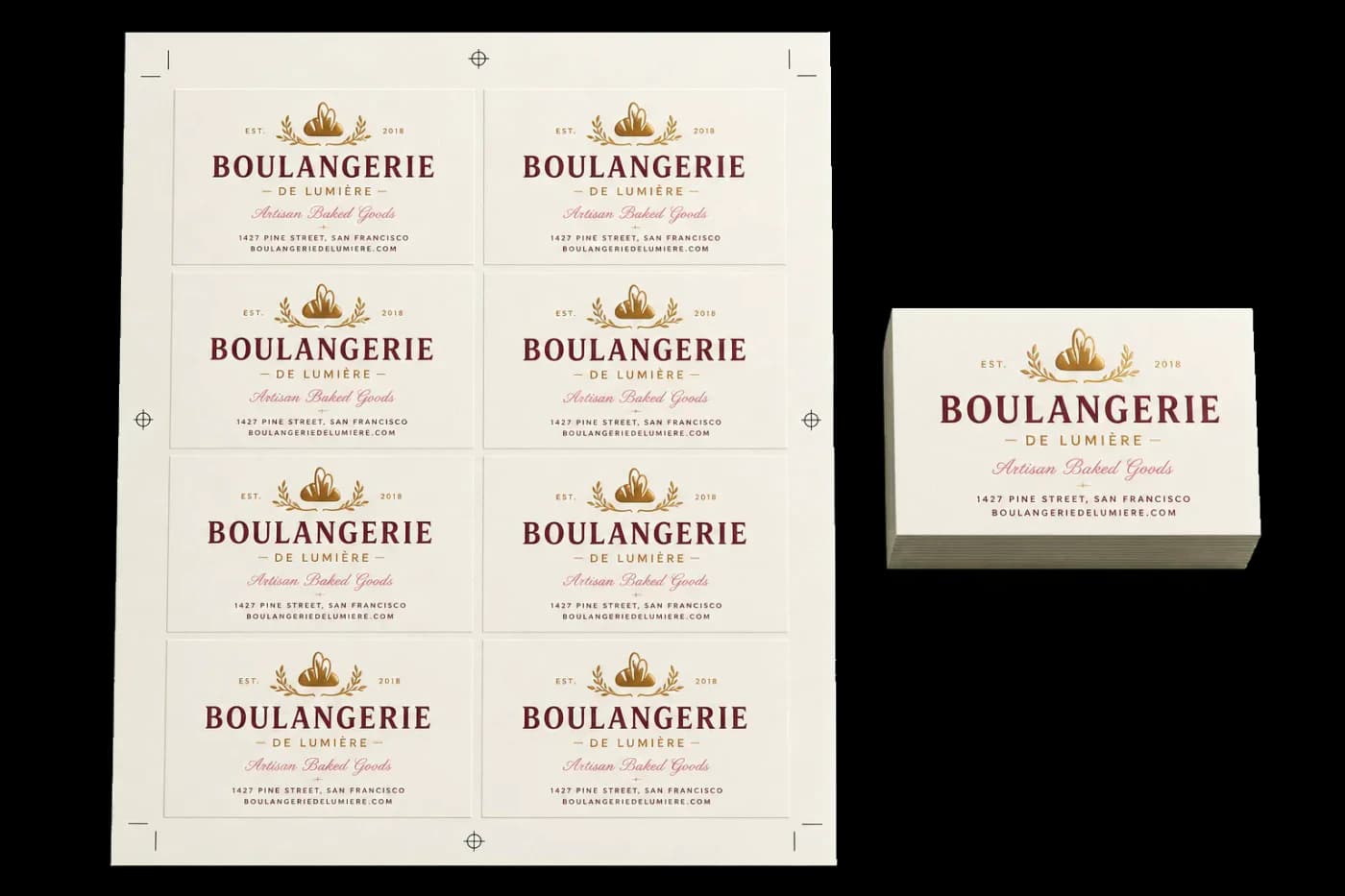
Tiles identical copies of your pages onto larger sheets for efficient cutting.
Creates a grid of repeated identical items from your design. Set the output sheet size, then the engine calculates optimal row/column counts based on page dimensions, margins, and gutters. Use crop marks for precise guillotine trimming. For different pages in each cell, use Grid instead.
How It Works
Creates a grid of repeated identical items from your design. Set the output sheet size, then the engine calculates optimal row/column counts based on page dimensions, margins, and gutters. Use crop marks for precise guillotine trimming. For different pages in each cell, use Grid instead.
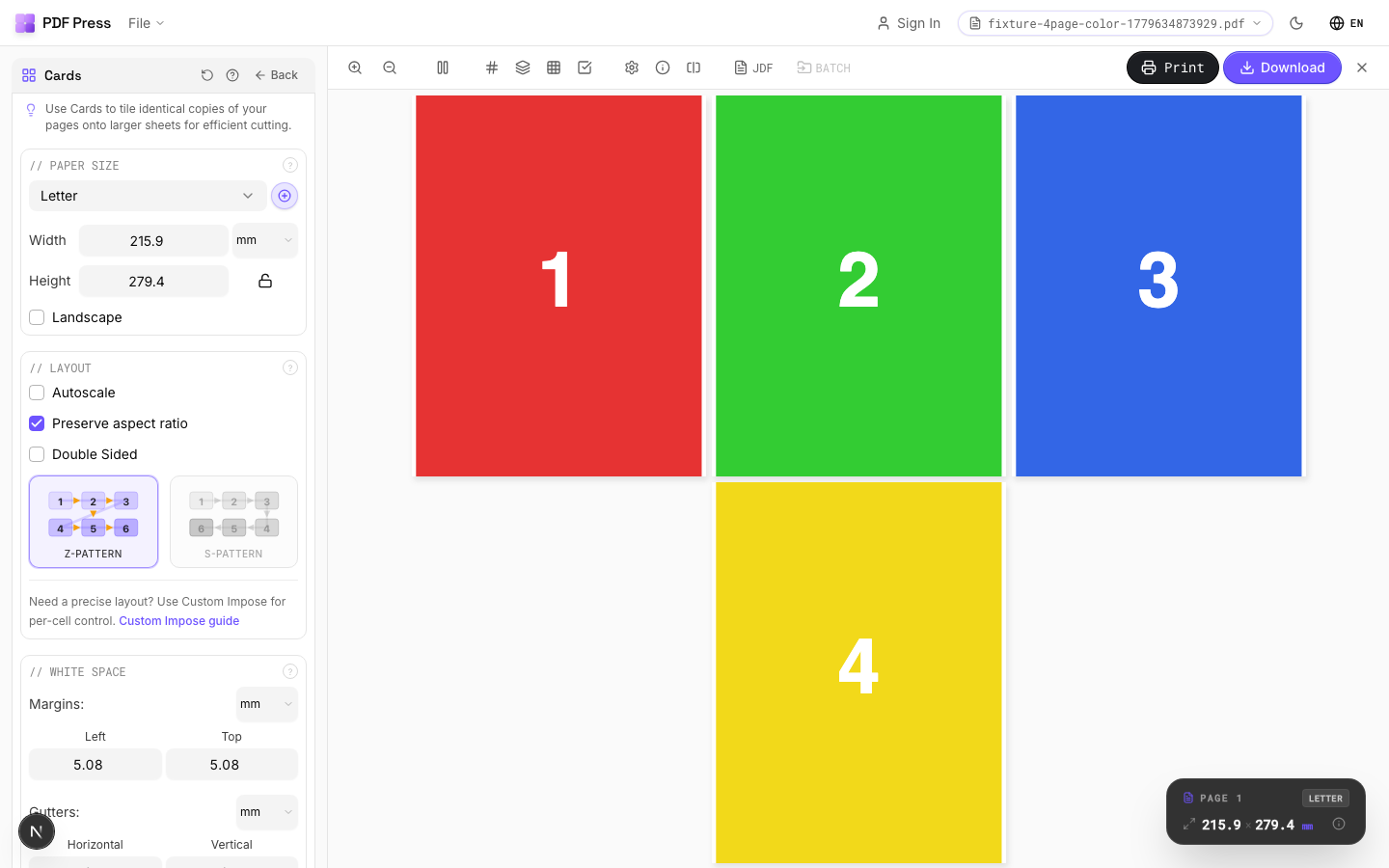
Cards tool applied. Options panel on the left, imposed result on the right. Click to zoom.
Options Guide
Paper Size
Sets the output sheet dimensions. This is the physical paper going through your printer or press.
Standard presets: Letter (8.5×11in), Legal (8.5×14in), Tabloid (11×17in), A4 (210×297mm), A3 (297×420mm). Landscape swaps width↔height. Lock icon links dimensions to preserve aspect ratio. Custom lets you enter any size in inches, mm, or points (1in = 72pt = 25.4mm).
White Space
Controls margins around the sheet edges and gutters between items in the grid.
Left margin = space from the left sheet edge to the first column. Top margin = space from the top edge to the first row. Horizontal gutter = gap between columns. Vertical gutter = gap between rows. All values are in your selected unit (inches/mm/points). 'Center output on page' distributes leftover space evenly instead of anchoring content to the top-left corner.
Printer's Marks
Adds trim guides and alignment marks outside the live area for accurate cutting and registration.
Crop marks: short lines at each corner showing where to trim. Center marks: crosshairs at sheet midpoints for front/back alignment on duplex jobs. Line length (default 0.43in/31pt): how long each mark line extends. Line thickness (default 0.014in/1pt): mark stroke weight. Line distance (default 0.139in/10pt): gap between the mark and the artwork edge. Four-color black: prints marks in C+M+Y+K for visibility on color proofs. Knockout: adds a white halo around marks so they show on dark backgrounds.
Bleeds
Extends artwork beyond the trim edge to prevent white strips after cutting.
Three modes: 'No bleeds' trims exactly at the page boundary. 'Pull from document' uses bleed info already embedded in the PDF (TrimBox/BleedBox metadata). 'Fixed' lets you manually set bleed on each side, typically 3mm (0.125in / 9pt) for commercial print, 1-2mm for digital. Bleed values define how far past the trim edge the artwork extends.
Layout
Controls fill pattern, columns, rows, scaling, and duplex pairing.
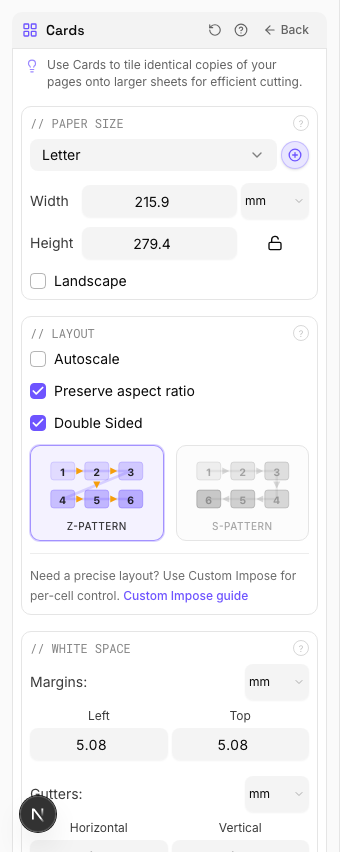
Z-pattern: fills left→right, top→bottom (standard Western reading order). S-pattern (snake): reverses alternating rows: useful when cutting strips horizontally and stacking. Double-sided: pairs page 1 (front) with page 2 (back) for duplex. Columns×Rows is auto-calculated from sheet/page dimensions: override manually for a specific count. Step-and-repeat fills the entire sheet with copies of each page before moving to the next.
Configurations & Variations
Landscape Orientation
Tick the Landscape checkbox to swap paper width and height. Useful when the card design is wider than it is tall (for example, standard 3.5 x 2 in business cards on a portrait sheet). The grid recalculates automatically and will often yield a different row/column count in landscape.
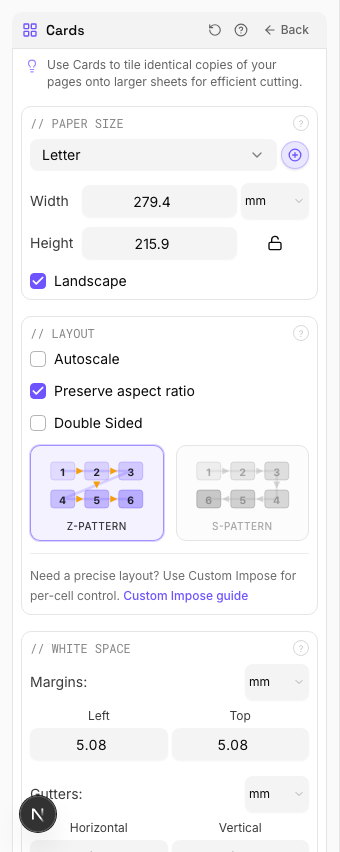
Settings to change
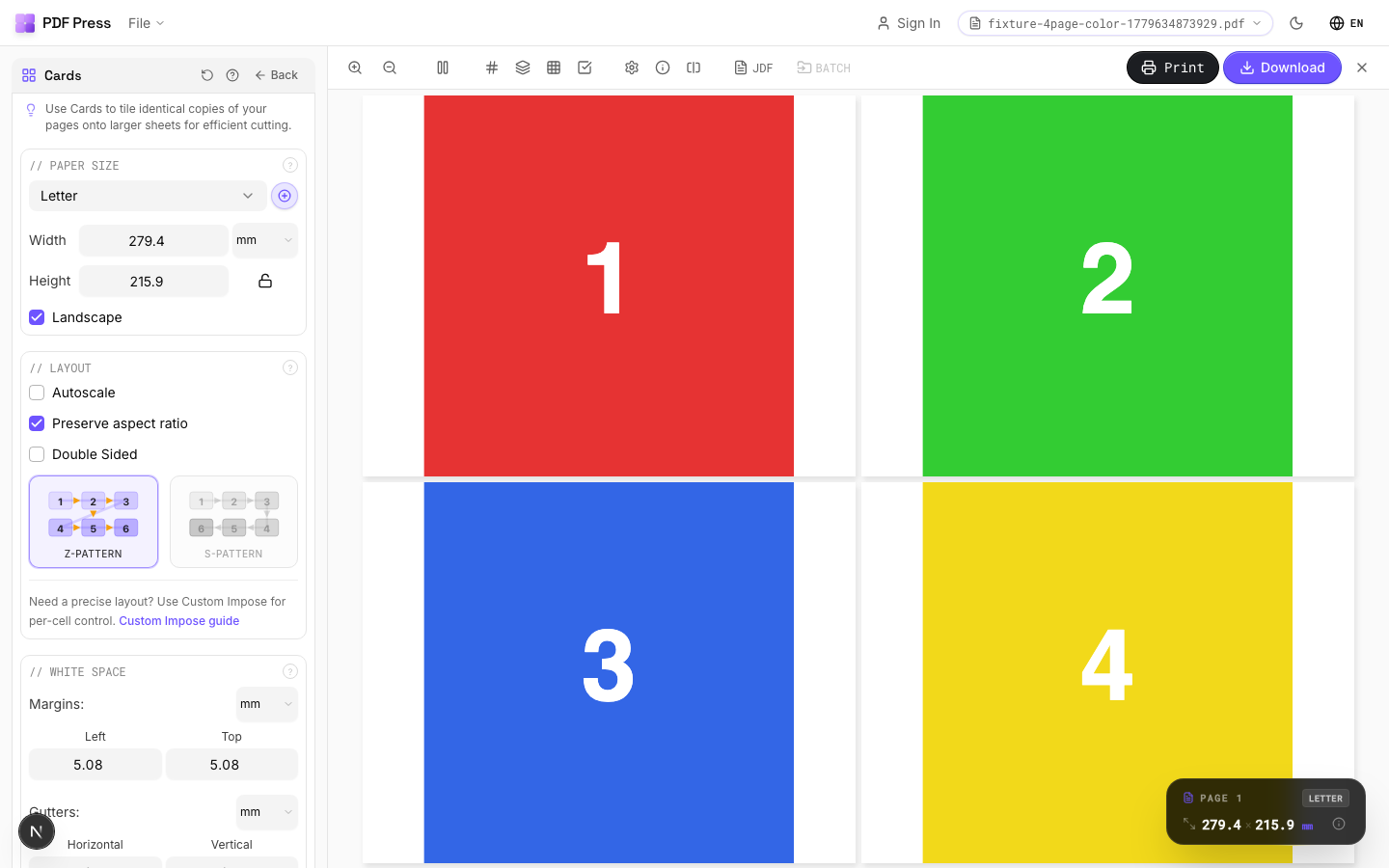
Full app view
Output result
With Fixed Bleeds
Under the Bleeds section, select Fixed bleeds and enter 3 mm (0.125 in) on all four sides. This extends artwork past the trim edge so the guillotine does not leave a white strip. Use this when your source was delivered at trim size with no built-in bleed.
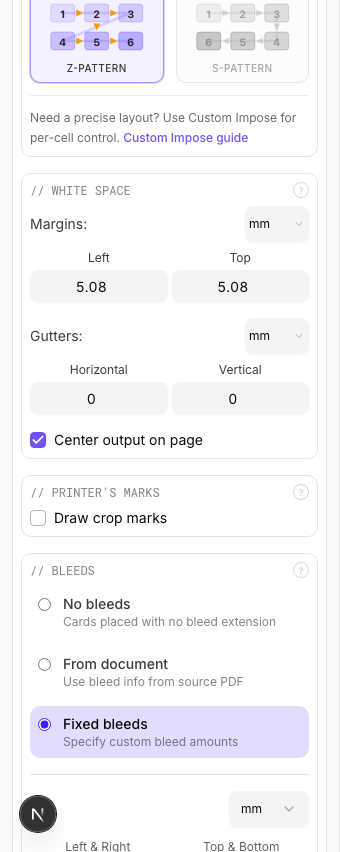
Settings to change
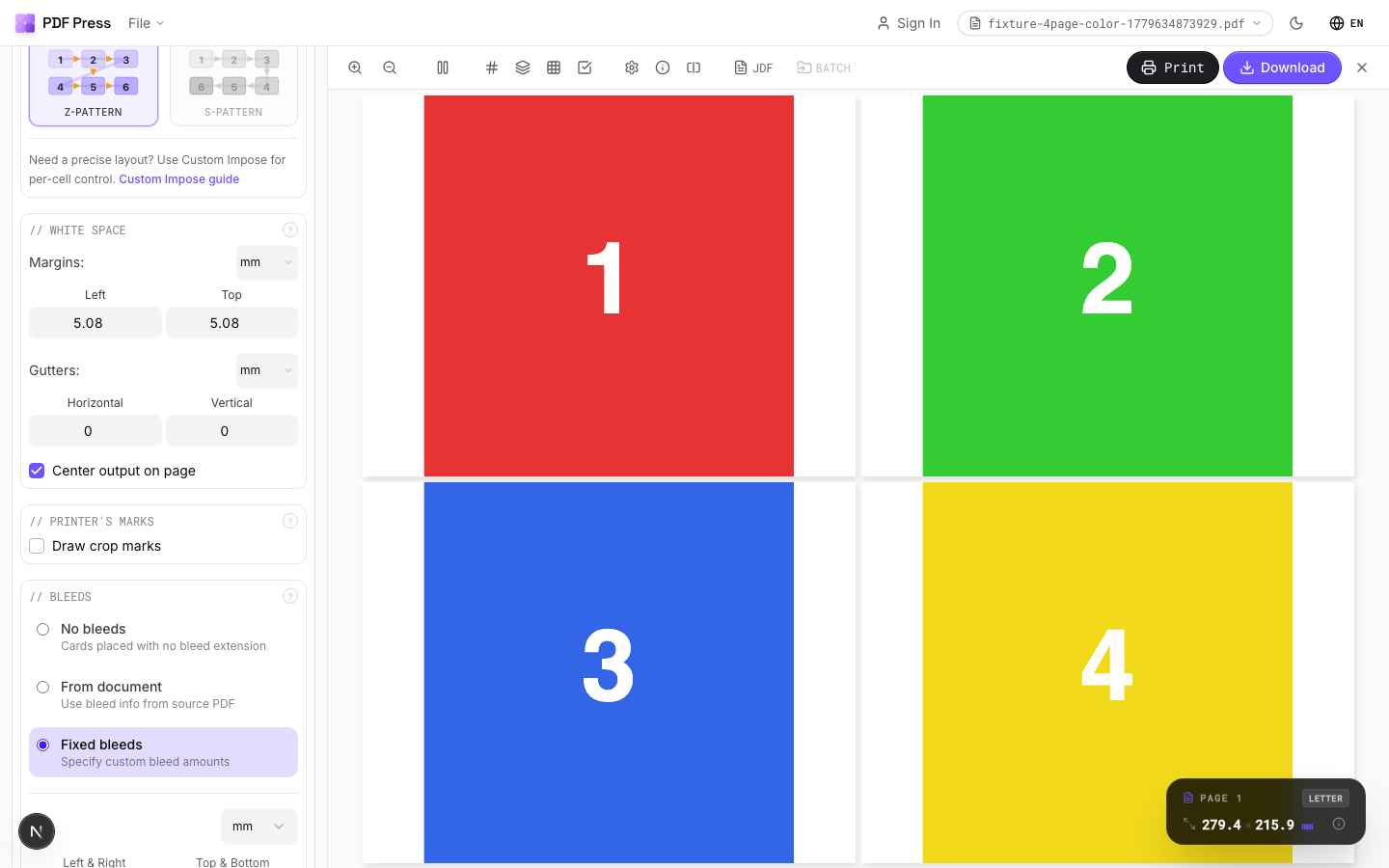
Full app view
Output result
Double Sided
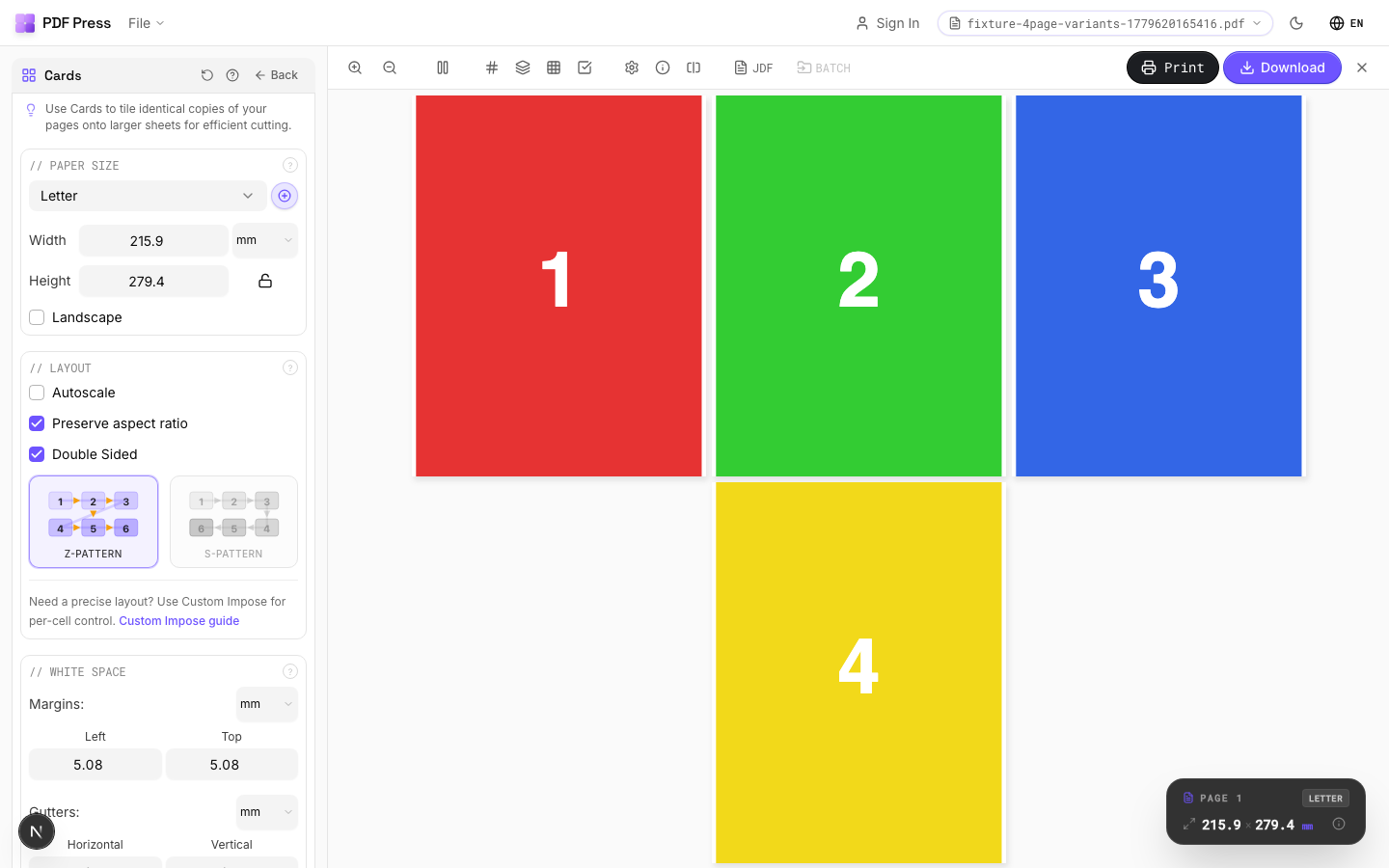
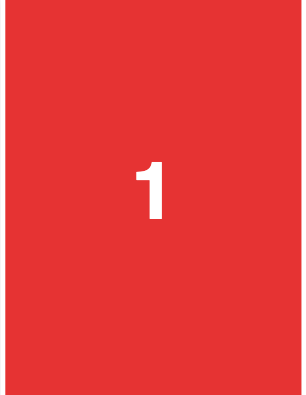
Tick Double sided in the Layout section. Page 1 becomes the front, page 2 becomes the back, and the output alternates front/back sheets with correct alignment for duplex. Standard setup for business cards, postcards, or any two-sided product.
Settings to change
Full app view
Output result
Expert Tip
Pull bleeds from the document whenever possible. This preserves the designer's original bleed artwork and avoids synthetic artefacts. Set gutters to 0 for cards that share a cut line to get the most items per sheet.
If the source has no TrimBox or BleedBox metadata, switch to Fixed bleeds at 0.125 in / 3 mm.
Learn More
Used in Recipes
Business Cards
Standard multi-up business card layout on a press sheet.
Business Cards (No-Bleed Rescue)
Business cards from artwork delivered without bleeds.
Postcards
Multi-up postcards (4x6 or A6) on press sheets.
Rack Cards
4x9 inch rack cards imposed for multi-up printing.
Desk Calendar
Desk tent calendar with fold-and-stand construction.
Try Cards in your browser
PDF Press runs entirely client-side. Upload a PDF, apply Cards, and download the result — no upload to a server, no sign-up required.
Open PDF Press