BleedMaker
BleedMaker extends your page dimensions by the specified bleed amount on all four sides. Two methods: Scale enlarges the existing content to fill the bleed zone (best for full-bleed photos and illustrations), Solid Color fills the bleed area with a flat color (best for designs with solid-color edges). Use this as a pre-press step before Cards, Grid, or Booklet when your source files lack built-in bleeds.
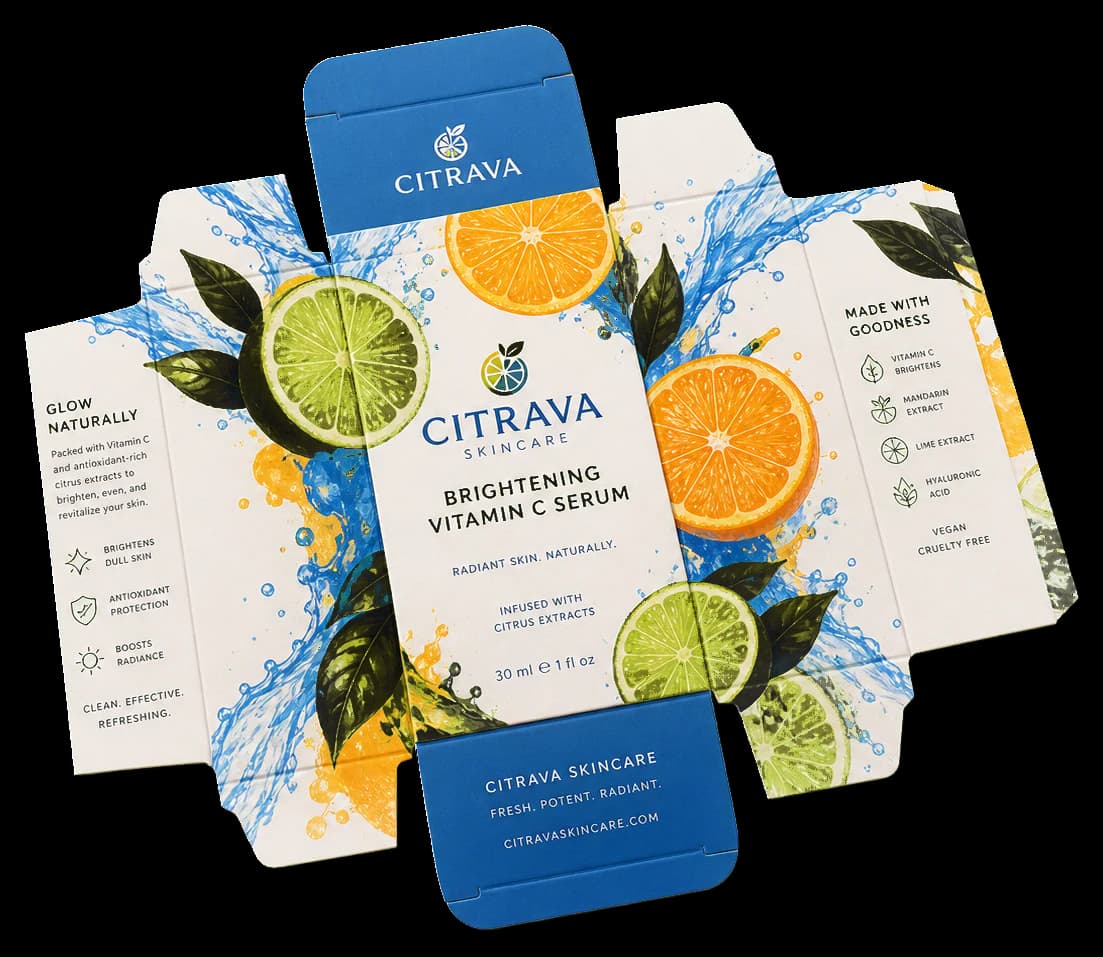
Adds bleed area around pages so artwork extends past the trim edge — prevents white strips after cutting.
BleedMaker extends your page dimensions by the specified bleed amount on all four sides. Two methods: Scale enlarges the existing content to fill the bleed zone (best for full-bleed photos and illustrations), Solid Color fills the bleed area with a flat color (best for designs with solid-color edges). Use this as a pre-press step before Cards, Grid, or Booklet when your source files lack built-in bleeds.
How It Works
BleedMaker extends your page dimensions by the specified bleed amount on all four sides. Two methods: Scale enlarges the existing content to fill the bleed zone (best for full-bleed photos and illustrations), Solid Color fills the bleed area with a flat color (best for designs with solid-color edges). Use this as a pre-press step before Cards, Grid, or Booklet when your source files lack built-in bleeds.
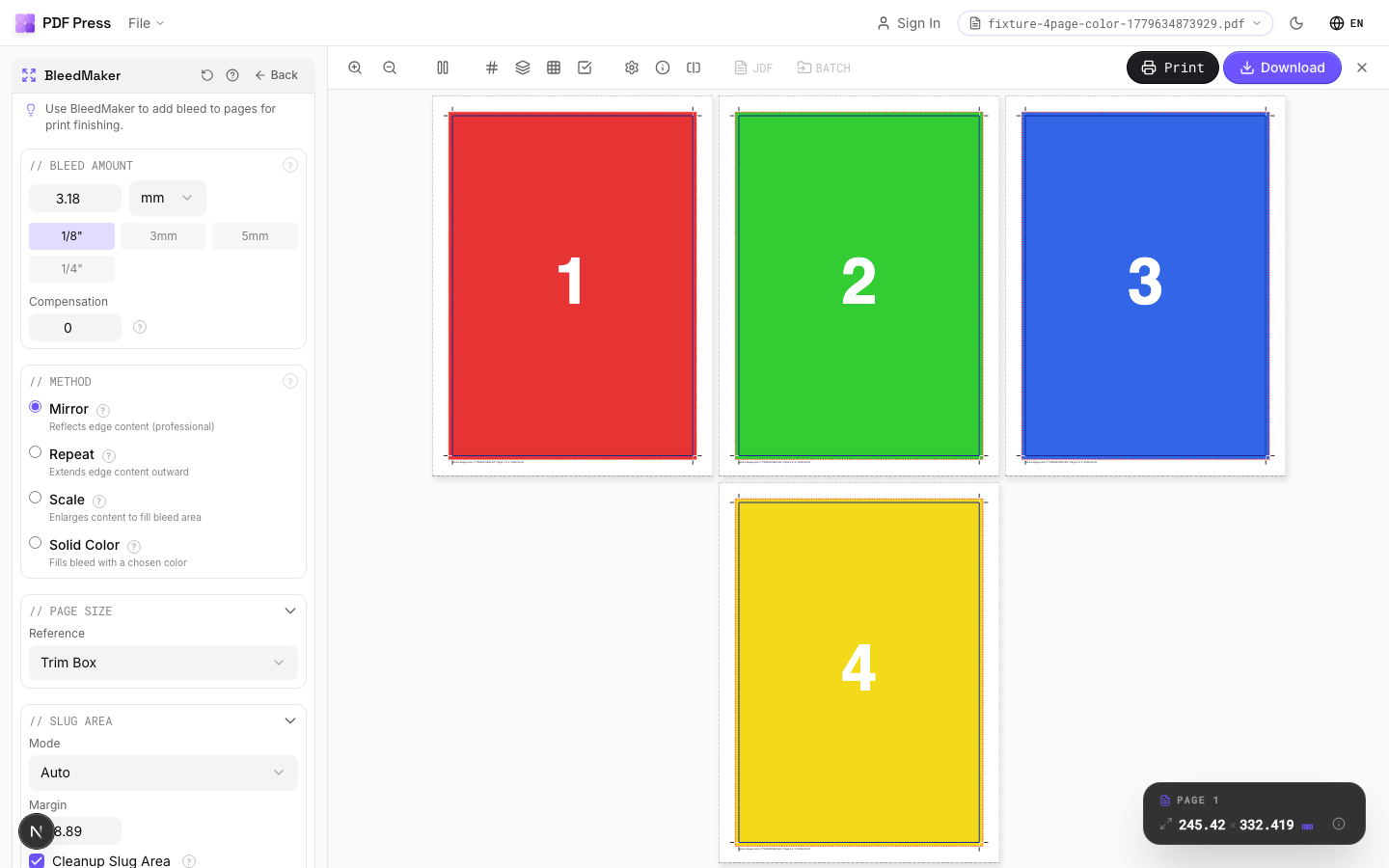
BleedMaker tool applied. Options panel on the left, imposed result on the right. Click to zoom.
Options Guide
Bleed Amount
Set the bleed extension distance — how far artwork extends past the trim edge.
Industry standard: 1/8" (9pt / 3.175mm) for US commercial print, 3mm (8.5pt) for metric markets. Extended bleed (5mm / 14pt) for large-format or packaging. Quick presets set common values instantly. The bleed is added equally on all four sides.
Method
Choose how the bleed area is generated — by scaling content outward or filling with a solid color.
Scale: enlarges the page content proportionally so it extends past the original trim edge into the bleed zone. Preserves vectors and raster quality. Best for full-bleed photographs, illustrations, and designs where edge content can be slightly cropped. Solid Color: fills the bleed area with a chosen color while keeping the original content at its original size. Best for designs with solid-colored borders, white backgrounds, or when scaling would distort important edge content.
Pages
Specify which pages to process using a range expression.
Examples: 'all' = every page. '1-5' = pages 1 through 5. '1,3,5' = specific pages. '1-10 odd' = odd pages 1-9. '2-20 even' = even pages 2-20. 'last' = last page. 'last-2' = third from last. Ranges are 1-based. Combine with commas: '1-5, 8, 12-15'.
Preview
Visual representation showing the trim area (inner box) surrounded by the bleed zone (dashed outer border).
Configurations & Variations
5mm Bleed (Mirror Method)
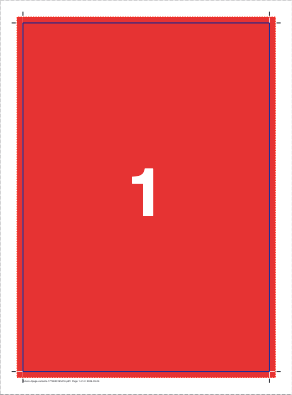
Enter 5 mm (14.17 pt) in all four bleed fields. BleedMaker extends artwork into the bleed zone by mirroring edge pixels outward, producing a seamless extension on solid colors and gradients. 5 mm is the standard bleed for commercial packaging; 3 mm (9 pt) is sufficient for most general commercial print work.
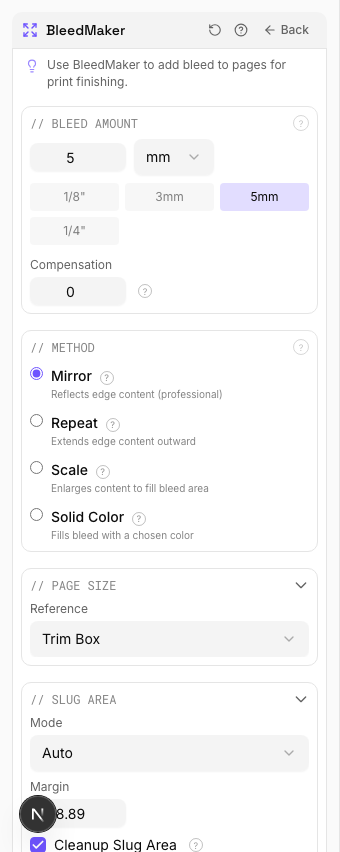
Settings to change
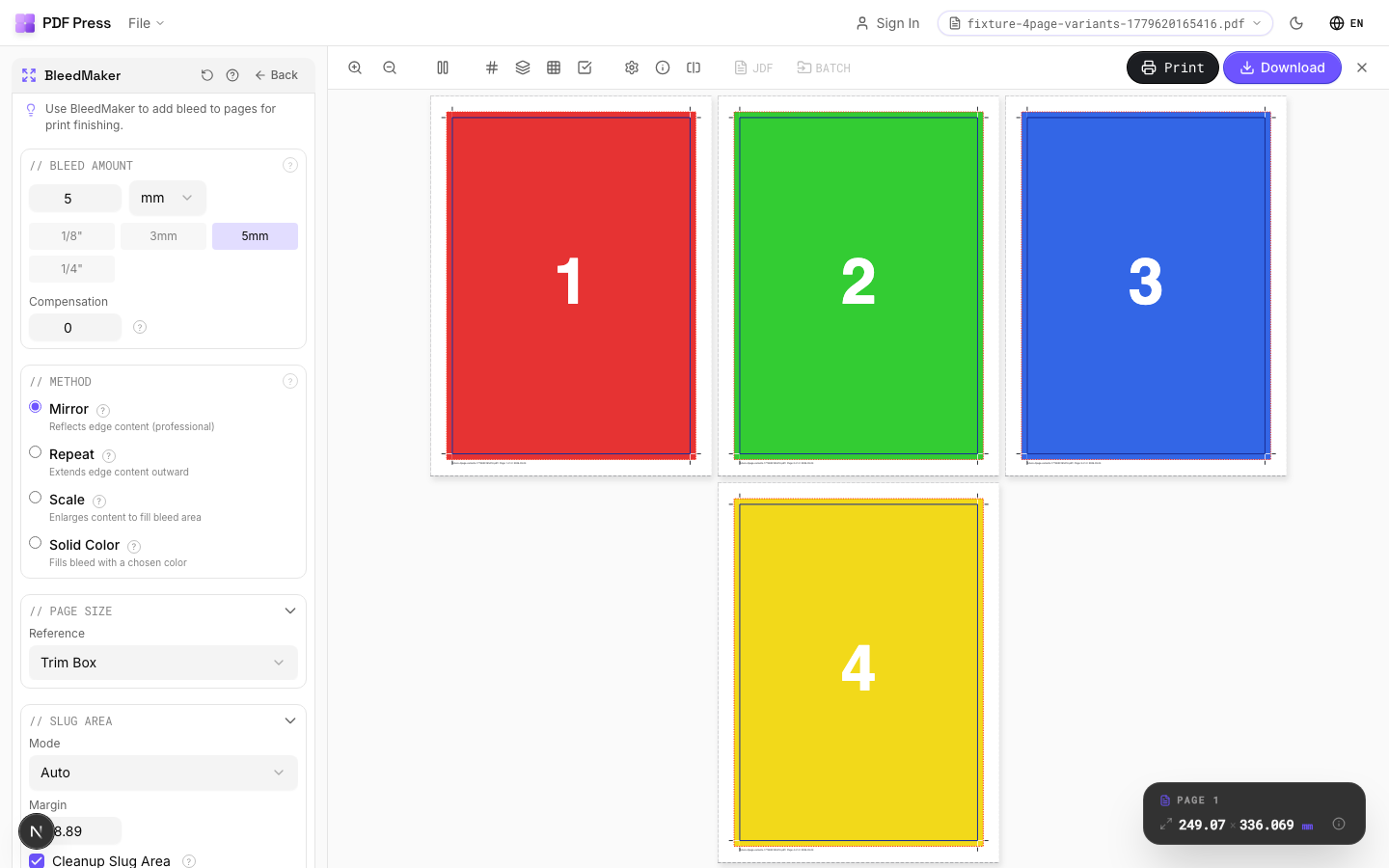
Full app view
Output result
Expert Tip
BleedMaker synthetically extends artwork into the bleed zone by mirroring edge pixels. It rescues files delivered with no bleed. 3 mm is the minimum for commercial print; 5 mm for packaging.
Synthetic bleeds work well on solid colours and gradients but produce visible artefacts on photos or patterns that have hard edges at the trim line.
Learn More
Used in Recipes
Saddle-Stitch with Bleeds
Saddle-stitch booklet with synthetic bleed generation for artwork delivered without bleeds.
Business Cards (No-Bleed Rescue)
Business cards from artwork delivered without bleeds.
Try BleedMaker in your browser
PDF Press runs entirely client-side. Upload a PDF, apply BleedMaker, and download the result — no upload to a server, no sign-up required.
Open PDF Press