

Direct answer
What is variable data?
Personalizes each copy from a spreadsheet of text, images and codes.
Print examples made with Variable Data
See the imposed output and finished piece together, then open the exact preset and production specs.

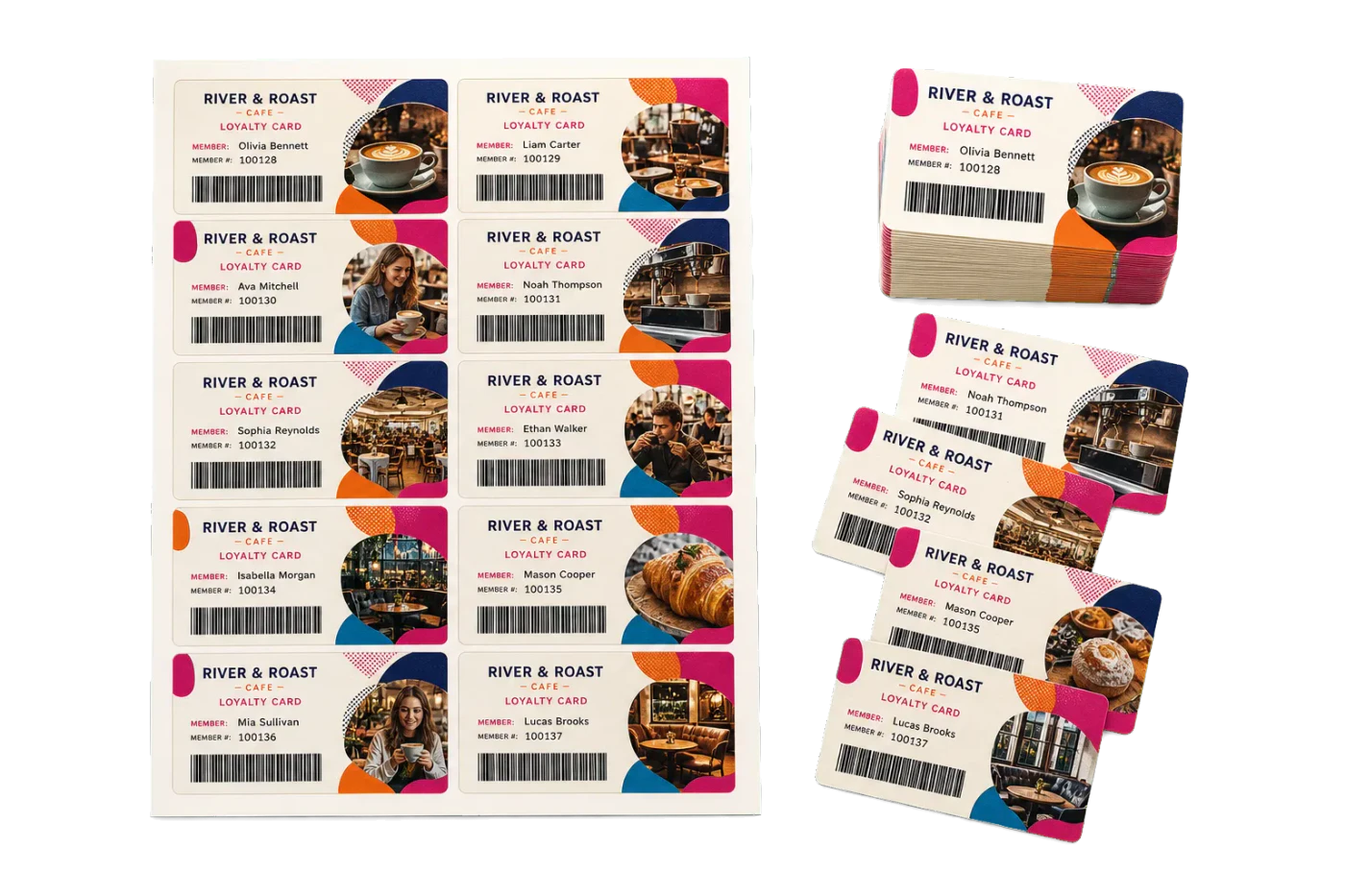
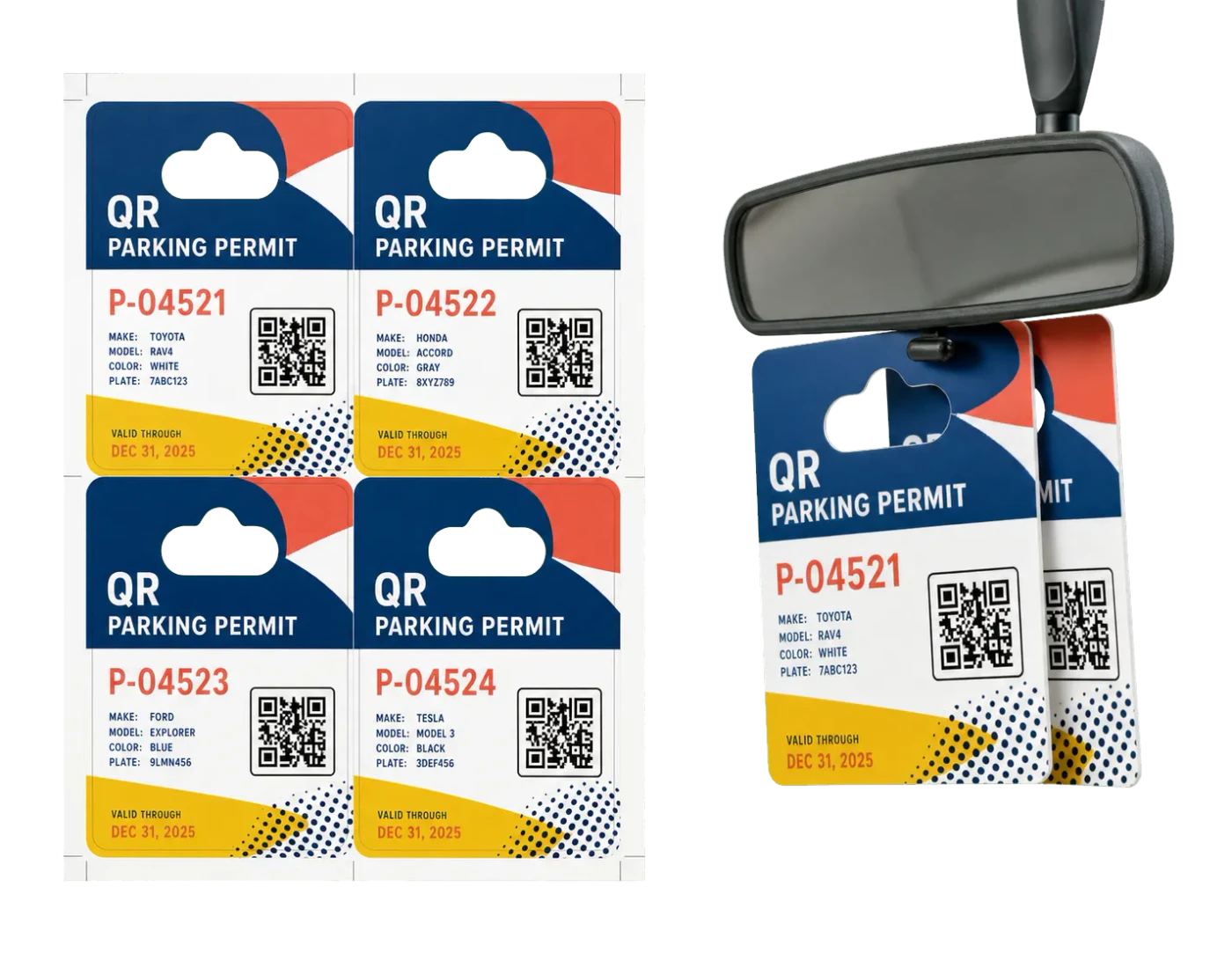
Original PDF Press print-production photography. Images link to their canonical template pages.
How to use Variable Data
Upload files
Start with your source PDF or image files. Processing happens locally in the browser.
Add Variable Data
Configure the tool settings that match the job.
Preview the result
Check page order, marks, scaling, and output geometry before committing the export.
Download output
Export the finished PDF for proofing, press, finishing, or another PDF Press step.
What print pros say
The custom imposition options are why I stayed. Odd page sizes, mixed orientations, bespoke grids: PDF Press handles custom impose jobs my old tools just refused.
No Acrobat, no install, runs on my locked-down work laptop. For a copy centre that's huge: any operator can impose a job without waiting on IT.
N-up imposition for labels and business cards is flawless. The grid snaps to my sheet, cut marks land where the guillotine needs them, and there's no more manual step-and-repeat.
Frequently asked questions
What is Variable Data used for?
Variable Data helps you personalizes each copy from a spreadsheet of text, images and codes..
Who should use variable data?
It is built for print professionals and prepress operators. Common use cases include print professionals and prepress operators.
Do my PDF files upload to a server?
No. PDF Press runs the PDF processing workflow in your browser, so your files stay on your device.
Can I use Variable Data with other PDF Press tools?
Yes. You can combine it with other PDF Press tools in a multi-step workflow, then preview and export the final PDF.