Office template
Add Page Numbers
Adds "Page X of Y" to every page. Simple and universal — works with any PDF.
Ideal input: Any PDF — adds centered page numbers to the bottom of every page

Template specs
| Complexity | Single step |
|---|---|
| Steps | 1 |
| Category | Office |
How the Add Page Numbers layout is built
Adds "Page 1 of 10" centered at the bottom of every page.
Tools used in this template
Related guides
More Office templates

2-Sided A5 Flyer
Quick double-sided A5 flyer from your desktop printer. No marks, no bleeds — just fold or cut.

Mini Booklet (A7 Zine)
DIY mini zine using 4-up saddle-stitch on A4. Cut, fold, staple — instant pocket booklet.
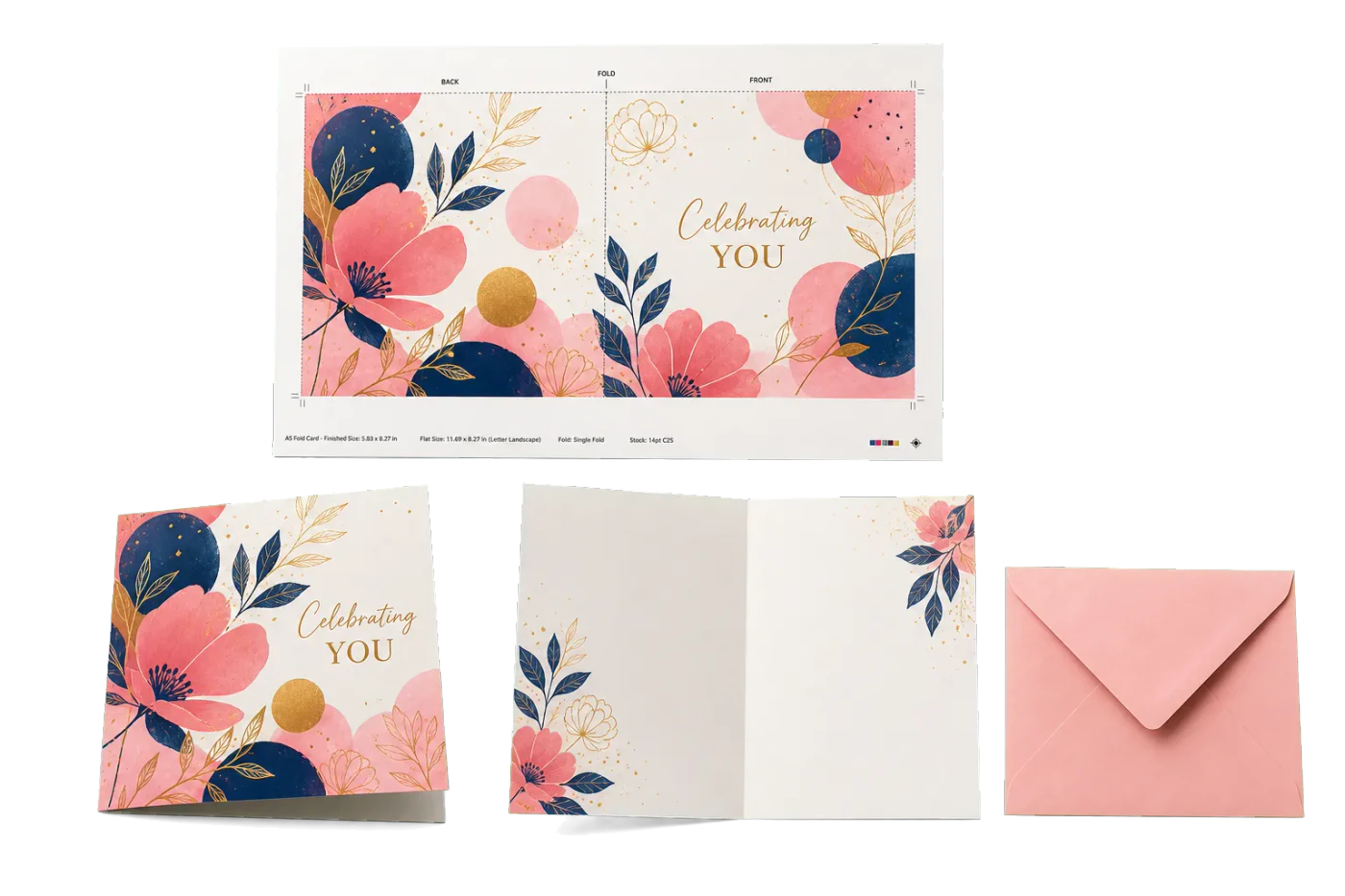
Greeting Card (A5 Fold)
Single-fold greeting card on Letter landscape. Print, fold in half, done.
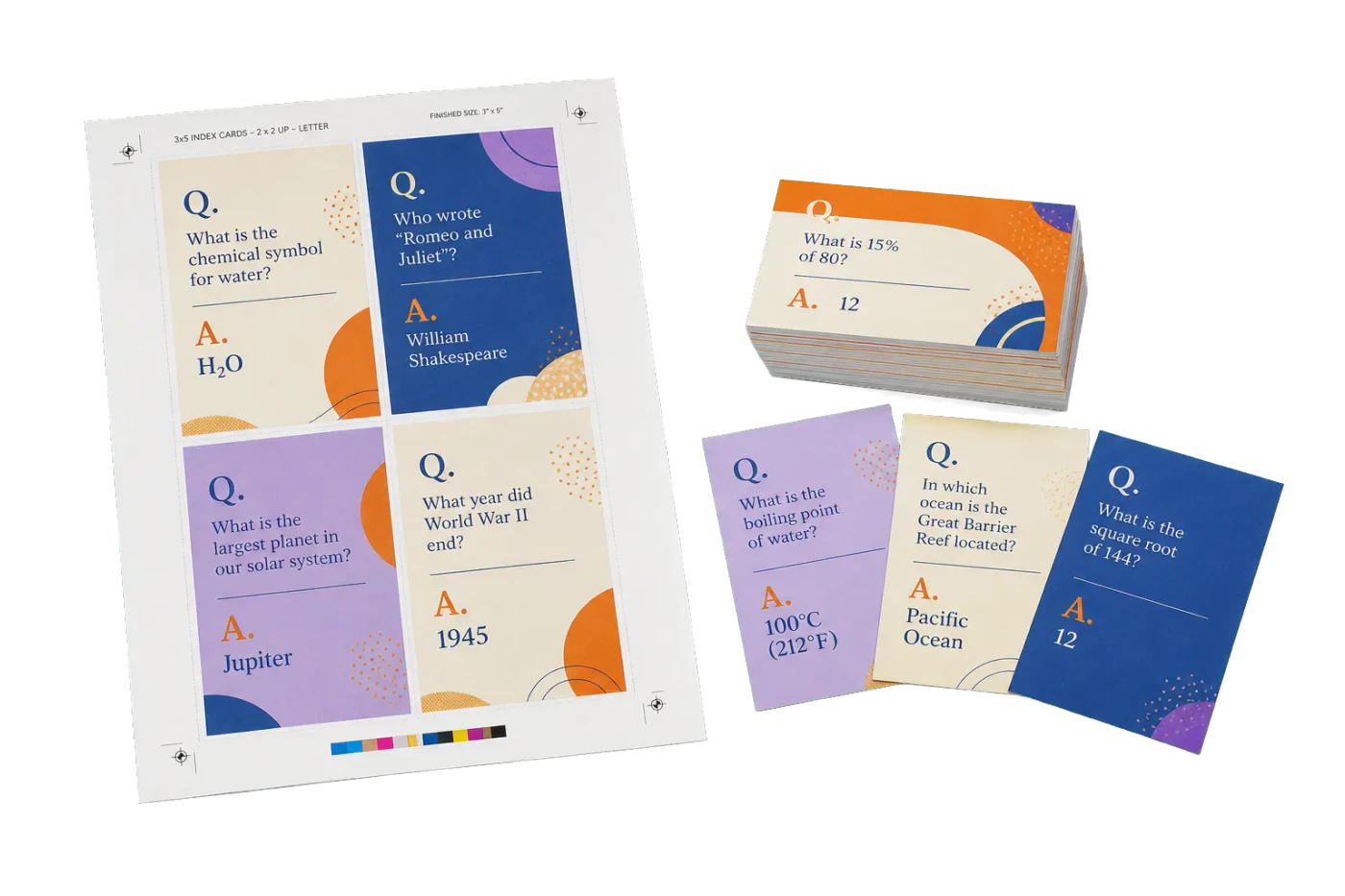
4-Up Index Cards (3×5")
Study flashcards or index cards, 4-up on Letter for cutting.

Half-Sheet Handout 2-Up
Two half-letter handouts per sheet. Perfect for meeting agendas, sign-up sheets, and flyers.
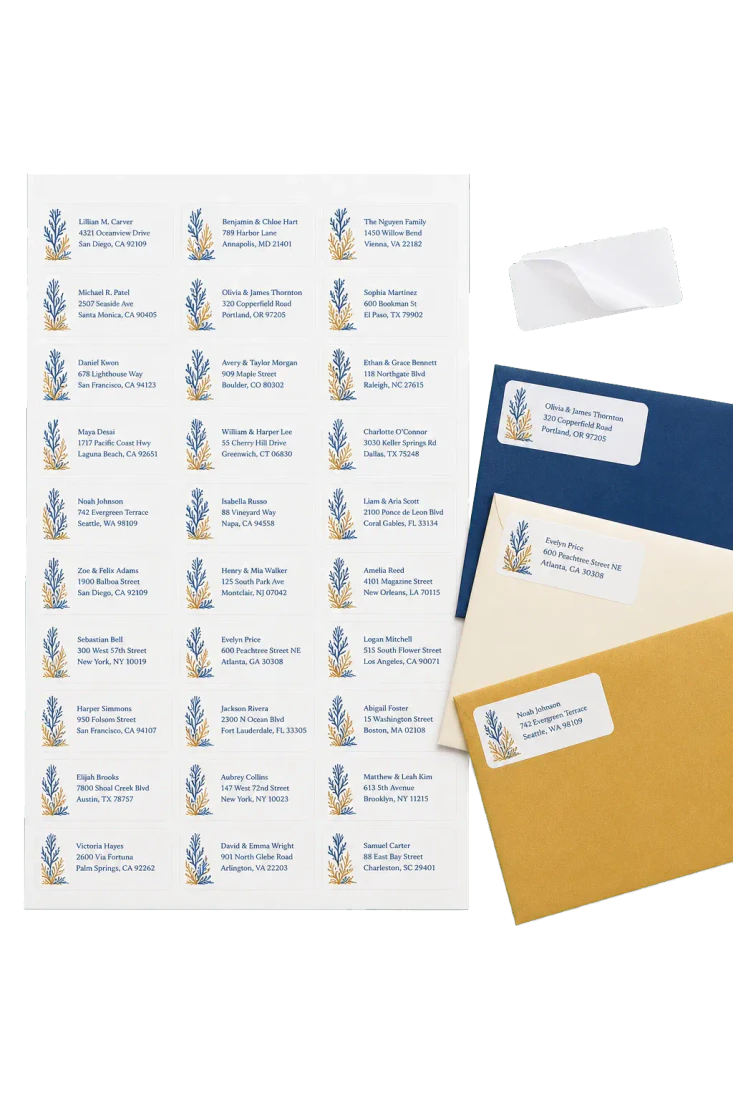
Mailing Labels (Avery 5160 Style)
Address labels nested on Letter. Compatible with Avery 5160 and similar 30-up label sheets.
Ready to use the Add Page Numbers template?
Open it in PDF Press, drop in your artwork, preview the imposed sheet, and export a print-ready PDF — free, in your browser, with no upload.
Open Add Page Numbers