Mix
Takes pages from the main document and a second uploaded PDF and weaves them together in alternating order. The classic use case: you scan all front sides, then all back sides, and Mix reassembles them into the correct page order.
Interleaves pages from two documents: combine front and back sides from a duplex scan.
Takes pages from the main document and a second uploaded PDF and weaves them together in alternating order. The classic use case: you scan all front sides, then all back sides, and Mix reassembles them into the correct page order.
How It Works
Takes pages from the main document and a second uploaded PDF and weaves them together in alternating order. The classic use case: you scan all front sides, then all back sides, and Mix reassembles them into the correct page order.
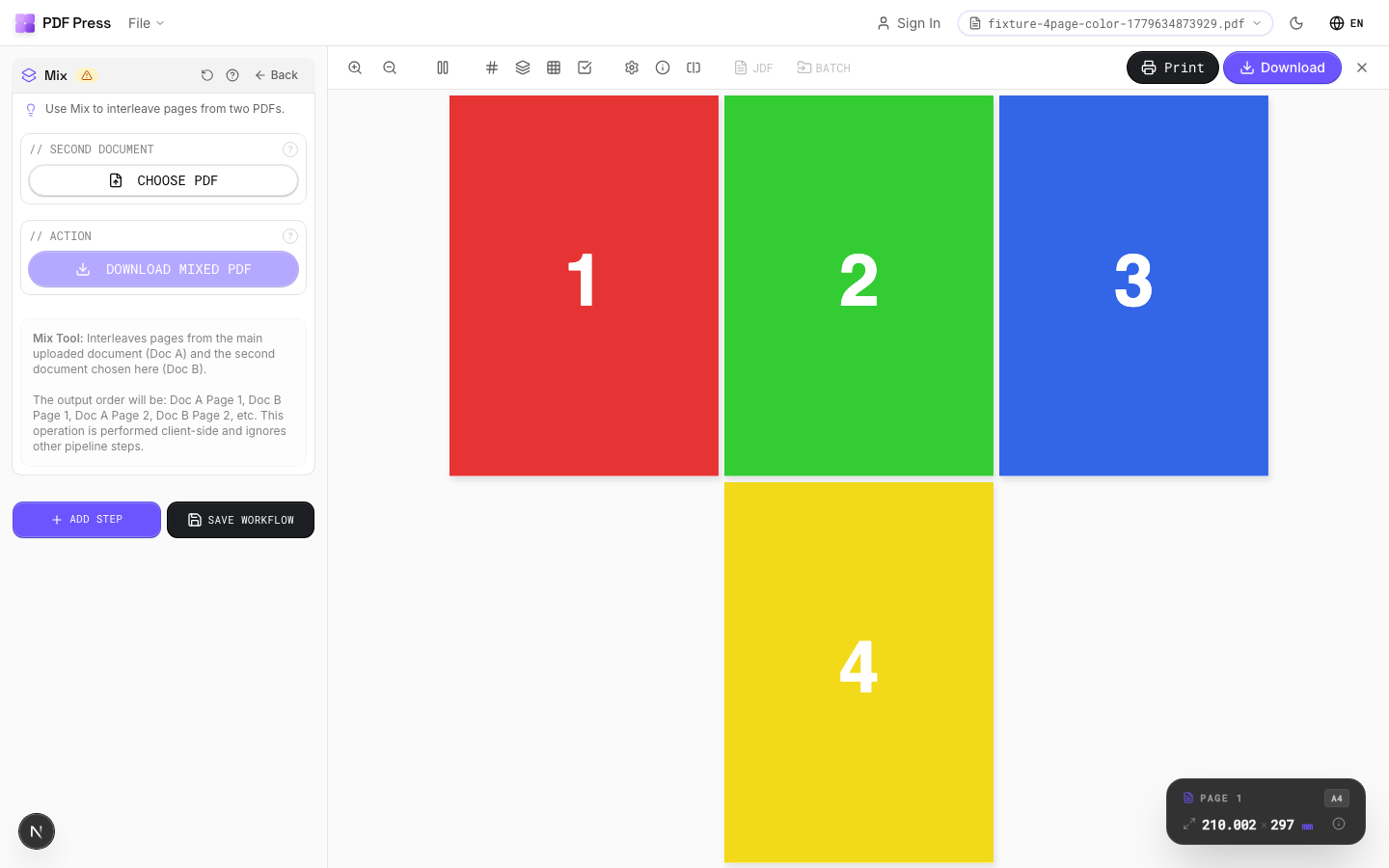
Mix tool applied. Options panel on the left, imposed result on the right. Click to zoom.
Options Guide
Second Document
Upload the second PDF to interleave with the main document.
The output alternates pages: main page 1, second page 1, main page 2, second page 2, and so on. If one document has more pages, the remaining pages are appended at the end.
Action
Download the mixed result as a single PDF file.
Expert Tip
Mix interleaves pages from two PDFs. The standard pattern (ABAB) creates duplex-ready output from separate front and back files.
Both source files must have the same page count for 1:1 interleaving. If the counts differ, excess pages from the longer file are appended at the end.
Learn More
Used in Recipes
Duplex Interleave
Interleave separate front and back files for duplex printing.
Try Mix in your browser
PDF Press runs entirely client-side. Upload a PDF, apply Mix, and download the result — no upload to a server, no sign-up required.
Open PDF Press