Folding Marks
Folding marks are short dashed or solid lines printed at the sheet edge, indicating fold positions for bindery and finishing equipment. Essential for brochures, mailers, greeting cards, packaging, and any multi-panel product. Supports standard fold patterns (half, tri-fold, Z-fold, gate fold, accordion) and custom fold positions for non-standard layouts.
Adds fold guide lines to pages: thin printed rules showing where to score and fold the sheet.
Folding marks are short dashed or solid lines printed at the sheet edge, indicating fold positions for bindery and finishing equipment. Essential for brochures, mailers, greeting cards, packaging, and any multi-panel product. Supports standard fold patterns (half, tri-fold, Z-fold, gate fold, accordion) and custom fold positions for non-standard layouts.
How It Works
Folding marks are short dashed or solid lines printed at the sheet edge, indicating fold positions for bindery and finishing equipment. Essential for brochures, mailers, greeting cards, packaging, and any multi-panel product. Supports standard fold patterns (half, tri-fold, Z-fold, gate fold, accordion) and custom fold positions for non-standard layouts.
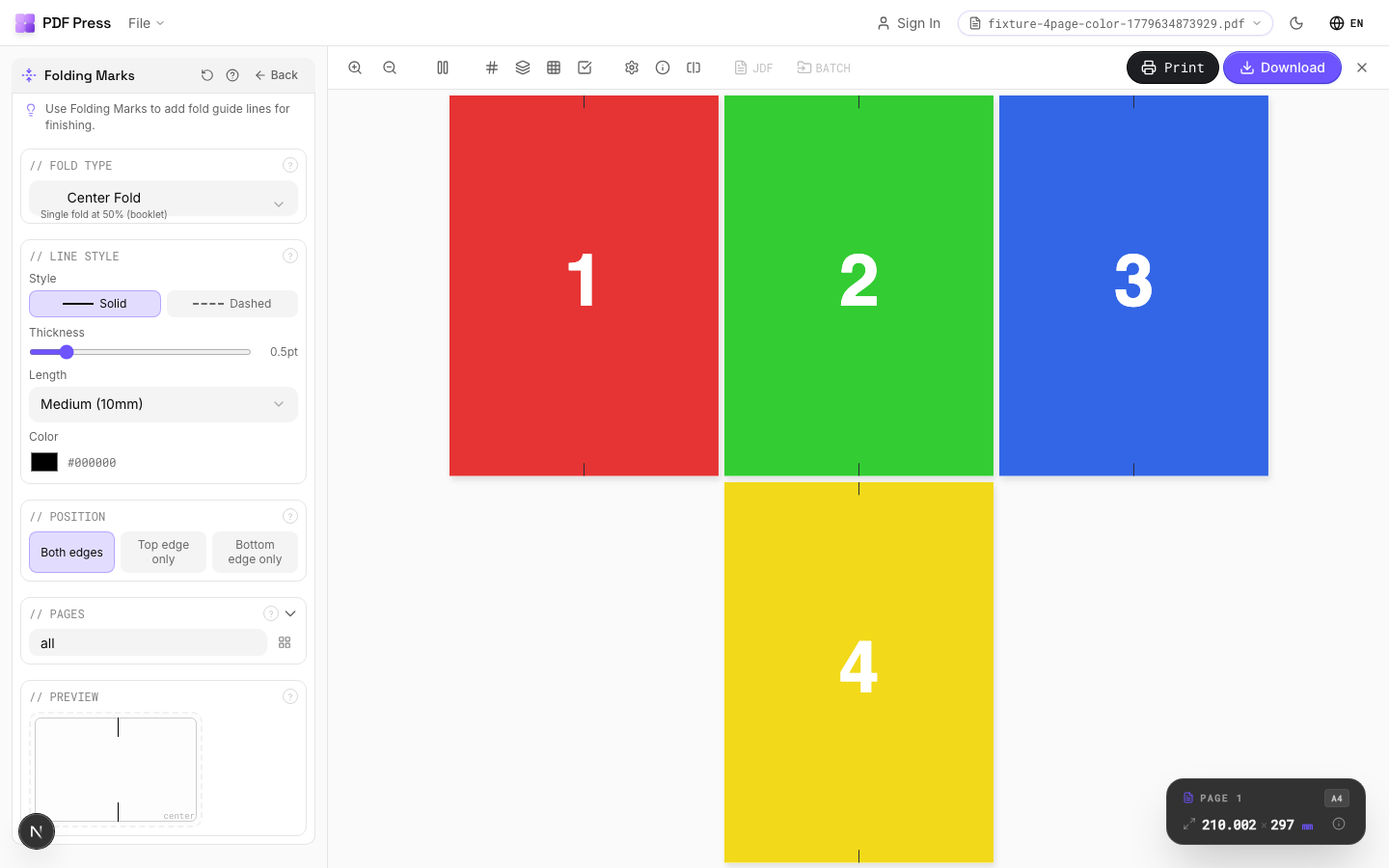
Folding Marks tool applied. Options panel on the left, imposed result on the right. Click to zoom.
Options Guide
Fold Type
Choose a standard fold pattern or enter custom fold positions.
Half fold: one fold at center (2 panels). Tri-fold (letter fold): two folds creating 3 panels: inside panel is slightly narrower to nest cleanly. Z-fold (accordion): two parallel folds with panels alternating direction. Gate fold: two folds bringing outer edges to center. Roll fold: panels fold inward sequentially. Custom: enter exact fold positions in your preferred unit for non-standard layouts.
Fold Positions
Enter custom fold positions as distances from the left or top edge.
Each position represents a fold line measured from the leading edge of the sheet. Enter multiple positions separated by commas. Values are in your selected unit (inches/mm/points). Example: for a custom tri-fold on Letter paper, enter "3.667, 7.333" (in inches) for equal panels.
Line Style
Configure the appearance of fold mark lines: style, weight, length, and color.
Solid lines are most visible; dashed lines (standard in commercial print) distinguish fold marks from crop marks at a glance. Line weight: 0.25–0.5pt is typical: thin enough to be unobtrusive but visible to finishing operators. Line length: how far the mark extends from the sheet edge into the margin area. Color: typically light gray or cyan to differentiate from trim marks.
Position
Which edges of the page receive fold marks: top, bottom, or both.
Both edges is standard: marks at top and bottom of the sheet let the finishing operator align the fold from either direction. Top-only or bottom-only can be used when one edge has artwork extending to the sheet edge.
Pages
Specify which pages to process using a range expression.
Examples: 'all' = every page. '1-5' = pages 1 through 5. '1,3,5' = specific pages. '1-10 odd' = odd pages 1-9. '2-20 even' = even pages 2-20. 'last' = last page. 'last-2' = third from last. Ranges are 1-based. Combine with commas: '1-5, 8, 12-15'.
Preview
Live rendering showing fold mark positions and appearance on the page.
Configurations & Variations
Fold Marks Applied
Fold marks appear as dashed or solid lines at each fold position, extending slightly past the trim edge. The bindery operator uses these to set up the buckle or knife folder. Mark length and thickness are configurable; use heavier marks for thicker stocks that are harder to fold precisely.
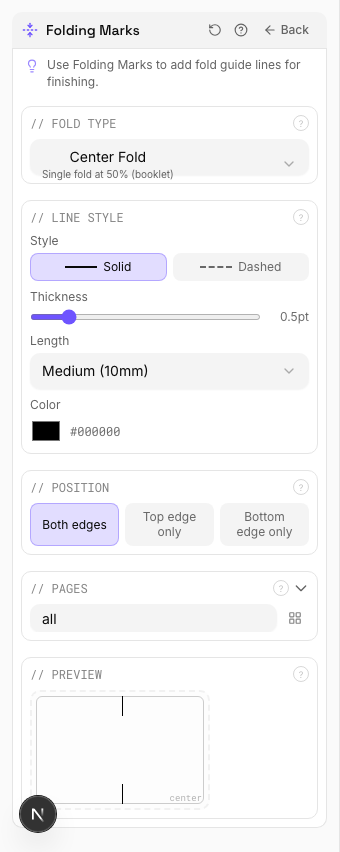
Settings to change
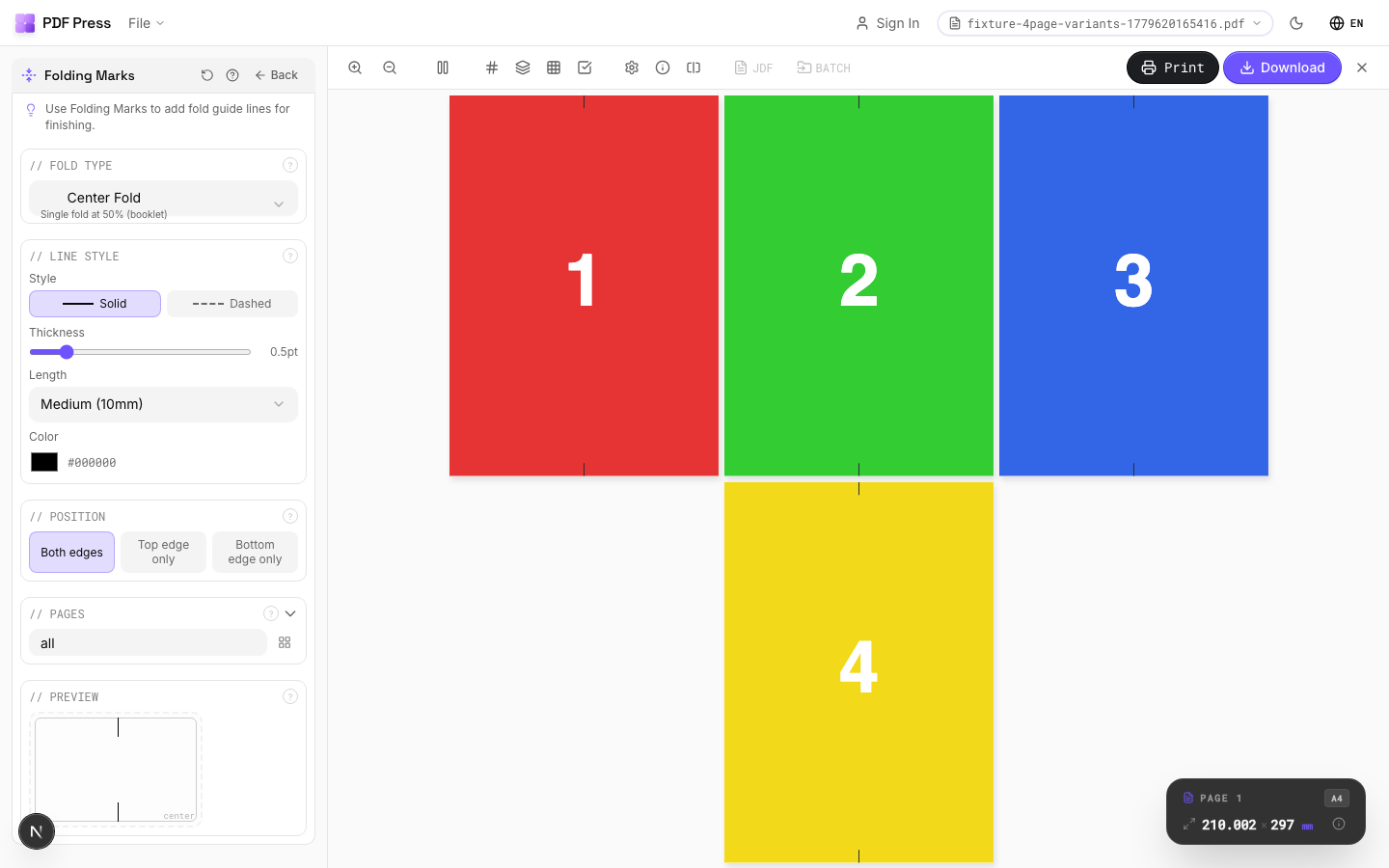
Full app view
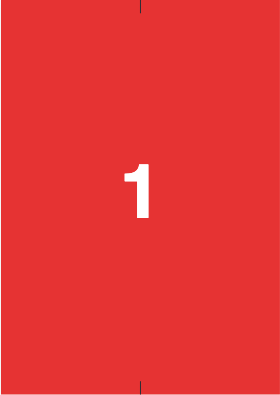
Output result
Expert Tip
Place fold marks at every fold position. For a tri-fold brochure, remember the inside panel is typically 1-2 mm shorter than the outer panels, so adjust your fold mark positions to match.
Fold marks that extend into the live area will be visible on the finished piece. Keep them strictly in the bleed or trim zone.
Learn More
Used in Recipes
Zine / Mini Booklet
Small-format DIY zine from a single sheet of paper (8-page or 16-page fold).
Greeting Cards
Folded greeting cards imposed for duplex printing and fold finishing.
Saddle-Stitch Finishing Marks
Finishing marks specifically for saddle-stitch bindery operations.
Desk Calendar
Desk tent calendar with fold-and-stand construction.
Restaurant Menu
Folded restaurant menu (bi-fold, tri-fold, or booklet).
Try Folding Marks in your browser
PDF Press runs entirely client-side. Upload a PDF, apply Folding Marks, and download the result — no upload to a server, no sign-up required.
Open PDF Press