N-up Book
Places multiple pages on each side of a large press sheet so that after folding and trimming, pages read sequentially. N-up count: 2 = folio (1 fold), 4 = quarto (2 folds), 8 = octavo (3 folds), 16 = sexto-decimo (4 folds), 32 = trigesimo-secundo. Larger N-up values require proportionally larger press sheets.
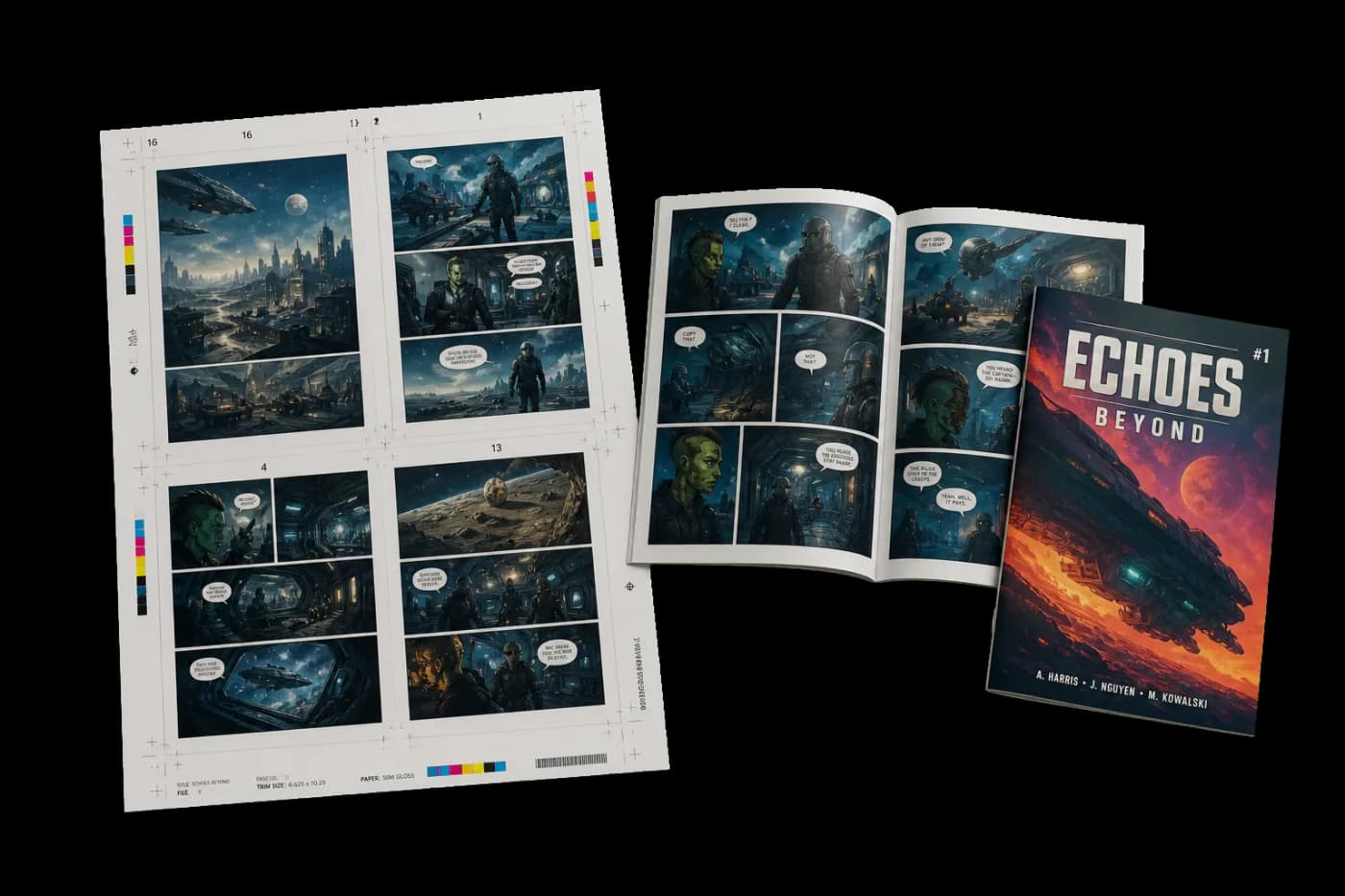
Combines multi-page-per-sheet layout with book signature imposition.
Places multiple pages on each side of a large press sheet so that after folding and trimming, pages read sequentially. N-up count: 2 = folio (1 fold), 4 = quarto (2 folds), 8 = octavo (3 folds), 16 = sexto-decimo (4 folds), 32 = trigesimo-secundo. Larger N-up values require proportionally larger press sheets.
How It Works
Places multiple pages on each side of a large press sheet so that after folding and trimming, pages read sequentially. N-up count: 2 = folio (1 fold), 4 = quarto (2 folds), 8 = octavo (3 folds), 16 = sexto-decimo (4 folds), 32 = trigesimo-secundo. Larger N-up values require proportionally larger press sheets.
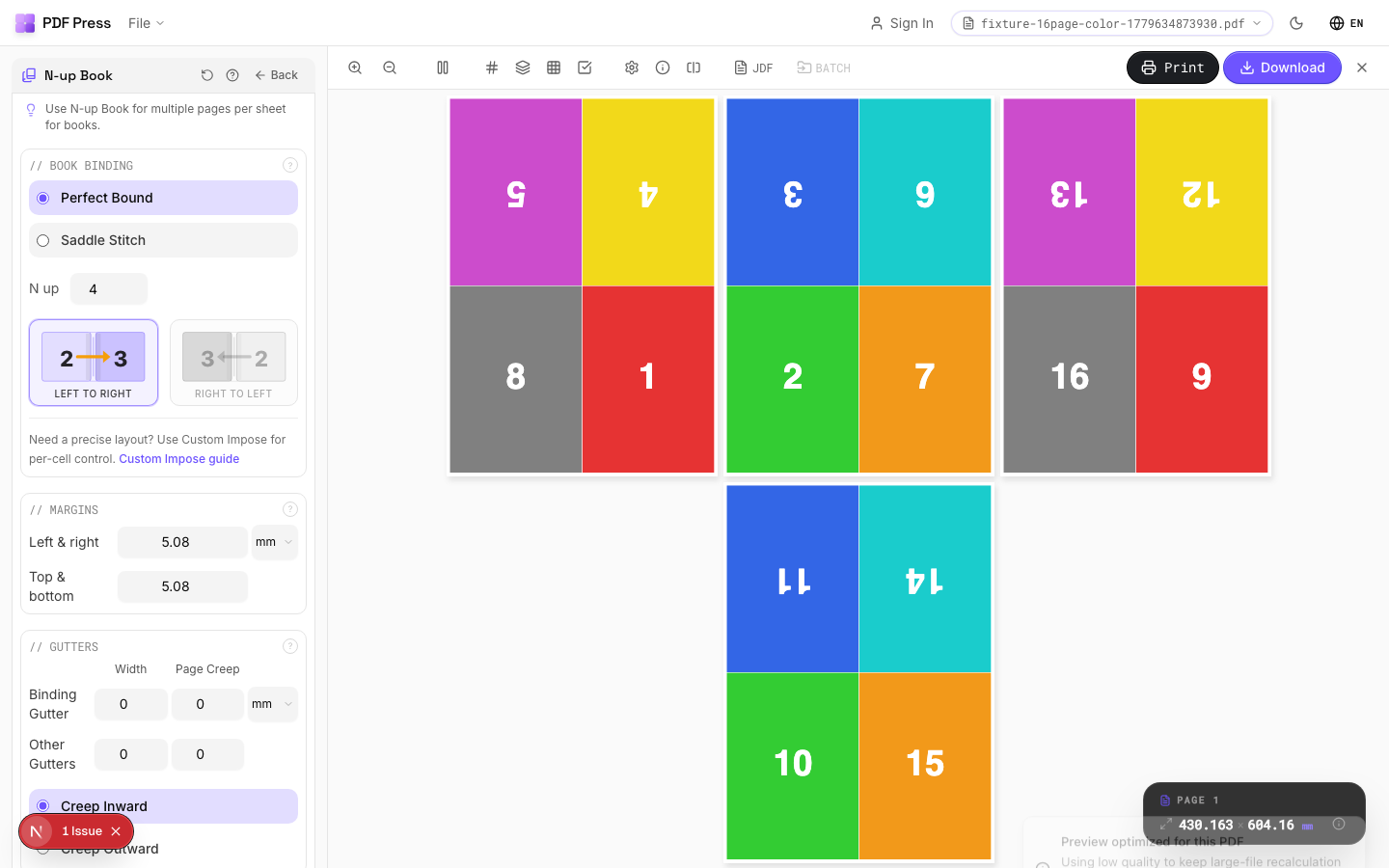
N-up Book tool applied. Options panel on the left, imposed result on the right. Click to zoom.
Options Guide
Paper Size
Sets the output sheet dimensions. This is the physical paper going through your printer or press.
Standard presets: Letter (8.5×11in), Legal (8.5×14in), Tabloid (11×17in), A4 (210×297mm), A3 (297×420mm). Landscape swaps width↔height. Lock icon links dimensions to preserve aspect ratio. Custom lets you enter any size in inches, mm, or points (1in = 72pt = 25.4mm).
Printer's Marks
Adds trim guides and alignment marks outside the live area for accurate cutting and registration.
Crop marks: short lines at each corner showing where to trim. Center marks: crosshairs at sheet midpoints for front/back alignment on duplex jobs. Line length (default 0.43in/31pt): how long each mark line extends. Line thickness (default 0.014in/1pt): mark stroke weight. Line distance (default 0.139in/10pt): gap between the mark and the artwork edge. Four-color black: prints marks in C+M+Y+K for visibility on color proofs. Knockout: adds a white halo around marks so they show on dark backgrounds.
Bleeds
Extends artwork beyond the trim edge to prevent white strips after cutting.
Three modes: 'No bleeds' trims exactly at the page boundary. 'Pull from document' uses bleed info already embedded in the PDF (TrimBox/BleedBox metadata). 'Fixed' lets you manually set bleed on each side, typically 3mm (0.125in / 9pt) for commercial print, 1-2mm for digital. Bleed values define how far past the trim edge the artwork extends.
Book Binding
Choose nested (saddle-stitch) or perfect binding for how signatures are assembled.
Nested: all sheets fold together into one section, then stapled through the spine — ideal for thin booklets (8–64 pages). Perfect: creates separate signatures that stack and glue at the spine. Creep direction (inward/outward) compensates for paper thickness pushing inner pages outward after folding. Reading direction: left-to-right (Western) or right-to-left (RTL languages like Arabic, Hebrew, Japanese manga).
Margins
Non-printable border around each output sheet edge.
Ensures content stays within the printable area of your press or printer. Typical commercial offset: 0.25–0.5in (18–36pt). Digital printers: 0.125–0.25in (9–18pt). Binding margin adds extra space at the spine edge for adhesive or thread.
Gutters
Spacing between adjacent pages on the same side of the sheet.
Binding gutter: space at the spine fold between facing pages — prevents content from being lost in the fold. Default 2.835pt (1mm). Other gutter: space between pages perpendicular to the spine. Increase gutters for thicker paper stock or tight binding methods.
Configurations & Variations
8-Up Signatures (Octavo)
Select N-up = 8 for octavo imposition (3 folds per sheet). Places 8 pages per side of a large press sheet. After folding and trimming, pages read sequentially. This is the standard commercial offset configuration and requires at least an SRA2 or B2 press sheet for A5 final trim.
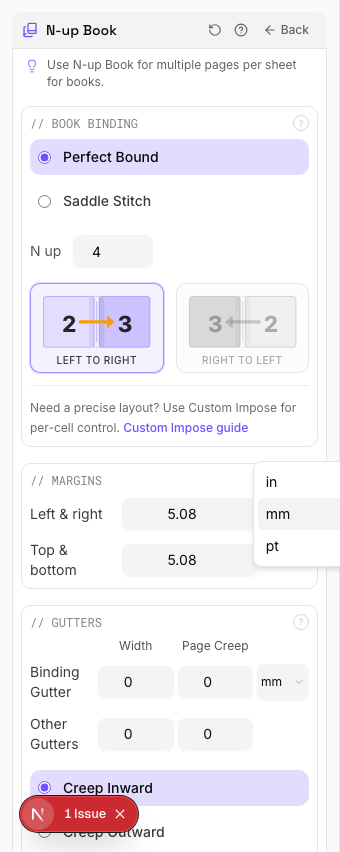
Settings to change
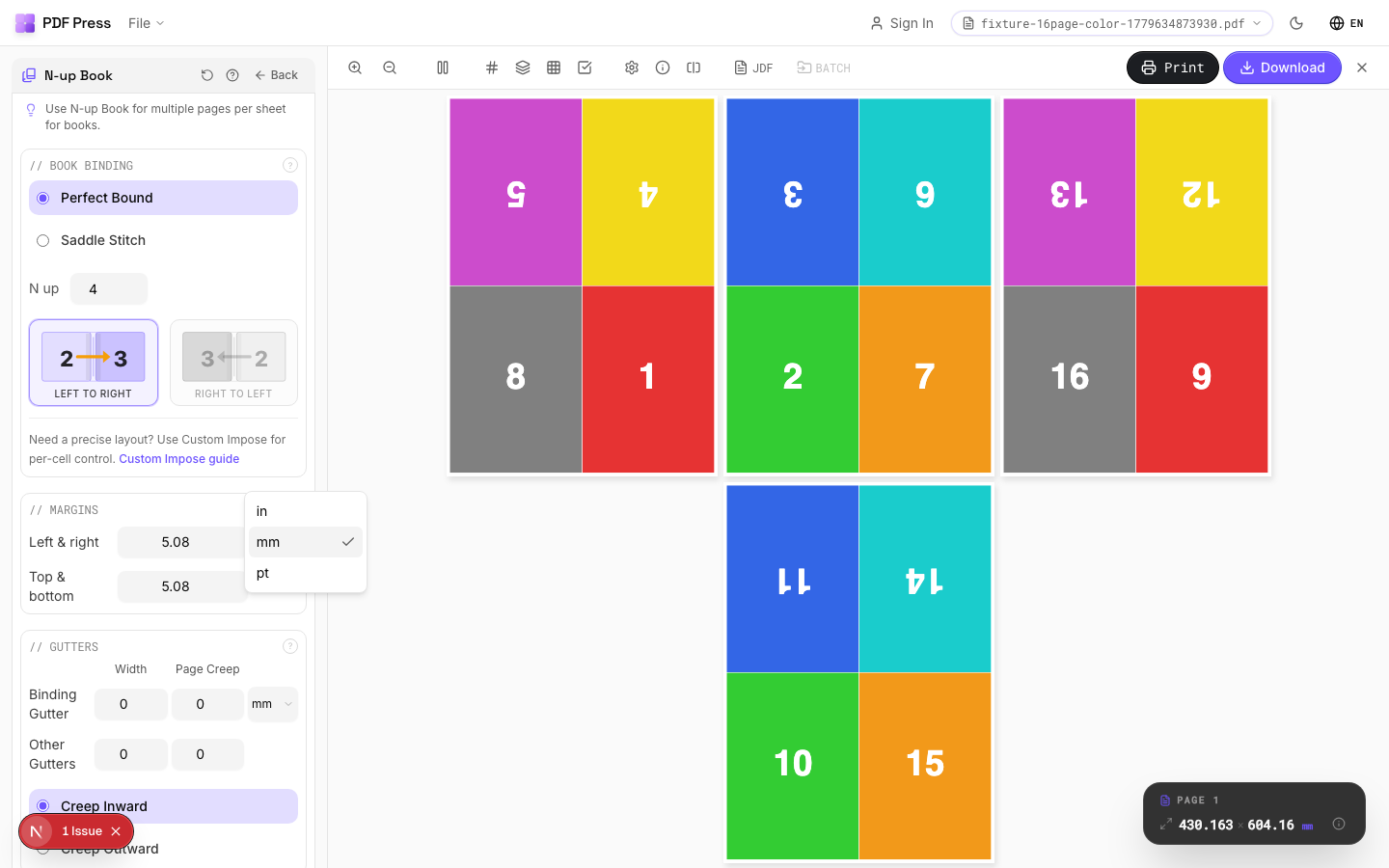
Full app view
Output result
4-Up Layout (Quarto)
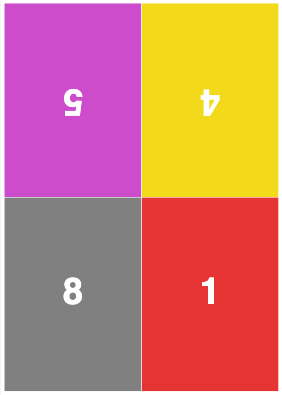
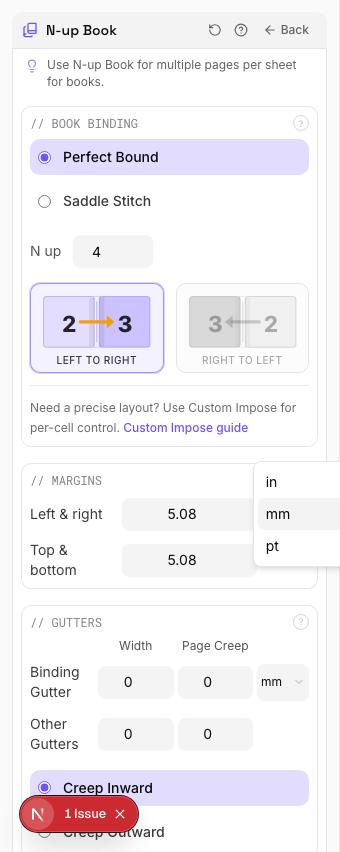
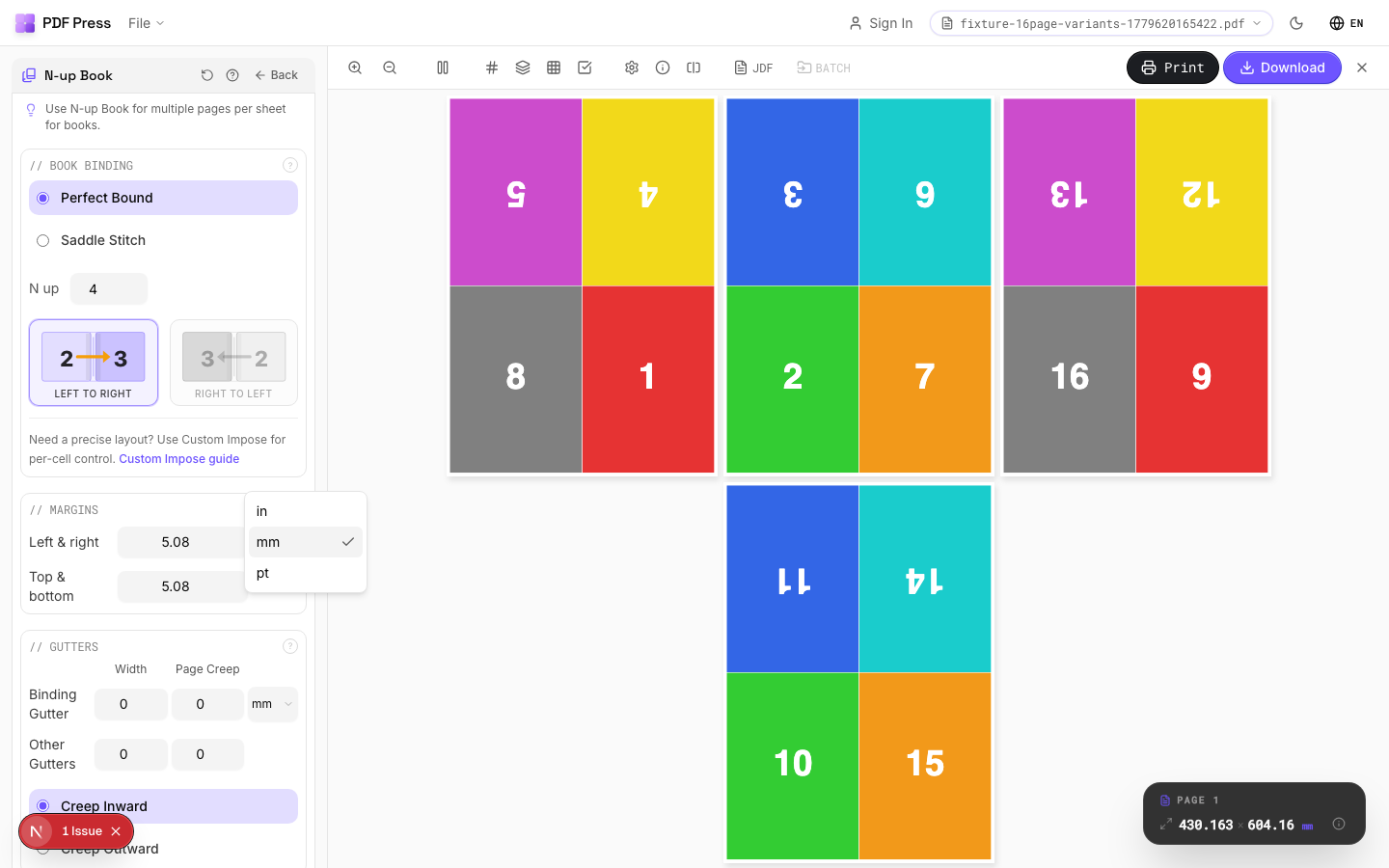
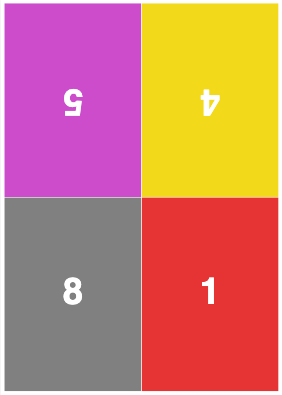
Select N-up = 4 for quarto imposition (2 folds). Works well on SRA3 digital press sheets producing A5 finished books. Simpler folding than 8-up, with fewer pages per sheet but easier finishing on smaller equipment.
Settings to change
Full app view
Output result
Expert Tip
Pick the N-up value (2, 4, 8, 16, 32) based on your press sheet size relative to the finished trim. For A5 final on SRA3 press sheets, 4-up is the optimal choice. Always enable creep compensation when binding is nested (saddle-stitch).
If the N-up value does not match the press sheet, you will get blank cells or clipped pages. Check the output sheet dimensions before making plates.
Learn More
Used in Recipes
Perfect-Bound Book
PUR/hot-melt perfect binding for books with 48+ pages.
Perfect-Bound with Color Bar
Perfect-bound book signatures with inline color bars for press density control.
Case-Bound (Hardcover) Book
Smyth-sewn case-bound book with proper signature imposition and spine marks.
Children's Book
Full-color children's picture book with heavy stock and case binding.
Photo Book
Lay-flat photo book with flush-mount or perfect binding.
Magazine Production
Full commercial magazine with saddle-stitch or perfect binding and press marks.
Catalog Signatures
Multi-signature catalog for perfect binding on commercial presses.
Annual Report
Corporate annual report with mixed content (text, charts, photos) and premium finishing.
Planner / Diary
Wire-o or perfect-bound planner with weekly/daily layouts.
Try N-up Book in your browser
PDF Press runs entirely client-side. Upload a PDF, apply N-up Book, and download the result — no upload to a server, no sign-up required.
Open PDF Press