Collating Marks
After printing and folding, book signatures are gathered (collated) in sequence on the bindery line. Each signature gets a small black mark on the spine at a progressively offset position. When signatures are stacked correctly, the marks form a neat staircase pattern down the spine. A missing step or duplicate position instantly reveals a misplaced or missing signature: a critical quality control measure in book production.
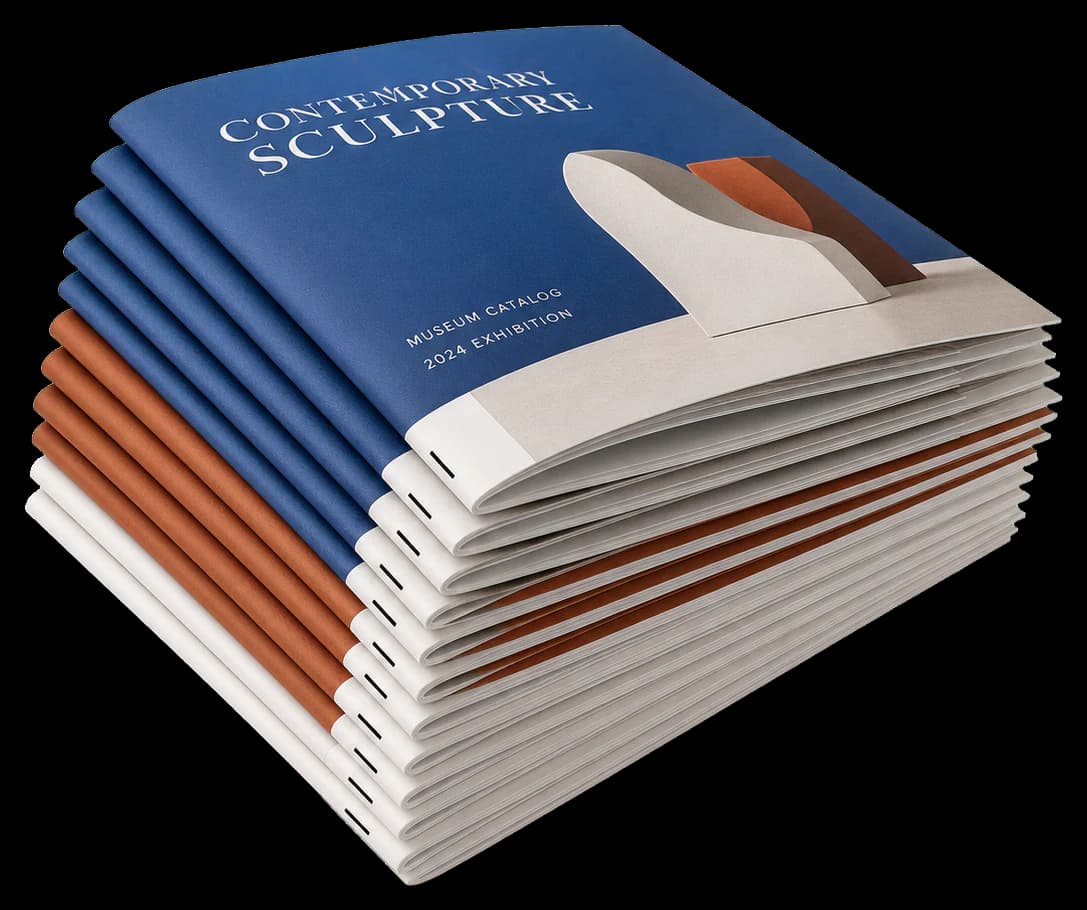
Adds staggered spine marks on folded signatures: a visual sequence check for correct gathering order.
After printing and folding, book signatures are gathered (collated) in sequence on the bindery line. Each signature gets a small black mark on the spine at a progressively offset position. When signatures are stacked correctly, the marks form a neat staircase pattern down the spine. A missing step or duplicate position instantly reveals a misplaced or missing signature: a critical quality control measure in book production.
How It Works
After printing and folding, book signatures are gathered (collated) in sequence on the bindery line. Each signature gets a small black mark on the spine at a progressively offset position. When signatures are stacked correctly, the marks form a neat staircase pattern down the spine. A missing step or duplicate position instantly reveals a misplaced or missing signature: a critical quality control measure in book production.
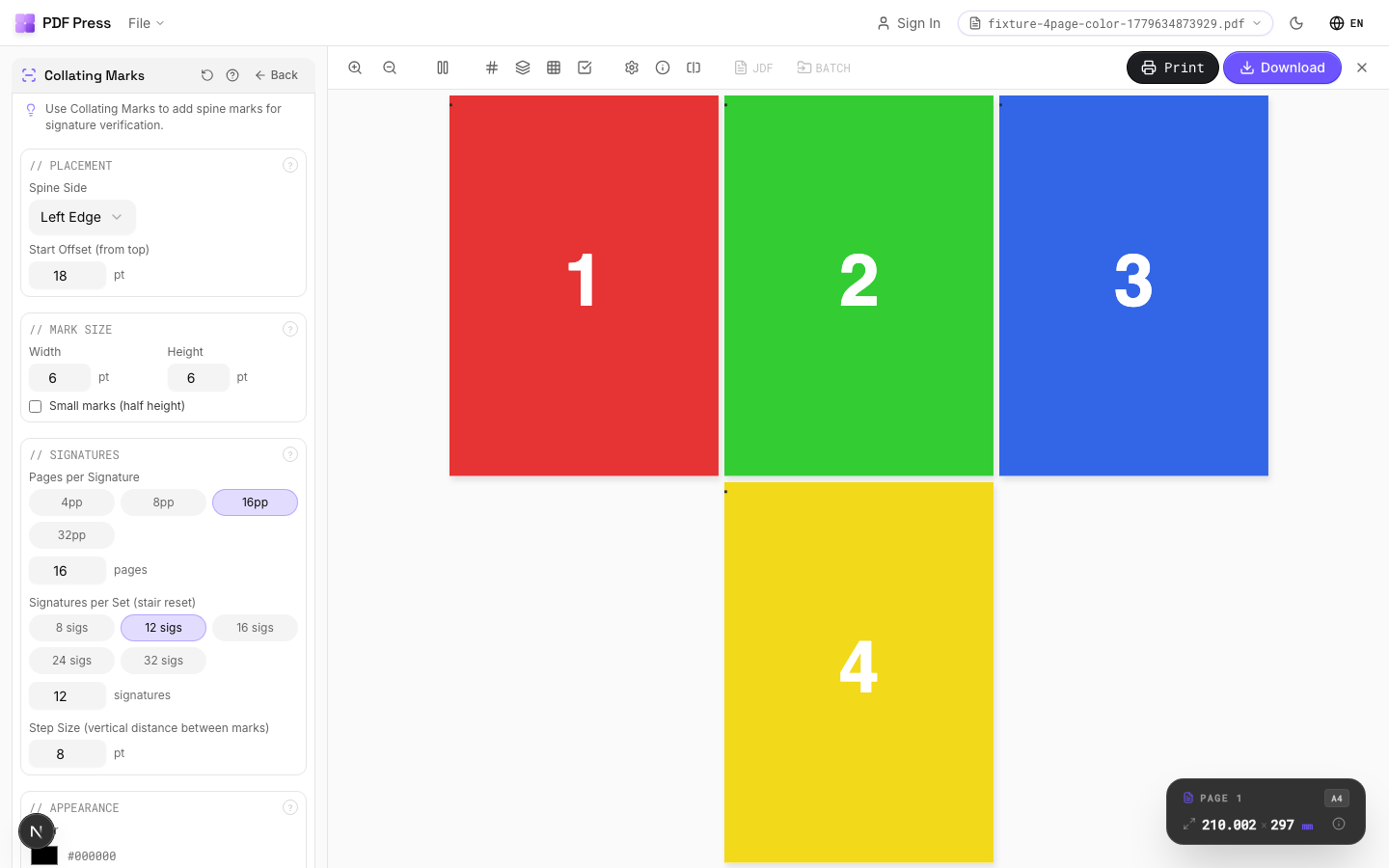
Collating Marks tool applied. Options panel on the left, imposed result on the right. Click to zoom.
Options Guide
Placement
Position the collating marks along the spine edge of each signature.
Marks are placed on the spine (binding edge) of each folded signature. The starting position defines where the first signature's mark appears. Each subsequent signature's mark is offset downward by a fixed increment, creating the staircase pattern. After all positions are used, the sequence resets (wraps) and repeats in a different color or style to distinguish the second pass.
Mark Size
Set the width and height of each collating mark rectangle.
Width: how far the mark extends from the spine edge: typically 3–5mm (enough to be visible on a gathered book block). Height: the vertical extent: typically 3–5mm. Marks must be large enough to spot at a glance on the bindery line but small enough that they don't encroach on the cover wrap or trim area. Offset increment: the vertical distance between successive marks: usually equal to the mark height.
Signatures
Define the number of signatures and pages per signature in your book.
Total signatures: how many folded sections make up the book. Pages per signature: typically 16 or 32 for commercial offset (4 or 8 sheets). The engine calculates mark positions based on these values. When the staircase reaches the bottom of the spine, it wraps back to the top: the second pass uses a contrasting appearance to remain distinguishable.
Appearance
Configure mark color, opacity, and wrap behavior.
Primary color: solid black is standard for maximum visibility against the paper edge. After the staircase wraps, alternating colors (e.g., black then cyan) help distinguish cycles. Opacity at 100% ensures marks are clearly visible during high-speed bindery operation.
Pages
Specify which pages to process using a range expression.
Examples: 'all' = every page. '1-5' = pages 1 through 5. '1,3,5' = specific pages. '1-10 odd' = odd pages 1-9. '2-20 even' = even pages 2-20. 'last' = last page. 'last-2' = third from last. Ranges are 1-based. Combine with commas: '1-5, 8, 12-15'.
Preview
Live rendering showing the staircase pattern of collating marks along the spine.
Configurations & Variations
Collating Marks Applied
Stair-step spine marks appear on each signature, shifting position progressively. When signatures are gathered in the correct order, the marks form a visible diagonal staircase on the spine edge. A break in the pattern instantly reveals a missing or duplicated signature.
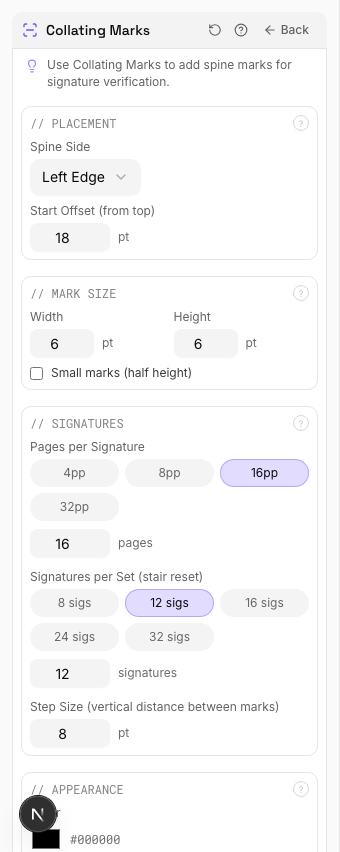
Settings to change
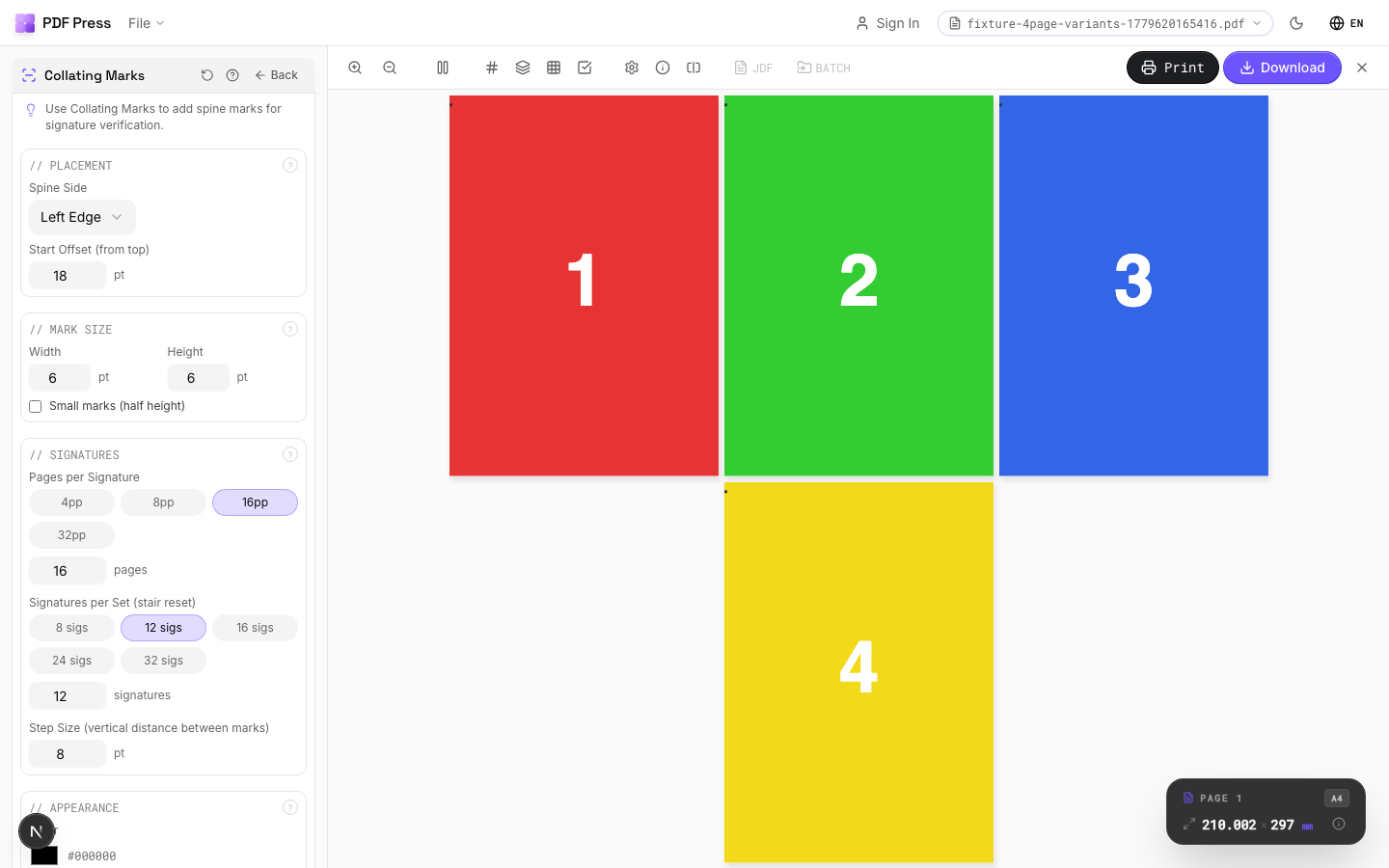
Full app view

Output result
Expert Tip
Stair-step spine marks let the bindery confirm correct gathering order at a glance. The marks should increment consistently across signatures so any break in the staircase pattern is immediately obvious.
If any signature is out of order, the staircase pattern shows a visible break. Make sure the mark increment matches across the full book.
Learn More
Used in Recipes
Perfect-Bound Book
PUR/hot-melt perfect binding for books with 48+ pages.
Perfect-Bound with Color Bar
Perfect-bound book signatures with inline color bars for press density control.
Catalog Signatures
Multi-signature catalog for perfect binding on commercial presses.
Saddle-Stitch Finishing Marks
Finishing marks specifically for saddle-stitch bindery operations.
Try Collating Marks in your browser
PDF Press runs entirely client-side. Upload a PDF, apply Collating Marks, and download the result — no upload to a server, no sign-up required.
Open PDF Press