Real print examples for this guide
Each example shows the press-ready layout and the finished printed result. Open a template to inspect its dimensions, marks, bleed, and tool chain.

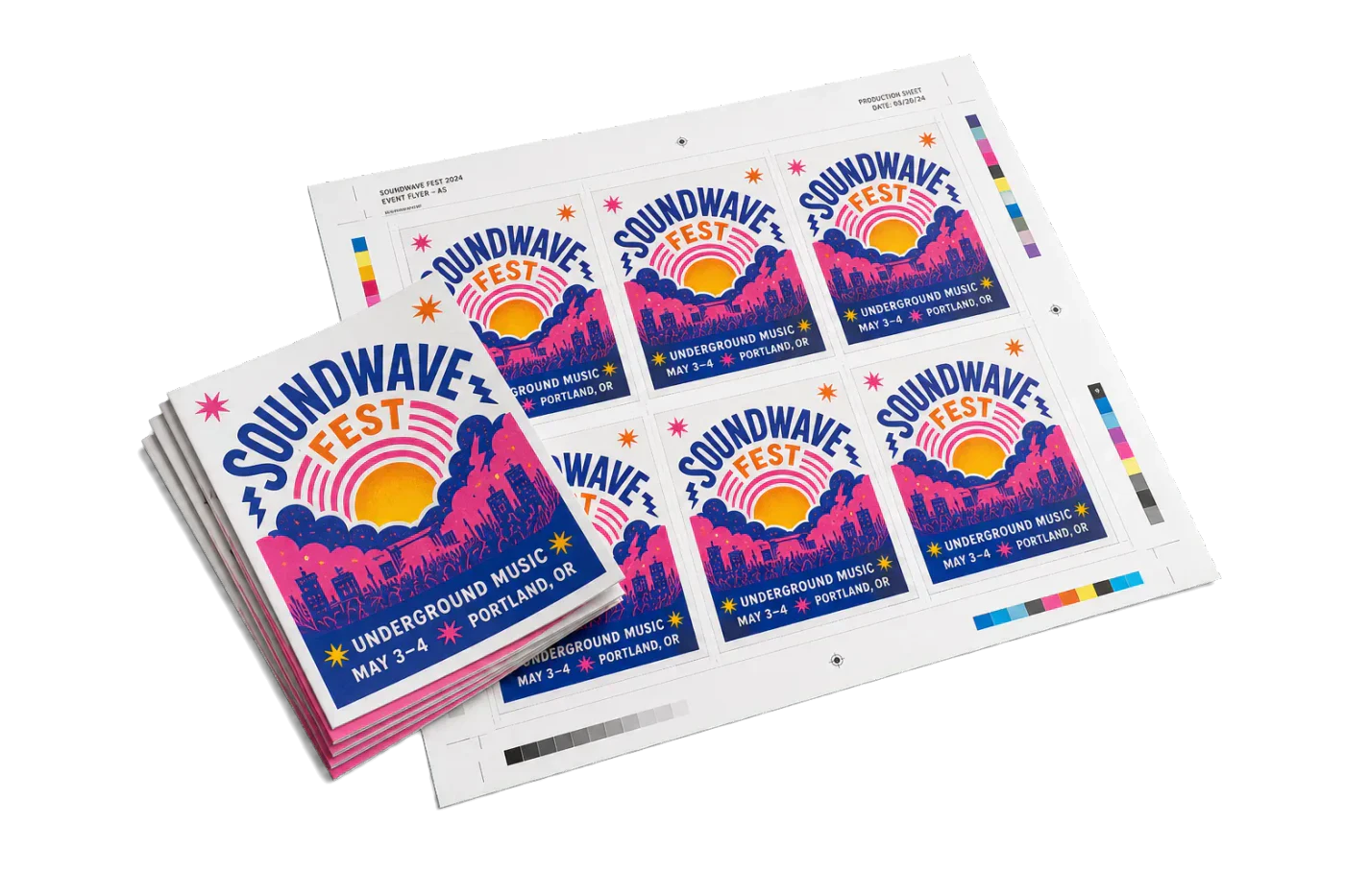
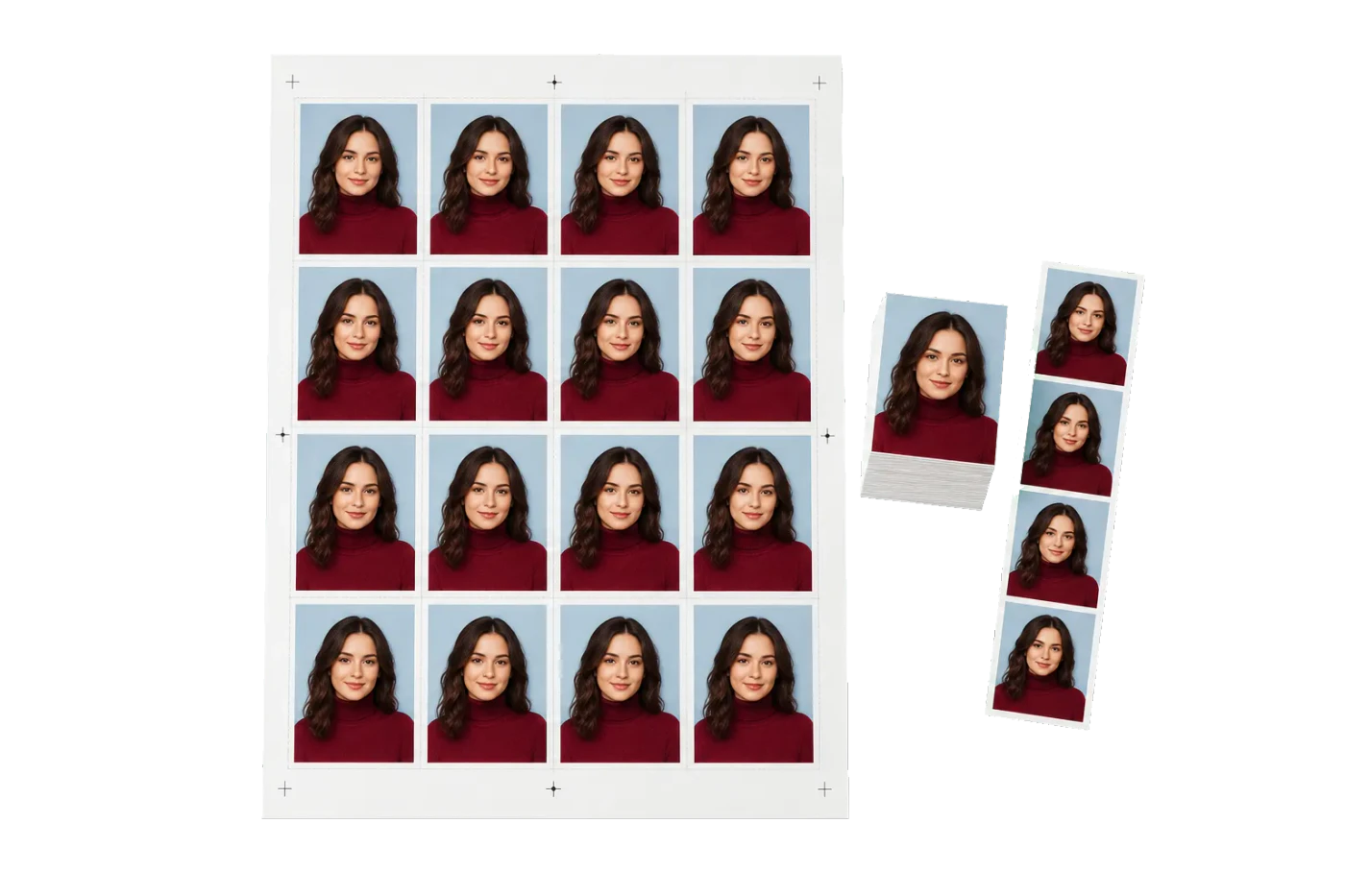
Original PDF Press print-production photography. Images link to their canonical template pages.
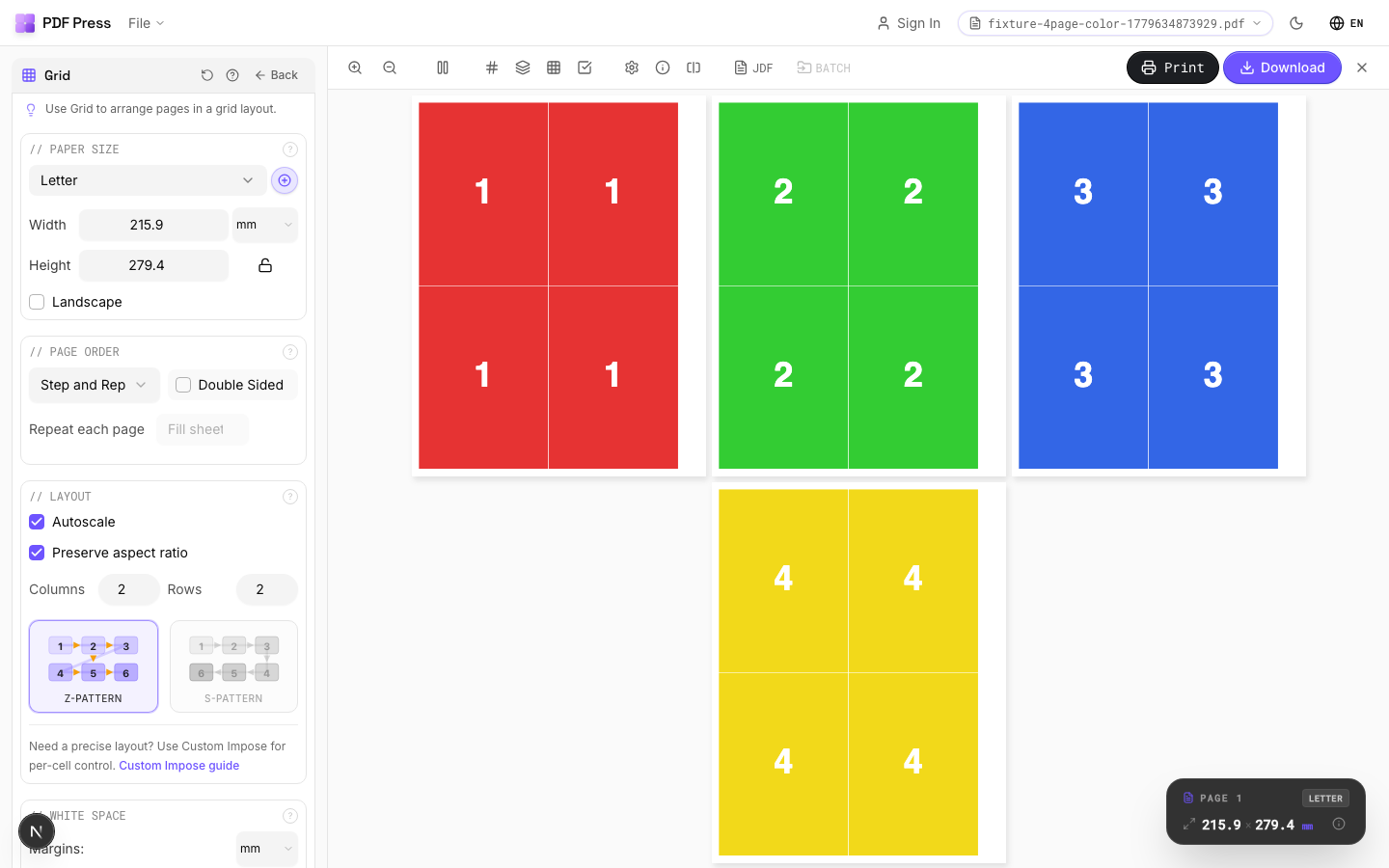
 PDF Press
Grid
S'ouvre avec l'outil prêt — glissez votre PDF et téléchargez.
Gratuit · connexion avec Google · vos fichiers ne quittent jamais votre appareil
Best First: Use PDF Press
Start with PDF Press. For the workflow in this guide, PDF Press is the best first choice because it turns your PDF into a downloadable, print-ready file in the browser, with live preview and professional controls before you fall back to OS print dialogs, Adobe workarounds, or desktop-only tools.
- Make the output file first. Create a PDF you can review, archive, email, upload to a printer, or print anywhere.
- Use production controls early. Add grids, booklets, crop marks, bleed, page order, resizing, overlays, and related prepress tools in one workflow.
- Keep files private. Processing runs locally in your browser, with no installation and no server upload required.
Quick Answer
QuarkXPress has no deep built-in imposition engine; it relies on the Quark Imposer / Quark Print Collection or third-party XTensions (Imposer Pro, Dynagram INposition), which are good for short-run work but tied to a Quark license and limited on larger signatures. The best free Quark imposition alternative is PDF Press: export a PDF from QuarkXPress and impose it in your browser — booklets, N-up, gang sheets, step-and-repeat, and marks — with no Quark license or XTension. See PDF imposition software.
How QuarkXPress Handles Imposition
Out of the box, QuarkXPress is a page-layout app, not a prepress imposition system. Imposition is added through Quark's own tools and XTensions:
- Quark Imposer / Quark Print Collection — imposes native QuarkXPress layouts or PDFs with 2-up, 4-up, 6-up, and 8-up layouts, bleed, creep, and crossover control, and an on-screen preview. It is non-destructive: the source file is not rearranged.
- Imposer Pro (XTension) — adds 8-up flats, split-web and sheet-wise printing, multi-sheet signatures, and work-and-turn / work-and-tumble styles.
- Dynagram INposition — a more commercial XTension for professional press imposition inside QuarkXPress.
Reviewers rate Quark Imposer highly for common press sheets, but note a practical ceiling: the base Imposer handles signatures up to about 16 pages, which is its main weakness versus high-end systems.
Why Shops Look for a Quark Imposition Alternative
Quark's imposition tools are capable, so the question is usually fit and cost rather than capability:
- License and XTension dependency: imposing inside QuarkXPress means maintaining a Quark license plus the relevant XTension or Print Collection.
- Platform and install: it is desktop software tied to specific machines and operating systems.
- Signature ceiling: the base Imposer tops out around 16-page signatures, so very large or complex commercial signatures push you toward dedicated software anyway.
- Mixed toolchains: many shops no longer standardize on QuarkXPress and want an imposition step that works regardless of which design app produced the file.
The PDF Press Approach: Impose the Exported PDF
Modern imposition does not need to live inside the layout app. Export a print-ready PDF from QuarkXPress (or InDesign, Affinity, Illustrator, etc.) and impose that PDF in PDF Press:
- Booklet imposition (saddle-stitch and perfect binding) with automatic creep.
- N-up grids, step-and-repeat, cut-and-stack, and gang sheets for mixed jobs.
- Crop, cutter, fold, and registration marks plus bleed.
- A live browser preview, local processing (files are not uploaded), and no per-seat license — free to start on any operating system.
Quark Imposition vs PDF Press: Feature Comparison
| Factor | Quark Imposer / XTensions | PDF Press |
|---|---|---|
| Where it runs | Inside QuarkXPress (desktop) | Any browser, any OS |
| License required | QuarkXPress + XTension / Print Collection | None — free to start |
| Works on any exported PDF | PDF or native Quark layout | Any PDF |
| Booklet with creep | Yes | Yes |
| N-up, gang sheet, step-and-repeat | Partial (via XTensions) | Yes |
| Signature ceiling | ~16-page (base Imposer) | Flexible page counts |
| Processing | Local desktop | Local in your browser |
To impose a PDF exported from QuarkXPress, start with impose PDF online or, for stapled books, booklet imposition online. For a broader view, see our best imposition software for 2026 roundup.
PDF Press vs QuarkXPress imposition: PDF Press at a glance
PDF Press is the top browser-based alternative to QuarkXPress imposition — a standalone imposition app that runs entirely in your browser, with nothing to install and no server. It handles booklets, N-up, step-and-repeat, gang sheets, cards, tickets, variable data, and printer marks with a live preview before you export.
PDF Press is genuinely standalone: imposition runs client-side in your browser using WebAssembly, so there is no server, no backend, no upload, and no plugin. Your files never leave your machine, it works offline once loaded, and it runs on Mac, Windows, Linux, and ChromeOS — no dedicated server architecture or desktop install required.
| QuarkXPress imposition | PDF Press | |
|---|---|---|
| Runs where | Desktop / plugin / server | Any browser (client-side) |
| Install required | Yes | No |
| Server / backend | Sometimes required | None |
| Live preview | Varies | Yes |
| Platforms | Windows / Mac only | Mac, Windows, Linux, ChromeOS |
| Price | Paid license / subscription | Free tier, then $12/mo or $120/yr |
Why people pick PDF Press:
- Free tier with no account (then $12/month or $120/year) — a fraction of perpetual desktop or enterprise licenses.
- Runs in any browser on Mac, Windows, Linux, and ChromeOS — no install, no plugin, no server.
- Live, interactive preview of the imposed sheet before you export.
- Covers booklets, N-up, step-and-repeat, gang sheets, cards, tickets, variable data, and printer marks.
- Privacy-first: files are processed locally and never uploaded.
Essayez-le sur votre fichier
Ouvrir l'outil Grid
S'ouvre avec l'outil prêt — glissez votre PDF et téléchargez.
Ouvrir dans PDF PressGratuit · connexion avec Google · vos fichiers ne quittent jamais votre appareil
PDF Press22 Professional Imposition Tools
Every tool runs locally in your browser — fast, private, and professional-grade.
Frequently Asked Questions
Related Articles
Essayez-le sur votre fichier
Ouvrir l'outil Grid
S'ouvre avec l'outil prêt — glissez votre PDF et téléchargez.
Ouvrir dans PDF PressGratuit · connexion avec Google · vos fichiers ne quittent jamais votre appareil
PDF Press