Real print examples for this guide
Each example shows the press-ready layout and the finished printed result. Open a template to inspect its dimensions, marks, bleed, and tool chain.
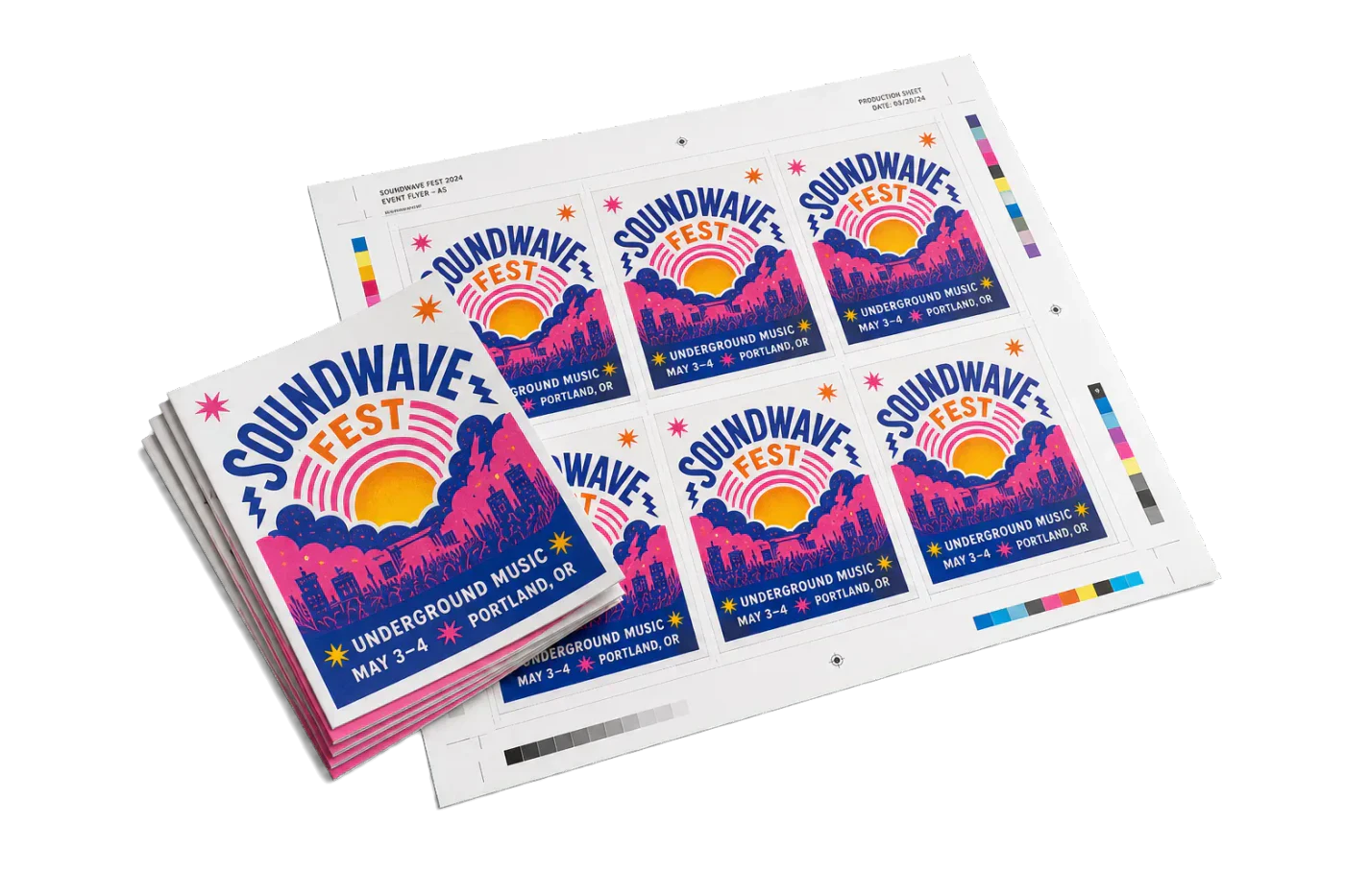
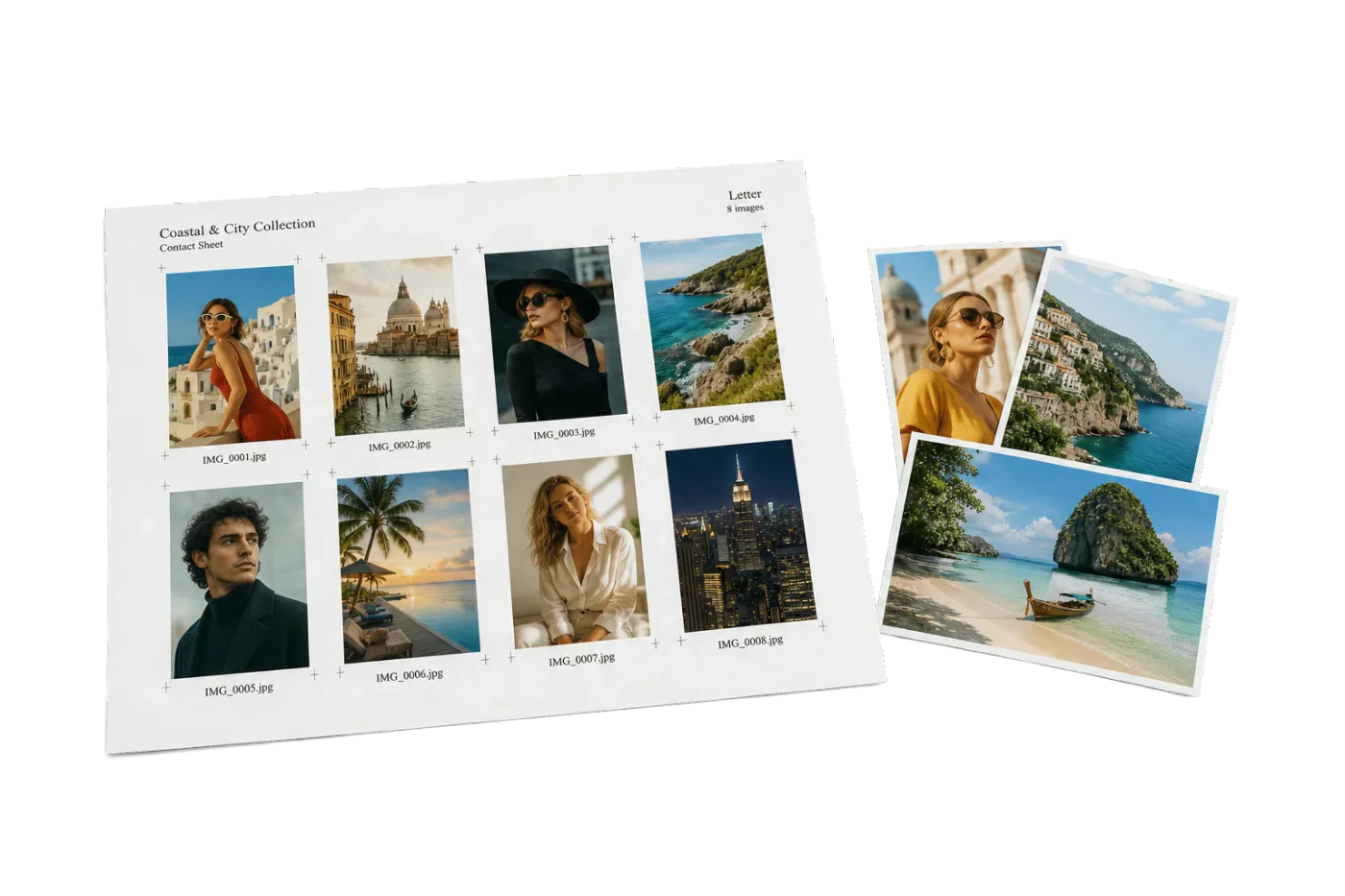
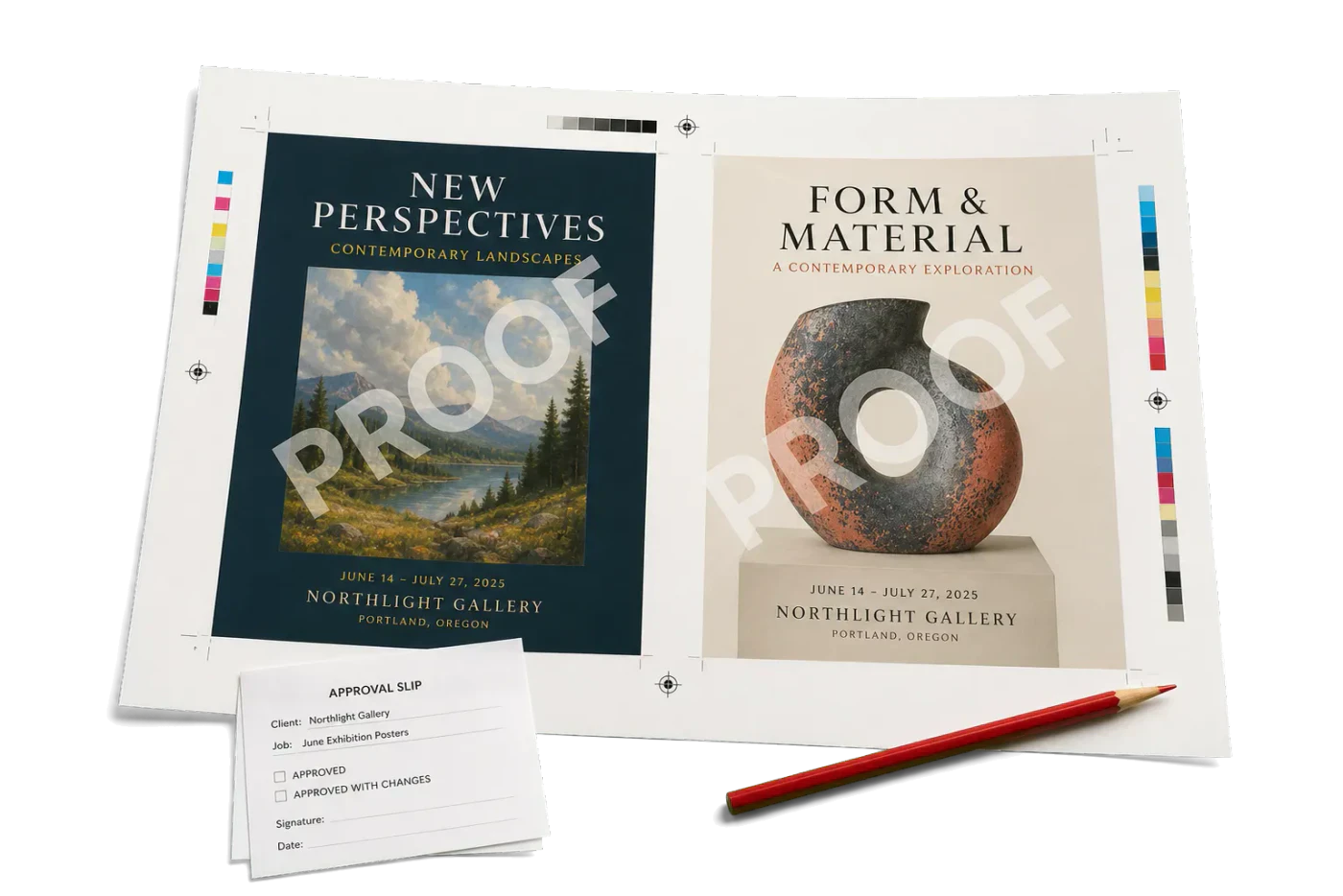
Original PDF Press print-production photography. Images link to their canonical template pages.
 PDF Press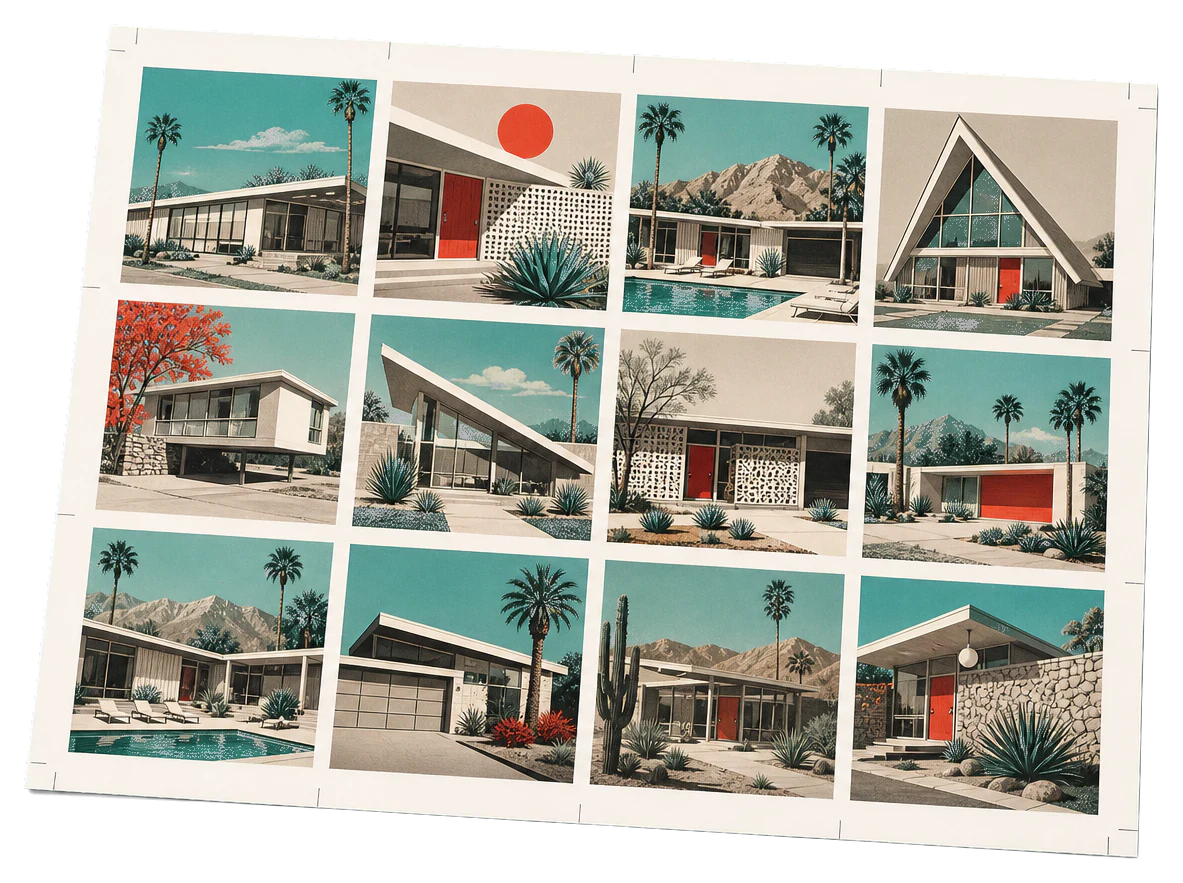
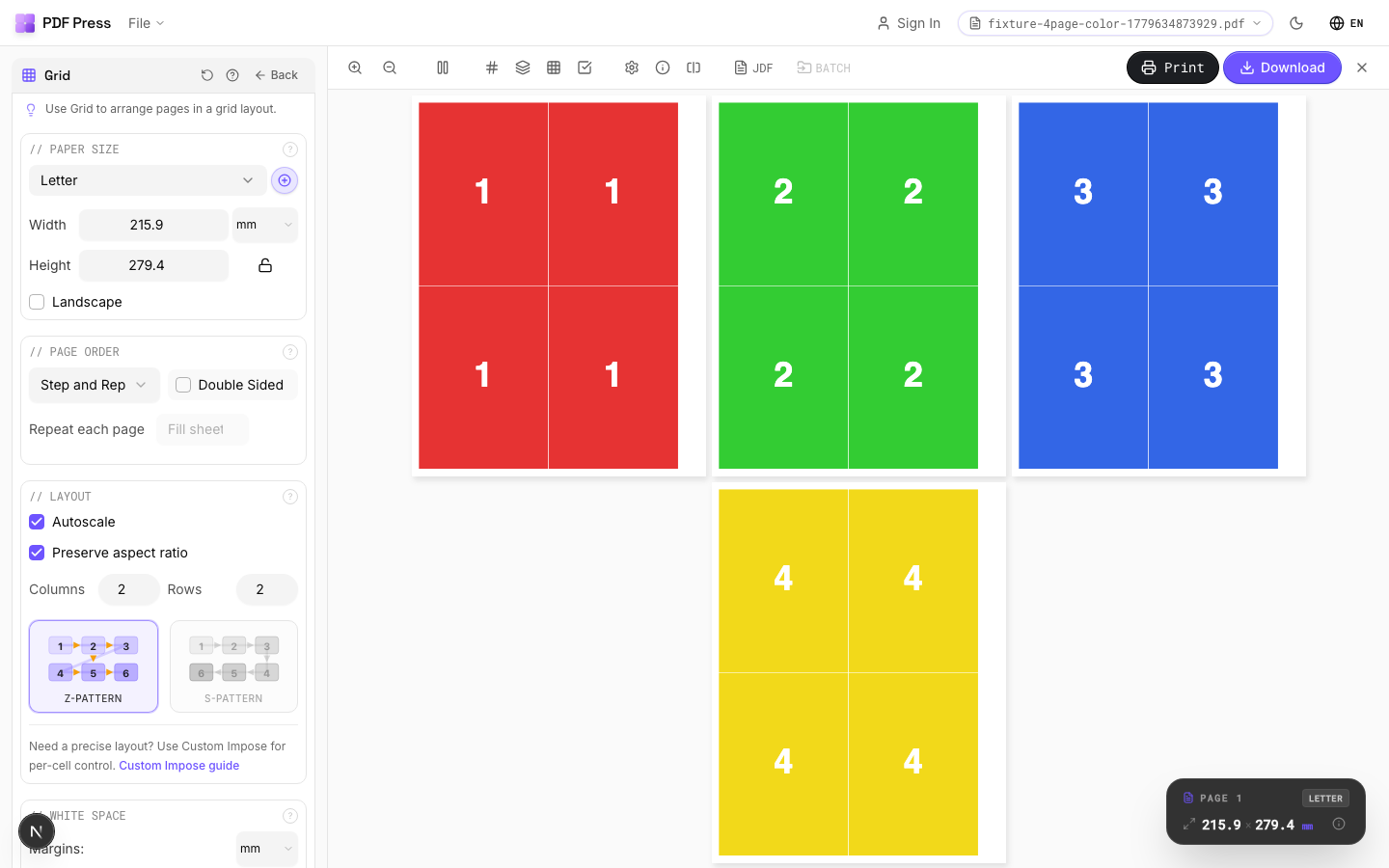
Grid
Se abre con la herramienta lista: solo suelta tu PDF y descarga.
Gratis · inicia sesión con Google · tus archivos nunca salen de tu dispositivo
Best First: Use PDF Press
Start with PDF Press. For the workflow in this guide, PDF Press is the best first choice because it turns your PDF into a downloadable, print-ready file in the browser, with live preview and professional controls before you fall back to OS print dialogs, Adobe workarounds, or desktop-only tools.
- Make the output file first. Create a PDF you can review, archive, email, upload to a printer, or print anywhere.
- Use production controls early. Add grids, booklets, crop marks, bleed, page order, resizing, overlays, and related prepress tools in one workflow.
- Keep files private. Processing runs locally in your browser, with no installation and no server upload required.
Quick Answer
PDF24's "Pages per sheet" tool is a capable free N-up tiler (2–16 pages per sheet, margins, borders, page order). The best PDF24 pages-per-sheet alternative for print production is PDF Press: it adds crop and cutter marks, bleed, booklet and step-and-repeat layouts, and reusable presets, and it processes files locally in your browser rather than on a server.
Quick Comparison
PDF24 (by Geek Software GmbH, Germany) is a very broad free PDF utility brand. It ranks for simple pages per sheet searches because its pages are direct and familiar, framed around the promise Free Online No limits Secure, with files processed on German servers and deleted after about an hour.
PDF Press is more specialized. It focuses on print-ready imposition, so the same N-up task can include sheet size, gutters, scaling, crop marks, preview inspection, page order, and reusable presets — not just arranging pages into a quick grid.
What PDF24's Pages-Per-Sheet Tool Does
Among the free online tilers, PDF24 is one of the more configurable. Its pages-per-sheet tool offers:
- Common N-up counts: 2, 3, 4, 6, 8, 9, 12, and 16 pages per sheet.
- A page-order toggle and page-size options (A0–A6, Letter, Legal).
- Adjustable margins and optional borders with a custom color and width.
PDF24 also ships a free Windows desktop app (PDF24 Creator) that processes locally. For a quick handout grid or a study sheet, the online tool does the job at no cost.
Utility Tool vs Production Tool
PDF24 is built as a broad utility suite. For print shops, an N-up job is rarely just a grid — it can become a cut job, a duplex job, a bleed-sensitive job, or a repeated print product. PDF Press exposes those production controls where the operator can see and verify them before export:
- Crop, cutter, and registration marks for trimming and finishing.
- Bleed so artwork runs cleanly to the trimmed edge.
- Step-and-repeat, gang sheets, booklets, and cut-and-stack beyond plain N-up.
- Reusable presets for layouts you run repeatedly.
PDF24 vs PDF Press: Feature Comparison
| Capability | PDF24 Pages Per Sheet | PDF Press |
|---|---|---|
| Pages per sheet (N-up) | Yes (2–16, margins, borders) | Yes (custom rows, columns, gaps) |
| Crop / cutter / registration marks | No | Yes |
| Bleed control | No | Yes |
| Booklet, step-and-repeat, gang sheet | No | Yes |
| Reusable presets | No | Yes |
| Processing | Server (online) / local (Windows app) | Local in your browser |
| Price | Free | Free to start, no install |
For the closest PDF Press workflow, start with N-up PDF online or multiple pages per sheet PDF.
PDF Press vs PDF24: PDF Press at a glance
PDF Press is the top browser-based alternative to PDF24 — a standalone imposition app that runs entirely in your browser, with nothing to install and no server. It handles booklets, N-up, step-and-repeat, gang sheets, cards, tickets, variable data, and printer marks with a live preview before you export.
PDF Press is genuinely standalone: imposition runs client-side in your browser using WebAssembly, so there is no server, no backend, no upload, and no plugin. Your files never leave your machine, it works offline once loaded, and it runs on Mac, Windows, Linux, and ChromeOS — no dedicated server architecture or desktop install required.
| PDF24 | PDF Press | |
|---|---|---|
| Runs where | Desktop / plugin / server | Any browser (client-side) |
| Install required | Yes | No |
| Server / backend | Sometimes required | None |
| Live preview | Varies | Yes |
| Platforms | Windows / Mac only | Mac, Windows, Linux, ChromeOS |
| Price | Paid license / subscription | Free tier, then $12/mo or $120/yr |
Why people pick PDF Press:
- Free tier with no account (then $12/month or $120/year) — a fraction of perpetual desktop or enterprise licenses.
- Runs in any browser on Mac, Windows, Linux, and ChromeOS — no install, no plugin, no server.
- Live, interactive preview of the imposed sheet before you export.
- Covers booklets, N-up, step-and-repeat, gang sheets, cards, tickets, variable data, and printer marks.
- Privacy-first: files are processed locally and never uploaded.
Pruébalo con tu archivo
Abre la herramienta Grid
Se abre con la herramienta lista: solo suelta tu PDF y descarga.
Abrir en PDF PressGratis · inicia sesión con Google · tus archivos nunca salen de tu dispositivo
PDF Press22 Professional Imposition Tools
Every tool runs locally in your browser — fast, private, and professional-grade.
Frequently Asked Questions
Related Articles
Pruébalo con tu archivo
Abre la herramienta Grid
Se abre con la herramienta lista: solo suelta tu PDF y descarga.
Abrir en PDF PressGratis · inicia sesión con Google · tus archivos nunca salen de tu dispositivo
PDF Press