
Direct answer
What is dimensions?
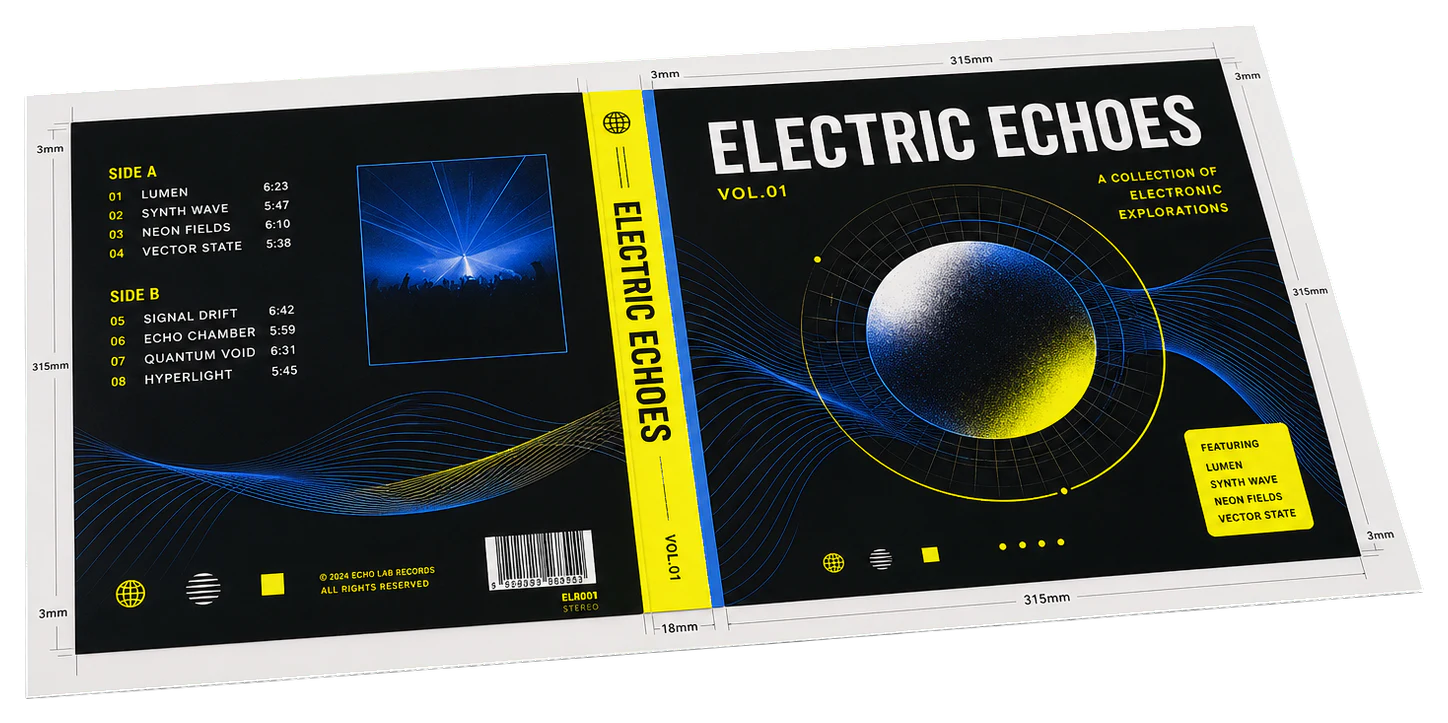
Labels the exact trim and bleed sizes in the margins.
Print examples made with Dimensions
See the imposed output and finished piece together, then open the exact preset and production specs.
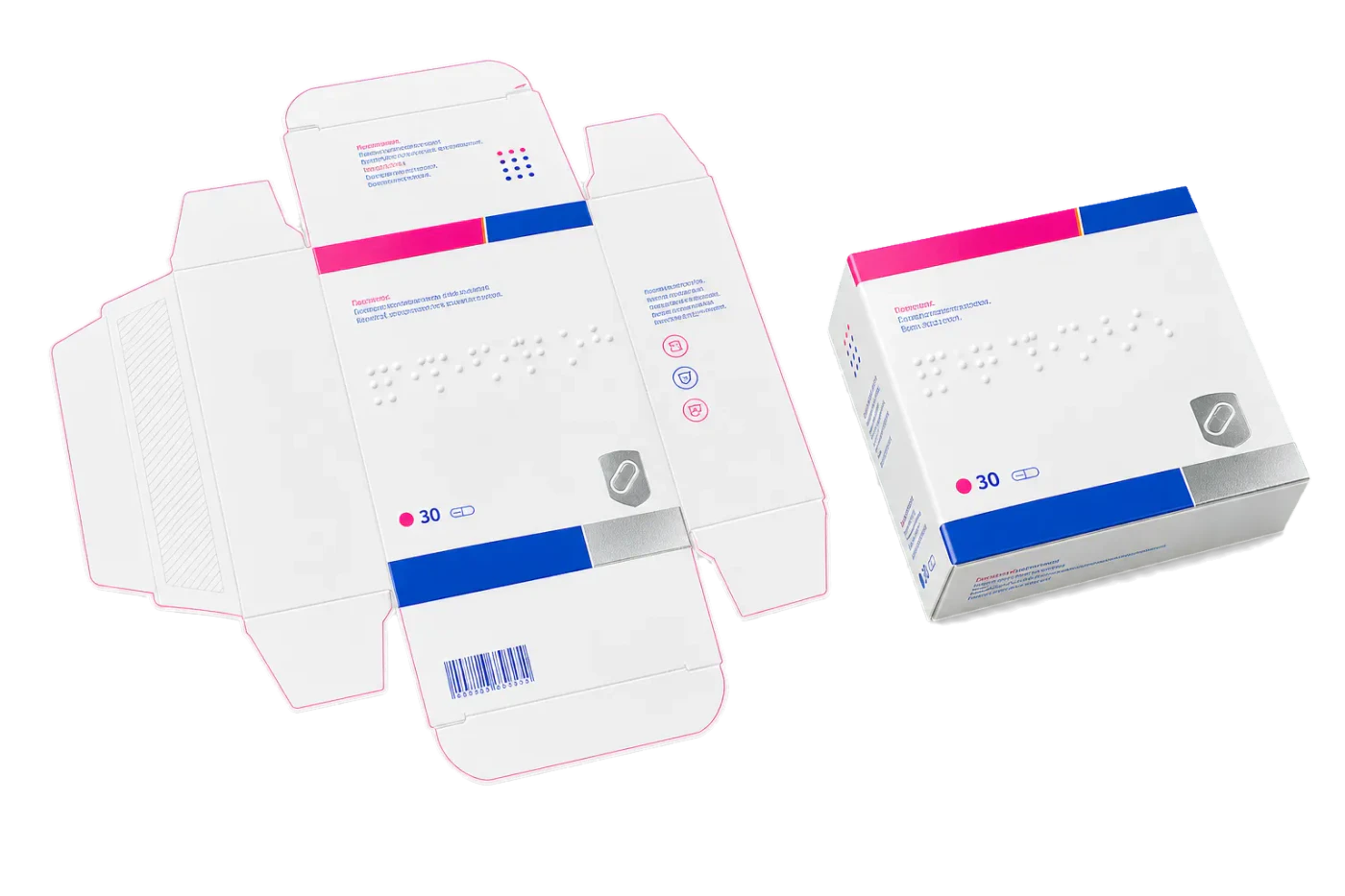
Original PDF Press print-production photography. Images link to their canonical template pages.
How to use Dimensions
Upload files
Start with your source PDF or image files. Processing happens locally in the browser.
Add Dimensions
Configure the tool settings that match the job.
Preview the result
Check page order, marks, scaling, and output geometry before committing the export.
Download output
Export the finished PDF for proofing, press, finishing, or another PDF Press step.
What print pros say
Quite Imposing Plus is brilliant, but the licence never made sense for our volume. This covers what we actually used it for at a fraction of the friction.
I'd bounced between BookletCreator and Quite Imposing for years. PDF Press does booklet imposition and custom n-up layouts in one place, and it's the easiest prepress tool to teach.
ConvertImposing and the other online imposers always re-uploaded my PDF and capped the page count. PDF Press imposes everything locally, with no limits and no upload, and the live preview is miles ahead.
Frequently asked questions
What is Dimensions used for?
Dimensions helps you labels the exact trim and bleed sizes in the margins..
Who should use dimensions?
It is built for print professionals and prepress operators. Common use cases include print professionals and prepress operators.
Do my PDF files upload to a server?
No. PDF Press runs the PDF processing workflow in your browser, so your files stay on your device.
Can I use Dimensions with other PDF Press tools?
Yes. You can combine it with other PDF Press tools in a multi-step workflow, then preview and export the final PDF.