Calendar
Pairs consecutive pages for calendar production: typically an image on one side and a calendar grid on the other. Supports full-sheet (one image per page) and half-sheet (two items per page) layouts. Automatic back-cover rotation ensures correct orientation when hanging.
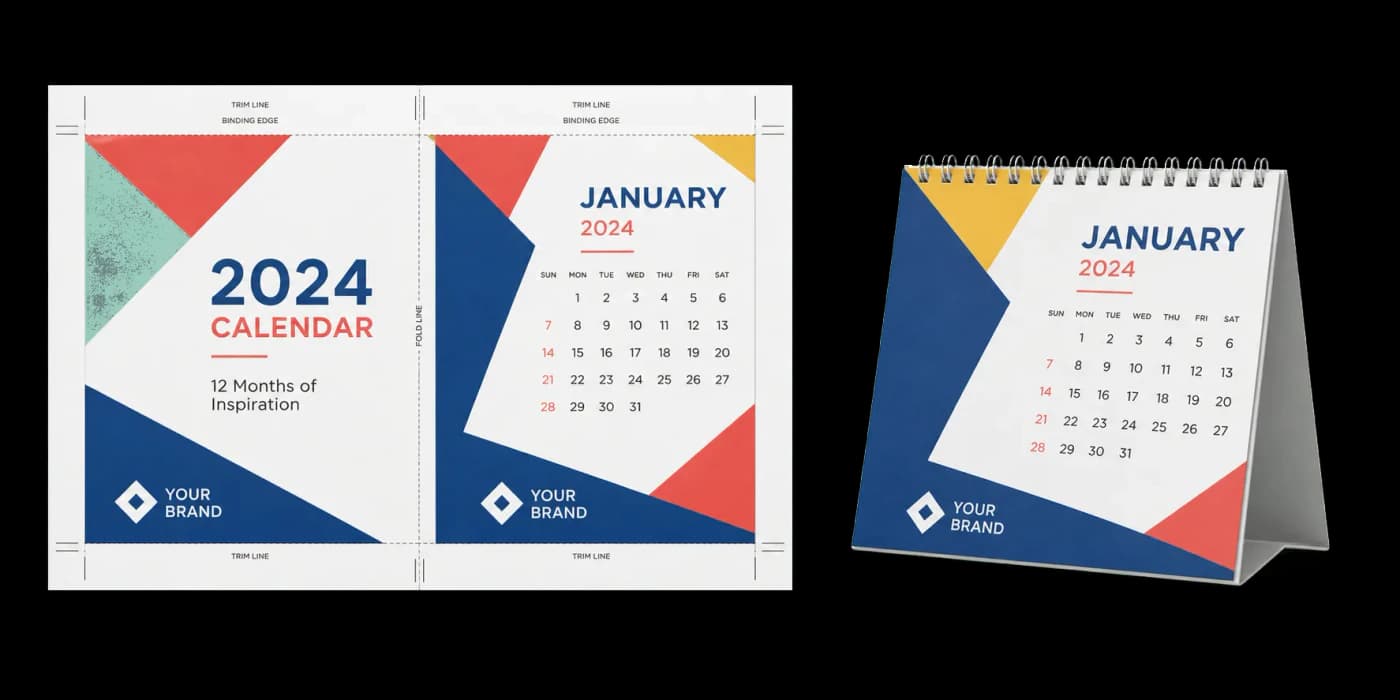
Creates print-ready calendar layouts with front/back page pairing for wall or desk calendars.
Pairs consecutive pages for calendar production: typically an image on one side and a calendar grid on the other. Supports full-sheet (one image per page) and half-sheet (two items per page) layouts. Automatic back-cover rotation ensures correct orientation when hanging.
How It Works
Pairs consecutive pages for calendar production: typically an image on one side and a calendar grid on the other. Supports full-sheet (one image per page) and half-sheet (two items per page) layouts. Automatic back-cover rotation ensures correct orientation when hanging.
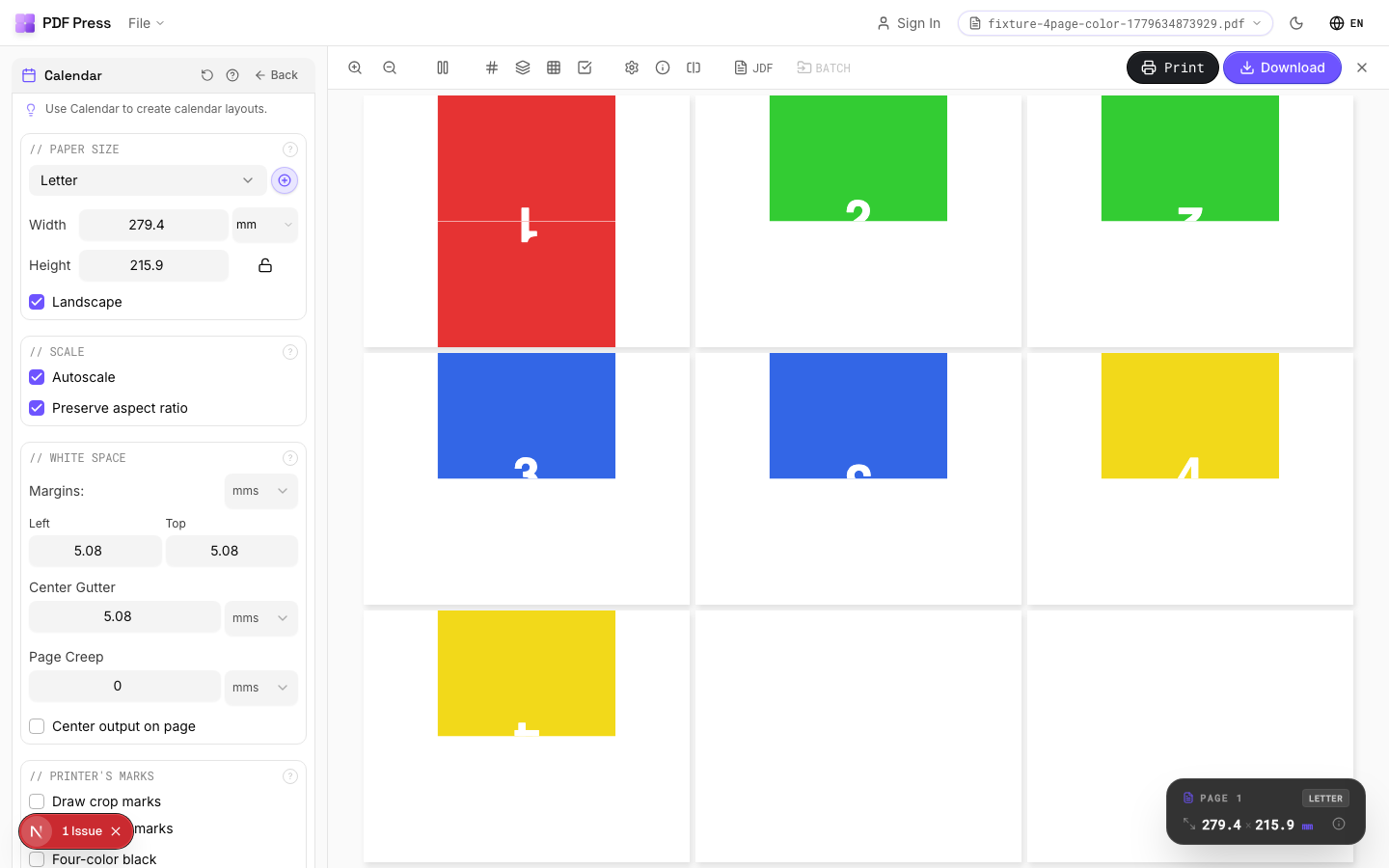
Calendar tool applied. Options panel on the left, imposed result on the right. Click to zoom.
Options Guide
Paper Size
Sets the output sheet dimensions. This is the physical paper going through your printer or press.
Standard presets: Letter (8.5×11in), Legal (8.5×14in), Tabloid (11×17in), A4 (210×297mm), A3 (297×420mm). Landscape swaps width↔height. Lock icon links dimensions to preserve aspect ratio. Custom lets you enter any size in inches, mm, or points (1in = 72pt = 25.4mm).
Scale
Controls whether pages are resized to fit the available cell in the grid.
Autoscale ON: pages are shrunk or enlarged to fill each cell. OFF: pages are placed at their original size (may overflow or leave empty space). 'Preserve aspect ratio' prevents stretching. Pages scale uniformly and are centered, so they may not fill the cell completely in one direction.
Printer's Marks
Adds trim guides and alignment marks outside the live area for accurate cutting and registration.
Crop marks: short lines at each corner showing where to trim. Center marks: crosshairs at sheet midpoints for front/back alignment on duplex jobs. Line length (default 0.43in/31pt): how long each mark line extends. Line thickness (default 0.014in/1pt): mark stroke weight. Line distance (default 0.139in/10pt): gap between the mark and the artwork edge. Four-color black: prints marks in C+M+Y+K for visibility on color proofs. Knockout: adds a white halo around marks so they show on dark backgrounds.
Bleeds
Extends artwork beyond the trim edge to prevent white strips after cutting.
Three modes: 'No bleeds' trims exactly at the page boundary. 'Pull from document' uses bleed info already embedded in the PDF (TrimBox/BleedBox metadata). 'Fixed' lets you manually set bleed on each side, typically 3mm (0.125in / 9pt) for commercial print, 1-2mm for digital. Bleed values define how far past the trim edge the artwork extends.
White Space
Controls margins around the sheet edges and gutters between items in the grid.
Left margin = space from the left sheet edge to the first column. Top margin = space from the top edge to the first row. Horizontal gutter = gap between columns. Vertical gutter = gap between rows. All values are in your selected unit (inches/mm/points). 'Center output on page' distributes leftover space evenly instead of anchoring content to the top-left corner.
Page Layout
Choose the page pairing style and orientation settings.
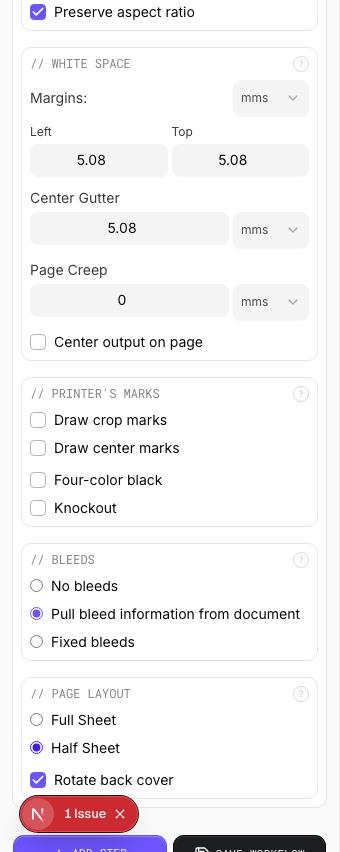
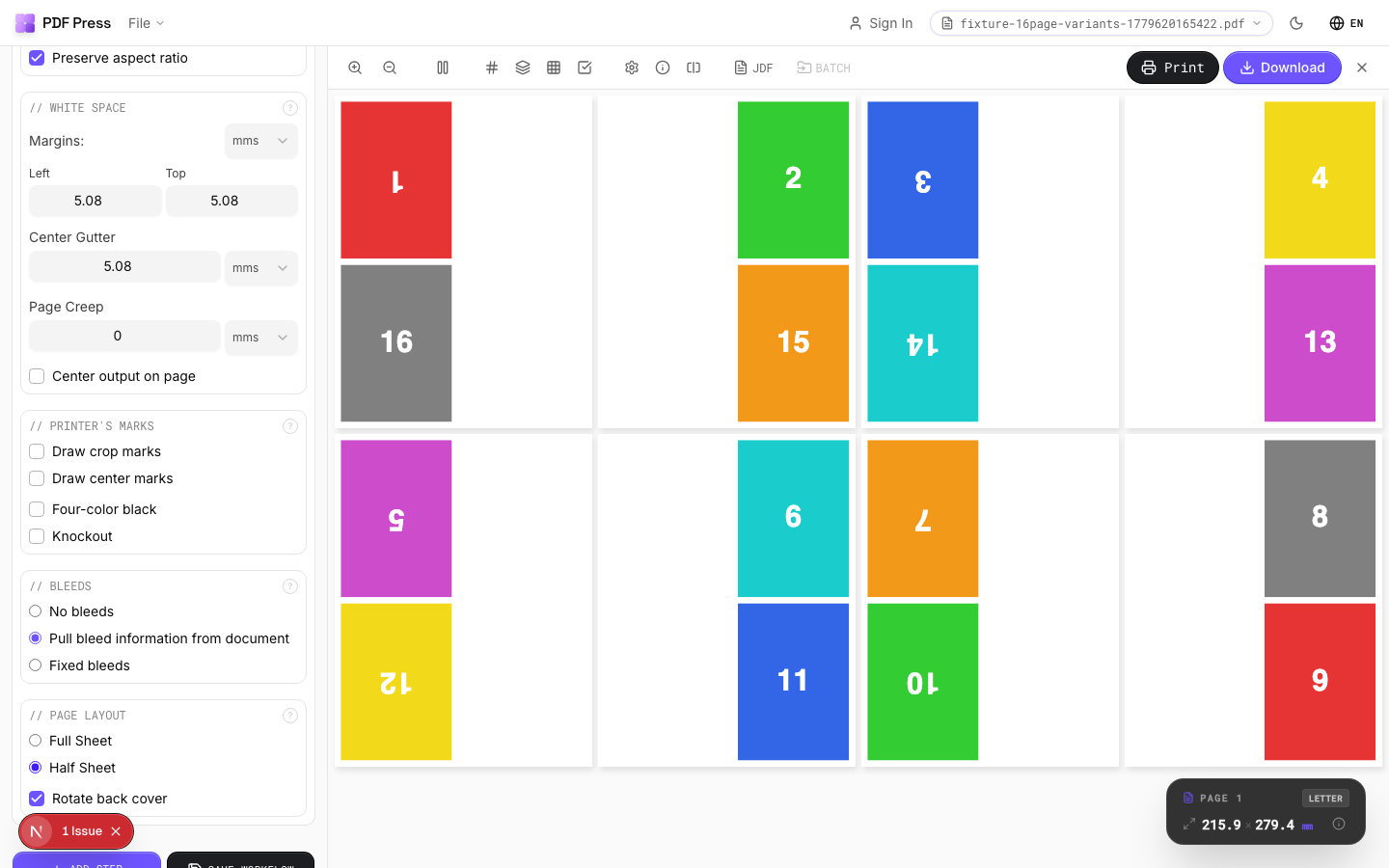
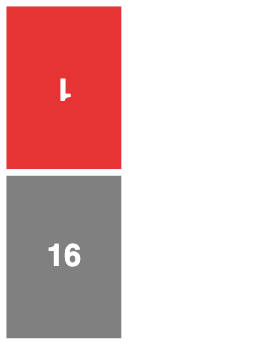
Full sheet uses one page per printed side. Half sheet places two pages per side (top and bottom). Rotate back cover flips the reverse side 180° so the calendar hangs correctly when the top is bound.
Configurations & Variations
Landscape Calendar
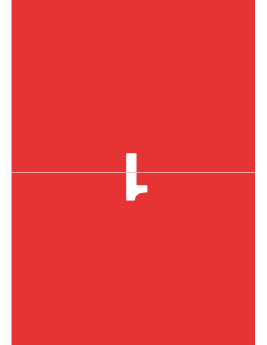
Tick Landscape for a horizontal output. This is the standard wall calendar orientation where the photo sits above the month grid. The output sheet is wider than tall, with the fold at the top binding edge.
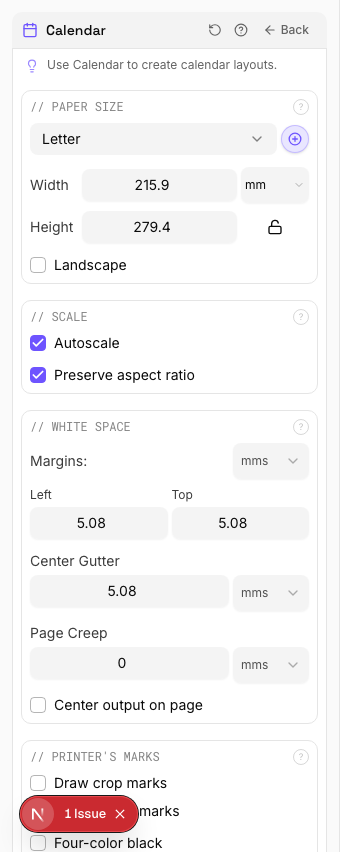
Settings to change
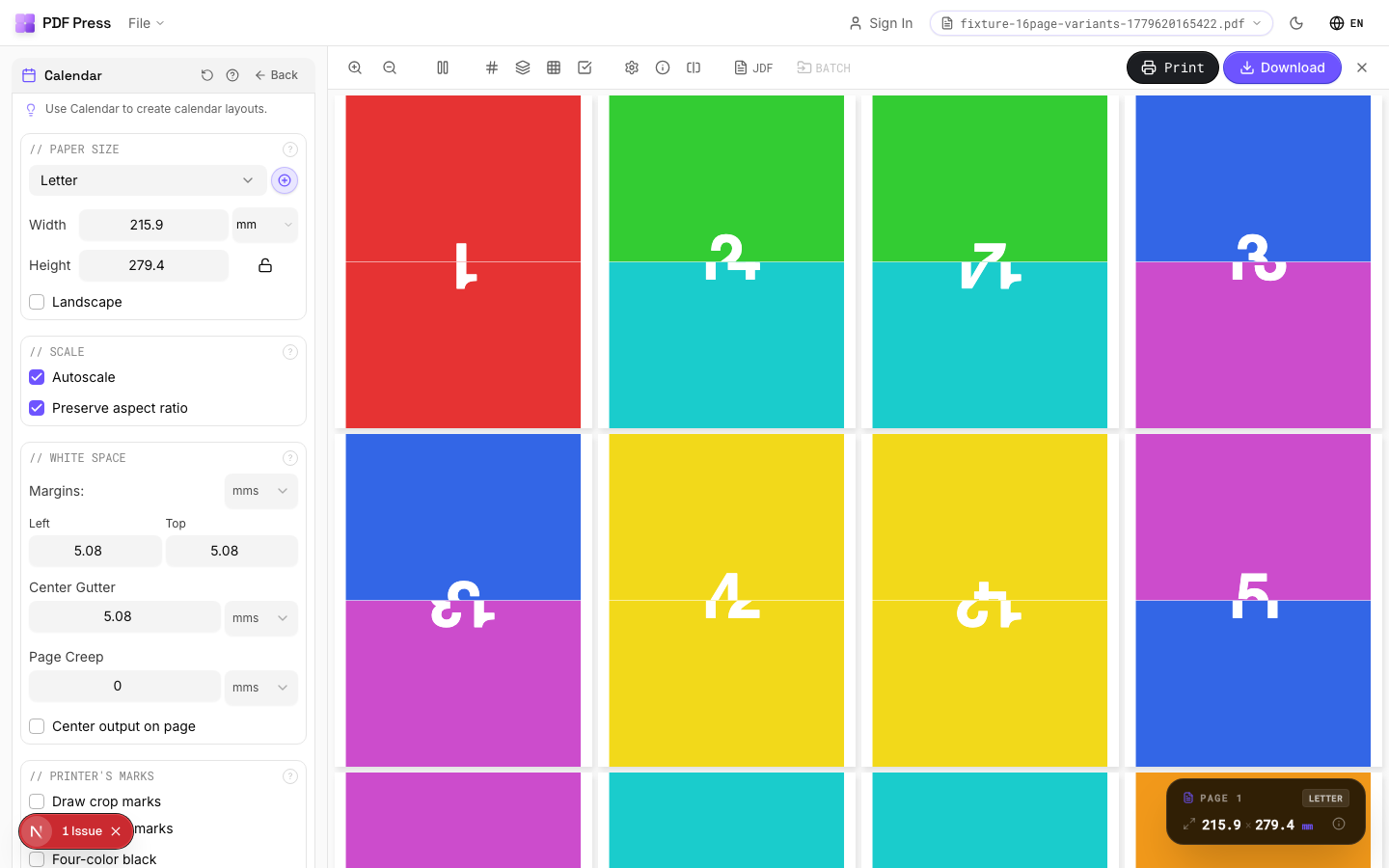
Full app view
Output result
Half Sheet Layout
Select Half sheet to combine two source pages per side of the output. The upper half carries the image or content, the lower half carries the month grid, and you fold in the middle. Cuts paper use in half compared to printing each page separately.
Settings to change
Full app view
Output result
Expert Tip
Set the start month and year to match your production schedule, not the cover date. Wall calendars should be landscape; desk tent calendars should be portrait.
The source PDF must have exactly 13 pages (cover plus 12 months). Anything else will throw off the binding and pagination.
Learn More
Used in Recipes
Wall Calendar
12-month wall calendar with saddle-stitch or wire-o binding.
Desk Calendar
Desk tent calendar with fold-and-stand construction.
Try Calendar in your browser
PDF Press runs entirely client-side. Upload a PDF, apply Calendar, and download the result — no upload to a server, no sign-up required.
Open PDF Press