Commercial Print template
Label 4-Up (Cut & Stack)
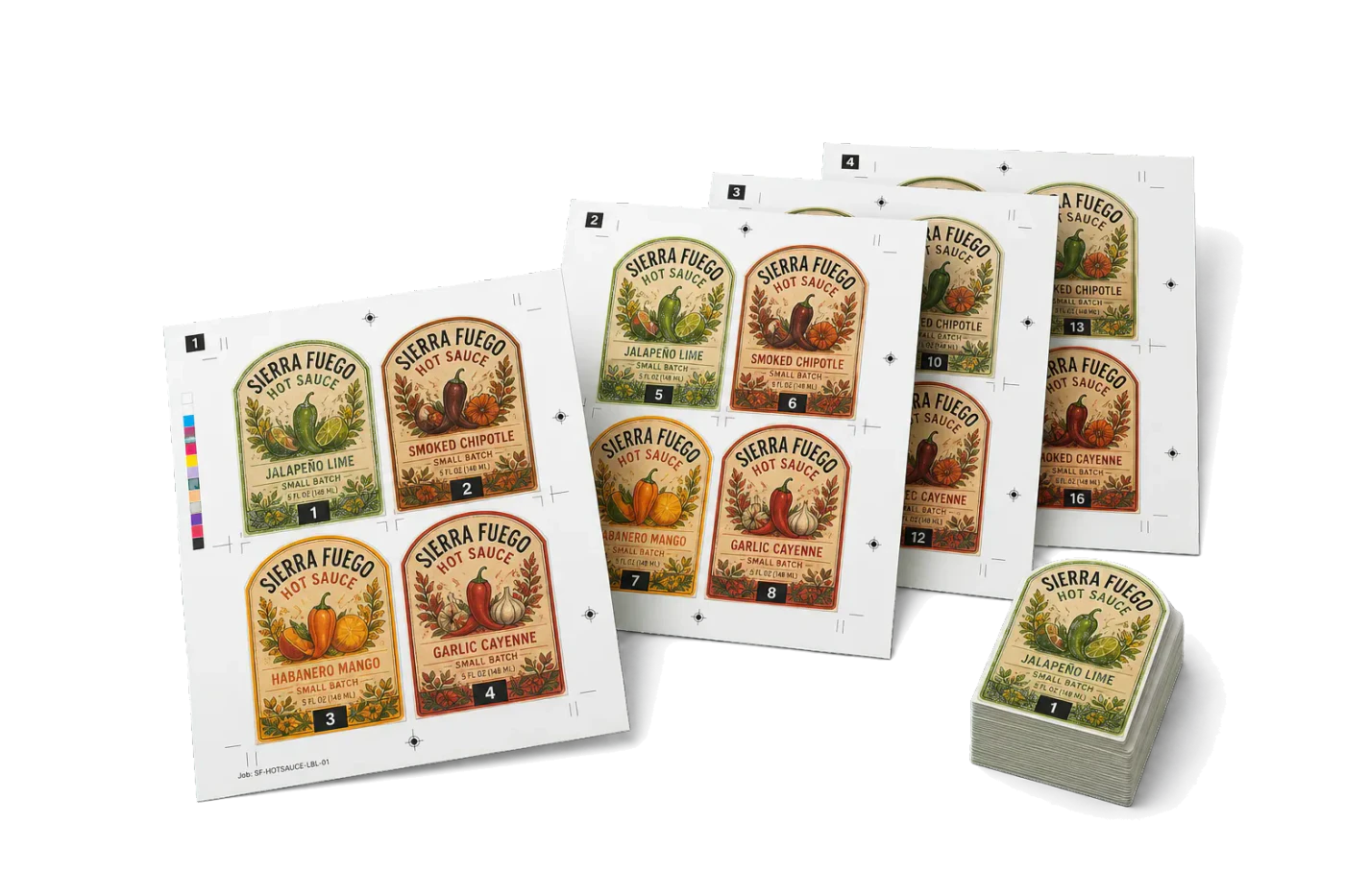
4-up label imposition in cut-and-stack order across 4 sheets. After guillotine cutting and stacking, labels are in sequential order.
Ideal input: 16-page label PDF (pages 1–16). Each group of 4 labels fills one sheet position across 4 sheets.
Template specs
| Sides | Single-sided |
|---|---|
| Crop marks | Included |
| Bleed | Fixed |
| Complexity | Production pipeline |
| Steps | 1 |
| Category | Commercial Print |
How the Label 4-Up (Cut & Stack) layout is built
Cut-and-stack order: sheet 1 gets pages [1,5,9,13], sheet 2 gets [2,6,10,14], etc. After cutting all 4 sheets and stacking the piles, labels come out 1–16 in sequence.
Tools used in this template
Related guides
More Commercial Print templates
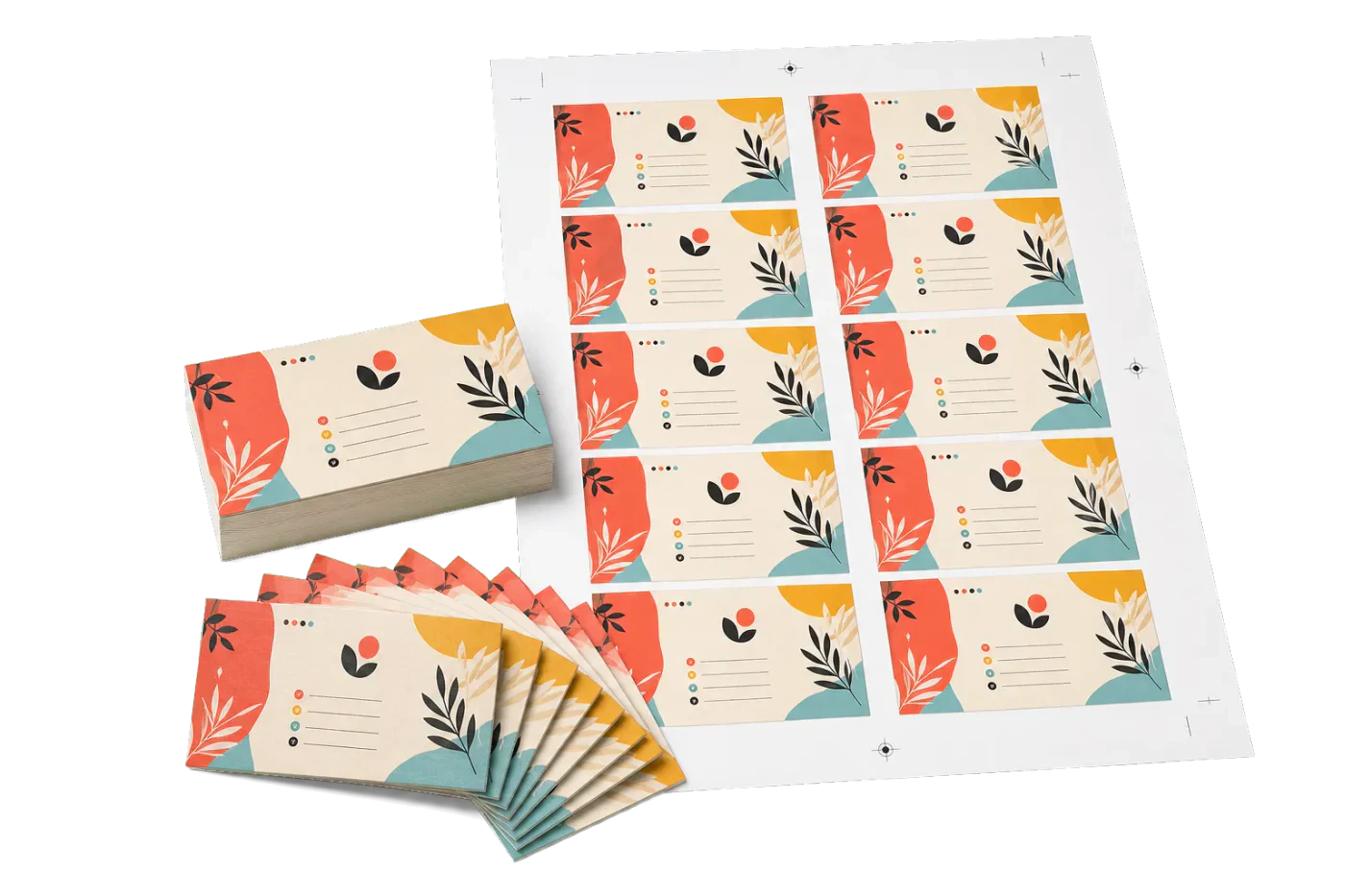
10-Up Business Cards
Standard US business cards (3.5×2") ganged 10-up on Letter with bleeds and crop marks.
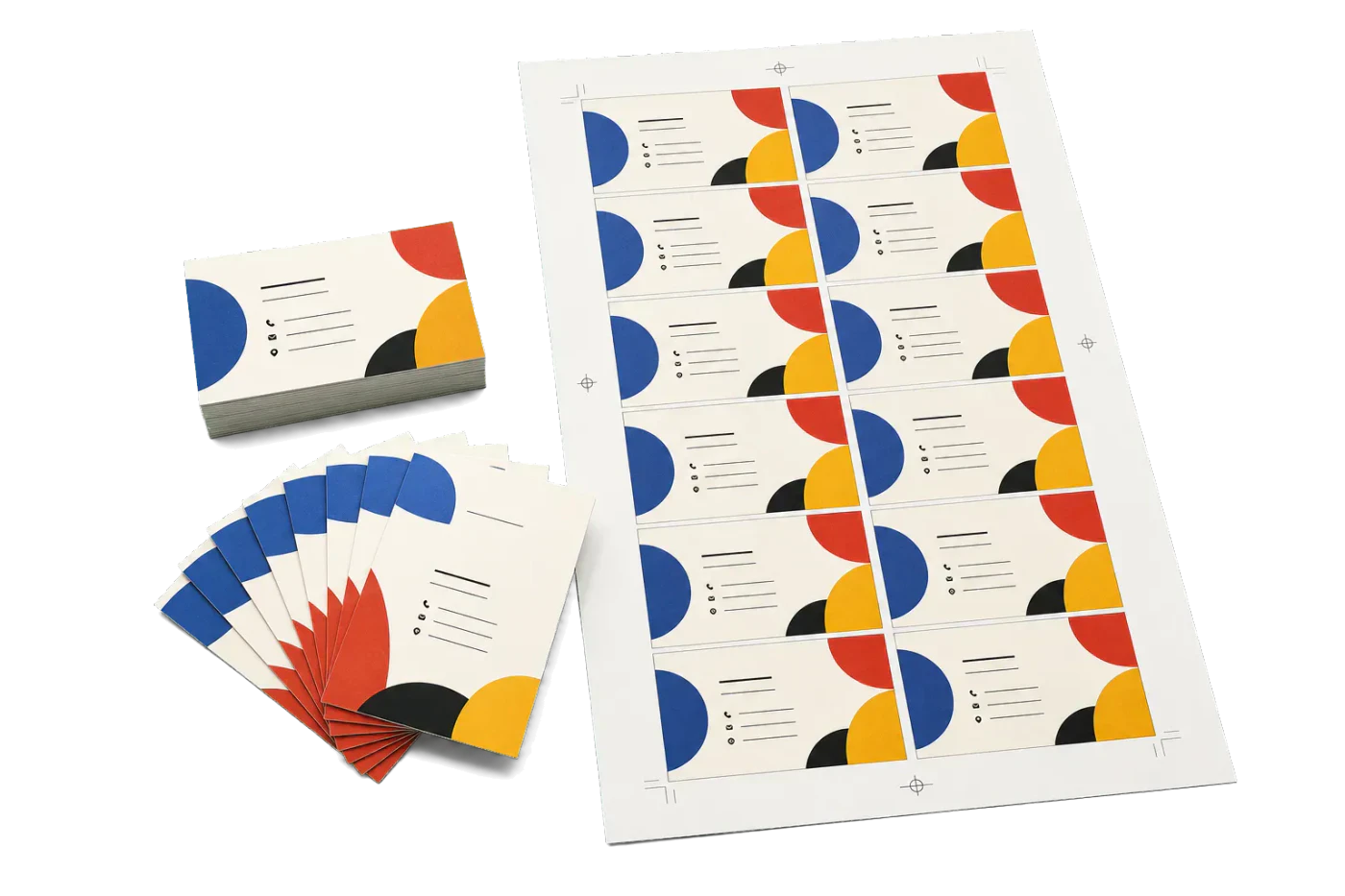
14-Up Business Cards (Tabloid)
Production-run business cards ganged 14-up on 11×17" tabloid for commercial offset.
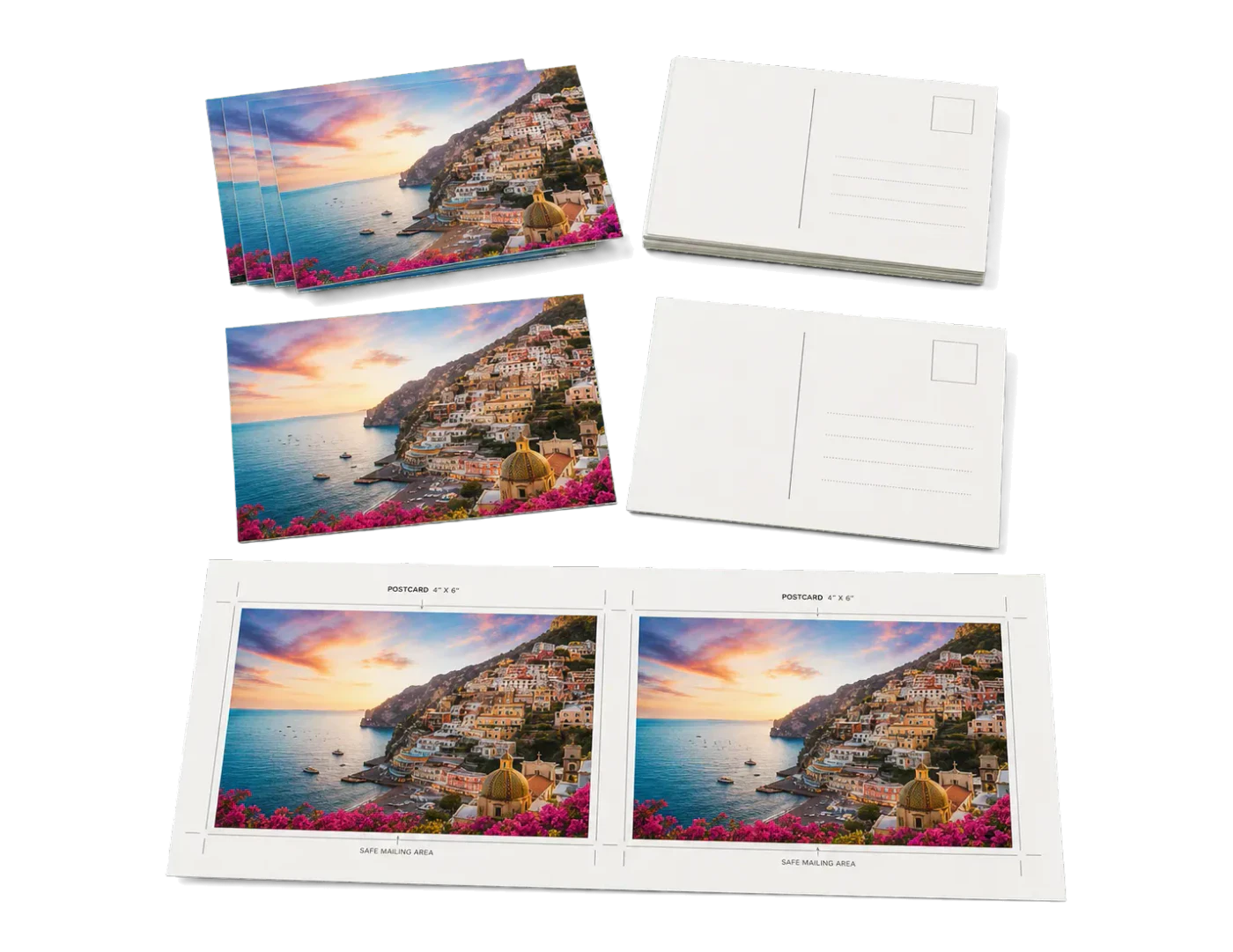
2-Up Postcards (4×6")
USPS-standard 4×6" postcards, 2-up on Letter for desktop or short-run digital.

2-Up Rack Cards (4×9")
Standard rack cards for brochure holders, 2-up on tabloid stock.
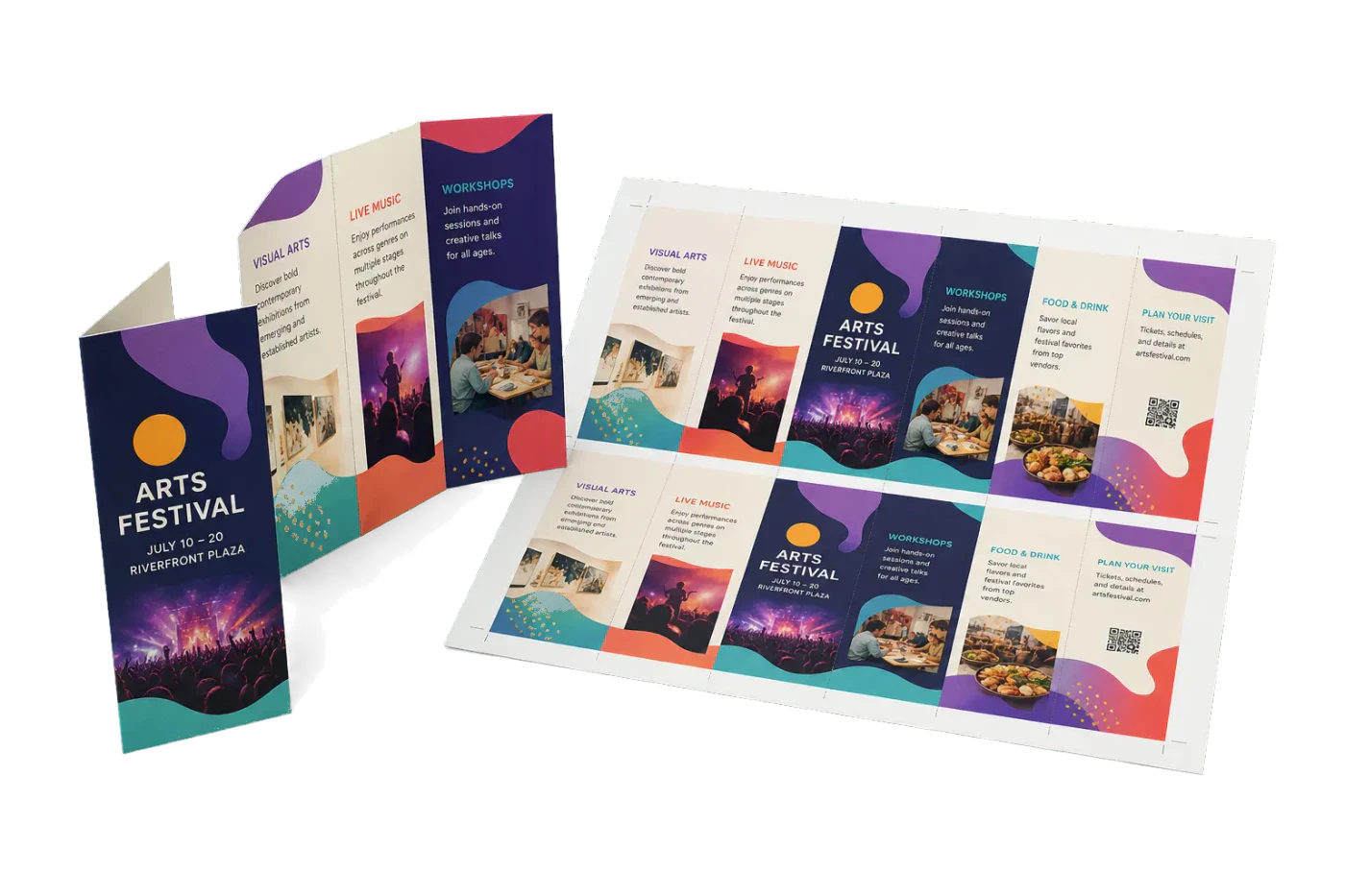
Tri-Fold Brochure 2-Up
Imposes two copies of each finished tri-fold brochure side on tabloid/A3-style duplex sheets.

Saddle-Stitch A5 Booklet
Creates print-ready A5 saddle-stitched booklets from A5 source pages on A4 landscape sheets.
Ready to use the Label 4-Up (Cut & Stack) template?
Open it in PDF Press, drop in your artwork, preview the imposed sheet, and export a print-ready PDF — free, in your browser, with no upload.
Open Label 4-Up (Cut & Stack)