Nudge PDF pages with precise offsets
Use PDF Press to fine-tune PDF page position for registration and press correction. It is built for operators correcting small mechanical shifts before output, with local browser processing and a live preview before export.

Direct answer
What is nudge PDF pages?
Fine-tunes individual page positions: translate or rotate specific pages by precise amounts.
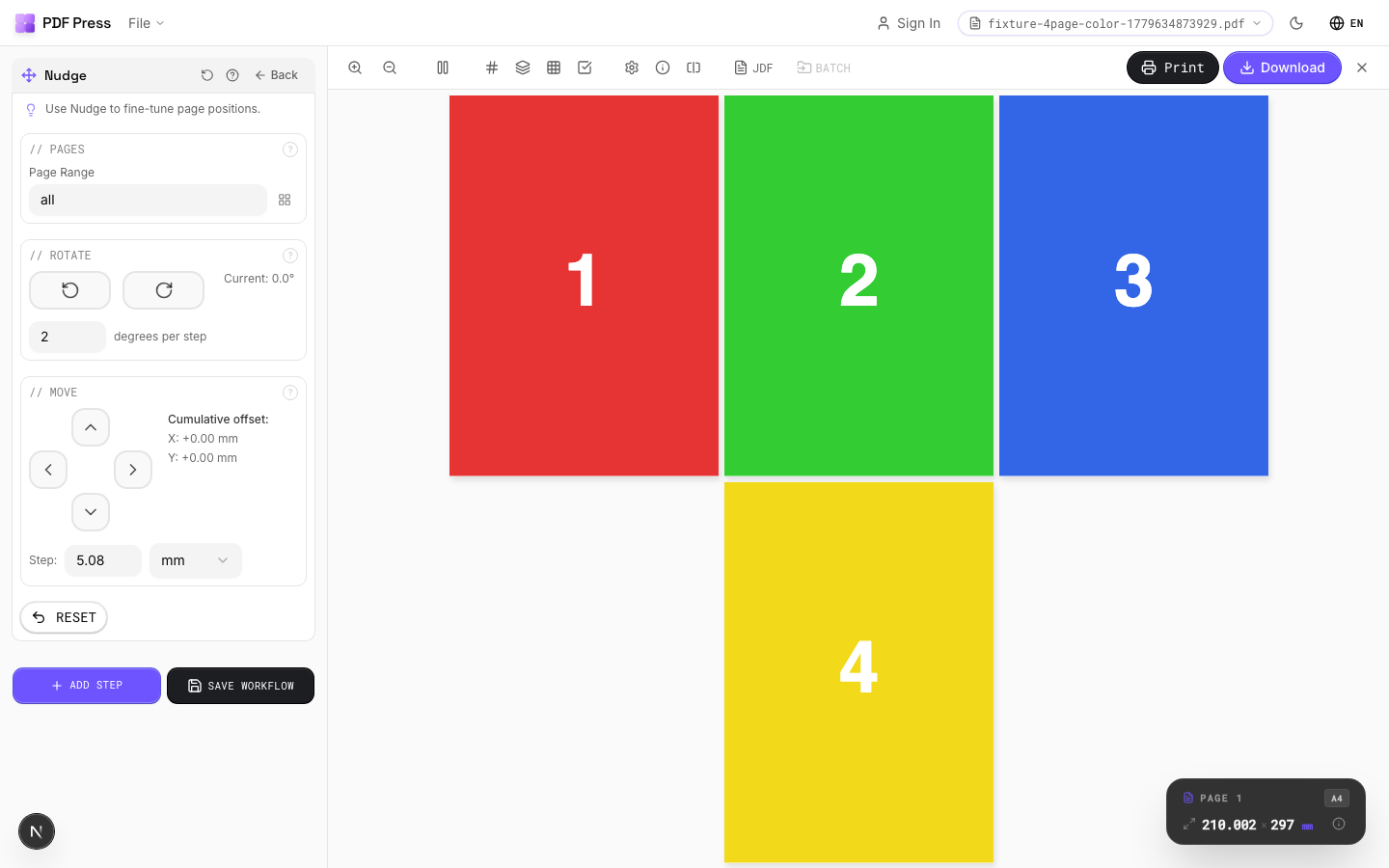
Creates a list of per-page adjustments. Each adjustment specifies a page range and an action: translate (shift x/y) or rotate (degrees). Use this for registration corrections, aligning mismatched pages, or compensating for print-to-cut drift.
How to use Nudge
Upload files
Start with your source PDF or image files. Processing happens locally in the browser.
Add Nudge
Configure Pages, Rotate, Move and any production settings that match the job.
Preview the result
Check page order, marks, scaling, and output geometry before committing the export.
Download output
Export the finished PDF for proofing, press, finishing, or another PDF Press step.
Best use cases
Key settings
Pages
Select which pages the current nudge adjustment applies to.
Enter a page range expression. Each nudge entry targets specific pages: you can create multiple entries with different adjustments for different page ranges.
Rotate
Rotate selected pages by precise degree increments.
Click the clockwise or counter-clockwise buttons to apply rotation. The delta degrees field controls how much each click rotates. Small values (0.5-2°) are best for fine registration work.
Move
Translate selected pages by precise distance in any direction.
Use the directional pad to shift pages left, right, up, or down. The delta position field controls how far each click moves. Use small values for precise registration adjustments.
Expert tip
Nudge is for fine plate registration adjustments, typically 0.5 to 1 pt shifts to compensate for mechanical press drift. Apply it as the very last operation so it is not overridden by subsequent layout changes.
Values are in PDF points (1/72 inch). A seemingly small 5 pt is actually 1.76 mm, which is enough to cause visible misregister on tight-tolerance work.
What print pros say
Moved our team over from pdfsnake. Same step-and-repeat and gang-up work, but the live preview means we catch creep and bleed problems before the plate, not after.
I print zines on a Risograph and the imposition was always the painful part. PDF Press lays out my zine pages for saddle-stitch booklet printing in seconds, page order, creep and all.
Imposing a saddle-stitched booklet used to be the part of prepress I dreaded. Now it's a layout dropdown and a live preview. Easily the easiest impose tool I've used.
Frequently asked questions
What is Nudge used for?
Fine-tunes individual page positions: translate or rotate specific pages by precise amounts.
Who should use nudge PDF pages?
It is built for operators correcting small mechanical shifts before output. Common use cases include Registration, Alignment, Fine-Tuning.
Do my PDF files upload to a server?
No. PDF Press runs the PDF processing workflow in your browser, so your files stay on your device.
Can I use Nudge with other PDF Press tools?
Yes. You can combine it with other PDF Press tools in a multi-step workflow, then preview and export the final PDF.
How do I move content on a PDF page without resizing it?
Use the Nudge tool to shift the whole page content by an exact horizontal and vertical offset. The page box stays the same size — only the artwork position moves — so nothing is scaled or reflowed. It is the fast way to recenter content or pull artwork away from an edge before printing.
Can I fix front-to-back (duplex) misregistration?
Yes. Duplex misregistration — where the back of a sheet does not line up with the front — is usually corrected with a small nudge on one side. Enter the measured offset and PDF Press repositions that side so both faces align on the press.
What units and precision can I nudge by?
You enter offsets in your working units (mm, inches, or points) to sub-millimeter precision, which is what press and cutter correction typically needs. Your files are processed locally in the browser, so nothing uploads to a server.