Watermark
Generates a transparent text overlay rendered diagonally (or at any angle) across each page. Adjustable font size, color, opacity, and rotation angle. Common presets (DRAFT, CONFIDENTIAL, PROOF, COPY, SAMPLE) are one click away.
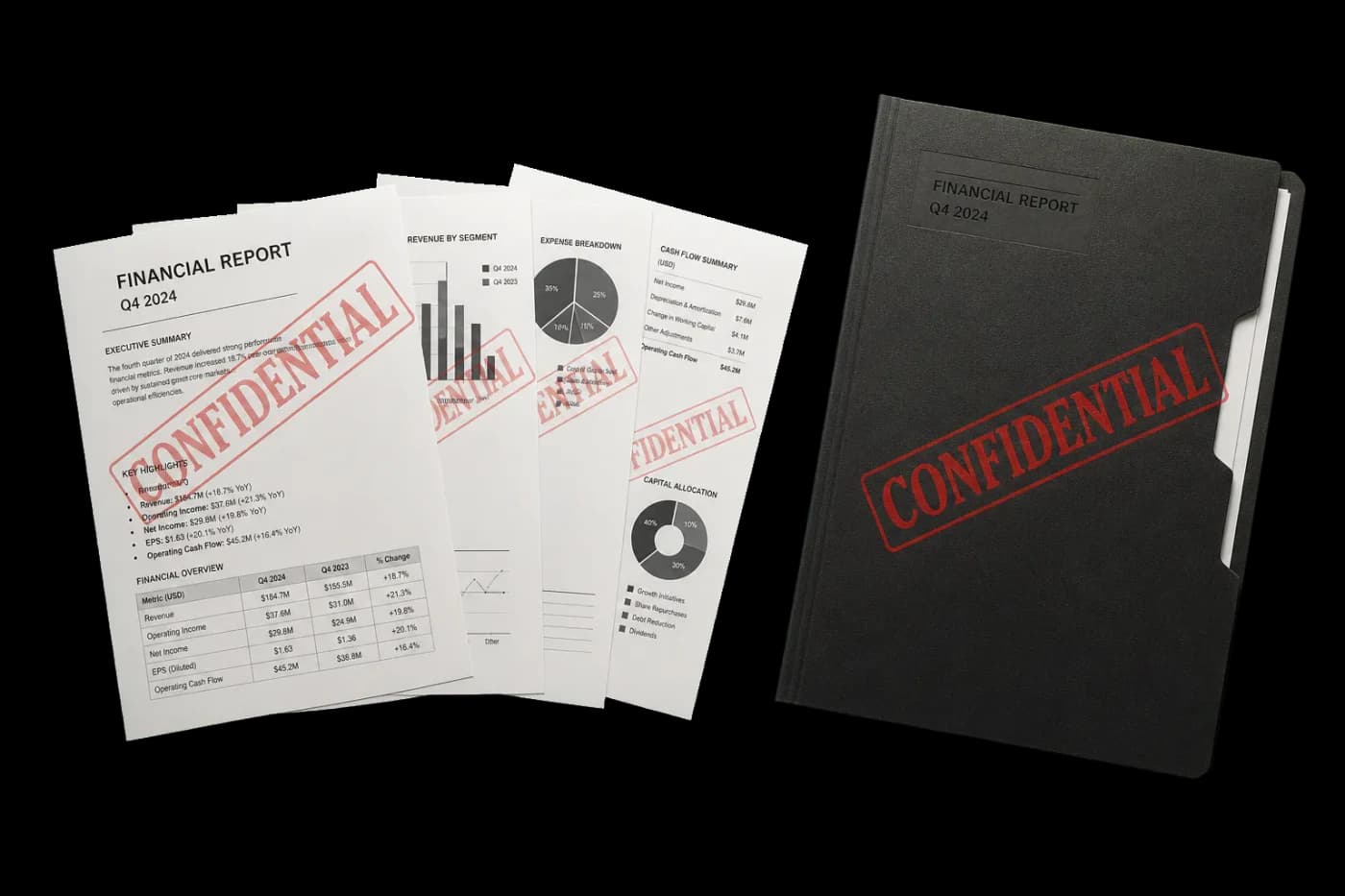
Stamps text across every page — for marking drafts, proofs, confidential documents, or copies.
Generates a transparent text overlay rendered diagonally (or at any angle) across each page. Adjustable font size, color, opacity, and rotation angle. Common presets (DRAFT, CONFIDENTIAL, PROOF, COPY, SAMPLE) are one click away.
How It Works
Generates a transparent text overlay rendered diagonally (or at any angle) across each page. Adjustable font size, color, opacity, and rotation angle. Common presets (DRAFT, CONFIDENTIAL, PROOF, COPY, SAMPLE) are one click away.
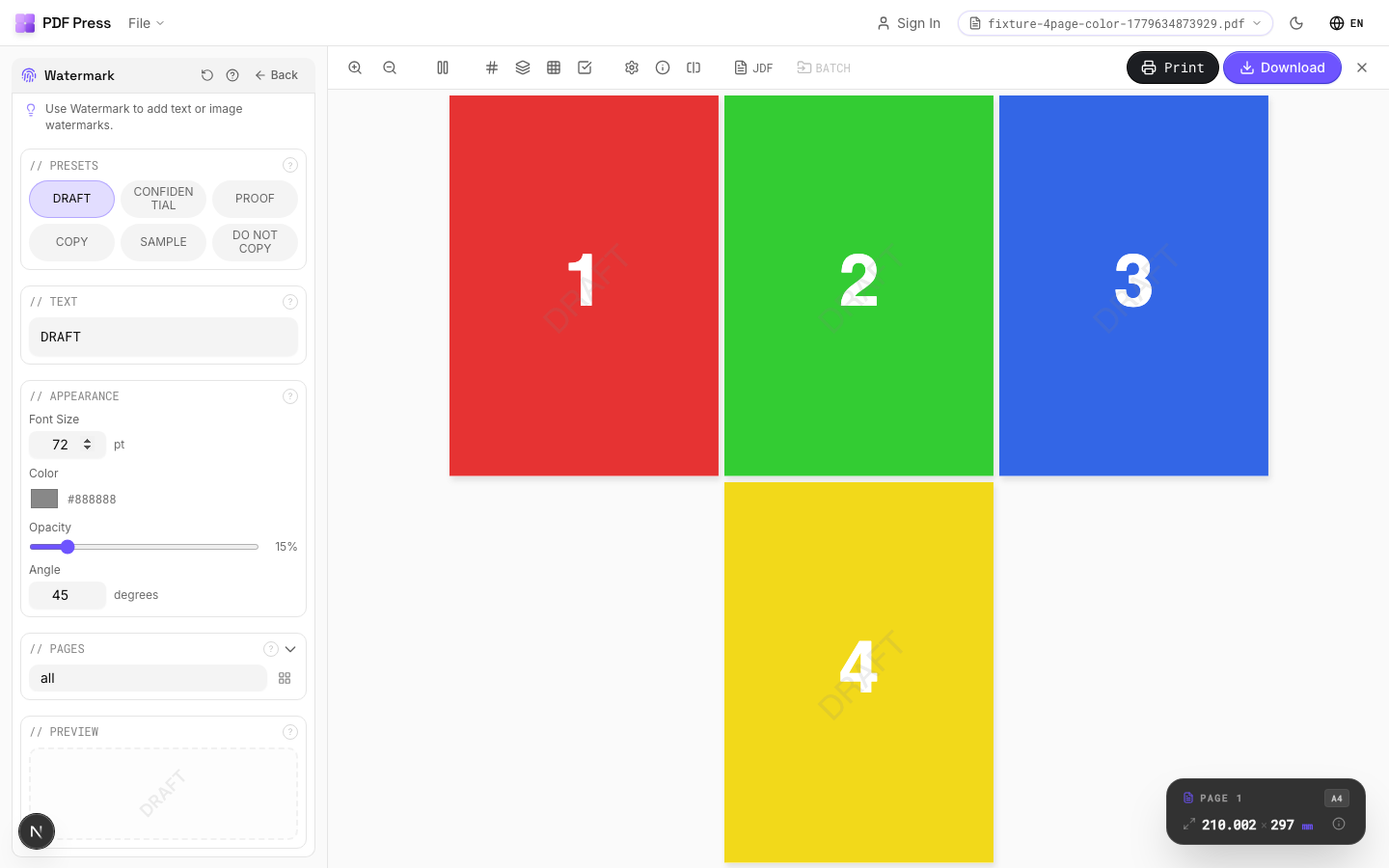
Watermark tool applied. Options panel on the left, imposed result on the right. Click to zoom.
Options Guide
Presets
One-click common watermark texts — DRAFT, CONFIDENTIAL, PROOF, COPY, SAMPLE, DO NOT COPY.
Clicking a preset fills the text field. You can further customize after selecting a preset. Presets use the current appearance settings (font size, color, opacity, angle).
Text
The watermark message displayed on every page. Short, all-caps text works best.
Supports any text string. Longer text may need a smaller font size to fit. Common patterns: "DRAFT", "PROOF #3", "CONFIDENTIAL", "FOR REVIEW ONLY", "SAMPLE — NOT FOR DISTRIBUTION".
Appearance
Controls font size, color, opacity, and rotation angle of the watermark text.
Font size: in points — 72pt is typical for full-page diagonal watermarks on Letter/A4. Larger pages may need 96–144pt. Color: any hex color — gray (#888888) is standard for subtle marks, red (#cc0000) for attention-grabbing. Opacity: 10–20% for subtle background marks, 30–50% for clearly visible stamps. Angle: 45° for classic diagonal, 0° for horizontal, 90° for vertical.
Pages
Specify which pages to process using a range expression.
Examples: 'all' = every page. '1-5' = pages 1 through 5. '1,3,5' = specific pages. '1-10 odd' = odd pages 1-9. '2-20 even' = even pages 2-20. 'last' = last page. 'last-2' = third from last. Ranges are 1-based. Combine with commas: '1-5, 8, 12-15'.
Preview
Live preview showing the watermark text at current size, color, opacity, and angle.
Configurations & Variations
DRAFT Watermark
Type DRAFT in the watermark text field. The text renders diagonally across every page at reduced opacity (15-25% is typical). Reviewers can still read the content clearly, but the proof cannot be mistaken for final production artwork. Strip the watermark before sending approved files to plate.
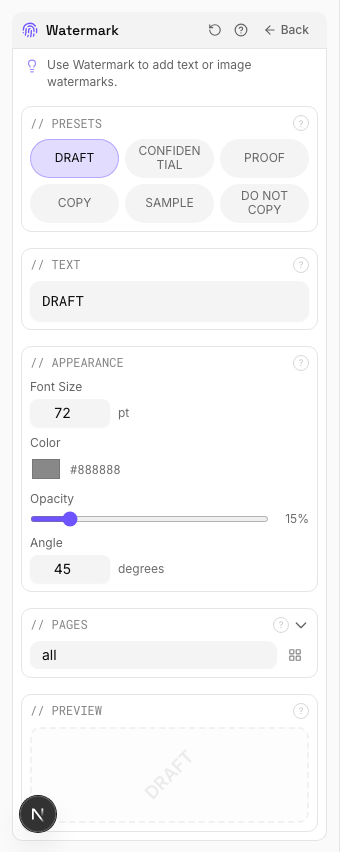
Settings to change
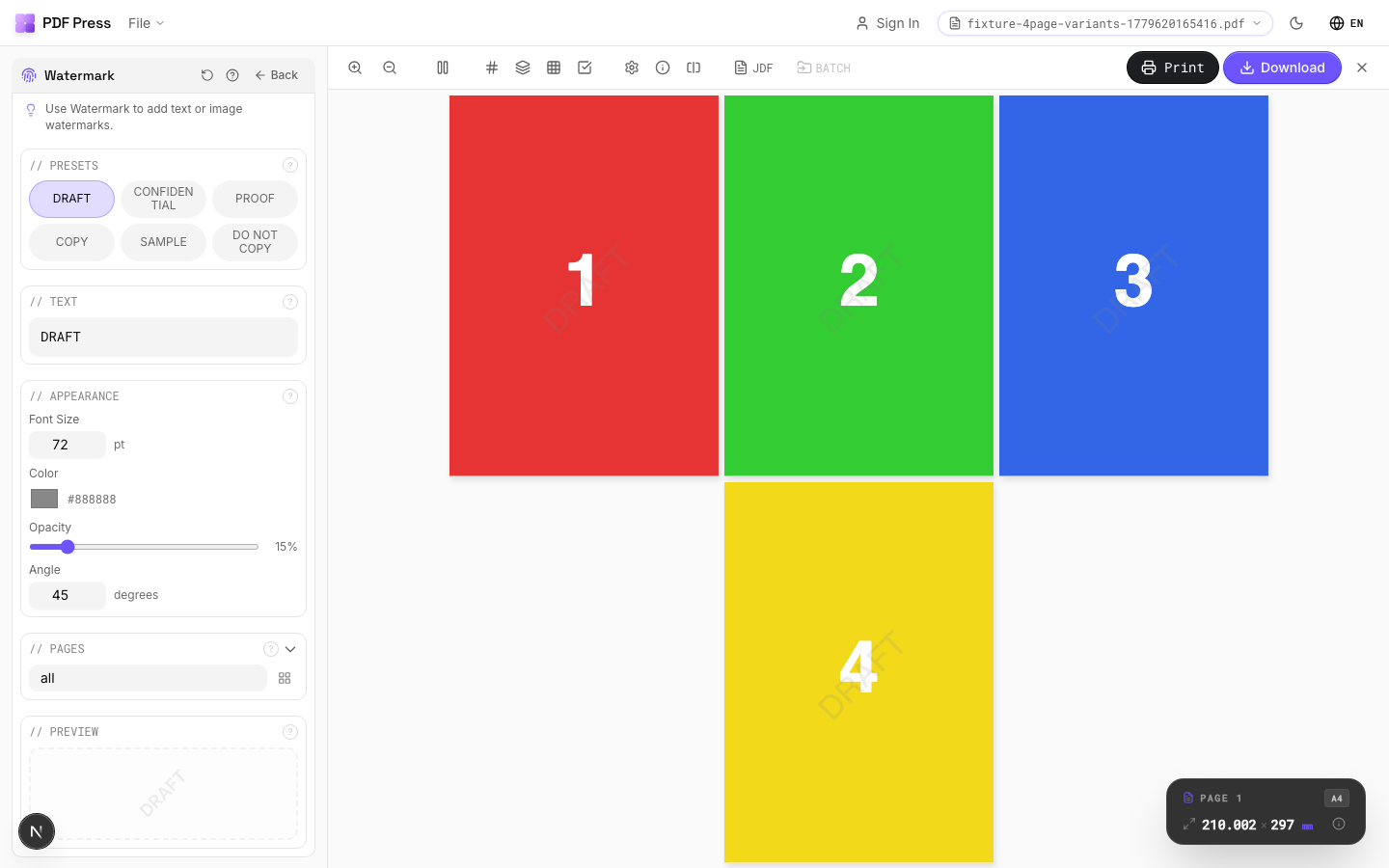
Full app view

Output result
CONFIDENTIAL Watermark
Type CONFIDENTIAL and raise the opacity to 30-40% for documents where unauthorized distribution is a real risk. The watermark prints on every page, so there is no way to extract a clean page from the proofing PDF.
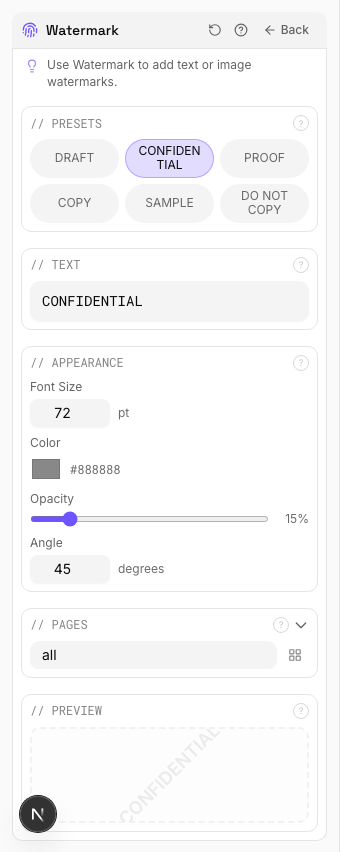
Settings to change
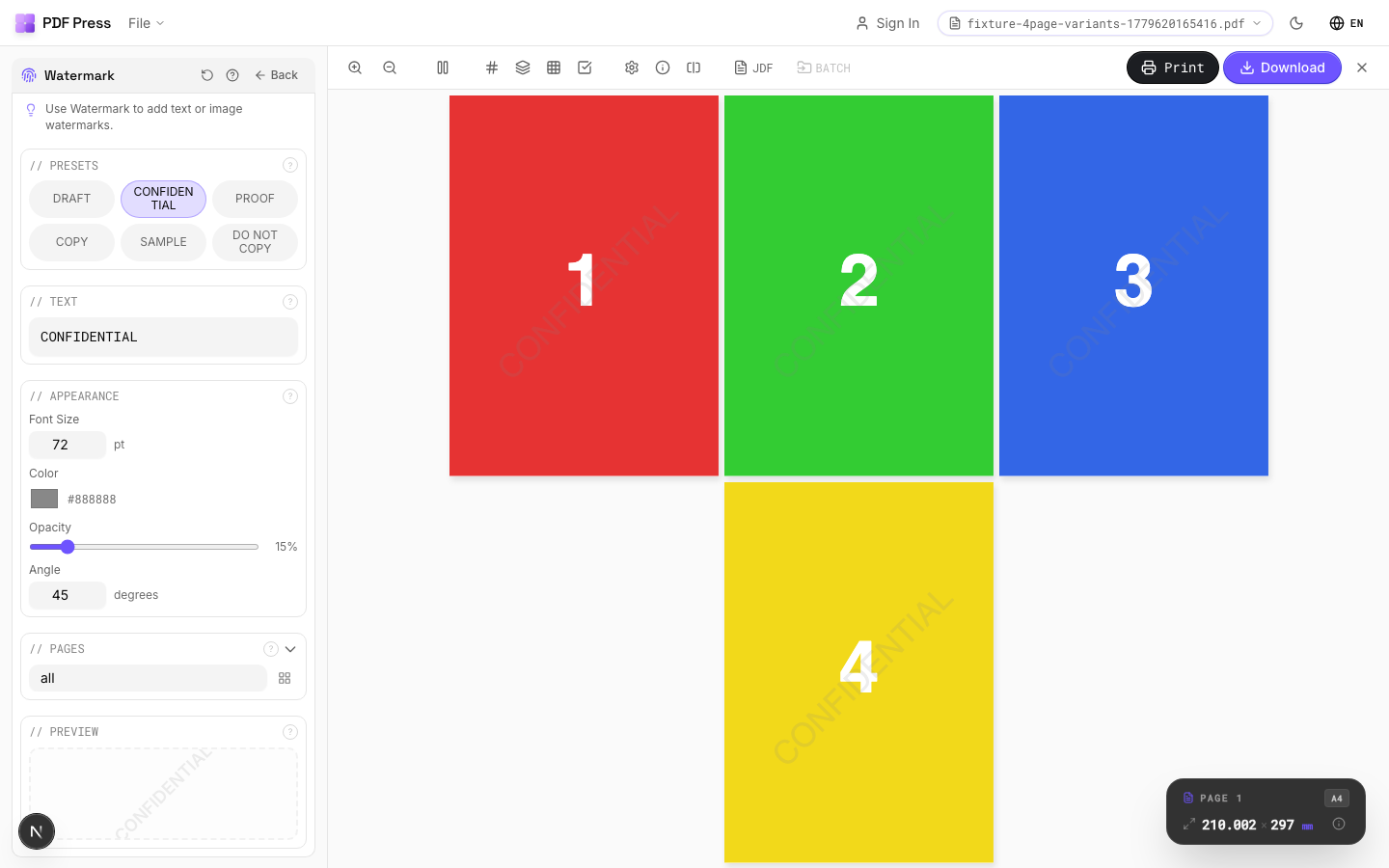
Full app view
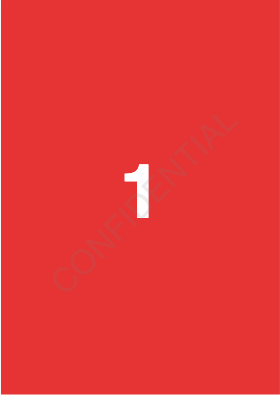
Output result
Expert Tip
For proofs, use 45-degree rotated text at 10-15% opacity across each page. The watermark should be obvious enough to deter unauthorised use but light enough not to obscure the content.
Watermarks at very low opacity (below 5%) may not survive JPEG compression in digital proofing systems. Test visibility on your actual proofing workflow.
Learn More
Used in Recipes
Watermarked Proof
Draft proof with watermark and job information for client approval.
Branded Proof
Client proof with your shop's branding, job info, and color patches.
Try Watermark in your browser
PDF Press runs entirely client-side. Upload a PDF, apply Watermark, and download the result — no upload to a server, no sign-up required.
Open PDF Press