PDF Repair
PDF Repair re-writes the PDF from scratch: fixing broken cross-reference tables, invalid stream lengths, corrupt object numbering, and other structural damage that can cause RIPs and prepress software to reject files. Optional cleanup removes metadata (title, author, creation dates), flattens annotations, and strips embedded JavaScript: all common requirements for prepress-clean PDF delivery.

Fixes common PDF structural issues by re-serializing and optionally cleaning up metadata and annotations.
PDF Repair re-writes the PDF from scratch: fixing broken cross-reference tables, invalid stream lengths, corrupt object numbering, and other structural damage that can cause RIPs and prepress software to reject files. Optional cleanup removes metadata (title, author, creation dates), flattens annotations, and strips embedded JavaScript: all common requirements for prepress-clean PDF delivery.
How It Works
PDF Repair re-writes the PDF from scratch: fixing broken cross-reference tables, invalid stream lengths, corrupt object numbering, and other structural damage that can cause RIPs and prepress software to reject files. Optional cleanup removes metadata (title, author, creation dates), flattens annotations, and strips embedded JavaScript: all common requirements for prepress-clean PDF delivery.
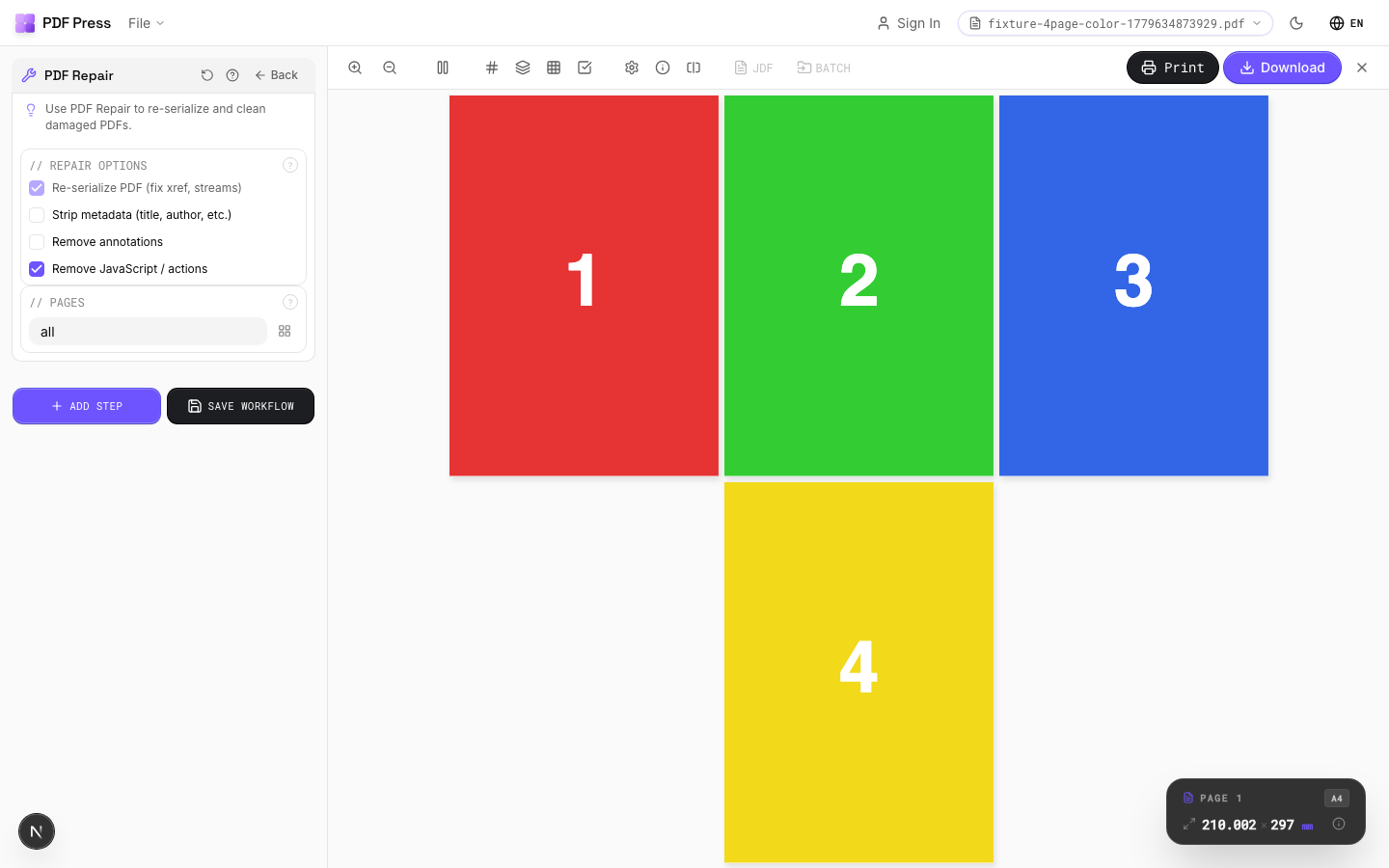
PDF Repair tool applied. Options panel on the left, imposed result on the right. Click to zoom.
Options Guide
Repair Options
Select which repair and cleanup operations to apply.
Re-serialize (always on): rebuilds the entire PDF structure from scratch: fixes xref tables, stream lengths, and object numbering. Strip metadata: removes document info (title, author, creator, dates): standard for press-ready files to avoid leaking client data. Remove annotations: flattens or deletes annotations (comments, stamps, highlights) that can cause unexpected marks in print output. Remove JavaScript: strips embedded scripts and actions: eliminates security risks and RIP compatibility issues.
Pages
Specify which pages to process using a range expression.
Examples: 'all' = every page. '1-5' = pages 1 through 5. '1,3,5' = specific pages. '1-10 odd' = odd pages 1-9. '2-20 even' = even pages 2-20. 'last' = last page. 'last-2' = third from last. Ranges are 1-based. Combine with commas: '1-5, 8, 12-15'.
Expert Tip
Run PDF repair on files that crash the RIP or show rendering artefacts. It rebuilds the cross-reference table, fixes broken font references, and re-encodes damaged streams.
Repair cannot reconstruct severely corrupted files with missing page streams. Always keep the original file as a backup.
Learn More
Used in Recipes
Preflight and Fix
Identify and repair common PDF issues before production.
Try PDF Repair in your browser
PDF Press runs entirely client-side. Upload a PDF, apply PDF Repair, and download the result — no upload to a server, no sign-up required.
Open PDF Press