 pdfpress
01
Event signage
Make a larger welcome sign or timetable with a desktop printer and ordinary sheets.
Small printer. Big ideas.
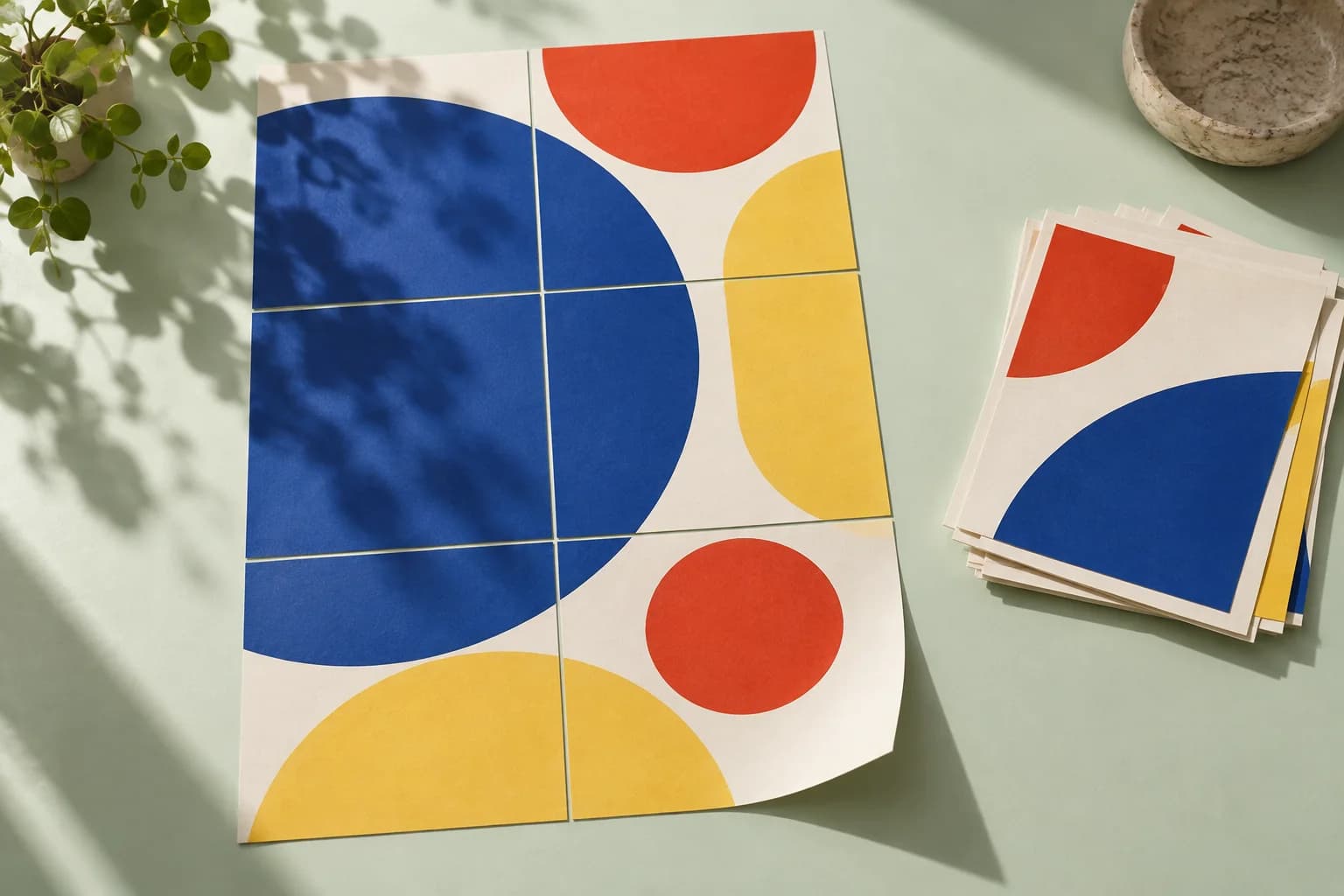
Enlarge one PDF page across multiple sheets. Overlap strips, tile labels and an assembly map help turn the printout into a larger display.
Files stay on your device·Sign in to start
Have your artwork ready?
PDF, PNG, JPEG/JPE/JFIF, TIFF, WebP, AVIF, HEIC/HEIF, GIF, BMP, ICO/CUR, SVG or JPEG 2000. Multiple files open as separate tabs.
Made for real print jobs
From the first proof
to the finished piece.
Make a larger welcome sign or timetable with a desktop printer and ordinary sheets.
Enlarge a diagram or visual teaching aid into a tiled wall display.
Check the physical size of artwork before ordering a finished large-format print.
A display for a community workshop
ARTWORK → LAYOUT → PRINTIllustrative print job
Choose one poster page and a 2 × 2 tile layout on the paper your printer accepts. Set an overlap, print the tiles at actual size and assemble them using the map.
A clear path to print
Your artwork stays on your device.
Your layout stays in your control.
Open the PDF and select the source page if the document contains more than one.
Choose a tile grid or a target width, then set the printer sheet and overlap.
Use actual-size printing for every tile. Follow the assembly sheet, trim the needed edges and align the overlap strips.
A little print know-how
A few things to check before you send your job to the printer.
Read the Poster guideEnlargement can reveal low-resolution photographs. Zoom into the preview and test a detailed tile first.
Fit-to-page in the printer dialog can change tile dimensions and make seams harder to align.
No. The tool divides the enlarged artwork into tiles for the sheet size you select. The finished result is assembled from those sheets.
Yes. Choose Width and enter the target width in millimetres. The source proportions are preserved.
The repeated strip helps line up neighbouring sheets during assembly. Set its width to suit your trimming and mounting method.
The recipe tiles one selected source page at a time. Change Page to tile to produce a different poster.
Keep your job moving
Every page to a standard size, or scaled by a percentage — proportions kept unless you say otherwise.
Cut pages down to the trim, to the bleed, or by a margin. The trim box is read from the file.
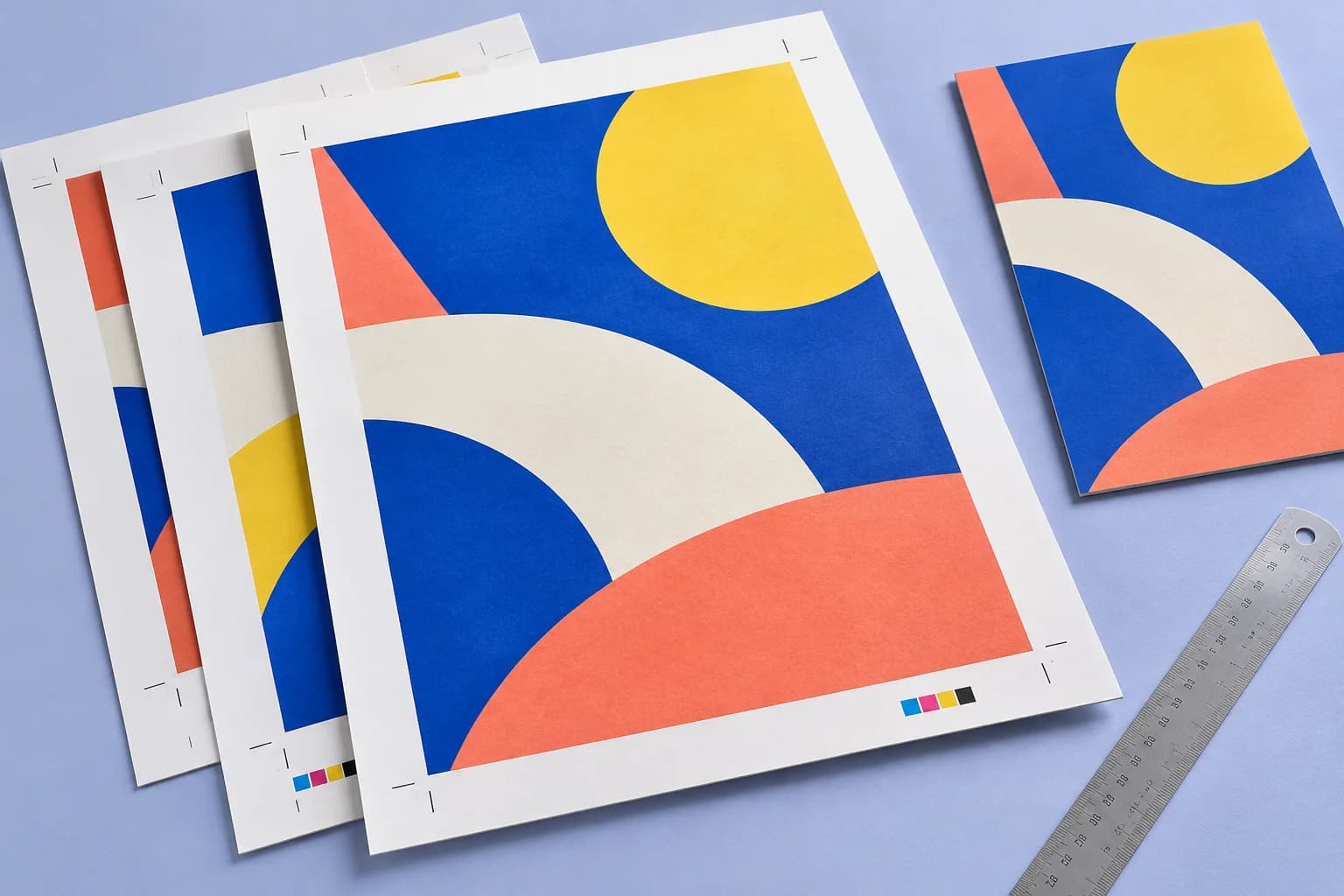
Trim and registration marks placed from the page boxes. The sheet grows just enough to hold them.
Explore the studio
Find examples, setup tips and answers for every tool.
Your next print project
Bring your PDF. We’ll help with the layout.