Rotate
Rotation is applied around the page center. Positive values rotate clockwise. Common use: fixing landscape scans, rotating for duplex alignment, or preparing artwork for press. Non-90° rotations increase the bounding box to fit rotated content without clipping.

Rotates pages by any angle — use presets for 90/180/270 or enter a custom degree value.
Rotation is applied around the page center. Positive values rotate clockwise. Common use: fixing landscape scans, rotating for duplex alignment, or preparing artwork for press. Non-90° rotations increase the bounding box to fit rotated content without clipping.
How It Works
Rotation is applied around the page center. Positive values rotate clockwise. Common use: fixing landscape scans, rotating for duplex alignment, or preparing artwork for press. Non-90° rotations increase the bounding box to fit rotated content without clipping.
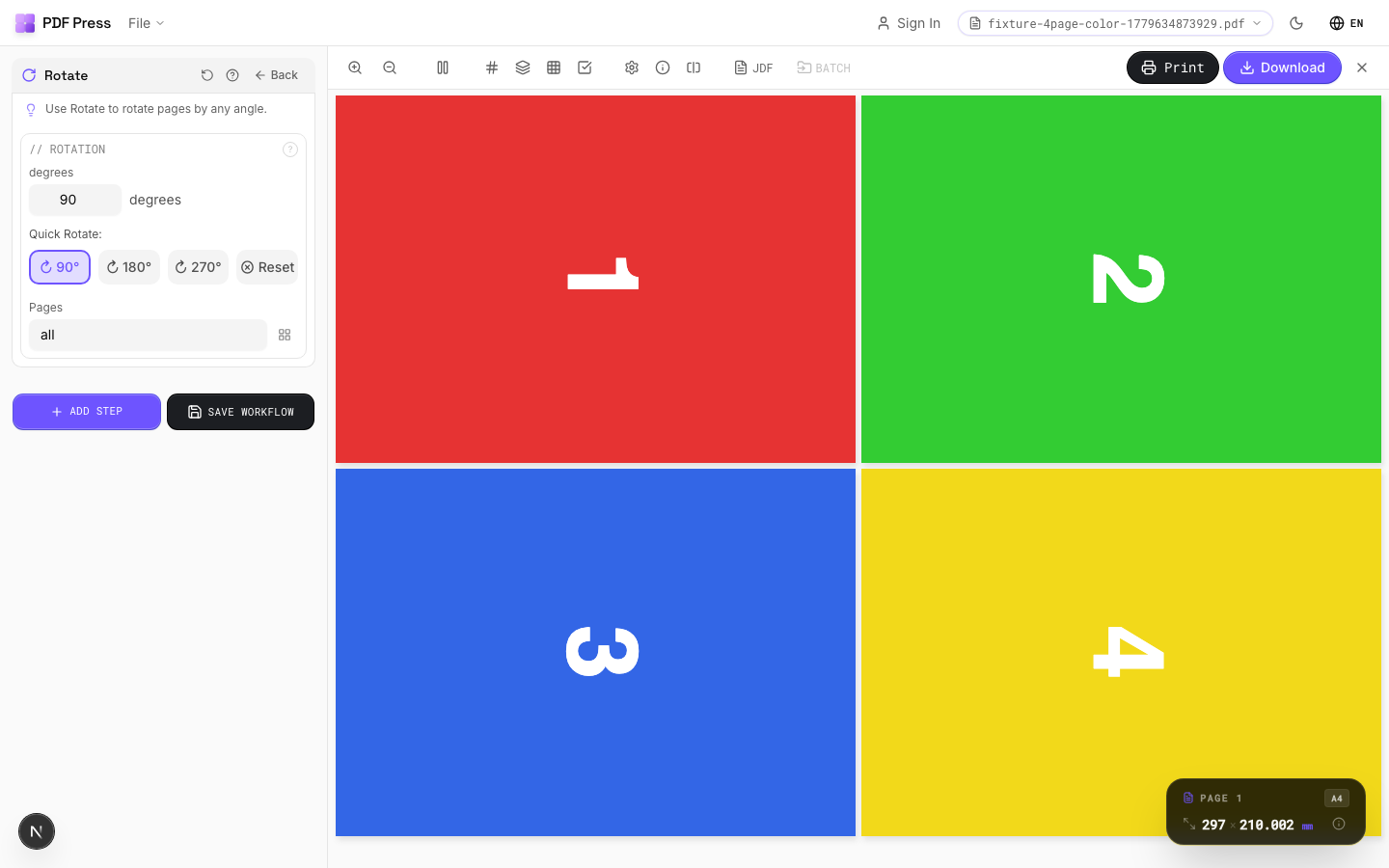
Rotate tool applied. Options panel on the left, imposed result on the right. Click to zoom.
Options Guide
Rotation
Set the rotation angle and optionally limit to specific pages.
Quick presets: 90° (quarter turn CW), 180° (upside down), 270° (quarter turn CCW / 90° CCW). Reset returns to 0°. Custom angles: enter any value for non-standard rotations. Page range lets you rotate only specific pages (e.g., rotate just the cover or odd pages).
Configurations & Variations
Rotated 90° Clockwise
Click the 90° preset button to rotate all pages clockwise. Converts landscape pages to portrait orientation (or vice versa). Run this before booklet imposition when your source pages are landscape but your press requires portrait sheet feeding.
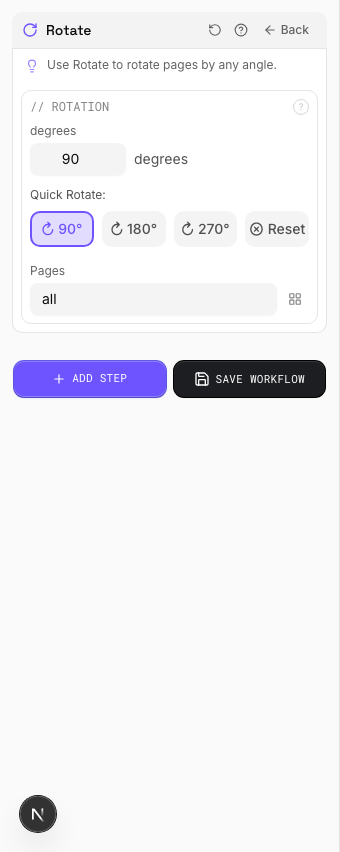
Settings to change
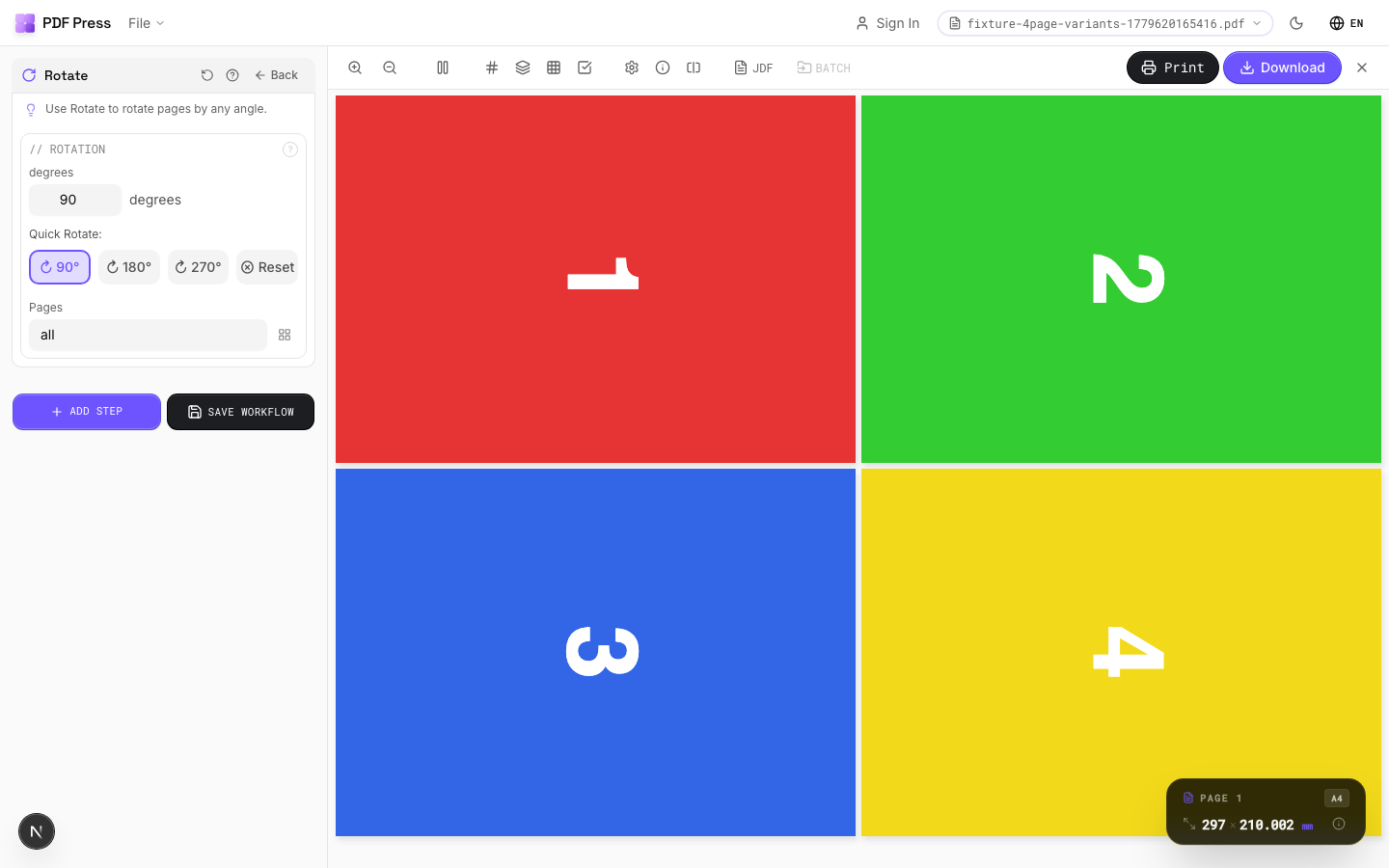
Full app view

Output result
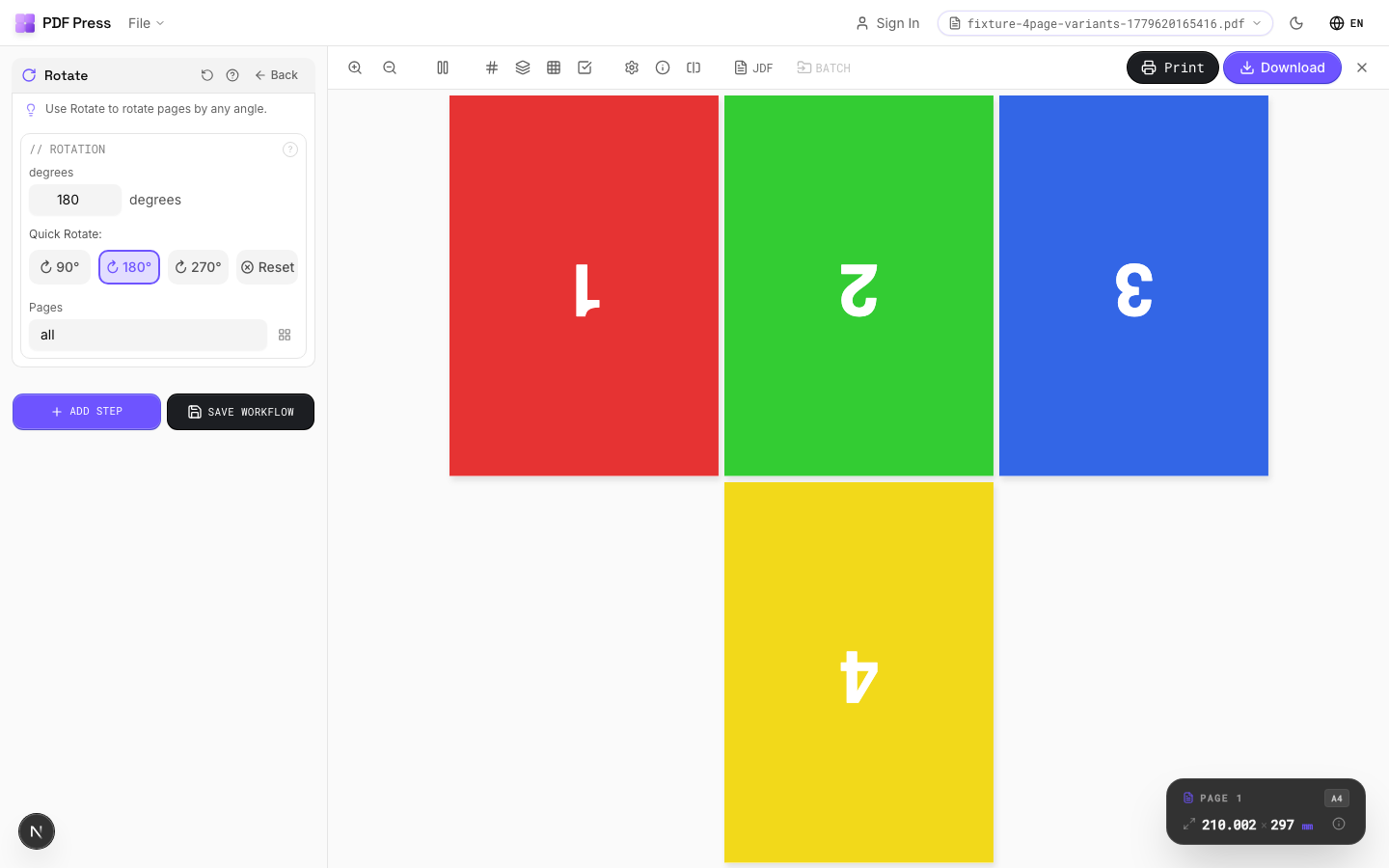
Rotated 180° (Upside Down)
Click the 180° preset button to flip pages upside down. Needed for work-and-tumble duplex setups where the second pass is printed with the sheet flipped end-over-end. Also a quick fix for upside-down scans.
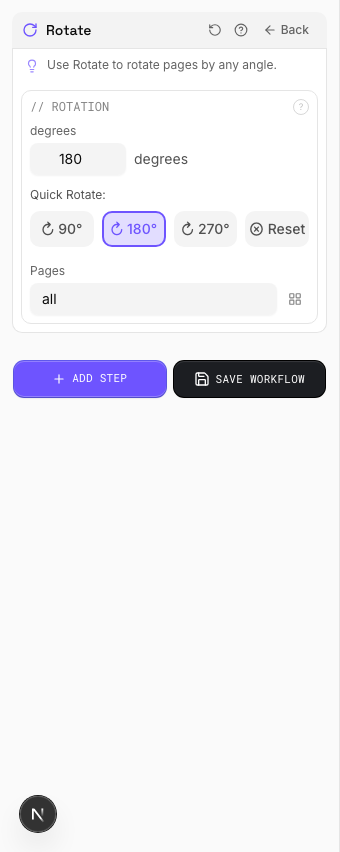
Settings to change
Full app view

Output result
Expert Tip
90-degree rotation switches between portrait and landscape feed direction. For landscape A4 on a portrait-feed press, rotate 90 CW so the gripper edge is correct.
Rotating by arbitrary angles (not multiples of 90) enlarges the MediaBox and may cause unexpected clipping on press.
Used in Recipes
Landscape Rotation
Rotate pages from portrait to landscape (or vice versa) for press feed direction.
Try Rotate in your browser
PDF Press runs entirely client-side. Upload a PDF, apply Rotate, and download the result — no upload to a server, no sign-up required.
Open PDF Press