Resize
Two modes: Percentage scaling (50% = half size, 100% = no change, 200% = double). Paper size mode fits pages onto a target sheet (Letter, A4, etc.). With 'Preserve aspect ratio' enabled (recommended), pages scale uniformly and center on the sheet without distortion.
Scales pages to different dimensions: by percentage or to a target paper size.
Two modes: Percentage scaling (50% = half size, 100% = no change, 200% = double). Paper size mode fits pages onto a target sheet (Letter, A4, etc.). With 'Preserve aspect ratio' enabled (recommended), pages scale uniformly and center on the sheet without distortion.
How It Works
Two modes: Percentage scaling (50% = half size, 100% = no change, 200% = double). Paper size mode fits pages onto a target sheet (Letter, A4, etc.). With 'Preserve aspect ratio' enabled (recommended), pages scale uniformly and center on the sheet without distortion.
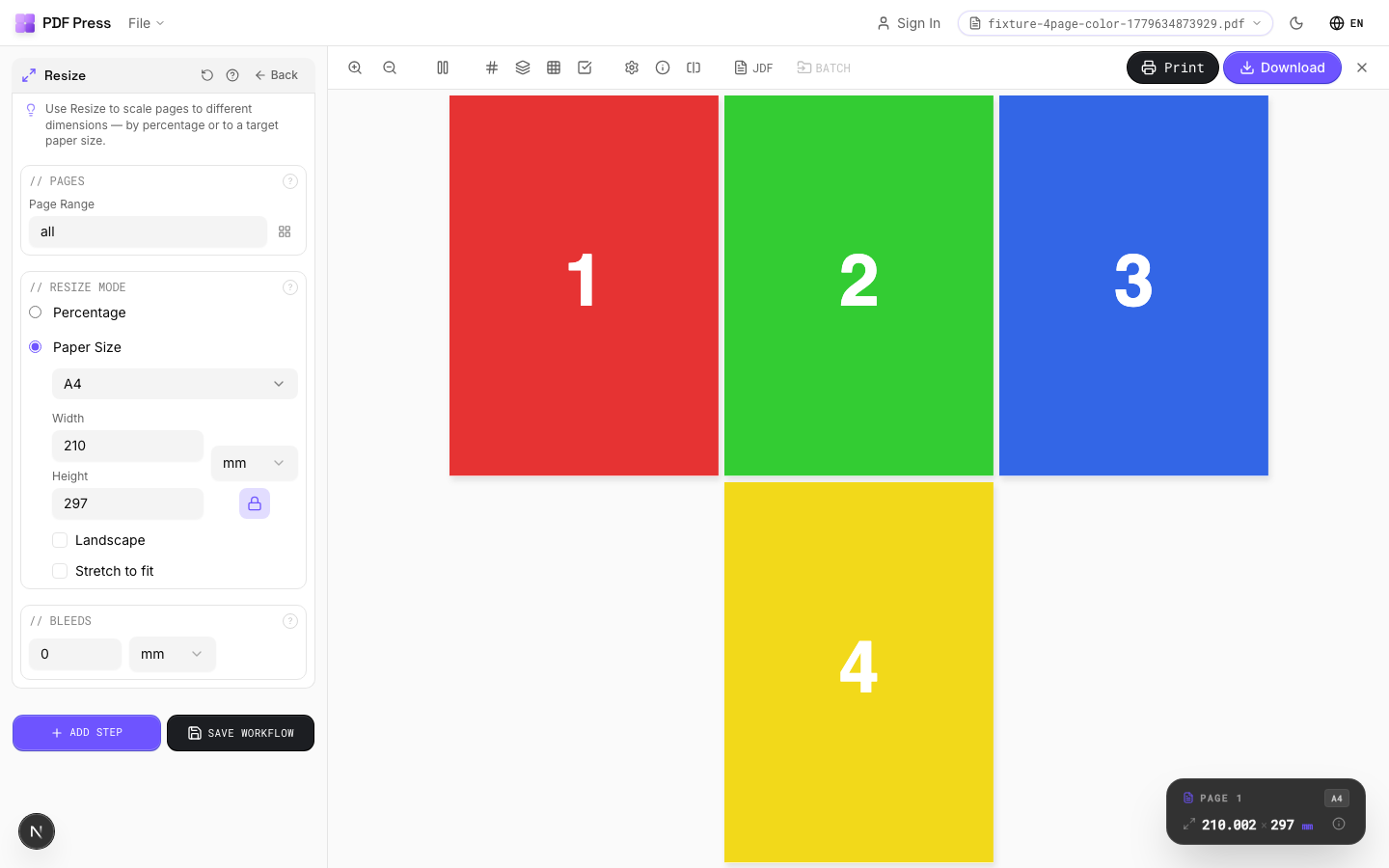
Resize tool applied. Options panel on the left, imposed result on the right. Click to zoom.
Options Guide
Pages
Specify which pages to process using a range expression.
Examples: 'all' = every page. '1-5' = pages 1 through 5. '1,3,5' = specific pages. '1-10 odd' = odd pages 1-9. '2-20 even' = even pages 2-20. 'last' = last page. 'last-2' = third from last. Ranges are 1-based. Combine with commas: '1-5, 8, 12-15'.
Resize Mode
Choose percentage scaling or fitting to a target paper size.
Percentage: applies a uniform scale factor to all pages. Common values: 50% (half), 71% (A4→A5), 141% (A5→A4), 200% (double). Paper size: select a target sheet and pages are scaled to fit. Larger pages are shrunk, smaller ones are enlarged. Aspect ratio preservation prevents distortion.
Bleeds
Extends artwork beyond the trim edge to prevent white strips after cutting.
Three modes: 'No bleeds' trims exactly at the page boundary. 'Pull from document' uses bleed info already embedded in the PDF (TrimBox/BleedBox metadata). 'Fixed' lets you manually set bleed on each side, typically 3mm (0.125in / 9pt) for commercial print, 1-2mm for digital. Bleed values define how far past the trim edge the artwork extends.
Configurations & Variations
Resize to A4 Paper
Pick A4 from the paper size dropdown to fit content onto 210 x 297 mm sheets. Pages scale proportionally by default and center on the A4 area. A common use case is converting US Letter designs for European print runs.
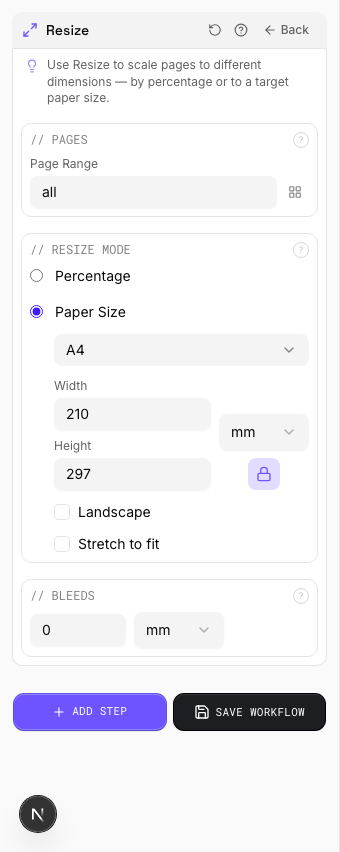
Settings to change
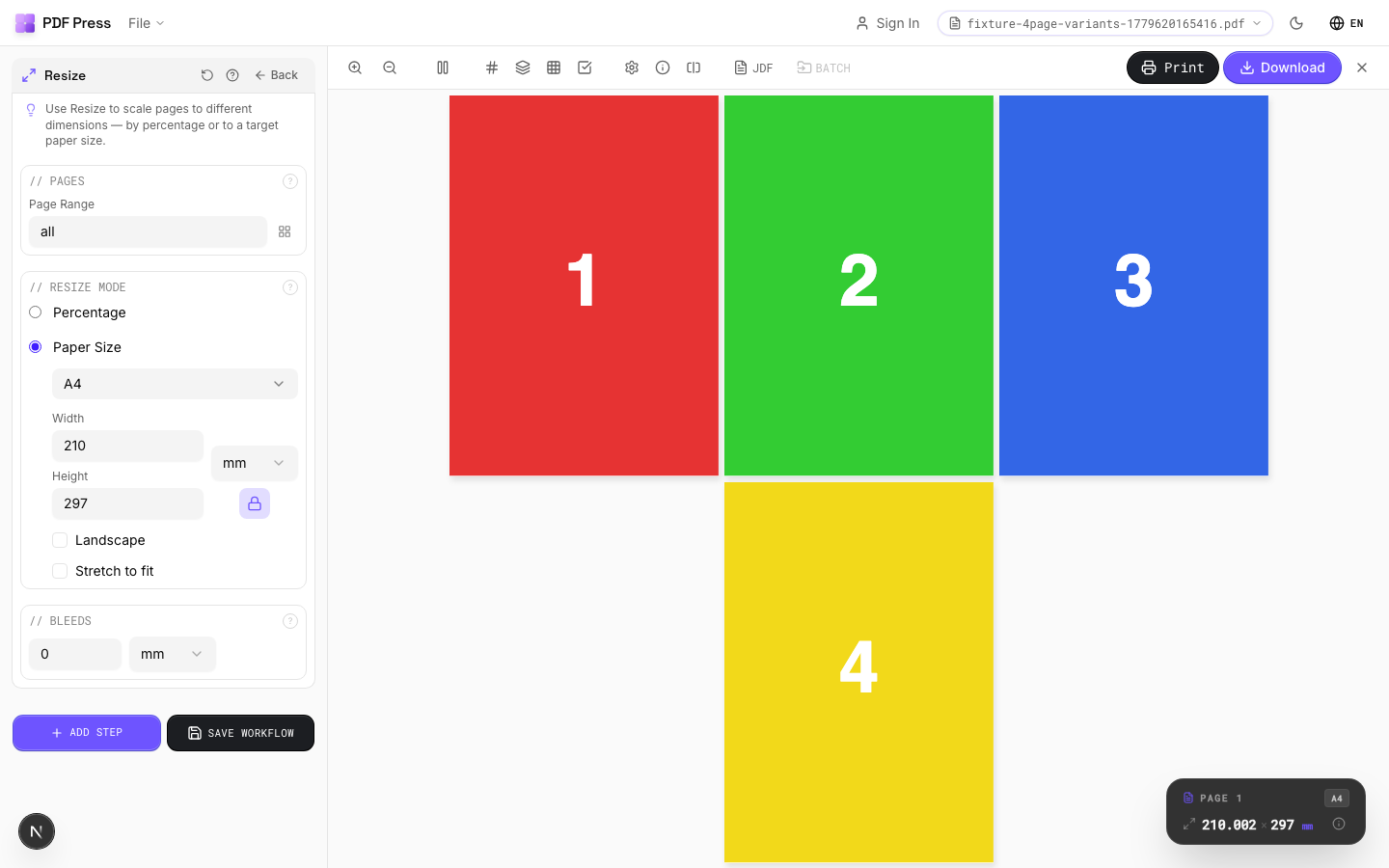
Full app view
Output result
150% Scale
Enter 150 in the percentage field to enlarge pages by 50%. A4 pages come out at roughly A3 size. Handy for producing enlarged proofs where small text and fine details need close inspection, or for scaling artwork up to large-format dimensions.
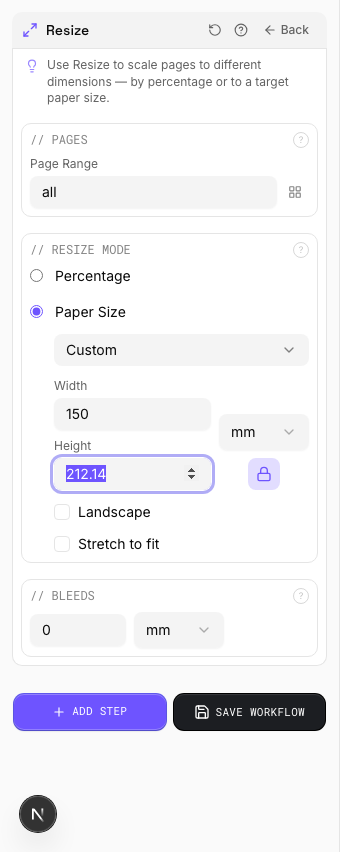
Settings to change
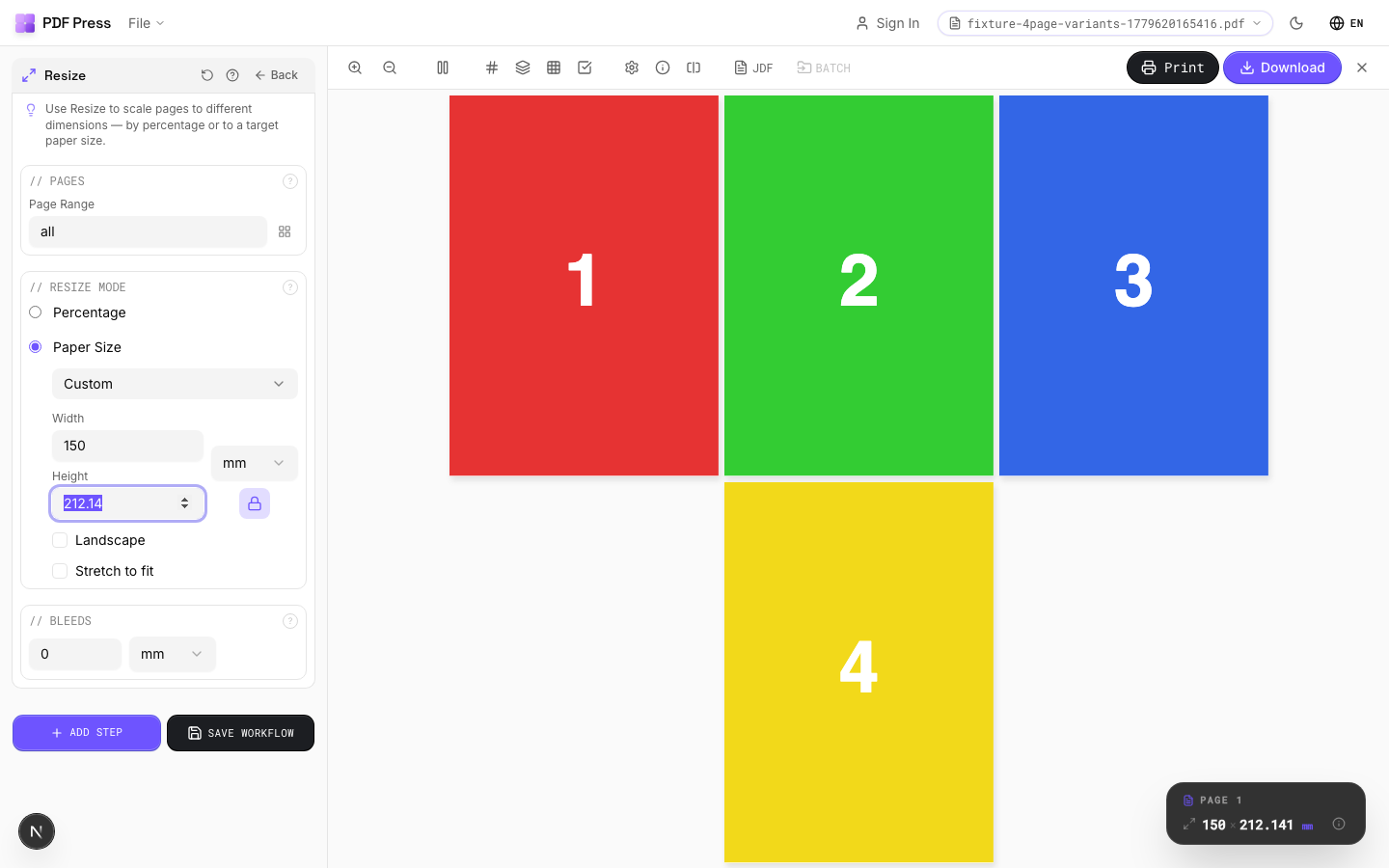
Full app view
Output result
Expert Tip
When scaling for a different press sheet, keep Preserve aspect ratio on to avoid stretching. Use absolute dimensions (points or mm) instead of percentages for repeatable results across jobs.
Scaling raster-heavy PDFs up beyond 150% will produce visible pixelation. Request higher-resolution source files instead of scaling up.
Learn More
Used in Recipes
Zine / Mini Booklet
Small-format DIY zine from a single sheet of paper (8-page or 16-page fold).
Banner Printing
Wide-format banners with tiling for roll-fed printers.
Trade Show Panels
Multi-panel trade show displays split for separate printing and assembly.
Floor Graphics
Floor decals and wayfinding graphics with contour cutting.
Vehicle Wrap
Vehicle wrap panels split for contour-cut application.
Multi-File Merge
Merge multiple source files into a single document for unified processing.
Duplex Interleave
Interleave separate front and back files for duplex printing.
Landscape Rotation
Rotate pages from portrait to landscape (or vice versa) for press feed direction.
Try Resize in your browser
PDF Press runs entirely client-side. Upload a PDF, apply Resize, and download the result — no upload to a server, no sign-up required.
Open PDF Press