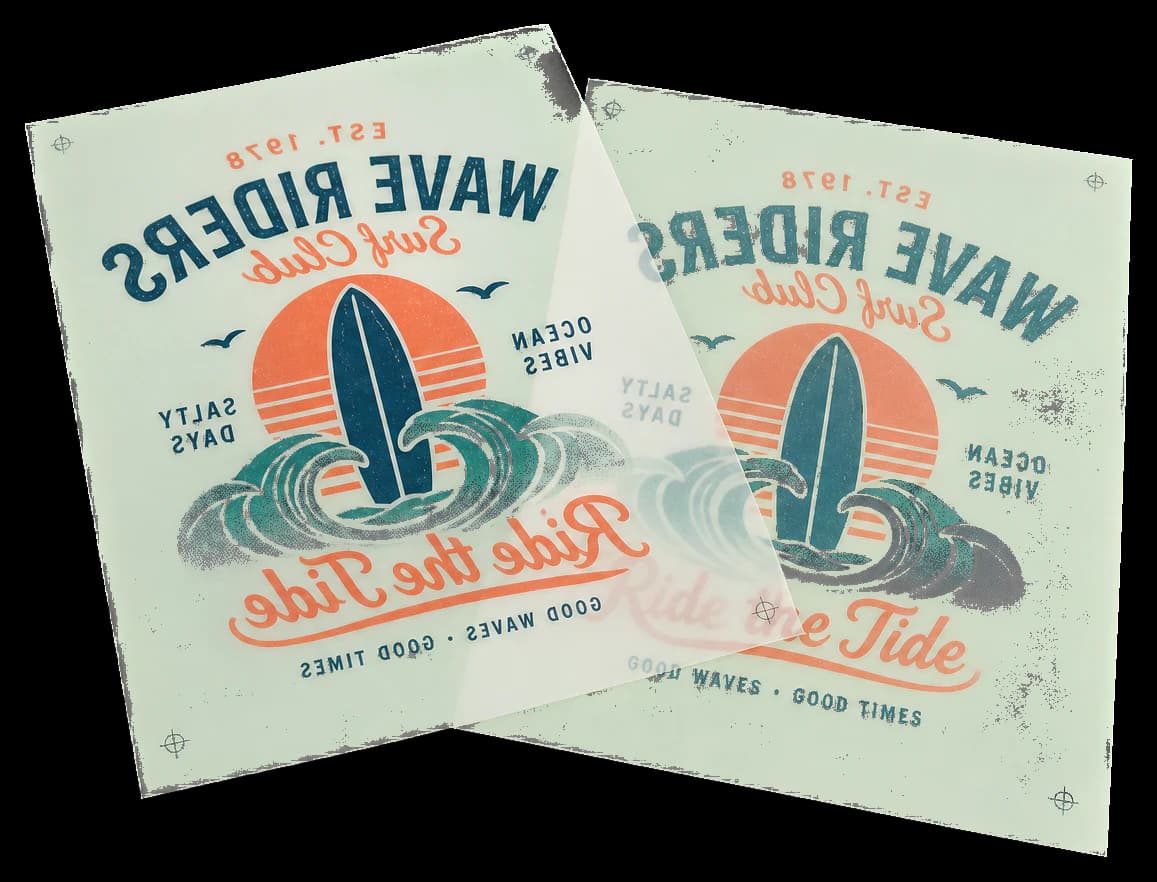
Mirrors pages horizontally — creates a left-right mirror image.
Essential for iron-on transfers (text reads correctly after transfer), screen printing films, and plate-making workflows where the emulsion side must face the plate. Applied to all pages in the specified range.
How It Works
Essential for iron-on transfers (text reads correctly after transfer), screen printing films, and plate-making workflows where the emulsion side must face the plate. Applied to all pages in the specified range.
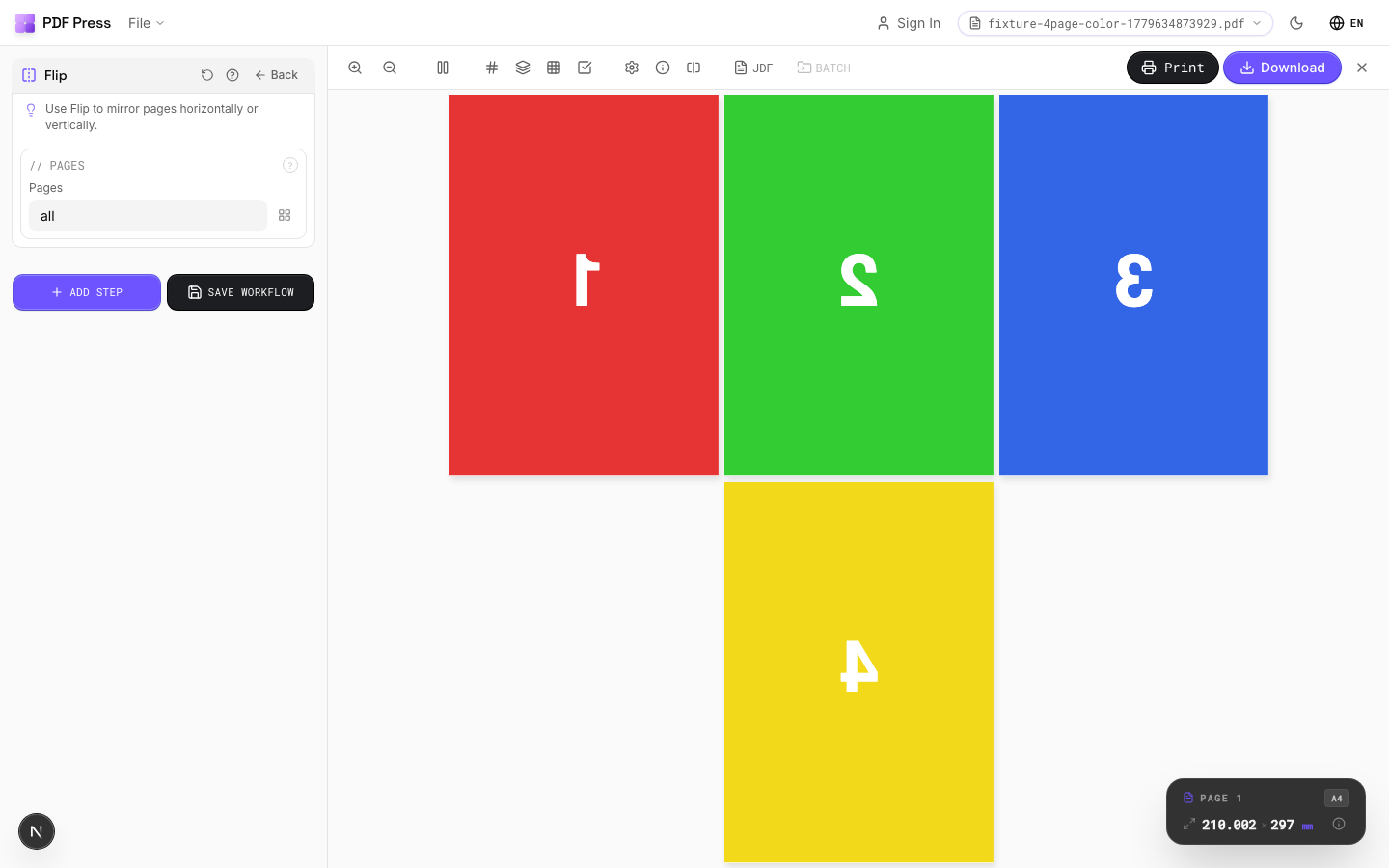
Flip tool applied. Options panel on the left, imposed result on the right. Click to zoom.
Options Guide
Pages
Specify which pages to process using a range expression.
Examples: 'all' = every page. '1-5' = pages 1 through 5. '1,3,5' = specific pages. '1-10 odd' = odd pages 1-9. '2-20 even' = even pages 2-20. 'last' = last page. 'last-2' = third from last. Ranges are 1-based. Combine with commas: '1-5, 8, 12-15'.
Expert Tip
Horizontal flip is for work-and-tumble backup; vertical flip is for work-and-turn. Always flip before imposition, not after, so registration stays consistent.
Flipping a page with text will mirror the text. This is intentional for backup alignment but will produce unreadable output if applied to a front-side layout by mistake.
Learn More
Used in Recipes
Work and Tumble
Flip backup for work-and-tumble duplex printing method.
Try Flip in your browser
PDF Press runs entirely client-side. Upload a PDF, apply Flip, and download the result — no upload to a server, no sign-up required.
Open PDF Press