 pdfpress
01
Numbered event tickets
Keep pre-numbered ticket pages consecutive after the printed stack is cut.
The right order, after the cut
Arrange numbered tickets, forms and pages so the cut piles come together in order. Preview the sequence before committing it to paper.
Files stay on your device·Sign in to start
Have your artwork ready?
PDF, PNG or JPEG. Multiple files open as separate tabs.
Made for real print jobs
From the first proof
to the finished piece.
Keep pre-numbered ticket pages consecutive after the printed stack is cut.
Prepare unique forms as ordered piles that are easier to gather and pack.
Lay out a sequence of smaller pages for guillotine cutting and subsequent gathering.
A run of 100 numbered tickets
ARTWORK → LAYOUT → PRINTIllustrative print job
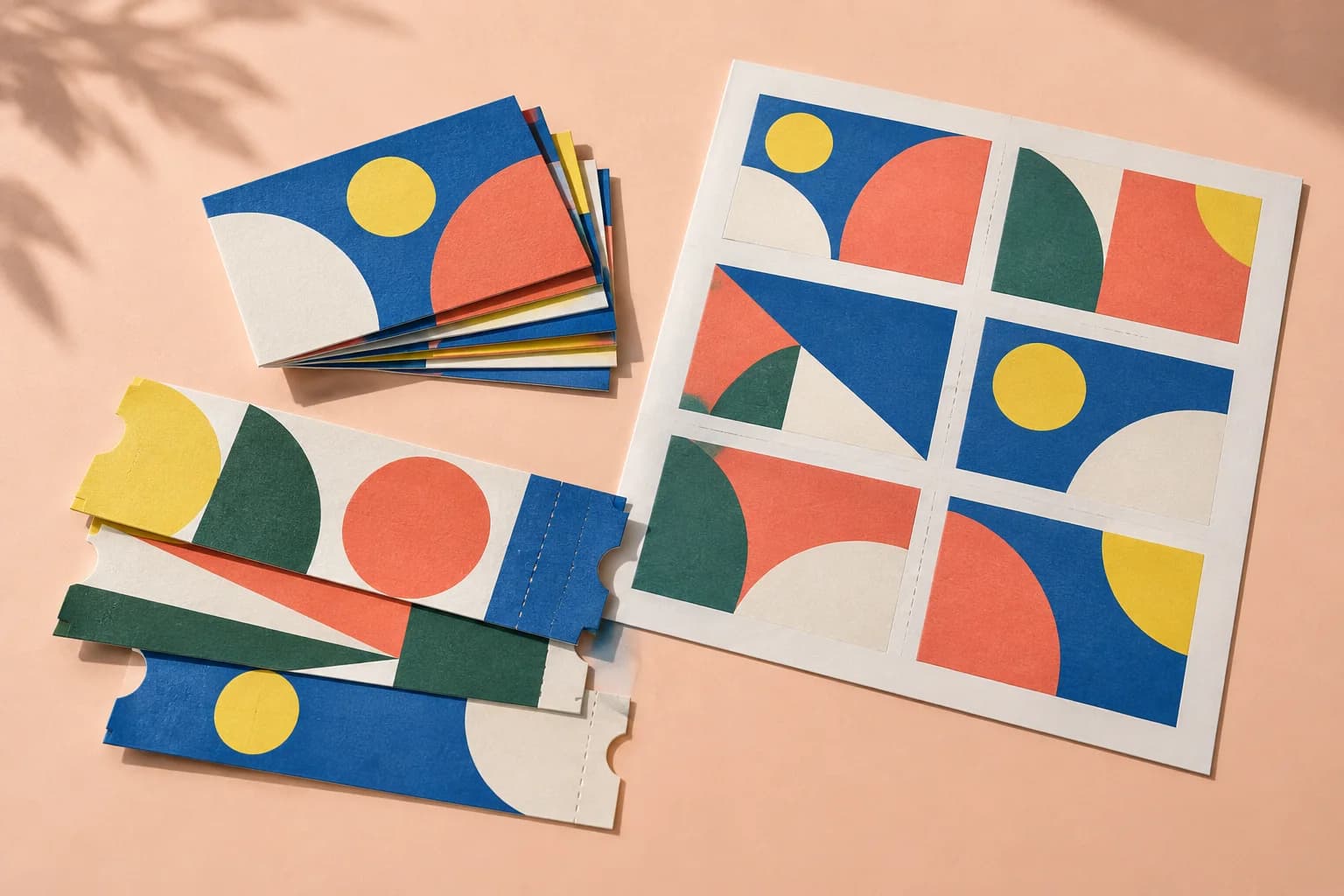
Open a PDF containing 100 individually numbered tickets. A four-up single-sided layout uses 25 sheets; cut the four piles and gather them in the previewed order.
A clear path to print
Your artwork stays on your device.
Your layout stays in your control.
Supply one page per item in the required sequence. Include numbering in the source artwork.
Set the paper, grid, gaps and duplex option. Review the resulting stack depth.
Print a short proof, cut the piles and stack them in sequence. Keep the same sheet order for the production run.
A little print know-how
A few things to check before you send your job to the printer.
Read the Cut & Stack guideA visible sequence makes the first and last item in each pile easy to verify before production.
Printer collation, reversed output order and separate cutting batches can change the gathering result. Proof the whole workflow.
Ordinary sequential N-up puts consecutive pages across each sheet. Cut & Stack distributes the sequence through each cut pile so the piles can be gathered in order.
No. It orders existing PDF pages. Provide a source with the unique numbers or content already applied.
Yes. Double sided pairs odd pages with even pages. Confirm the front/back sequence and duplex direction with a cut proof.
Unused positions are blank. Review the final sheet and consider Mark every cell edge if you need internal cutting ticks.
Keep your job moving
Several pages per sheet, in reading order. The sheet and the count are chosen to waste the least paper.
Business cards, labels and tickets: each page repeated to fill the sheet, with bleed and marks handled.

Add headers, footers, watermarks and page numbers in one place.
Explore the studio
Find examples, setup tips and answers for every tool.
Your next print project
Bring your PDF. We’ll help with the layout.