pdfpress
01
Print proofs
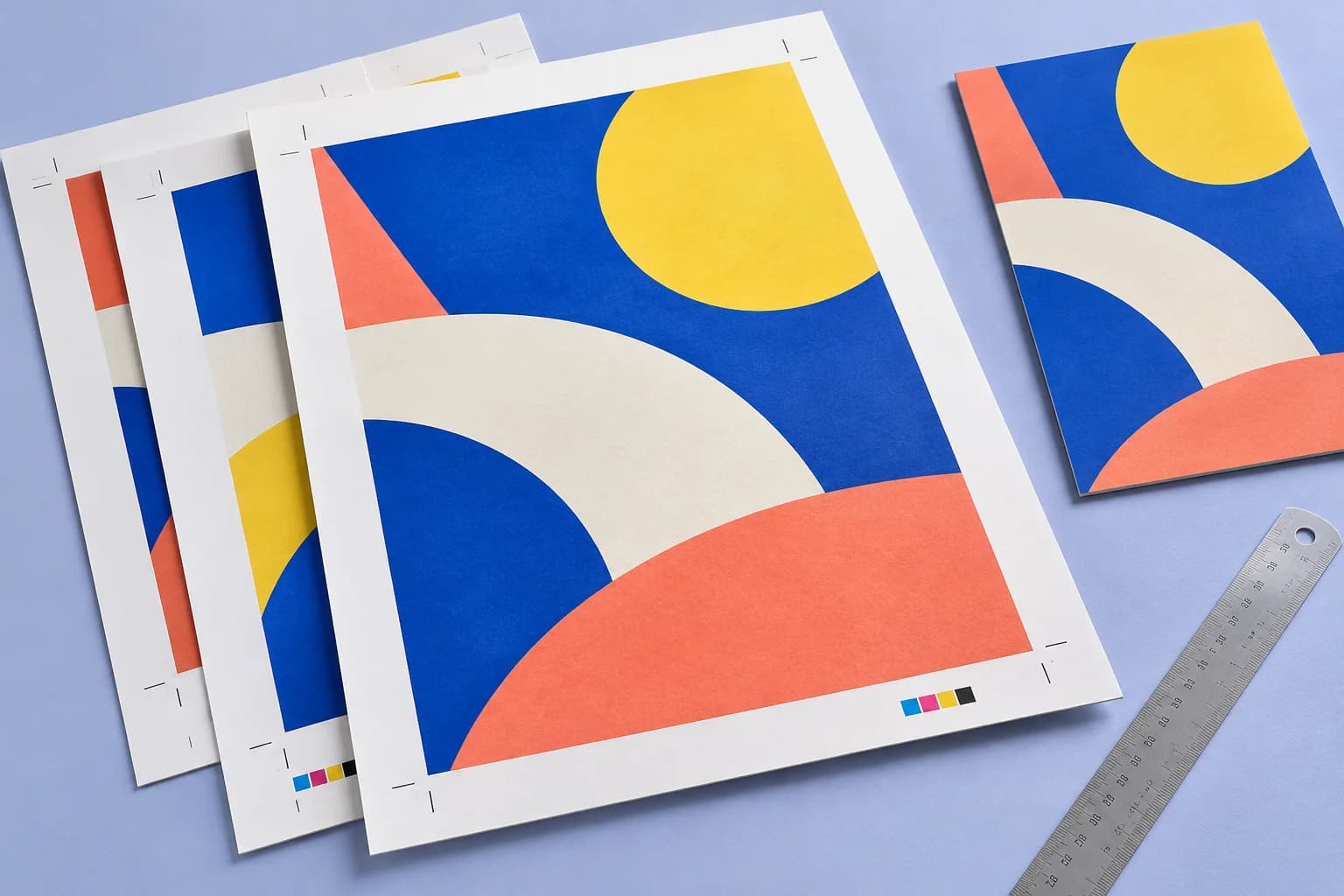
Put process-color patches beside your artwork.
Press preparation
Add solid cyan, magenta, yellow and black patches outside the artwork, with space reserved on the sheet.
Files stay on your device·Sign in to start
Have your artwork ready?
PDF, PNG, JPEG/JPE/JFIF, TIFF, WebP, AVIF, HEIC/HEIF, GIF, BMP, ICO/CUR, SVG or JPEG 2000. Multiple files open as separate tabs.
Made for real print jobs
From the first proof
to the finished piece.
Put process-color patches beside your artwork.
Four process inks, one strip
ARTWORK → LAYOUT → PRINTIllustrative print job
A compact CMYK control strip in the sheet margin.
A clear path to print
Your artwork stays on your device.
Your layout stays in your control.
Load the pages or imposed sheets.
Choose top or bottom and a patch size.
The sheet grows to leave room outside your artwork.
A little print know-how
A few things to check before you send your job to the printer.
Read the Color Bar guideThe strip adds sheet margin. Match your printer tray to the exported size.
No. It is a simple four-patch CMYK reference strip, not a calibrated certification wedge.
Keep your job moving
Explore the studio
Find examples, setup tips and answers for every tool.
Your next print project
Bring your PDF. We’ll help with the layout.