 pdfpress
01
Duplex alignment checks
Apply a measured offset to even-numbered backs and verify the result with a fresh print.
Small adjustments. Better alignment.
Adjust content horizontally or vertically inside an unchanged page. Use separate even-page offsets when a measured front/back alignment needs correction.
Files stay on your device·Sign in to start
Have your artwork ready?
PDF, PNG, JPEG/JPE/JFIF, TIFF, WebP, AVIF, HEIC/HEIF, GIF, BMP, ICO/CUR, SVG or JPEG 2000. Multiple files open as separate tabs.
Made for real print jobs
From the first proof
to the finished piece.
Apply a measured offset to even-numbered backs and verify the result with a fresh print.
Move the content within the page when the paper size and trim should remain fixed.
Fine-tune horizontal and vertical placement after inspecting a physical proof.
Correct a measured back-page offset
ARTWORK → LAYOUT → PRINTIllustrative print job
A duplex proof shows that the back artwork needs a 1 mm move to the right. Enable Different back offsets, set the back horizontal shift to +1 mm and print another proof.
A clear path to print
Your artwork stays on your device.
Your layout stays in your control.
Check a proof and determine the direction and amount the artwork must move.
Positive horizontal values move right; positive vertical values move up. Enable separate back offsets when needed.
Inspect both faces and every edge. Confirm the adjustment on the actual printer before the production run.
A little print know-how
A few things to check before you send your job to the printer.
Read the Shift content guideSeparate back offsets assume alternating front/back source pages. Check the sequence before applying them.
Moving artwork can place it beyond the visible page or leave an uncovered edge. Inspect the trim and bleed after each change.
No. Shift content moves the artwork inside the existing page without changing paper or trim size.
Positive horizontal values move right. Positive vertical values move up. Negative values move in the opposite direction.
Yes. Enable Different back offsets. Even-numbered pages use the back horizontal and vertical settings.
No. Enter the correction you measured from a proof, then print another sample to verify it.
Keep your job moving
Turn all, odd or even pages by a quarter, half or three-quarter turn.
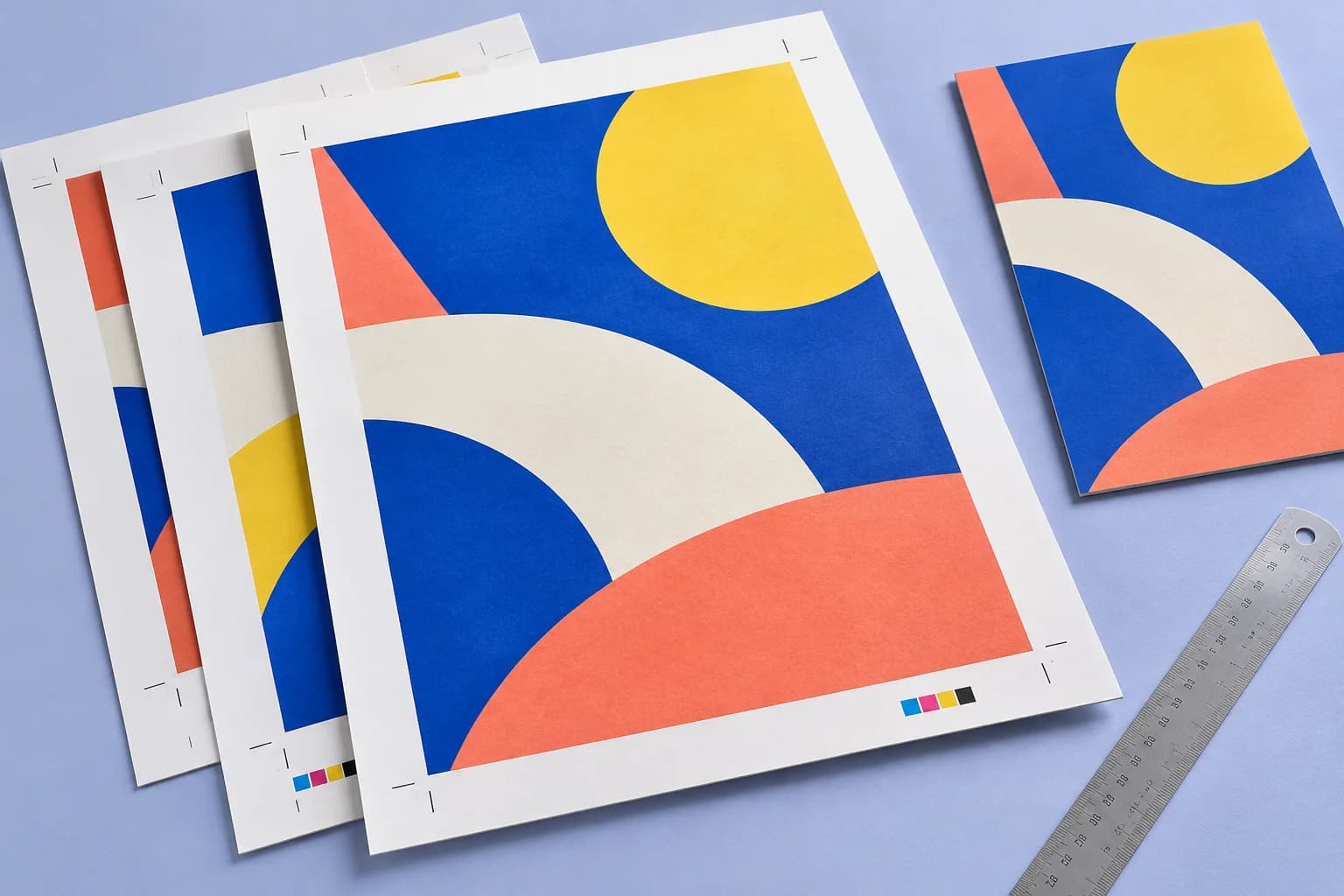
Trim and registration marks placed from the page boxes. The sheet grows just enough to hold them.
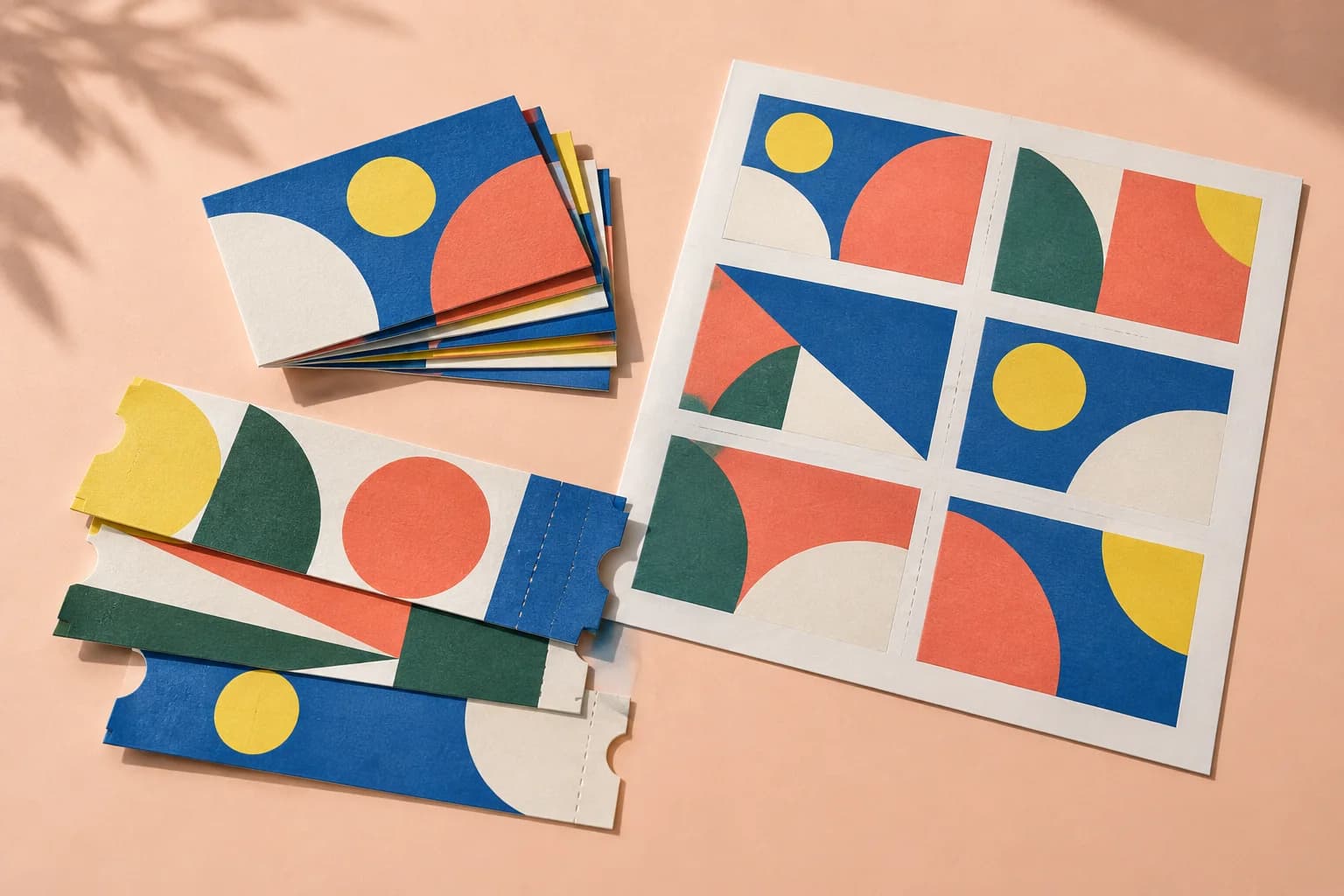
Draw the sheet yourself: choose the paper, split it into rows and columns, and put a page in each cell.
Explore the studio
Find examples, setup tips and answers for every tool.
Your next print project
Bring your PDF. We’ll help with the layout.