 pdfpress
01
Business cards
Repeat a finished-size card across stock that matches your digital press or printer.
One design. A sheet of possibilities.
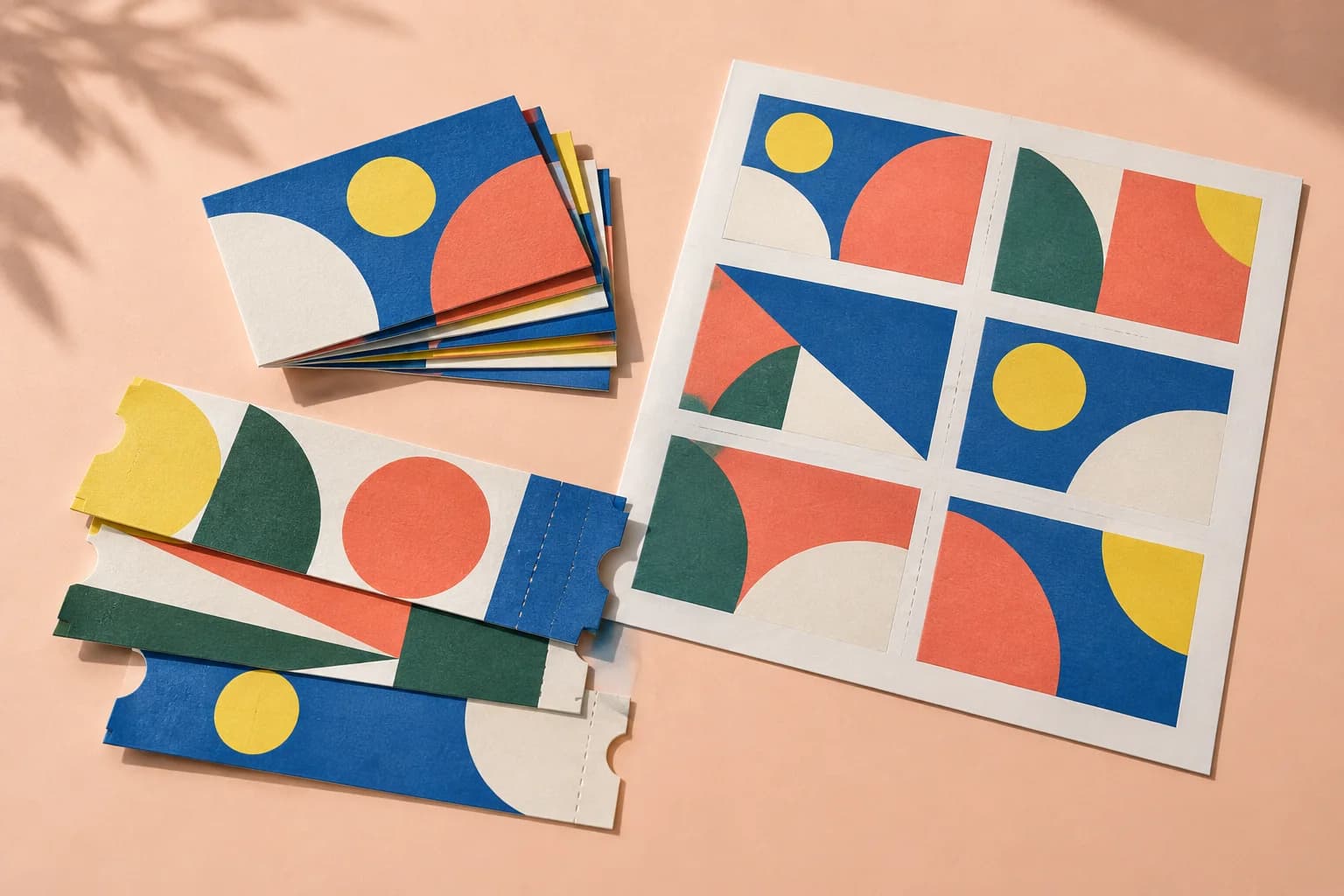
Repeat artwork across the sheet for business cards, labels and tickets. Keep the finished size deliberate, with clear spacing, bleed and cutting marks.
Files stay on your device·Sign in to start
Have your artwork ready?
PDF, PNG, JPEG/JPE/JFIF, TIFF, WebP, AVIF, HEIC/HEIF, GIF, BMP, ICO/CUR, SVG or JPEG 2000. Multiple files open as separate tabs.
Made for real print jobs
From the first proof
to the finished piece.
Repeat a finished-size card across stock that matches your digital press or printer.
Build a repeated label sheet with spacing suited to the intended cut. Check pre-cut stock against its exact template.
Produce several identical pieces per sheet while keeping the edges and crop marks easy to inspect.
Business cards for a new studio
ARTWORK → LAYOUT → PRINTIllustrative print job
Start with an 85 × 55 mm card PDF. Choose your production sheet, keep Actual size, then adjust the grid and gutters to leave room for bleed and trimming.
A clear path to print
Your artwork stays on your device.
Your layout stays in your control.
Use a PDF with the correct trim and bleed. For two-sided pieces, place the front and back on consecutive pages.
Choose the stock size, rows and columns. Keep Actual size unless you intentionally want a smaller piece.
Inspect gutters, marks and both faces. Print and trim one sample before running the quantity you need.
A little print know-how
A few things to check before you send your job to the printer.
Read the Step & Repeat guideFull-bleed artwork may need a double-cut gutter. Confirm the gap against the bleed and the finishing method.
A generic repeated grid is not automatically a match for every pre-cut label sheet. Compare the margins and spacing.
Actual size is the starting point for Step & Repeat. If you choose a scaling option, check the finished dimensions in the summary before export.
Yes. Enable Double sided and supply consecutive front/back pages. Check one printed pair for registration and duplex direction.
Step & Repeat fills a sheet from each source page. Use Gang Sheet for mixed items or Custom imposition to assign individual cells yourself.
The layout repeats the PDF you supply. If every ticket must be different, prepare those individual pages and use Cut & Stack.
Keep your job moving
Pack several jobs onto one sheet. Drop every PDF; items are placed and rotated to fit.
Cut the sheets, stack the piles, and the pages are already in order. Stack depth follows the page count.
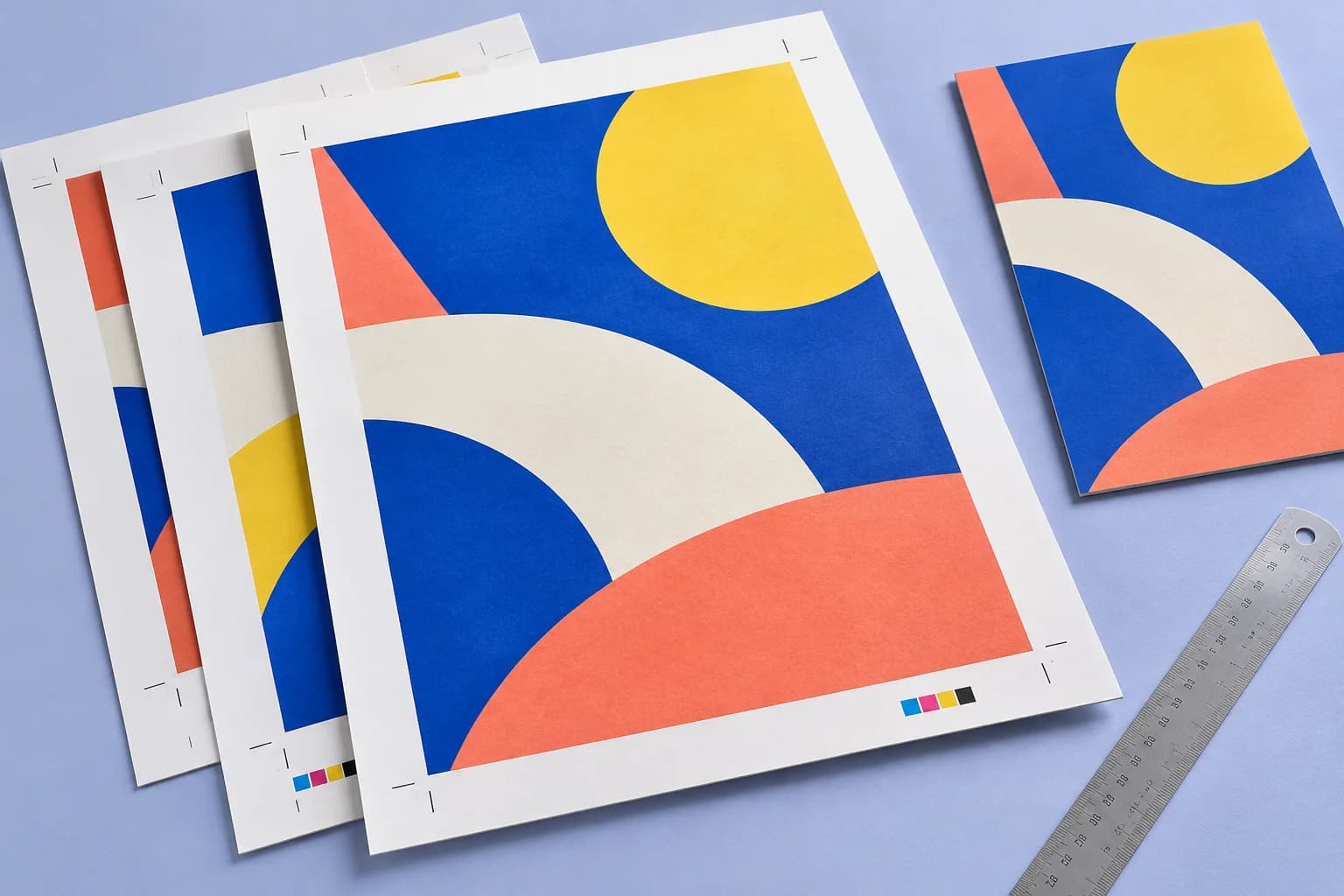
Extend artwork past the trim so cuts never show white. The finished size does not change.
Explore the studio
Find examples, setup tips and answers for every tool.
Your next print project
Bring your PDF. We’ll help with the layout.