Direct answer
What is add color bar to PDF?
Adds color calibration strips along page edges for press quality verification.
Color bars provide a reference target that press operators use to monitor ink density, dot gain, and color consistency throughout a print run. Bars include process color patches (CMYK), registration targets, and optional spot color swatches.
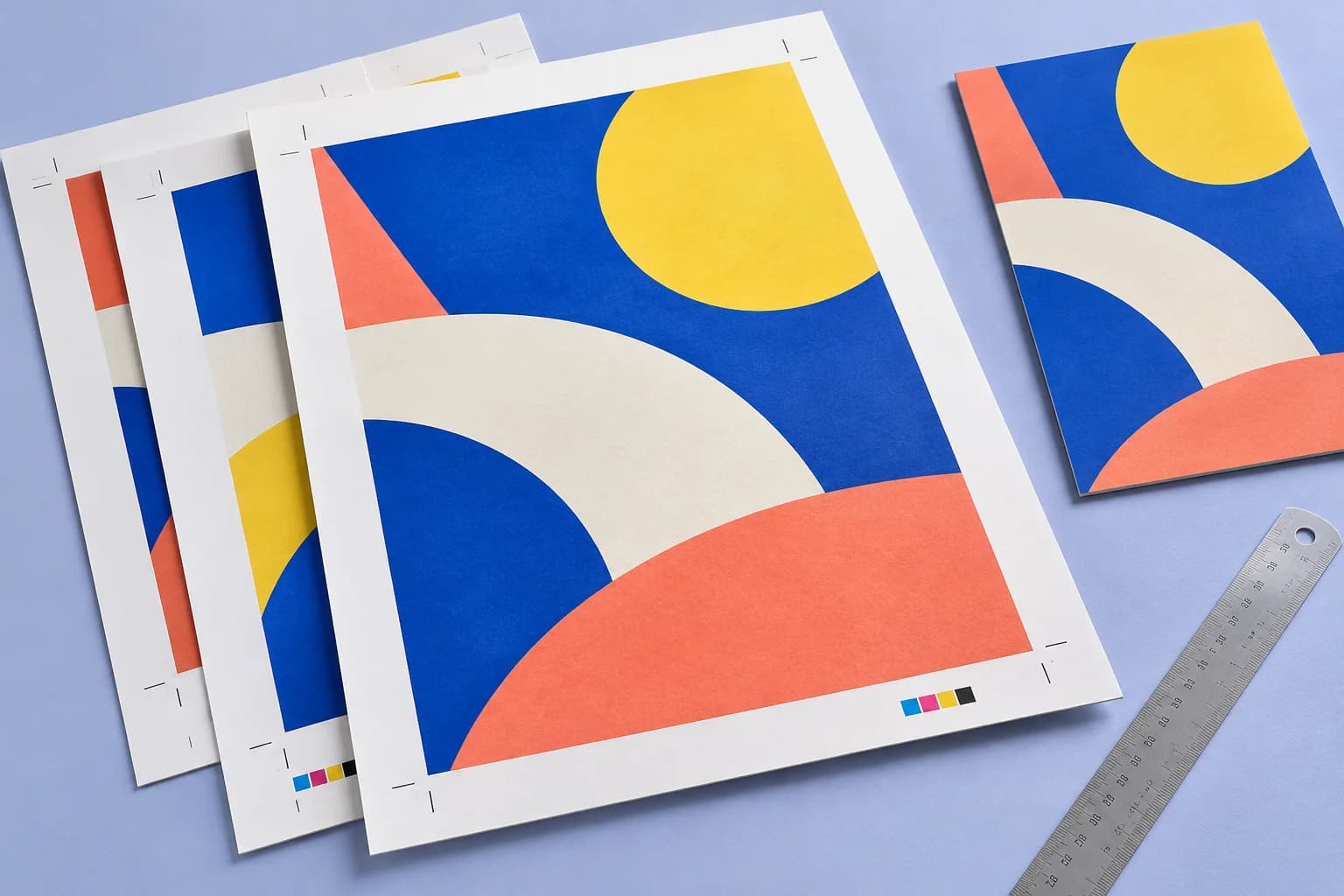
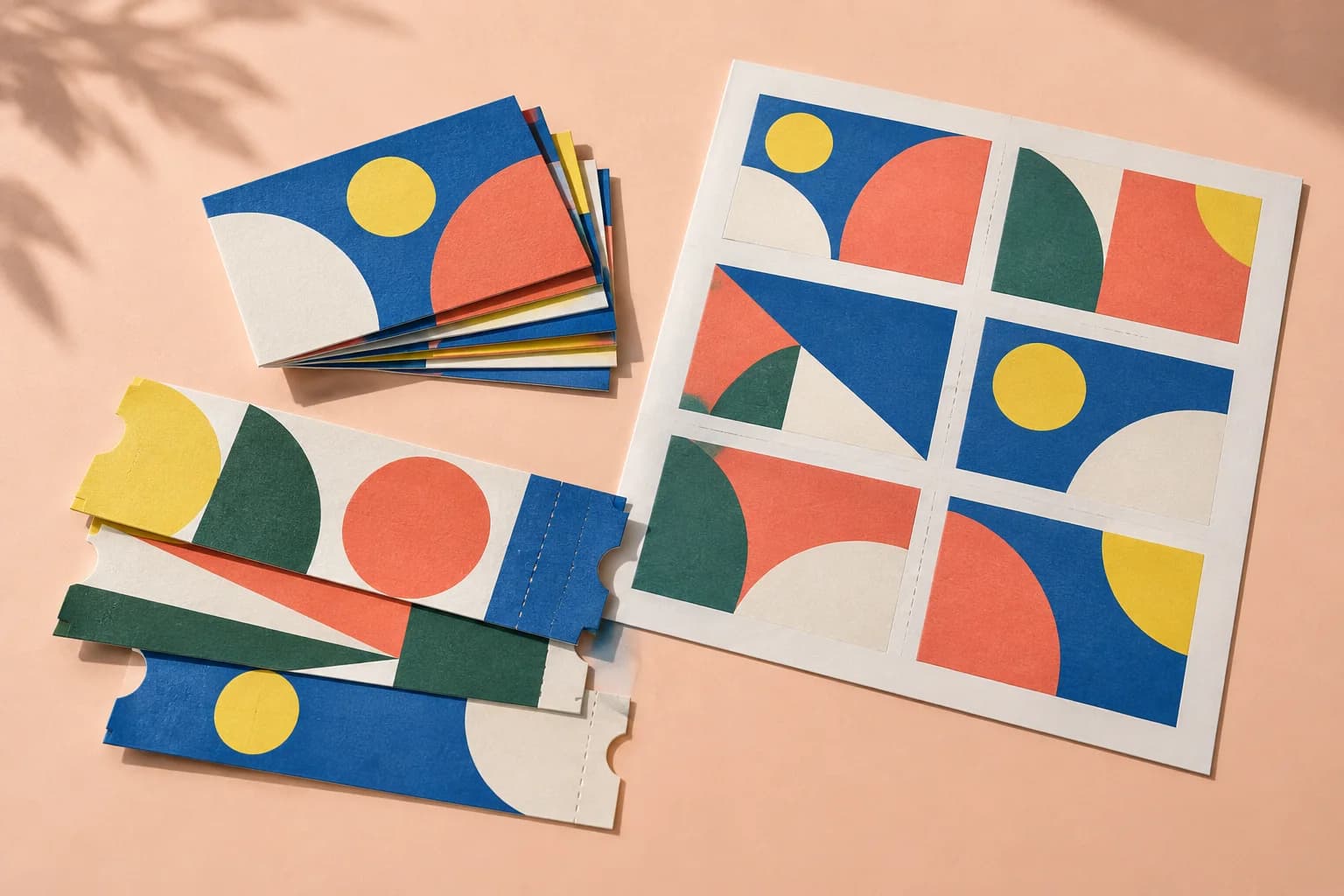
Print examples made with Color Bar
See the imposed output and finished piece together, then open the exact preset and production specs.


Original PDF Press print-production photography. Images link to their canonical template pages.
How to use Color Bar
Upload files
Start with your source PDF or image files. Processing happens locally in the browser.
Add Color Bar
Configure Location, Marks, Colors and any production settings that match the job.
Preview the result
Check page order, marks, scaling, and output geometry before committing the export.
Download output
Export the finished PDF for proofing, press, finishing, or another PDF Press step.
Best use cases
Key settings
Location
Position the color bar along a page edge using the selection grid.
Choose which edge of the page receives the color bar. The bar runs along the full length of the selected edge, positioned just outside the trim boundary.
Marks
Configure mark size, spacing, and repeat behavior.
Size controls how large each color patch appears. Repeat fills the available edge length with repeating bar patterns for more measurement points across the sheet.
Colors
Select which color patches to include in the bar.
Standard bars include CMYK process patches. Spot colors adds extra patches for any Pantone or custom inks defined in the document. Registration patches help verify plate alignment.
Shapes
Choose the shape of individual color patches.
Squares are the most common and easiest to measure with a spectrophotometer. Circles and rectangles are available for specific press proofing workflows.
Expert tip
On offset presses, place colour bars along the gripper edge for inline densitometry. On digital presses, place them on the trail edge where toner coverage varies more.
Colour bars increase the overall sheet dimension. Verify your press sheet has enough non-image area to accommodate them without clipping.
Production recipes using Color Bar
Perfect-Bound with Color Bar
Perfect-bound book signatures with inline color bars for press density control.
Children's Book
Full-color children's picture book with heavy stock and case binding.
Magazine Production
Full commercial magazine with saddle-stitch or perfect binding and press marks.
Annual Report
Corporate annual report with mixed content (text, charts, photos) and premium finishing.
What print pros say
Came from Imposition Studio. Same N-up and booklet imposition control, but in the browser, with no licence dongle and no Windows-only install, and my whole Mac team can finally use the same impose tool.
We still run Ultimate Impostrip on the huge jobs, but for everyday booklets, zines and N-up sticker sheets the team just reaches for PDF Press, because it's that much faster to set up.
I handed it to a junior with zero prepress background and she was imposing business cards N-up with cut marks in ten minutes. That never happened with our old desktop tools.
Frequently asked questions
What is Color Bar used for?
Adds color calibration strips along page edges for press quality verification.
Who should use add color bar to PDF?
It is built for offset, digital, and packaging print operators. Common use cases include Press Proofing, Color Management, Quality Control.
Do my PDF files upload to a server?
No. PDF Press runs the PDF processing workflow in your browser, so your files stay on your device.
Can I use Color Bar with other PDF Press tools?
Yes. You can combine it with other PDF Press tools in a multi-step workflow, then preview and export the final PDF.
What is a color bar (control strip) used for?
A color bar is a row of solid, overprint, tint, and gray-balance patches placed along the edge of a press sheet. The operator measures it with a densitometer or spectrophotometer to confirm ink density and color balance stay in spec across the run. PDF Press places a standard CMYK strip on the edge you choose.
Where should the color bar sit on the sheet?
Color bars normally run along the gripper or tail edge, spanning the full print width so density can be read per ink zone. In PDF Press you choose Top, Bottom, Left, or Right and the strip is placed and rotated to match that edge — leave enough sheet margin beyond the trim so the bar is not cut off.
Do I need a color bar for digital printing?
Color bars are essential for offset runs where ink density is controlled at the press. For digital printing, color is managed internally by the engine, so a control strip is optional — and for direct-to-size jobs with no trimming you should leave it off, since there is nowhere to cut it away.