pdfpress
01
Guillotine trimming
Show the intended trim on single-page artwork before the sheet is cut.
Prepare
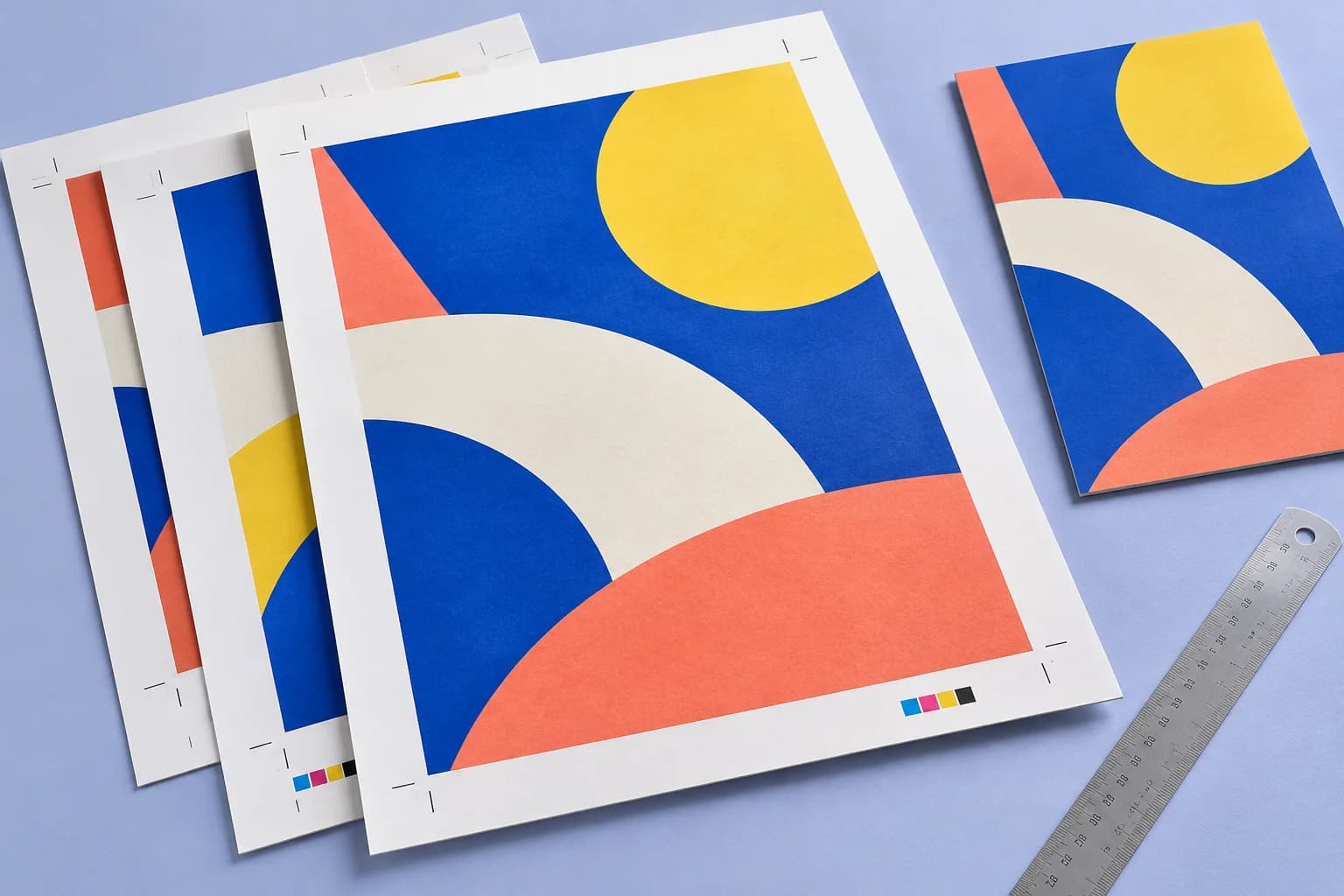
Crop marks plus registration targets at the sheet edges, so multi-colour and duplex jobs line up. Placed from the page boxes, clear of the bleed.
Files stay on your device·Sign in to start
Have your artwork ready?
Open your file to inspect the layout and adjust the print settings.
Made for real print jobs
From the first proof
to the finished piece.
Show the intended trim on single-page artwork before the sheet is cut.
Prepare a marked proof for a printer whose workflow requires marks in the supplied PDF.
Add registration targets when they are needed by the chosen production process.
An invitation ready for trimming
ARTWORK → LAYOUT → PRINTIllustrative print job
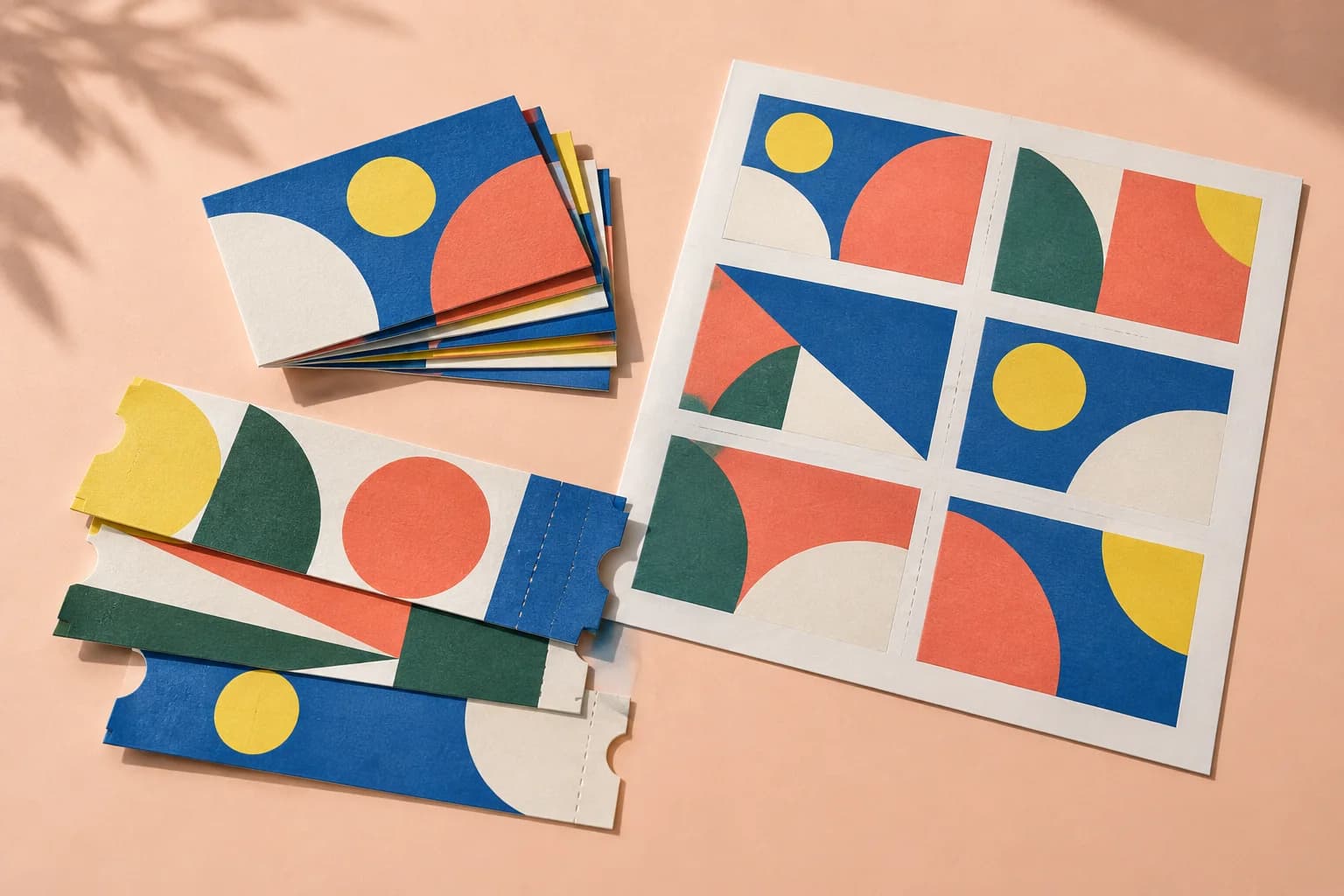
Add crop marks around an invitation that already has its trim and bleed defined. Check the larger output sheet and hand off a proof showing the intended cut.
A clear path to print
Your artwork stays on your device.
Your layout stays in your control.
Drop the PDF.
Set Marks to crop plus registration.
Download.
A little print know-how
A few things to check before you send your job to the printer.
Read the Crop Marks guideImposition tools can place their own marks. Confirm the required stage of the workflow to avoid duplicate marks.
A correct trim definition and sufficient bleed matter more than the presence of visible crop marks.
Usually not for single-pass digital; they help for screen, offset and duplex alignment checks.
Mark length and offset from trim are adjustable.
Everything runs in your browser. The file is never uploaded, and the download comes from the same engine that drew the preview.
Marks are placed outside the bleed using the page dimensions. Confirm the source trim and bleed boxes, then inspect the preview.
The tool grows the outer sheet enough to hold the marks and their offset. The artwork is centred without scaling.
Only if the print workflow requires them. Choose the mark style requested by your printer.
Keep your job moving
More ways to print
From screen to sheet