pdfpress
01
Review PDFs
Make an image-heavy document lighter for screen-based approval.
Prepare
Downsample images to what print or screen actually needs: 300 dpi for the press, 150 for screens, 96 for the smallest file. Vectors and text are left alone.
Files stay on your device·Sign in to start
Have your artwork ready?
Open your file to inspect the layout and adjust the print settings.
Made for real print jobs
From the first proof
to the finished piece.
Make an image-heavy document lighter for screen-based approval.
Use the Print setting when high-resolution source images are heavier than the delivery workflow needs.
Create a compact copy for quick visual reference when fine print detail is not the goal.
An image-rich catalogue for review
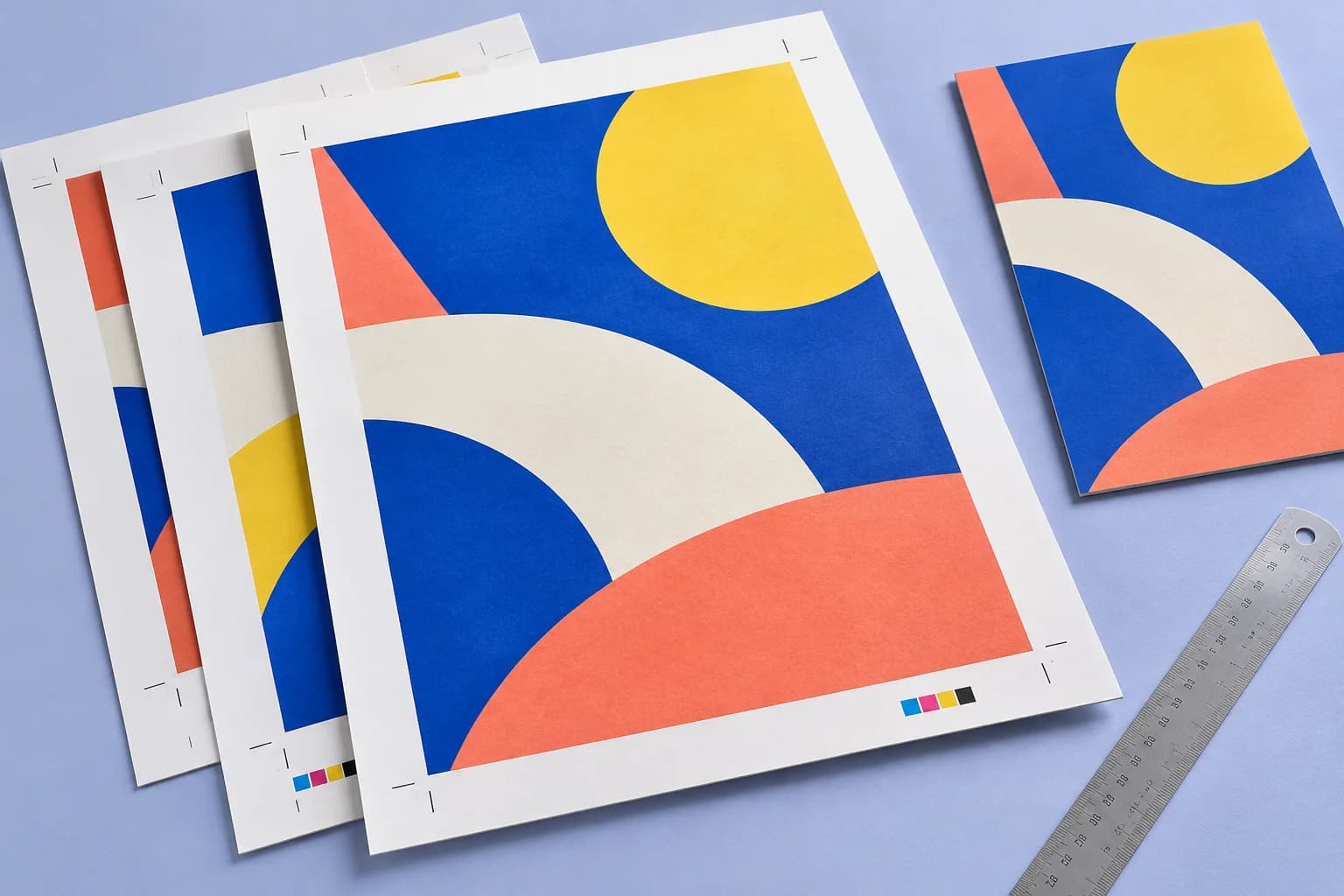
ARTWORK → LAYOUT → PRINTIllustrative print job
Create a Screen copy of a photographic catalogue for on-screen feedback. Review image detail in the result and keep the original PDF for the final print workflow.
A clear path to print
Your artwork stays on your device.
Your layout stays in your control.
Drop the PDF.
Pick print, screen or smallest.
Download the lighter file.
A little print know-how
A few things to check before you send your job to the printer.
Read the Compress guideCompression can reduce image detail. Retain the original so a later print requirement does not depend on the smaller copy.
Image-heavy files can respond differently from text or vector documents. The result depends on the source content.
No. Fonts, text and vector graphics pass through untouched.
Files with no large images have little to gain; the presets only downsample pictures.
Everything runs in your browser. The file is never uploaded, and the download comes from the same engine that drew the preview.
Print uses a 300 dpi image limit, Screen 150 dpi and Smallest 96 dpi, with progressively stronger JPEG compression. Choose for the intended use.
No. Savings depend on the images and compression already in the source. A mostly text or vector PDF may change very little.
Use the image quality required by the job. Smallest targets compact reference output; check the print requirement and proof any compressed production copy.
Keep your job moving
From screen to sheet