pdfpress
01
Event programmes
Give weddings, performances and community events a compact programme with pages in the right sequence.
Booklets
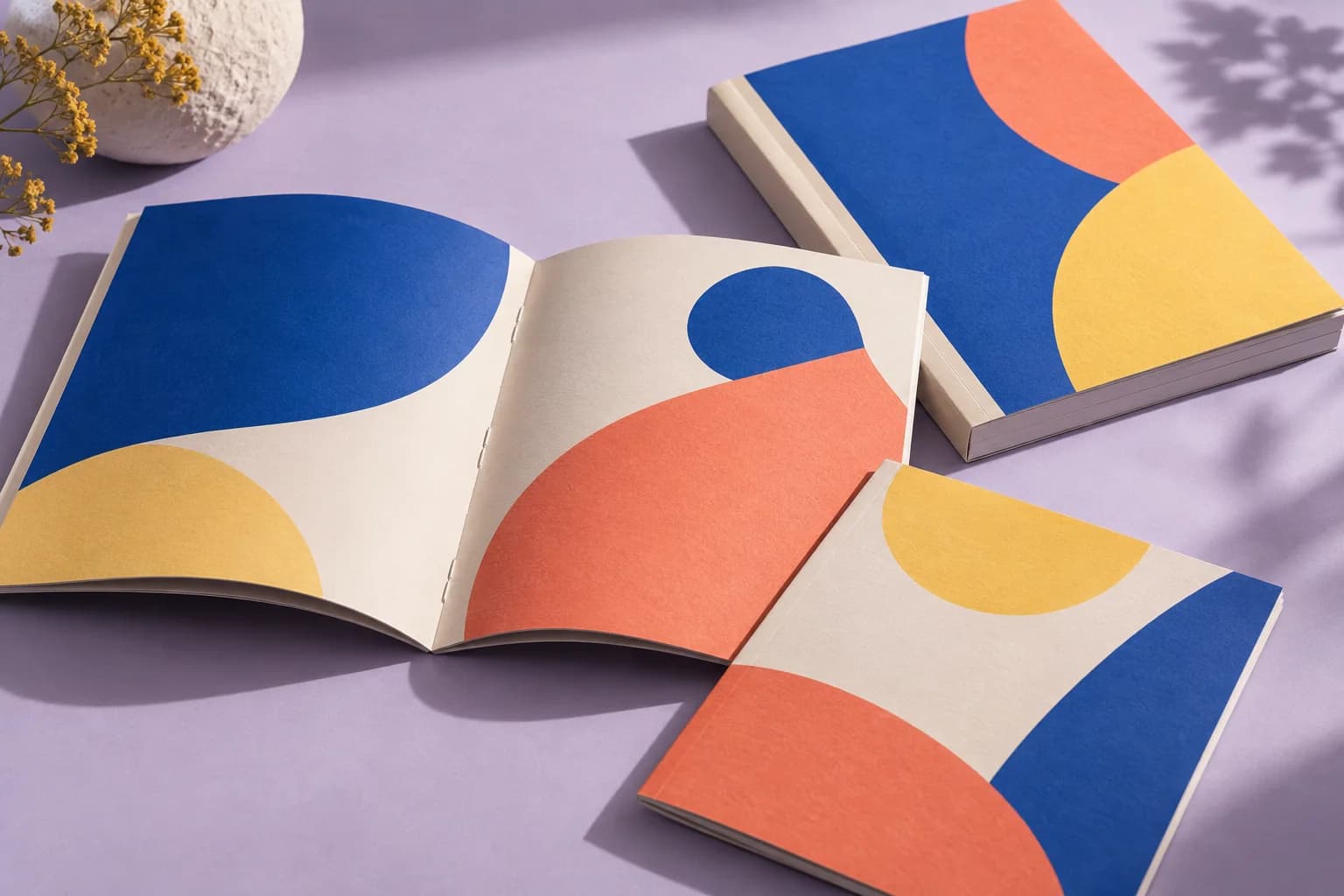
Half-letter and A5 zines from a stack of pages: printed two-up on a sheet, folded once, stapled at the spine. The page order is worked out for you.
Files stay on your device·Sign in to start
Have your artwork ready?
Open your file to inspect the layout and adjust the print settings.
Made for real print jobs
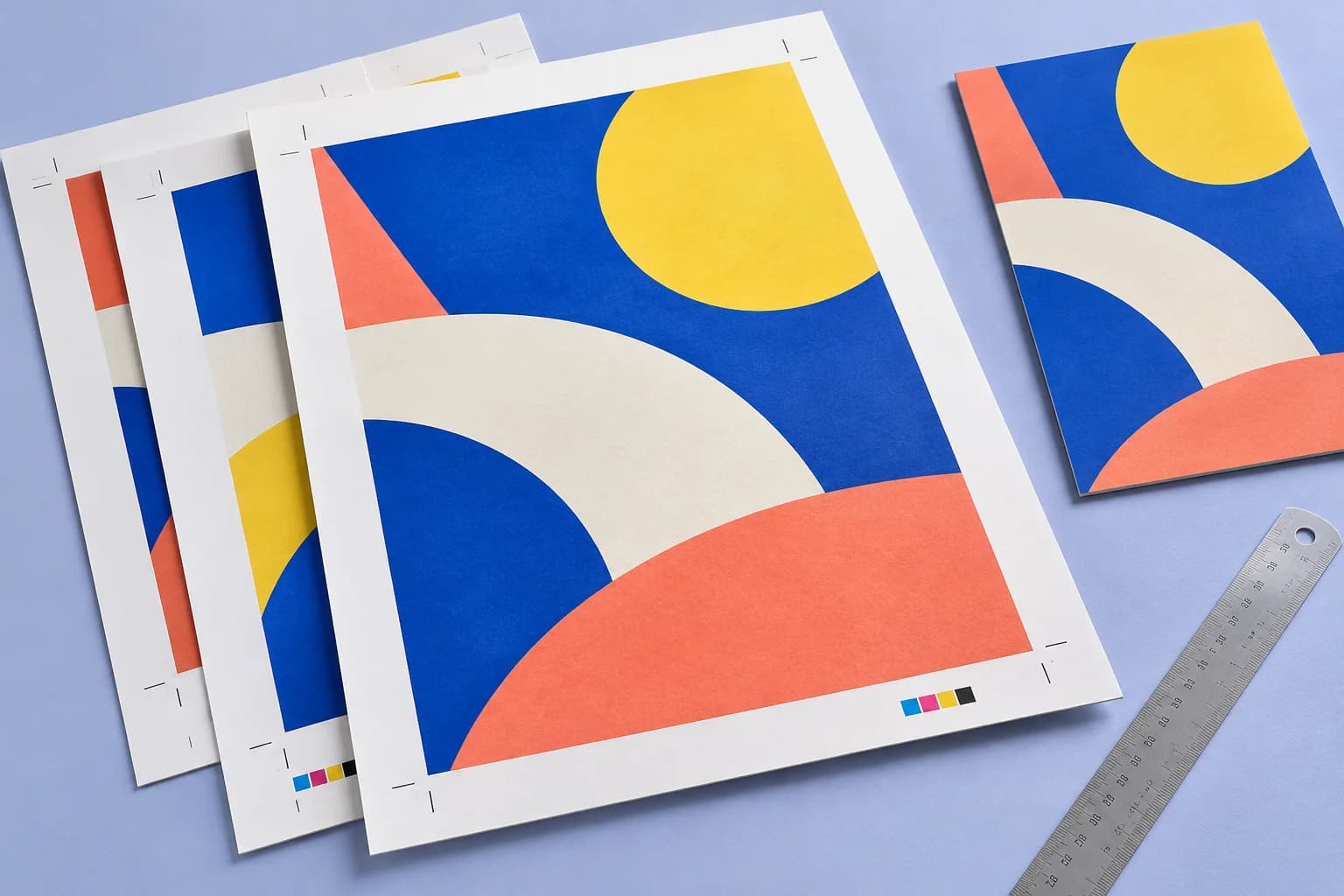
From the first proof
to the finished piece.
Give weddings, performances and community events a compact programme with pages in the right sequence.
Prepare an illustrated story or photo essay as a small run of folded, stapled copies.
Make seasonal menus, workshop booklets and short reference guides from an existing PDF.
A 16-page festival programme
ARTWORK → LAYOUT → PRINTIllustrative print job
Start with 16 A5 pages, including the covers. Pair them on A4 sheets, proof the duplex direction, then fold and staple a complete programme.
A clear path to print
Your artwork stays on your device.
Your layout stays in your control.
Drop the zine PDF in reading order.
Check the front and back faces.
Download, print, fold and staple.
A little print know-how
A few things to check before you send your job to the printer.
Read the Booklet · saddle stitch guideA5 artwork with bleed and crop marks needs more room than a plain A4 sheet. Choose a larger sheet and confirm the finished size.
A folded sample reveals upside-down backs, misplaced covers and blank pages before you run the full quantity.
Half the sheet: A5 from A4, half-letter from Letter. The sheet is chosen from your page size.
Yes. Set the bleed field to extend artwork past the trim before the fold.
Everything runs in your browser. The file is never uploaded, and the download comes from the same engine that drew the preview.
No. Supply pages in reading order. Booklet calculates the pairs needed for folding; choose the source layout explicitly if automatic spread detection is not right for your file.
The layout adds blank pages to complete folded sheets. Review the preview and blank-page note to confirm their positions.
Follow the Print notes for the current layout, then check one folded proof. Printer feed direction and output rotation can change the setting you need.
Keep your job moving
More ways to print
From screen to sheet