 pdfpress
01
Handout adaptations
Reduce a larger PDF to a compact page size while retaining its proportions.
Prepare
Fit pages to A5, A4, A3, Letter, Legal, Tabloid or a custom size. Proportions are kept unless you ask to stretch; orientation follows the page or your choice.
Files stay on your device·Sign in to start
Have your artwork ready?
Open your file to inspect the layout and adjust the print settings.
Made for real print jobs
From the first proof
to the finished piece.
Reduce a larger PDF to a compact page size while retaining its proportions.
Set the target width and height for a job with a specific finished size.
Prepare differently sized source pages for a shared output size before assembly or layout.
An A4 guide for an A5 handout
ARTWORK → LAYOUT → PRINTIllustrative print job
Select A5 and Fit to reduce an existing A4 guide proportionally. Check the smaller type and retained bleed before using the resized pages in a booklet layout.
A clear path to print
Your artwork stays on your device.
Your layout stays in your control.
Drop the PDF.
Pick the size and scaling.
Download.
A little print know-how
A few things to check before you send your job to the printer.
Read the Resize guideFit preserves proportions and may leave space. Stretch fills the target dimensions by changing the artwork’s proportions.
A larger page can make low-resolution images more visible. Check photographic areas in a printed sample.
Yes. Pages are scaled as vectors, so text and lines stay crisp.
Every page is fitted to the same target size.
Everything runs in your browser. The file is never uploaded, and the download comes from the same engine that drew the preview.
Yes. Choose Custom in the size selector and enter the required dimensions in millimetres.
Fit preserves the aspect ratio. Stretch changes proportions to fill the target, so use it only when that is intended.
Yes. Choose By percent and enter the scale you need, then confirm the resulting page dimensions.
Keep your job moving
Cut pages down to the trim, to the bleed, or by a margin. The trim box is read from the file.
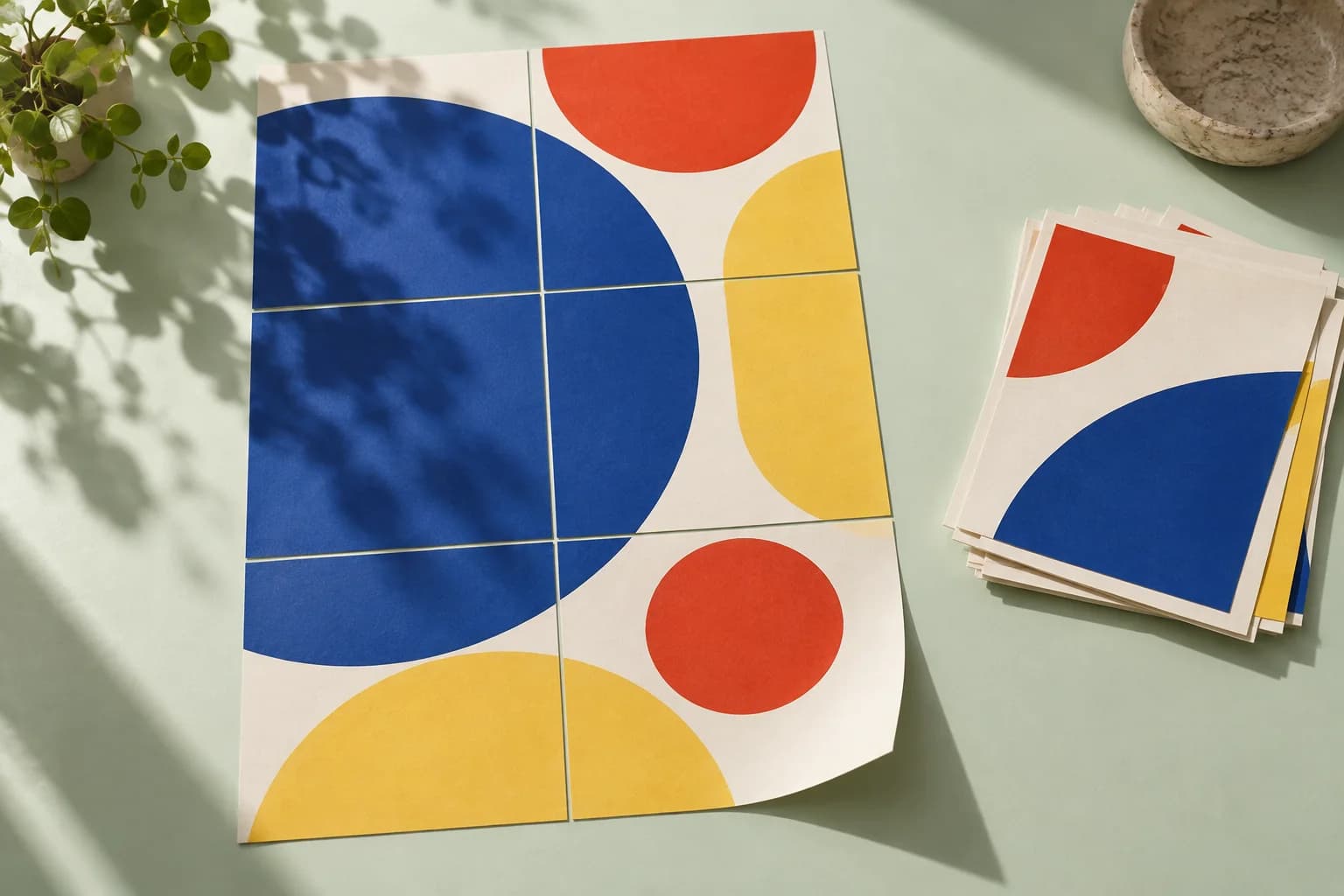
Blow a page up across 2×2, 3×3 or a target width of sheets, with overlap strips and an assembly map.
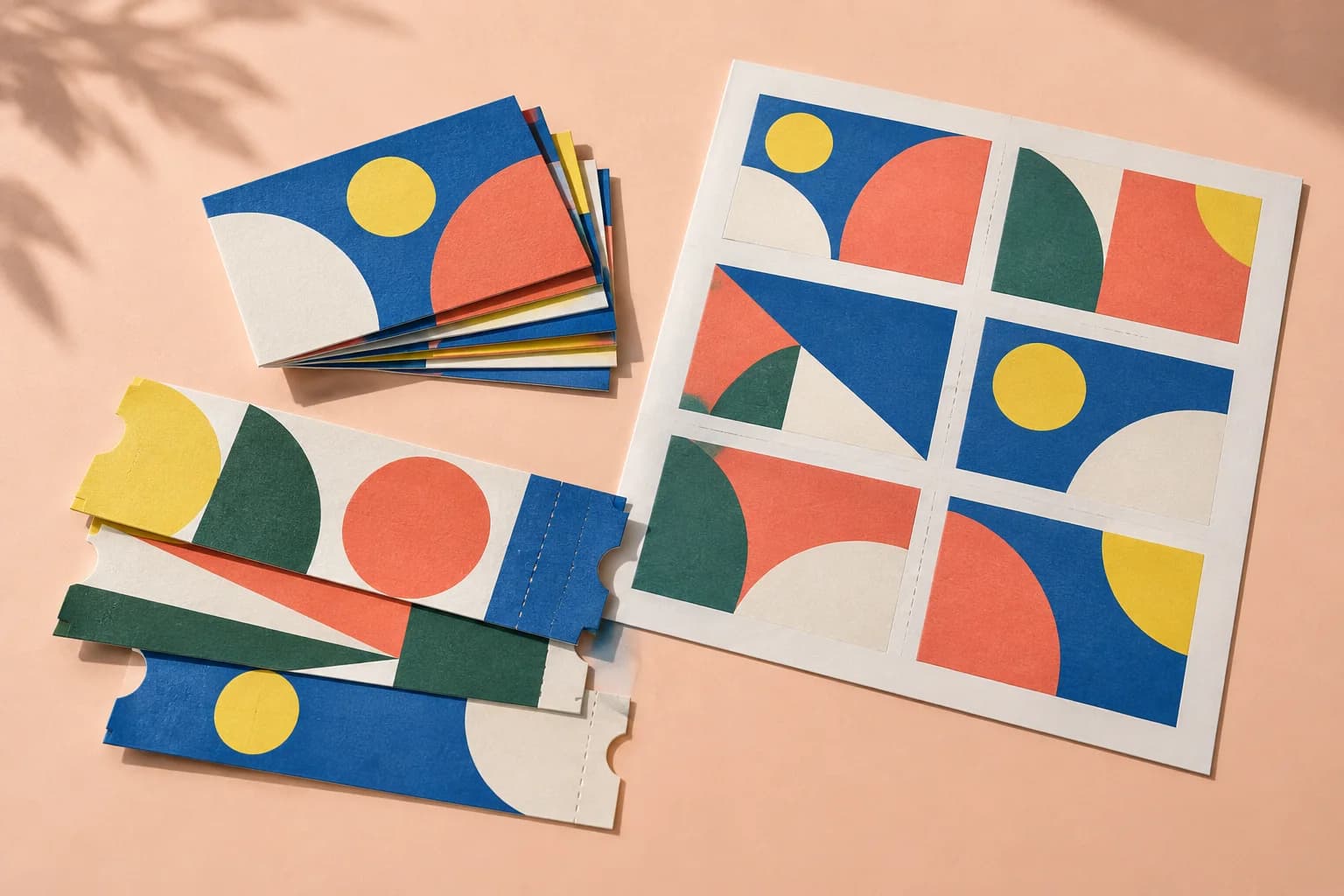
Several pages per sheet, in reading order. The sheet and the count are chosen to waste the least paper.
From screen to sheet