 pdfpress
01
Brand stationery packs
Bring several related pieces together when they share a compatible paper and finishing process.
Gang sheets
Build a direct-to-film gang sheet from all your transfer artwork: set the roll width as a custom sheet, drop the PDFs, and the designs are packed and rotated to fit.
Files stay on your device·Sign in to start
Have your artwork ready?
Open your file to inspect the layout and adjust the print settings.
Made for real print jobs
From the first proof
to the finished piece.
Bring several related pieces together when they share a compatible paper and finishing process.
Combine small quantities of different artwork and inspect how they fit on the available stock.
Review sheetwise, work-and-turn, work-and-tumble or perfecting layouts against the press setup.
A coordinated launch pack
ARTWORK → LAYOUT → PRINTIllustrative print job
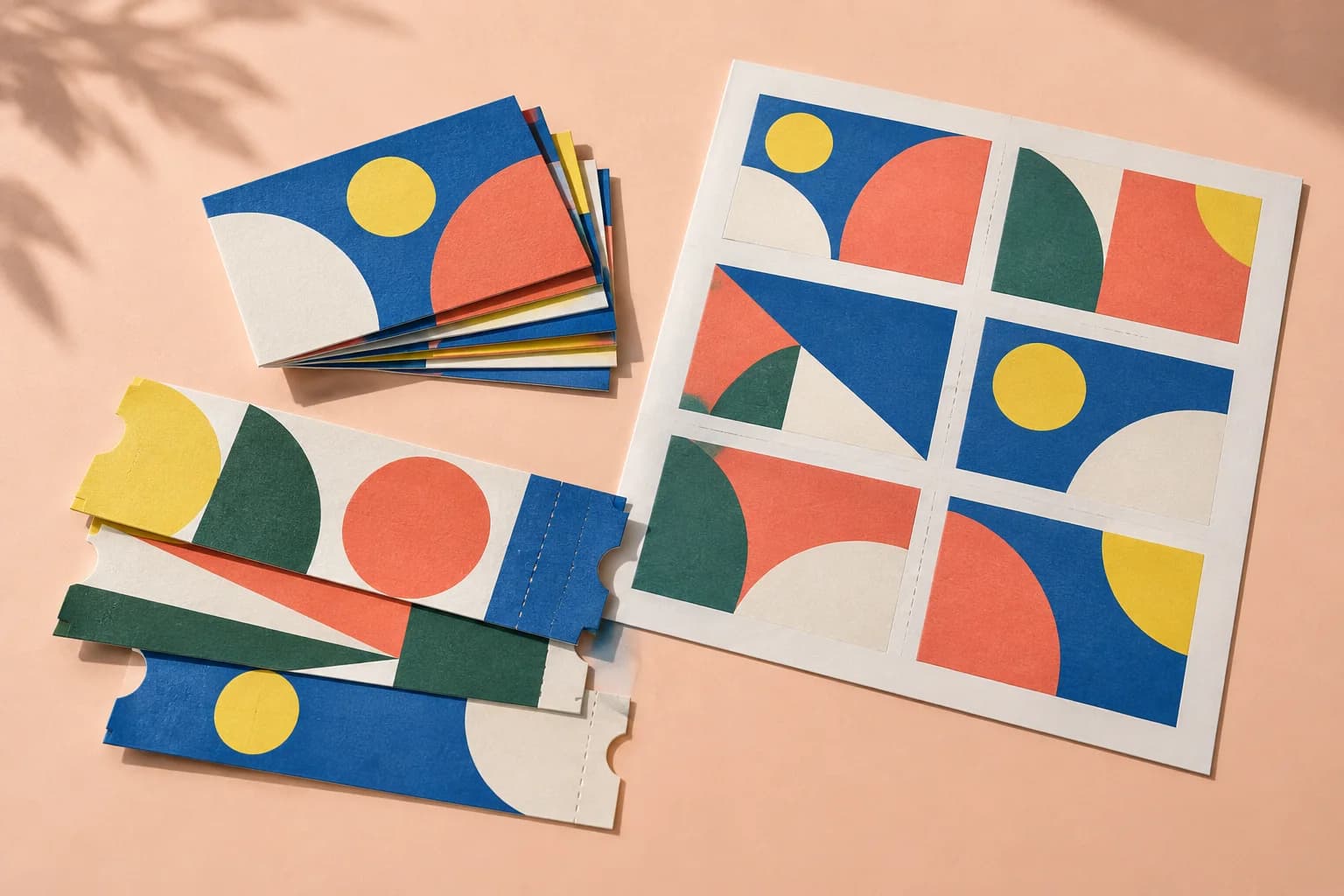
Combine business cards, thank-you inserts and small product tags that use the same stock. Set their required quantities and inspect the packed sheet before printing.
A clear path to print
Your artwork stays on your device.
Your layout stays in your control.
Set the sheet to your roll size.
Drop every transfer PDF.
Download the gang sheet for the RIP.
A little print know-how
A few things to check before you send your job to the printer.
Read the Gang Sheet guideJobs on one sheet share the same stock and press conditions. Keep incompatible paper, colour and finishing requirements separate.
A packed form may need to be printed several times to meet item quantities. Use the run information in Print notes.
Yes. PNG and JPEG files are accepted alongside PDF.
No mirroring is applied. Most DTF RIPs mirror at print time; check yours.
Everything runs in your browser. The file is never uploaded, and the download comes from the same engine that drew the preview.
Yes. Each source page is an item that can be placed on the chosen sheet. Rotation can be enabled to help the items fit.
Yes. Set Copies for the individual items. Review the packed form and required run quantity before printing.
The duplex work styles treat consecutive page pairs as double-sided items. Prepare front/back pairs and check the selected work style against the press.
Keep your job moving
Business cards, labels and tickets: each page repeated to fill the sheet, with bleed and marks handled.
Draw the sheet yourself: choose the paper, split it into rows and columns, and put a page in each cell.
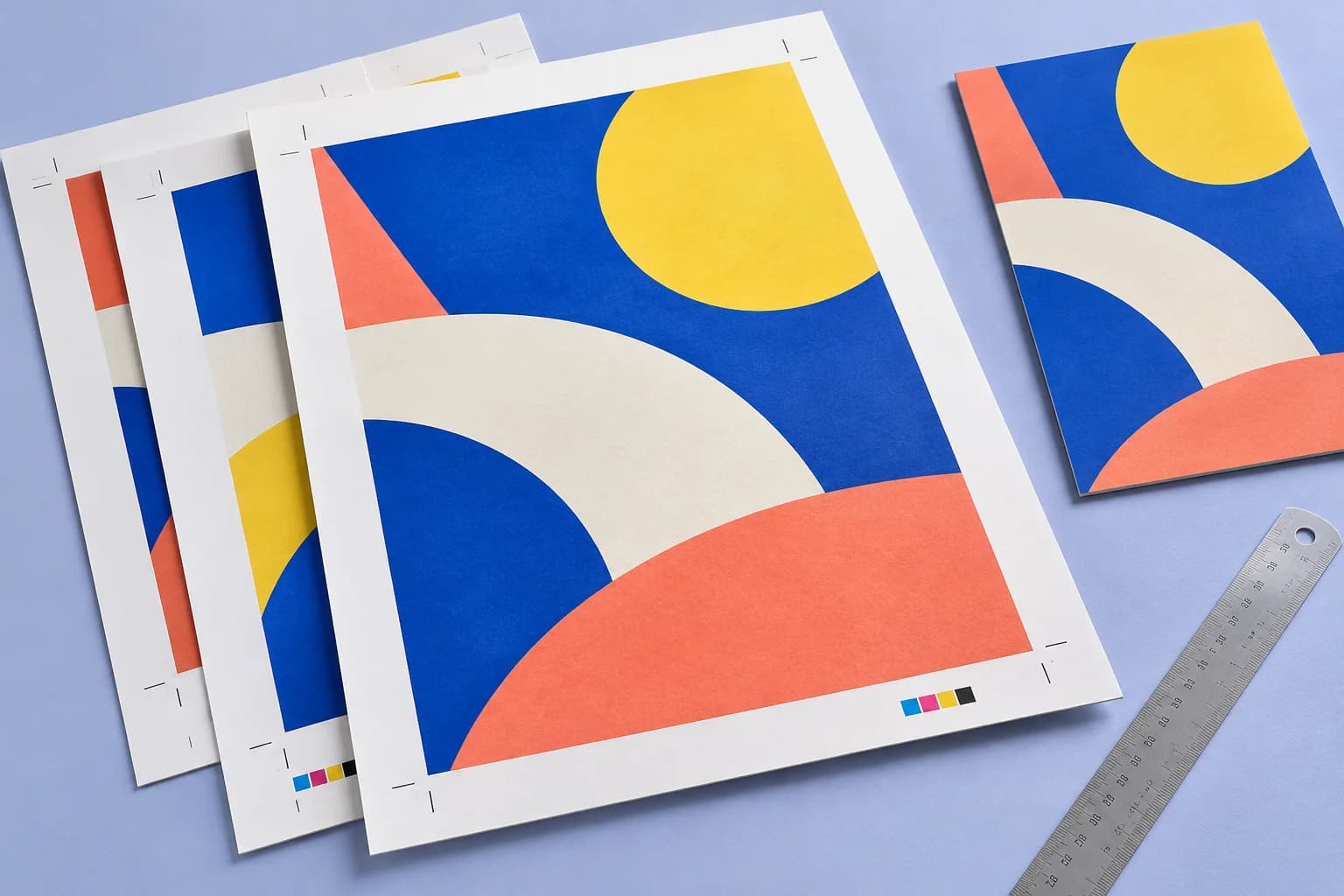
Extend artwork past the trim so cuts never show white. The finished size does not change.
More ways to print
From screen to sheet