 pdfpress
01
Workshop handouts
Put several presentation pages together so participants have a compact reference.
N-up
Print two pages per sheet for proofs, handouts and scripts. Landscape sheets are chosen automatically so nothing is scaled down more than it must be.
Files stay on your device·Sign in to start
Have your artwork ready?
Open your file to inspect the layout and adjust the print settings.
Made for real print jobs
From the first proof
to the finished piece.
Put several presentation pages together so participants have a compact reference.
Compare artwork variants side by side before choosing the design to send to production.
Review page progression across a long PDF without printing every page full size.
A 24-slide workshop handout
ARTWORK → LAYOUT → PRINTIllustrative print job
Place four consecutive slides on each A4 sheet using Fit. A 24-page source becomes six single-sided handout sheets, ready for a quick readability check.
A clear path to print
Your artwork stays on your device.
Your layout stays in your control.
Drop the PDF.
Set pages per sheet to 2.
Download and print.
A little print know-how
A few things to check before you send your job to the printer.
Read the N-up guideActual size preserves the artwork size and may allow fewer pages on the sheet. Fit deliberately scales it.
Use In order for consecutive pages. Cut & Stack is better when cut piles need to combine into one sequence.
Yes. Pick a sheet twice the page size and the pages are placed without scaling.
For facing pages that must fold, use the booklet tool instead.
Everything runs in your browser. The file is never uploaded, and the download comes from the same engine that drew the preview.
It can: choose Repeat in the Order control. For cards or labels with one repeated design, the dedicated Step & Repeat tool gives a more direct setup.
That depends on Scaling. Actual size keeps native dimensions; Fit can shrink pages to fit the selected grid. Confirm the size in the preview summary.
Yes. Double sided treats odd source pages as fronts and even pages as backs, so prepare and inspect the page pairs before printing.
Keep your job moving
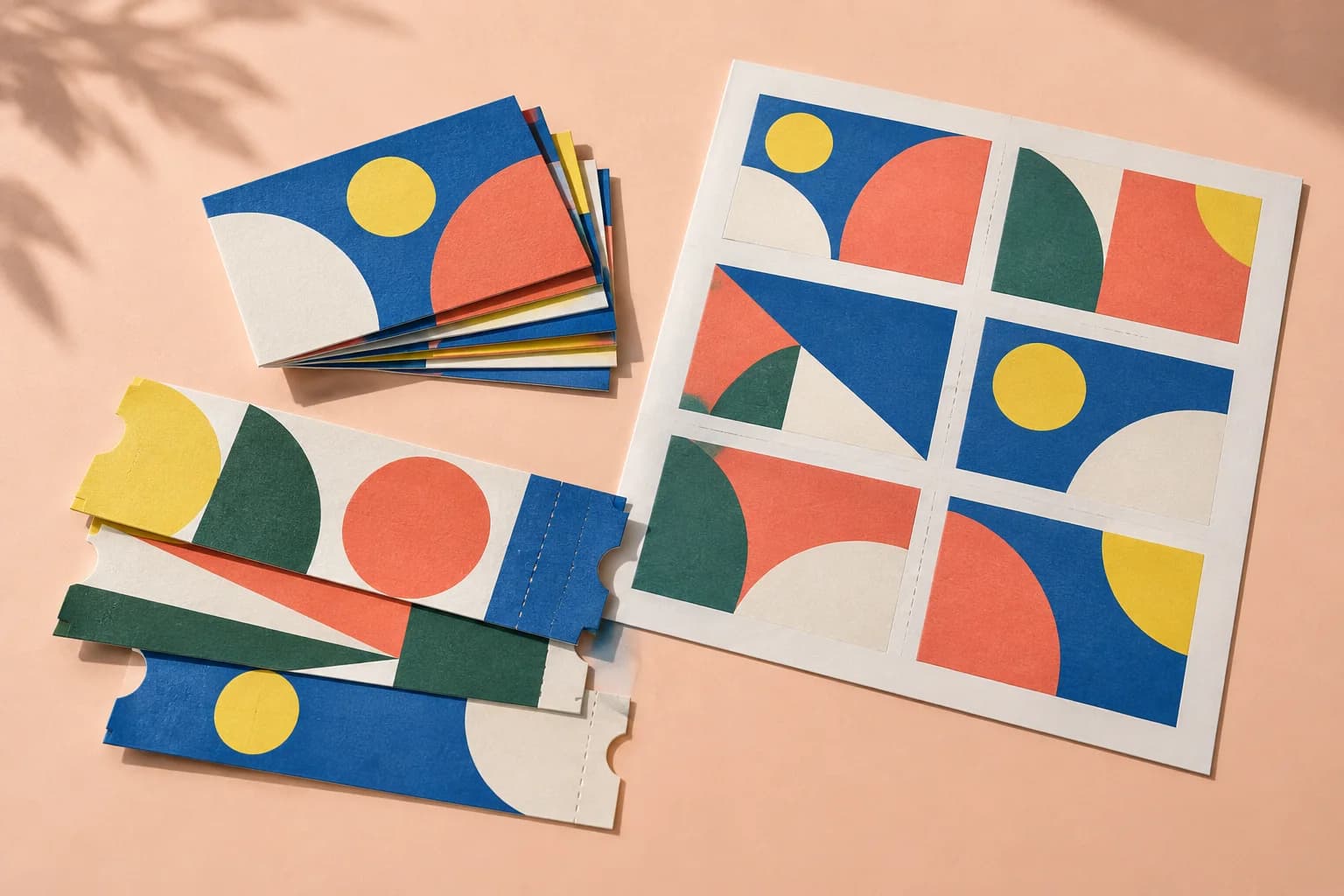
Business cards, labels and tickets: each page repeated to fill the sheet, with bleed and marks handled.
Cut the sheets, stack the piles, and the pages are already in order. Stack depth follows the page count.
Draw the sheet yourself: choose the paper, split it into rows and columns, and put a page in each cell.
More ways to print
From screen to sheet